I don’t usually write about desktop computers here on laptop.pics, but this is one exception I’d like to make, as I can’t find many discussions about this computer online.
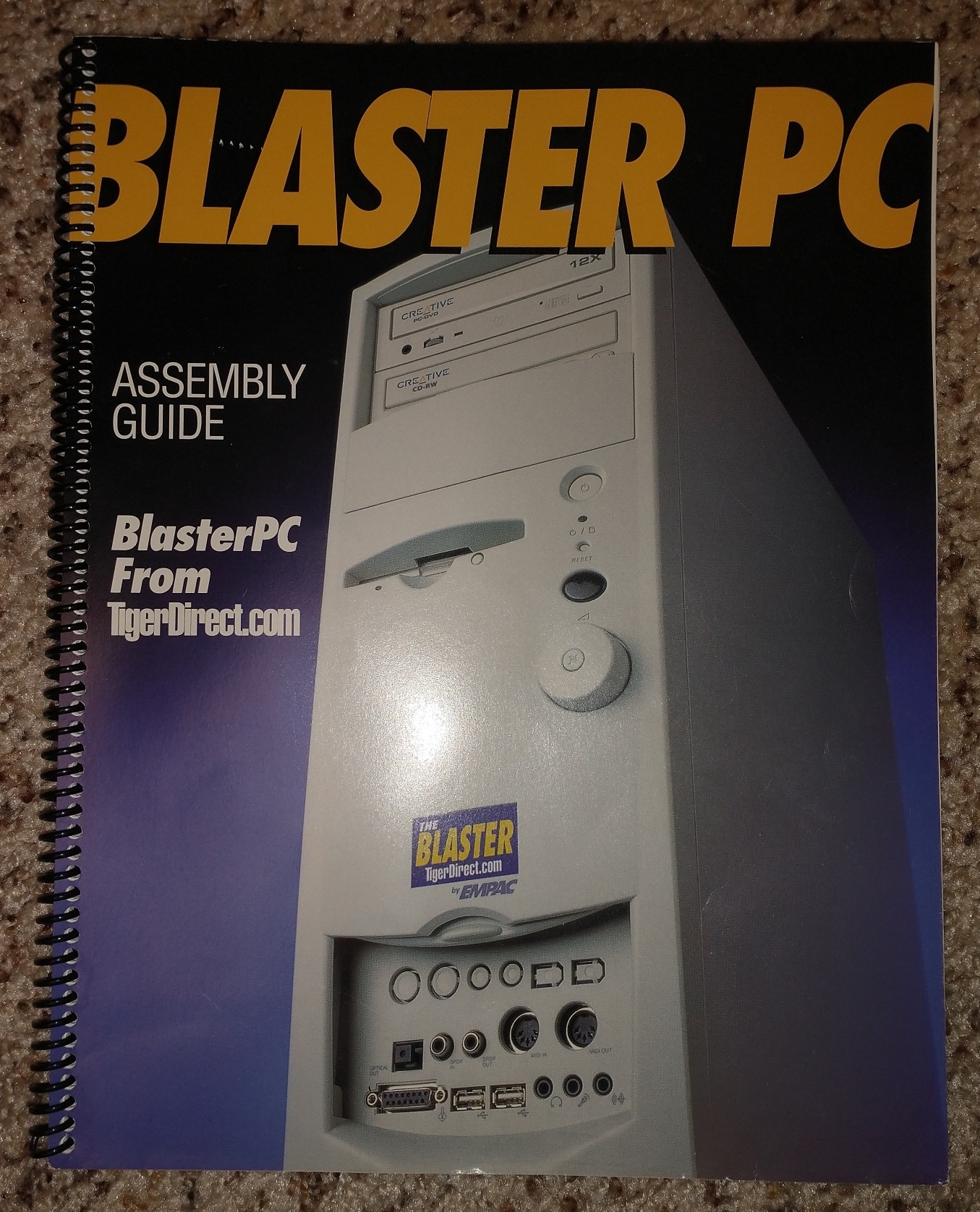
Creative is known primarily for their Sound Blaster line of products, a line which was most popular in the 1990s. One of their models, the “Sound Blaster Live!”, actually had its own integrated computer case and motherboard! This was called the Empac “Blaster PC”, and was unusually fancy in an era that was still dominated by “beige box” computers.
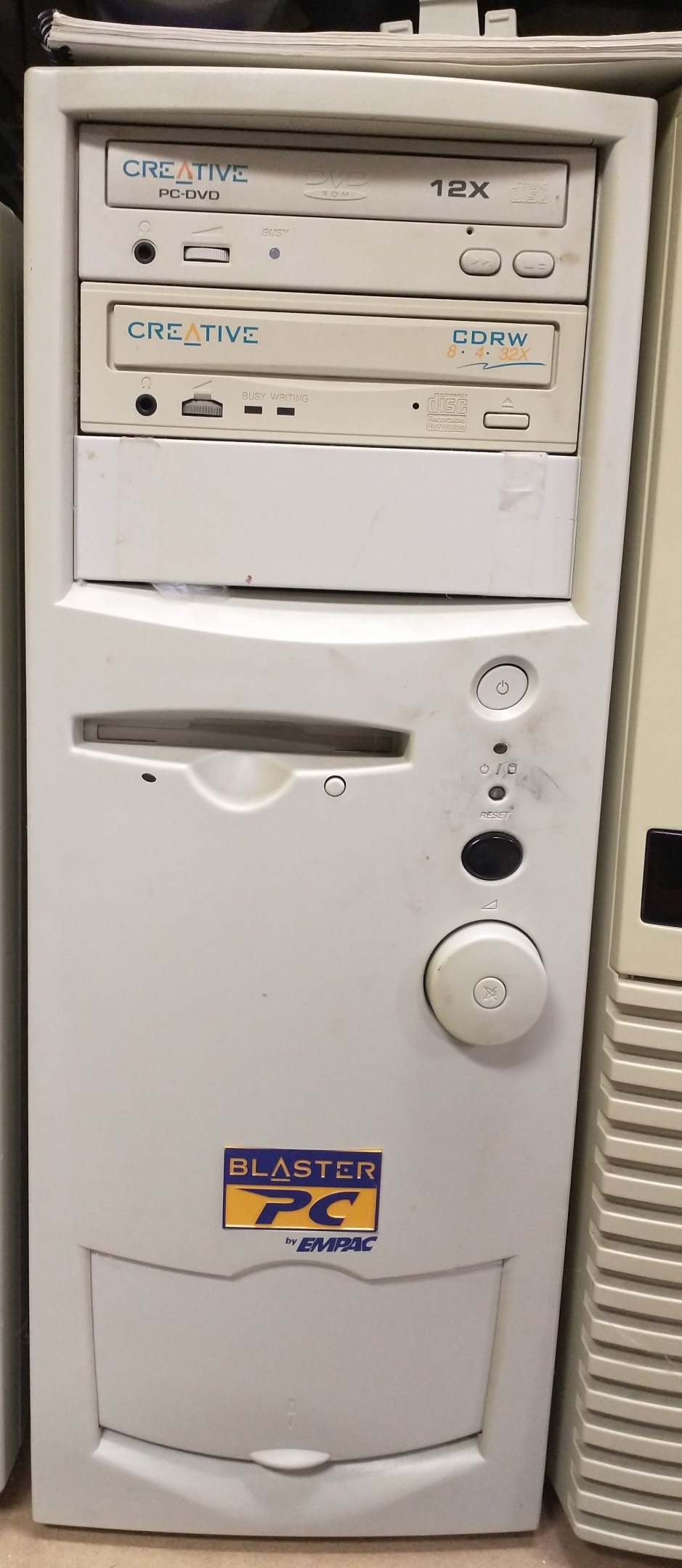
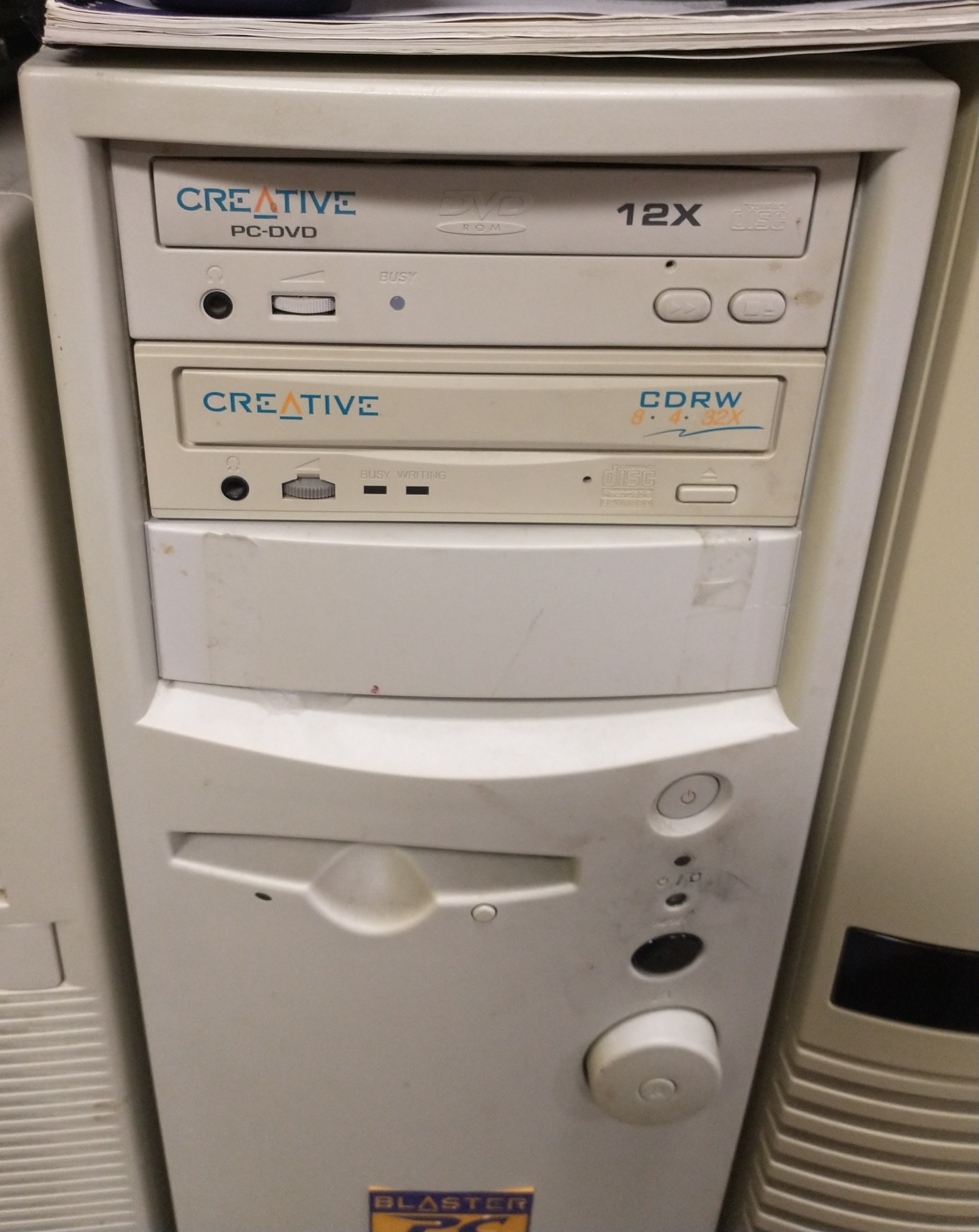
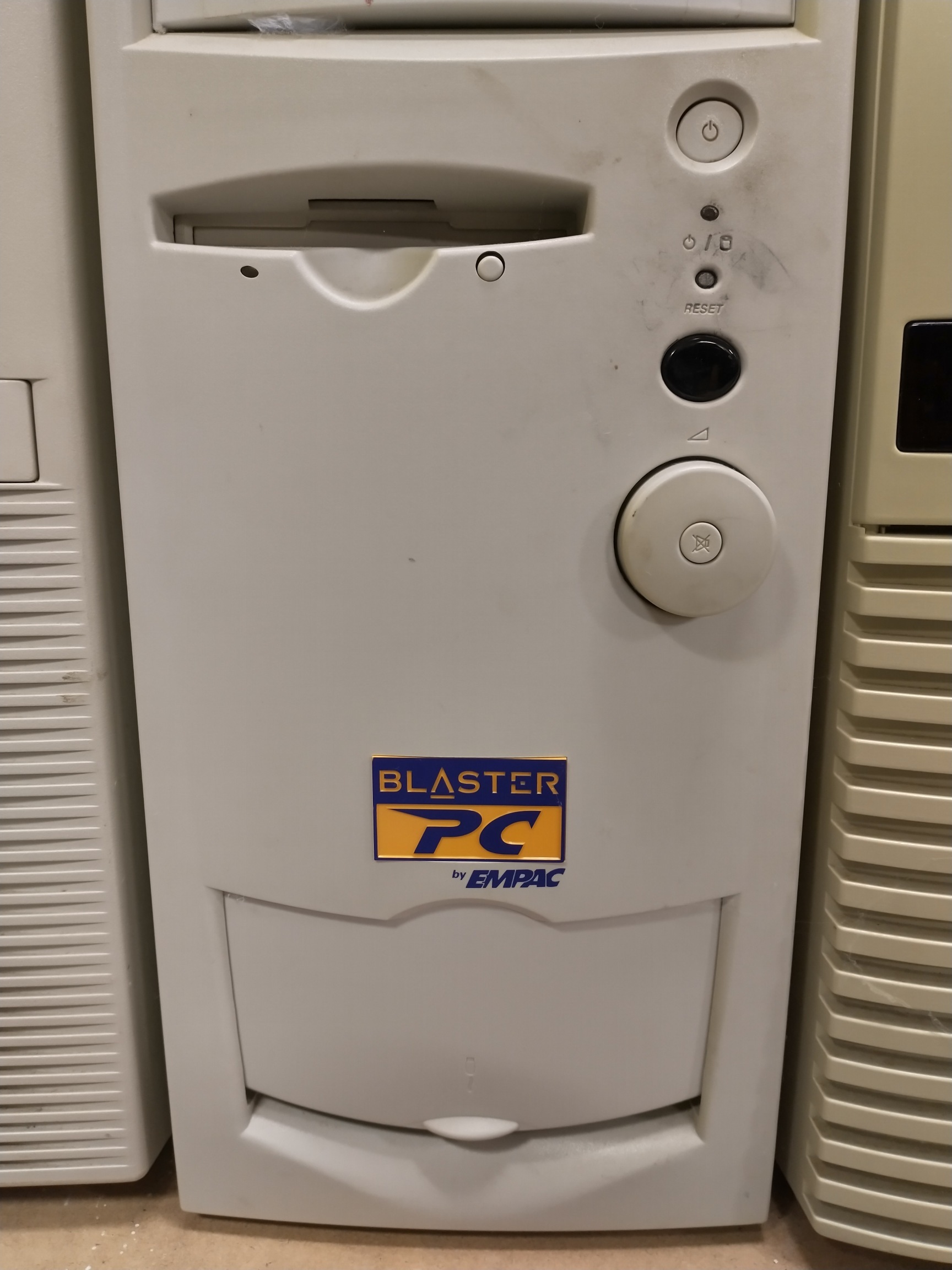
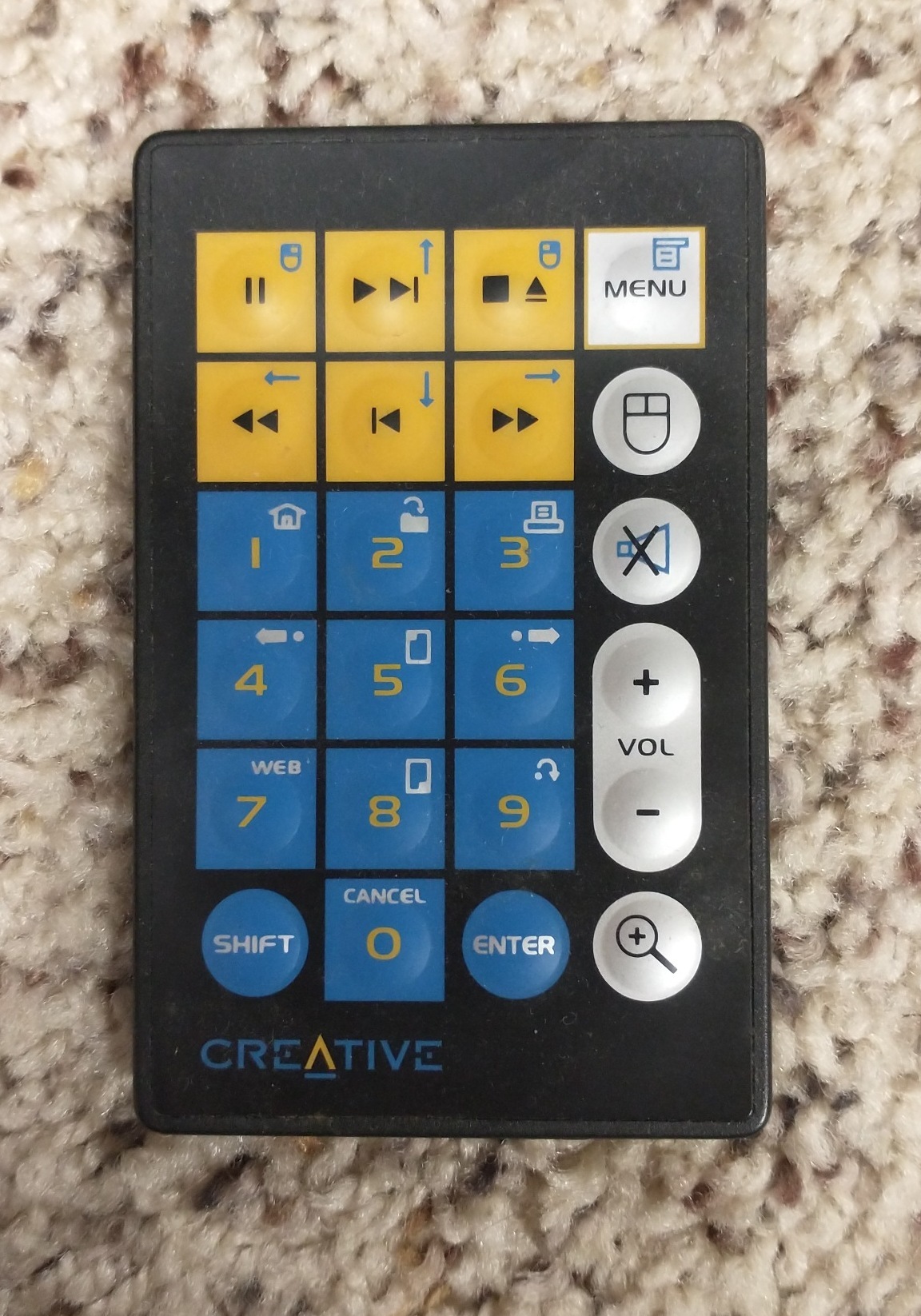
Although the Blaster PC’s case was also beige, it had a lot of the sound-related ports (including MIDI in and out!) already available on the front, hidden under a sliding door, with punchouts for additional ports such as FireWire. It had several drive bays, and we fitted these with one DVD-ROM drive and one CD-RW drive (this was a standard configuration before DVD burners became readily available). It also came with an infrared receiver built into the case, with a matching remote controller to control multimedia programs! This receiver was placed just above a HUGE volume dial, which had a “mute” button built into the middle of it. Things like front-mounted ports and infrared receivers would become common in the later 2000s, particularly with HP Pavilion and other media desktops, but I had never seen anything like this at the beginning of the decade.
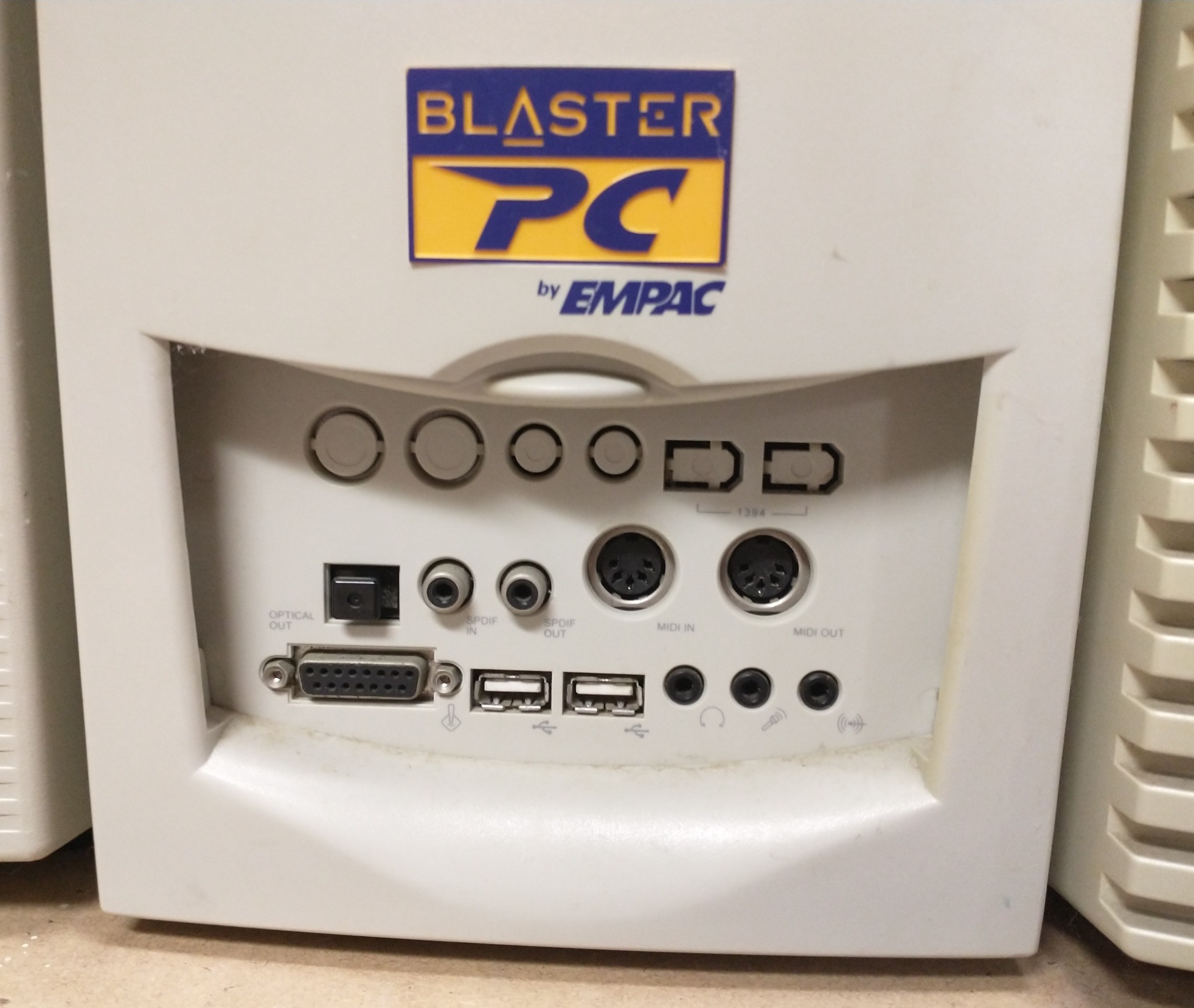
Picture of the bottom-front of the Blaster PC Case. Note the colorful logo – this is also what the BIOS used as a Splash Screen during POST!
In March of 2001, we ordered something called a “Blaster PC Kit” from the online store TigerDirect. This contained the aforementioned custom case, a motherboard, and the Sound Blaster Live! Platinum sound card. On their product page, you could pair it with either a 700 MHz Celeron, or an upgraded 900 MHz Pentium III. By itself, either of the CPU choices led to a reasonably good configuration for 2001, but factor in the selling points of the Sound Blaster Live! Platinum that it came with, and you ended up with high-quality audio outputs, MIDI synthesis, and surround sound. With the extras (such as the 128MB of PC133 RAM, a 30GB HDD, the 2 optical drives, a 10/100 Ethernet card, mouse/keyboard, 5-piece speakers, CD-Rs, floppy, fans, and of course a mouse pad), our total was $850 USD, according to the receipt.
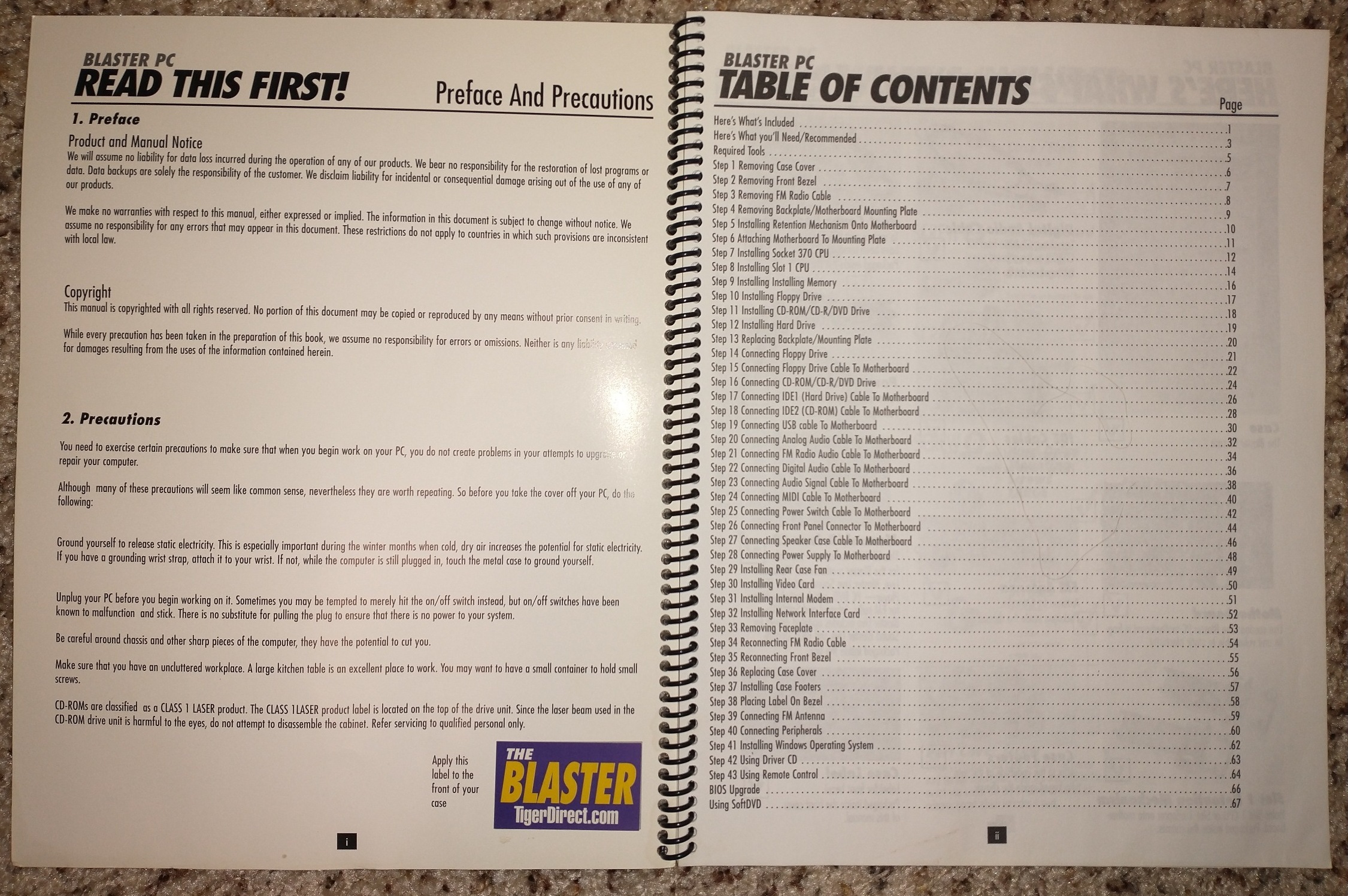
The kit was fairly easy to assemble, but it still came with a large spiral-bound booklet with illustrations to help along the way. This was particularly useful in my case, as this was the first “full” computer build I participated in. After that, I mainly got prebuilt Systemax Tiger machines, including an Athlon 64, my first 64-bit computer. These held up remarkably well, but I went back to building my own computers again in both 2010 and 2025.
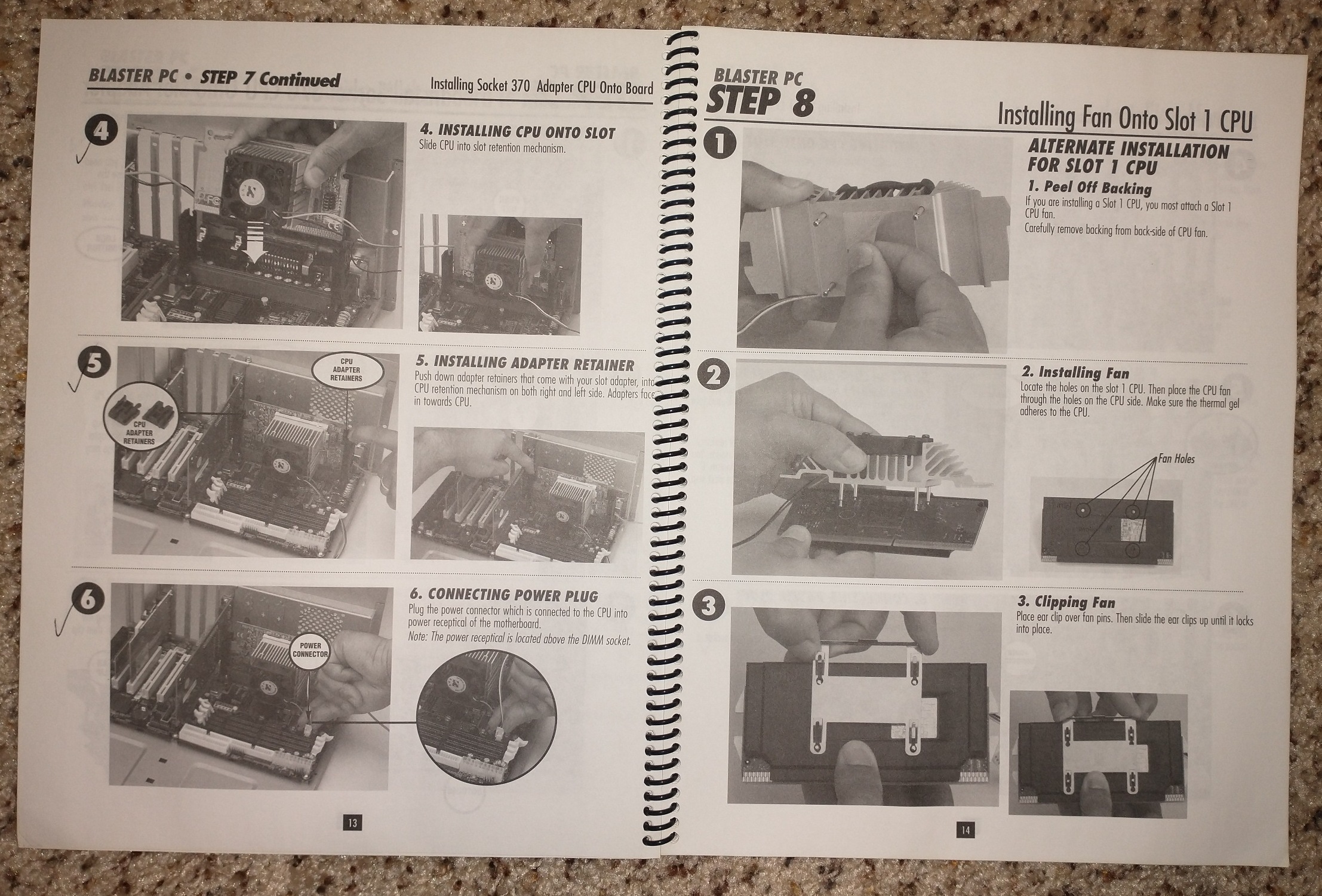
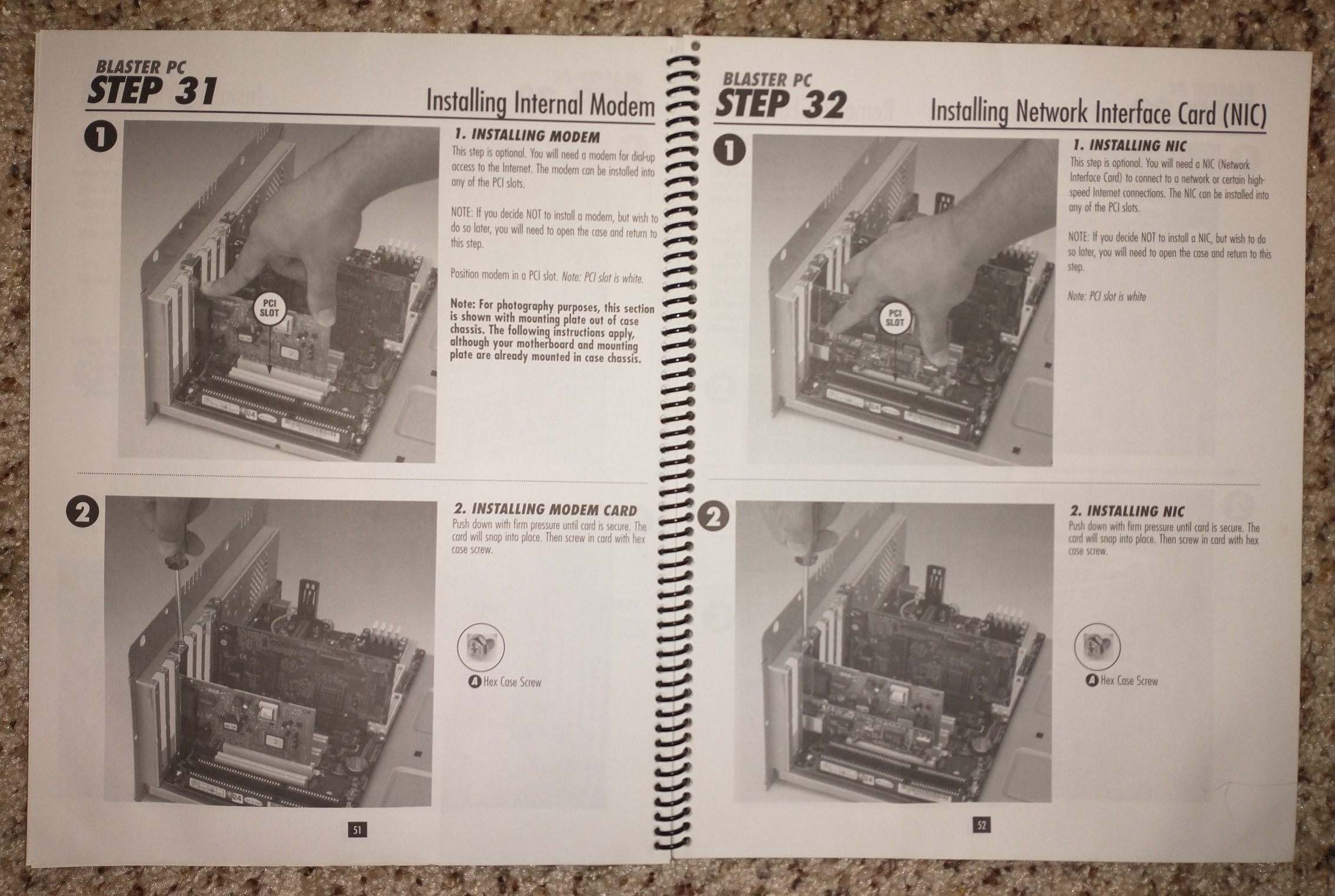
After assembling the kit, we paired the computer with a Matrox Marvel G450 eTV graphics card (which cost $240 according to the receipt) and its “PC-VCR” software. This meant that the already-amazing Blaster computer could ALSO act as an early DVR, recording over-the-air or cable television on a schedule or – even better yet – timeshifting! Timeshifting in itself was a fairly new idea (TiVo had only been out for a year or two), and it meant you could pause a live broadcast or rewind it whenever you wanted. Since 2001 was still very much in the era of VCRs and VHS Tapes, and “streaming” wasn’t in the vernacular, this was phenomenal. At that time, people would often record their shows onto a VHS Tape, and then play them back later so they could Fast Forward through commercials. With this, you could just pause the beginning of the broadcast for 10 minutes, then immediately start watching it (while still being able to Fast Forward thanks to your 10-minute buffer!)
We then got a 21″ MultiSync P1250+, which was the cheapest large Trinitron available ($350, and VERY heavy – 75lbs/34kg according to this page).
Our all-in cost for this whole setup was almost exactly $1,500. This was pretty good, considering a pre-built Pentium 4 (1.4 GHz/128MB/60GB) system from TigerDirect was $2,279.99 at the same time, and that didn’t include a monitor! (It’s also my opinion that the Pentium 4 aged poorly.) Over the years, the only other things I added in were a US Robotics PCI Card for Wi-Fi, and a novelty drive bay that had an honest-to-goodness spring-loaded cupholder. (The joke back then was that people would use their CD Drive as a cupholder. Well, I actually had one!) Fortunately, this machine was new enough to have USB Ports, so it aged gracefully, and I was able to continue using it regularly until 2008.
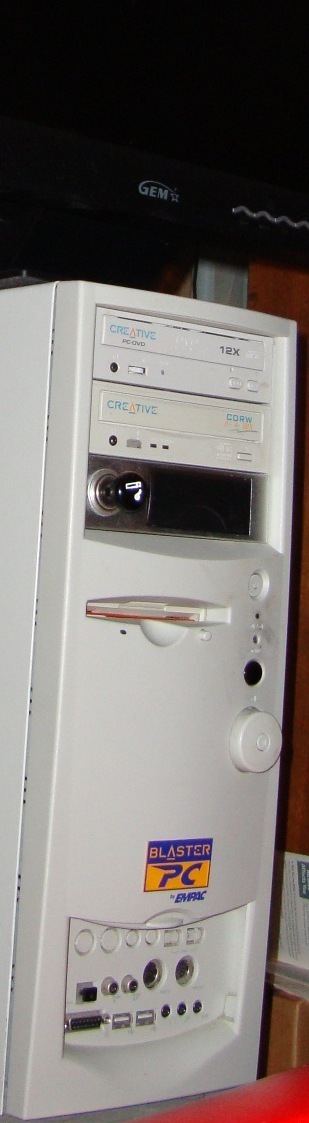
Picture of Blaster when it was still in service, showing off its drive-bay-cupholder!
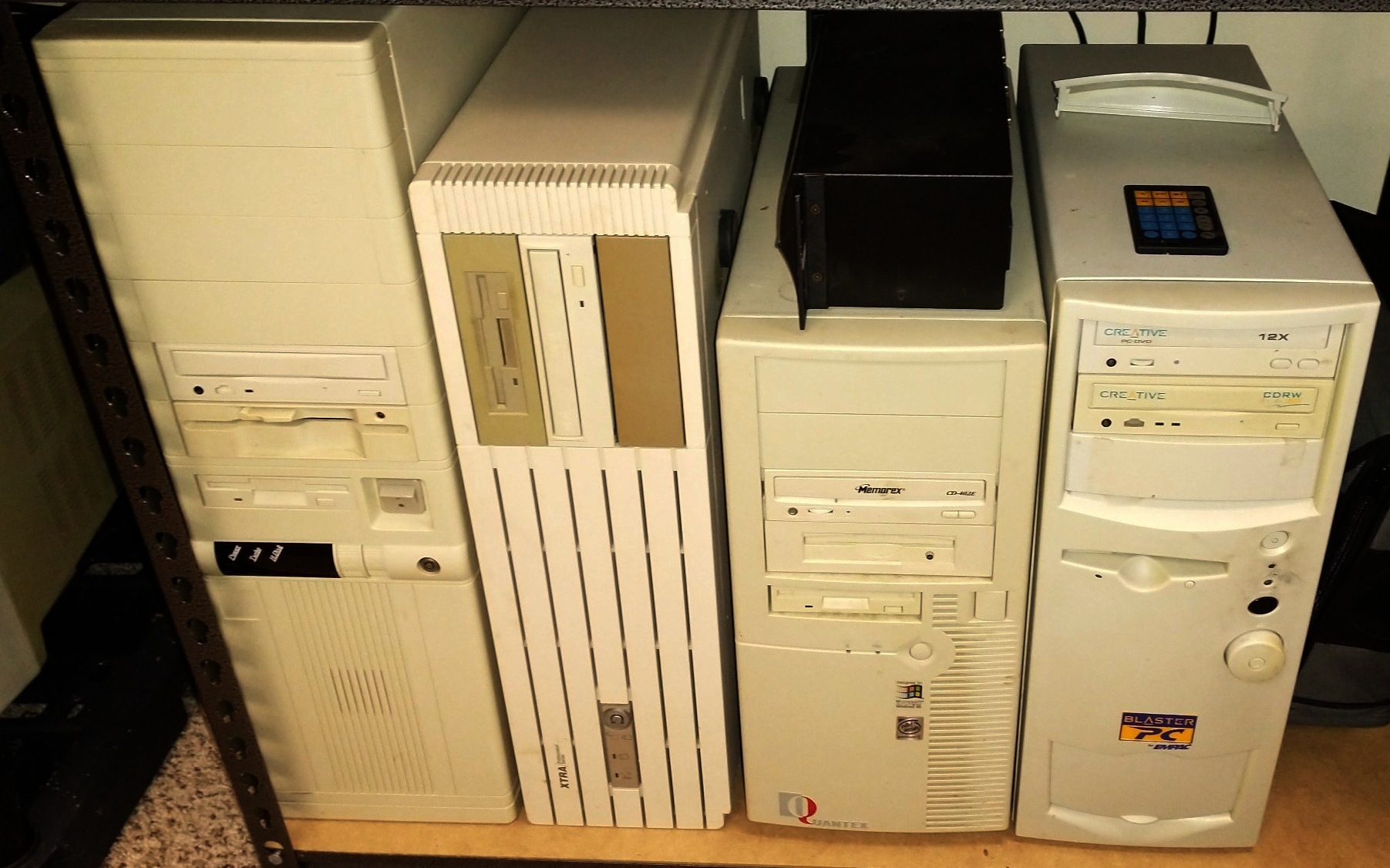
Picture of Blaster’s current resting area, next to computers I used in previous lives: Custom Full-Tower Pentium 120 build (1995-1999), ITT XTRA PS700 386@16 upgraded to 486DX2@66 (1989-1995), Quantex QP6/400 PII@400 (1998-2002).

Very cool system! they seem super rare now though.