Introduction
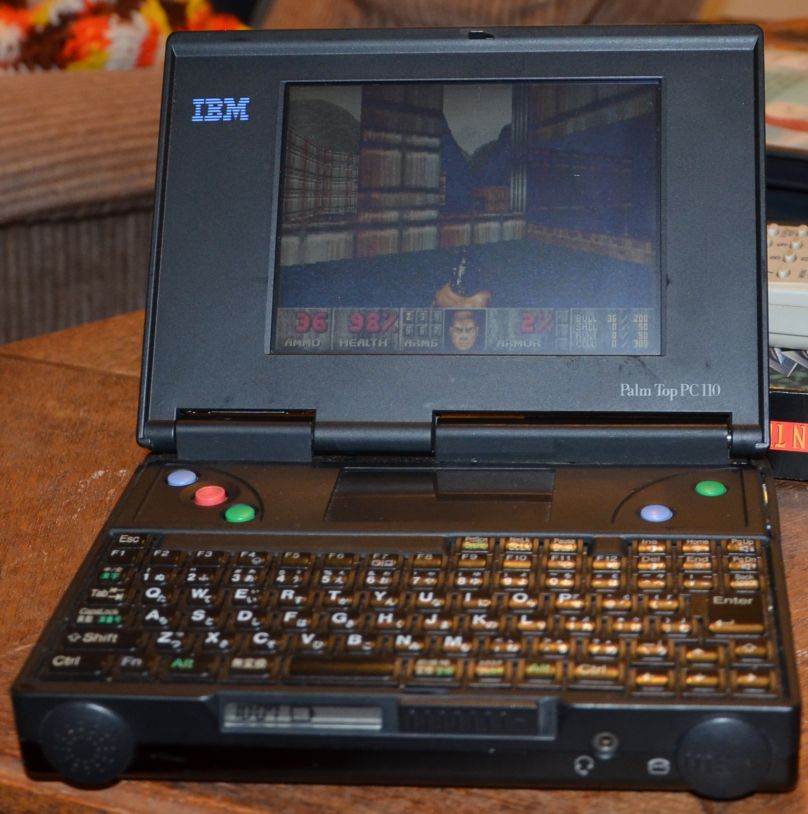
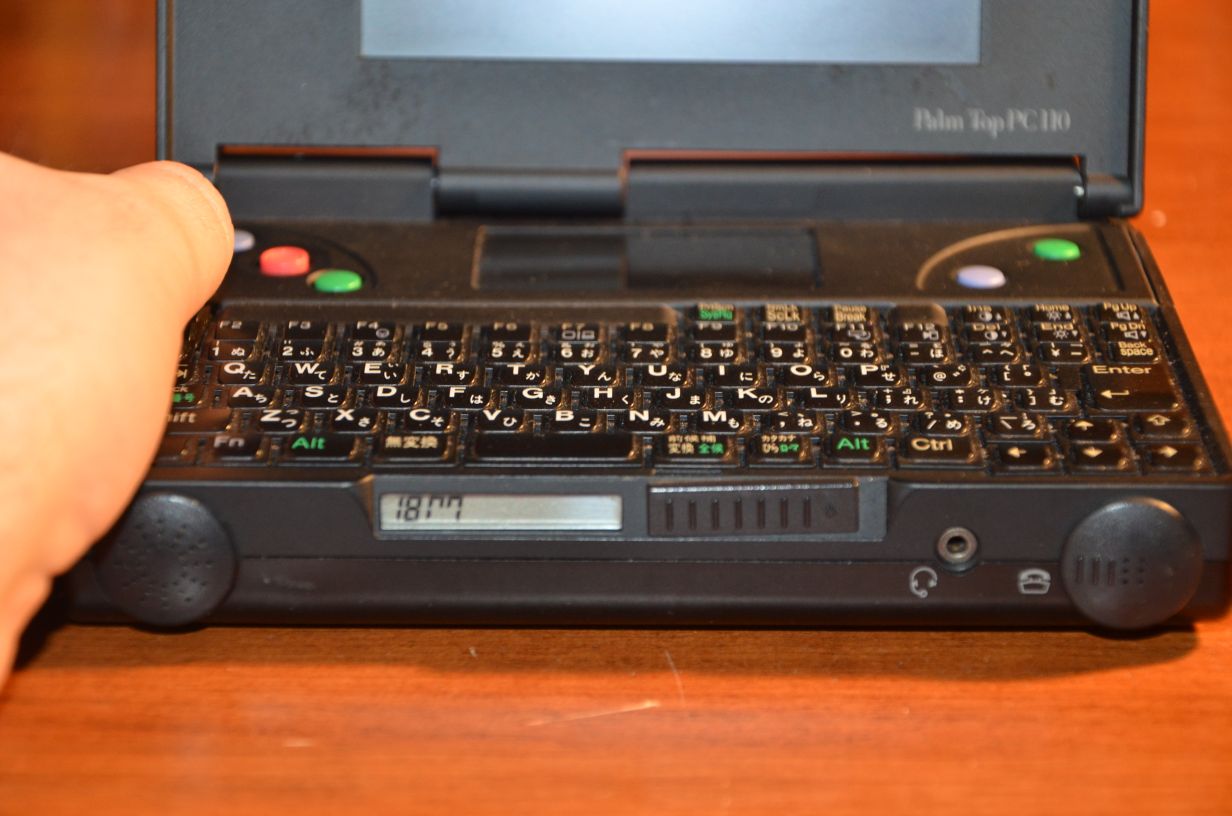
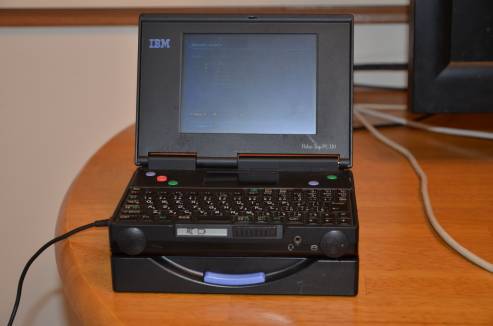
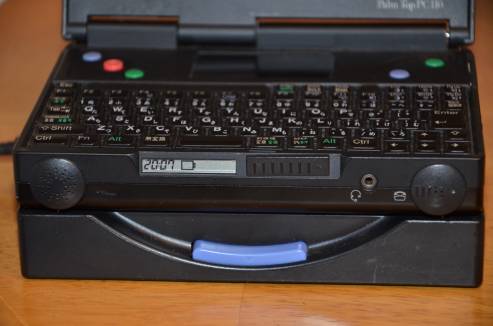
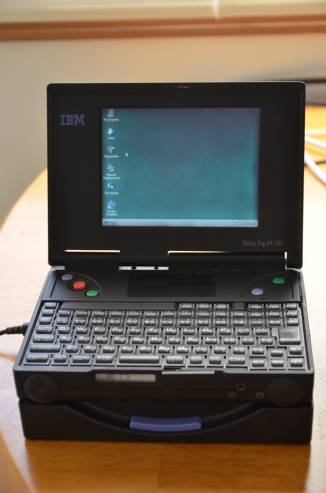
The IBM PC 110 is a palmtop computer that’s roughly as wide and tall as a VHS Tape, and half as long. It was released in 1995 in Japan Only. It has a lot of oddities for the time, such as the ability to use a camcorder battery to power the unit, and a telephone feature where you literally plug the unit into a phone line and hold it up to your ear and mouth to talk. (Below, I posted a picture of the front of the unit. If you look at the large circular bulges on the left and right, those are actually the speaker and mic.)
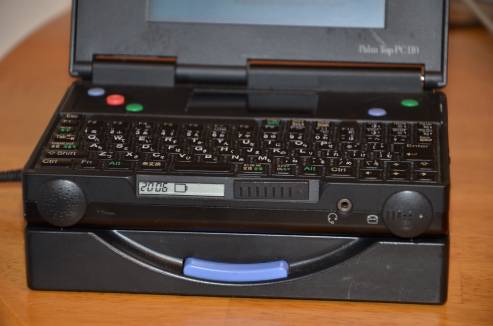
There is a separate LCD display on the front which alternates between a clock, the battery percentage, or both (depending on your settings). This also contains the keyboard status indicators and displays information such as the processor speed (when you change it.) Even when the machine is completely turned off, the display can alternate between a clock and battery charge indicator.
It supports booting from a PCMCIA Hard Drive (such as the Hitachi MicroDrive), which were common at the time. However, it also can boot from a CompactFlash card. By today’s standards, this is amazing, and by 1995 standards it was unbelievable (I believe they weren’t even called CompactFlash back then, they were called Pico Flash). From hitting the power switch to hearing the “beep” and beginning the OS Bootstrap, it’s about 2 seconds.
It didn’t come with Windows; instead, it came with a built-in 4 MB EEPROM with a proprietary operating system. There is a large rectangular area above the 7-row keyboard; this is the “digitizer”, which was originally intended for signing faxes, however a custom driver has been created. This driver allows the digitizer to be used as a TouchPad-like mouse in Windows 95. There is also a built-in modem (which in itself was amazing at the time) with an XJACK-style connection. This, combined with the OEM “PersonaWare” software, allowed the use of the PC 110 as a speakerphone. There are other features such as an Infrared port and support for an early form of a PCMCIA Webcam.
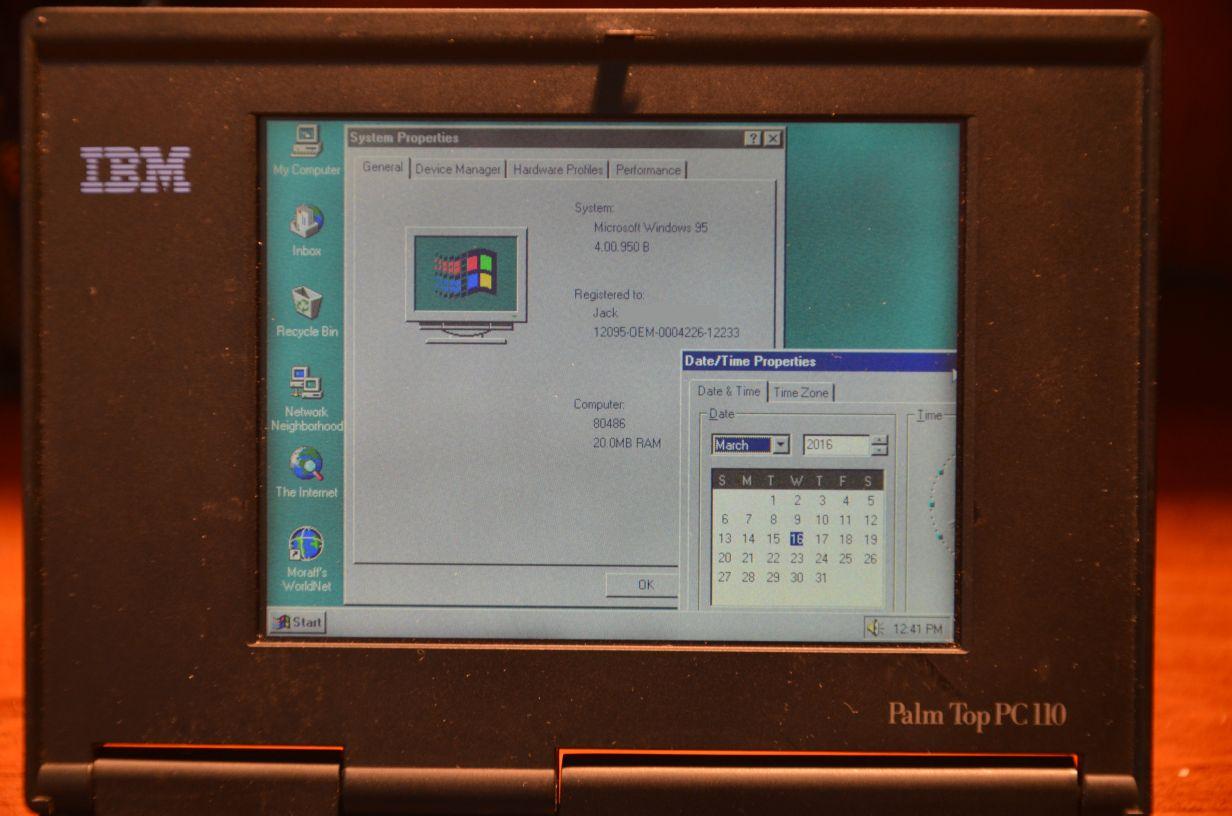
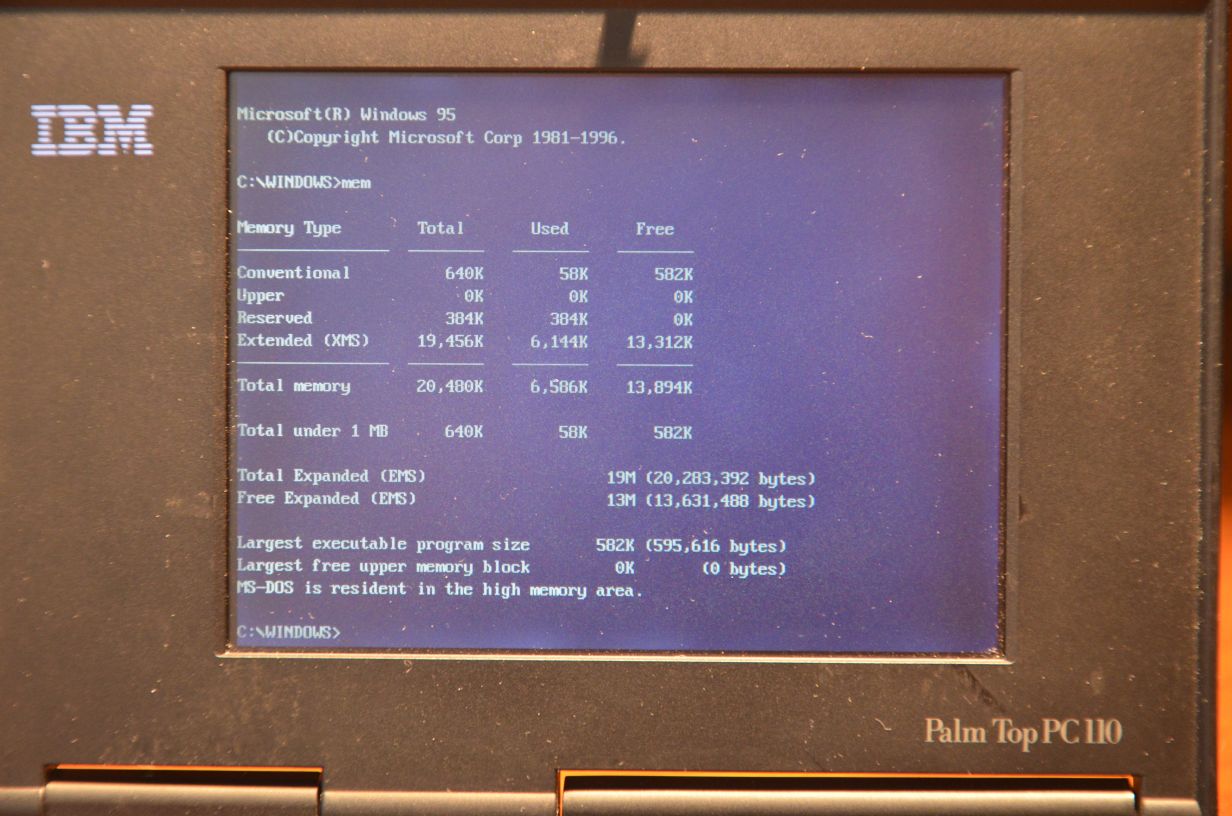
My unit is maxed out with the 40 MHz upgrade (original speed was 33 MHz) as well as the 20 MB of RAM (this is due to a 16 MB Card that is apparently very rare). I have the docking station as well as the Floppy Drive. The 4 MB built-in EEPROM has been turned into a DOS Drive (D:) and I have inserted a 512 MB CompactFlash Card, which serves as the Boot Drive (C:). There are pictures showing these specs below.
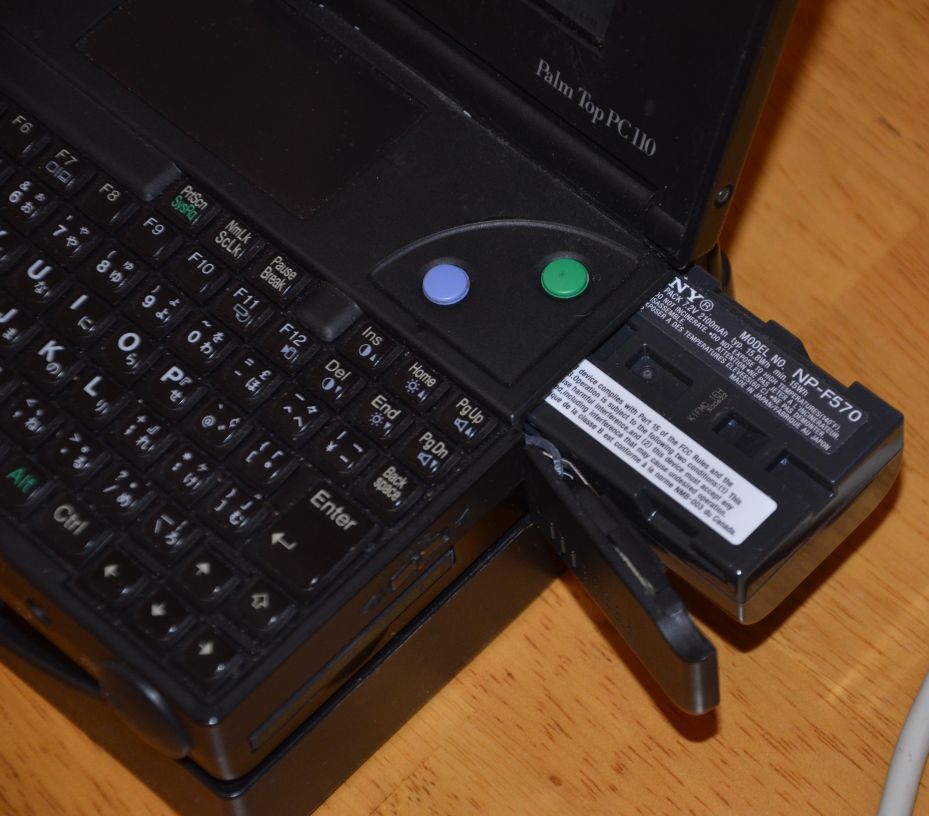
Battery life on these units is amazing with the NP-F570 (15.8 Wh) that I bought new in 2012. It lasts at least 3 hours on moderate use, and 6+ on light use. I’ve dealt with the newer ThinkPads (2015) that last 20+ hours on a charge, and yet I am still impressed by the PC 110’s battery life, especially given its size and weight (roughly 1.3 lbs/630g).
Specifications
- Processor: 33 MHz, overclockable to 40 MHz
- Memory: 4 or 8 MB Standard (depending on Model)
- Display: 640×480 color DSTN, 4.7″, Chips & Technologies
- Audio: AudioDrive ES488, SoundBlaster Compatible
- Modem: 2400 baud
- Connectors and Ports (Unit):
- Docking Station Connector
- 2 x Mini-Stereo Headset
- 2 x PCMCIA (PC Card, not CardBus spec)
- CompactFlash
- Modem (XJACK)
- Proprietary Mouse/Keyboard
- DC-IN
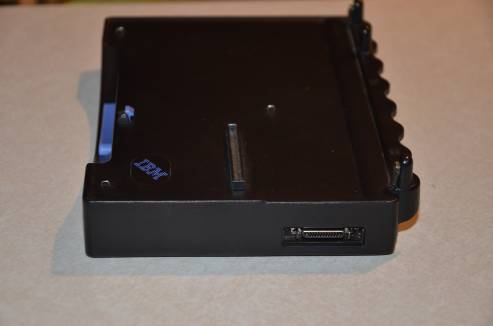
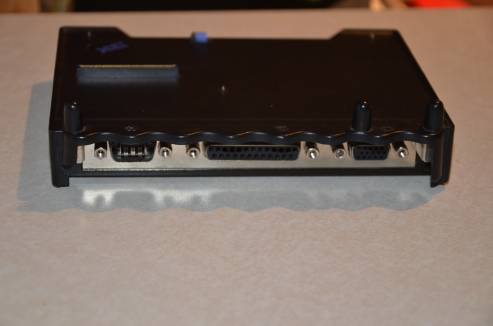
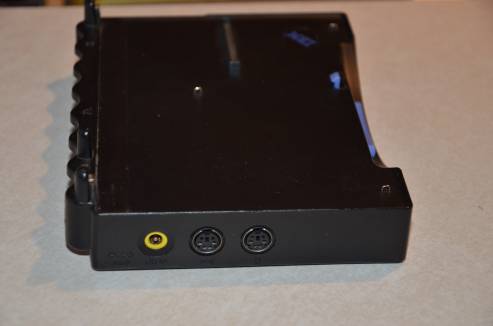
- Connectors and Ports (Docking Station):
- Docking Station Connector
- External Floppy Drive
- Serial RS-232
- Parallel
- VGA
- 2 x PS/2 (Mouse/Keyboard)
- DC-IN
- Price/MSRP (10/1995):
- Model 2431-YD0
- 4MB memory
- 169,000 Yen
- $1,500 (US)
- Model 2431-YD1
- 8MB memory
- 199,000 Yen
- $1,800 (US)
- Model 2431-YDW (pictured)
- 8MB memory and Windows
- 289,000 Yen
- $2,700 (US)
- Model 2431-YD0
Pictures
First, here are some pictures of the unit by itself (click or tap to zoom in on a picture):
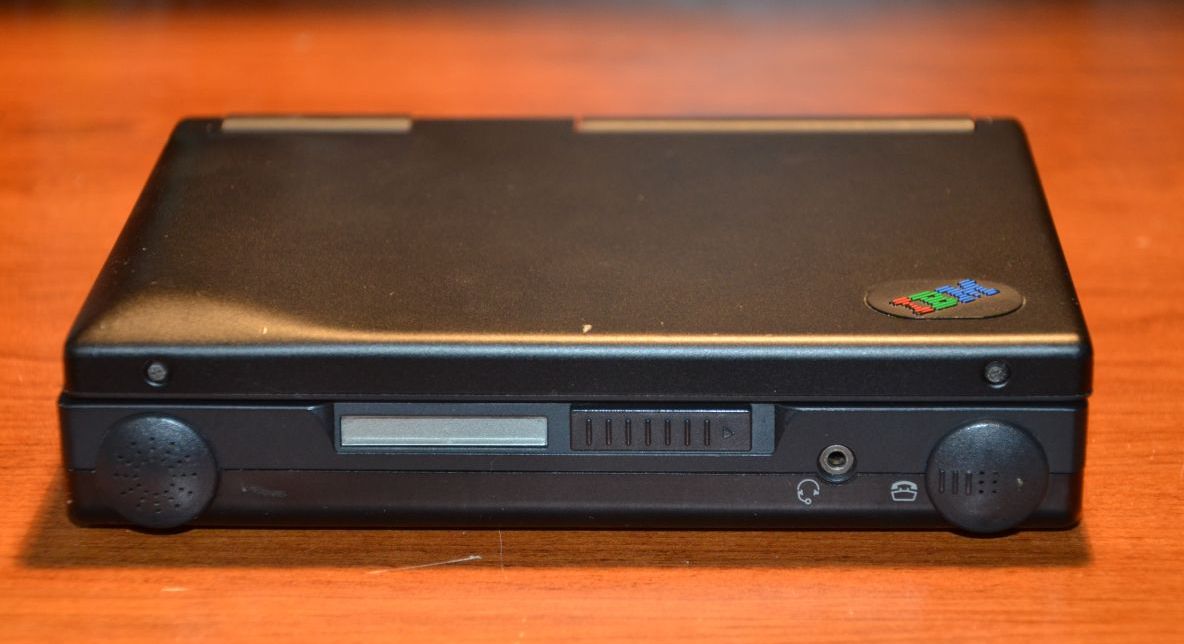
Note: The two circular bulges you see are the speaker and microphone (for telephone use). The rightmost one slides back and forth (slide right – connect to the phone, dial tone; slide left – hang up the phone)
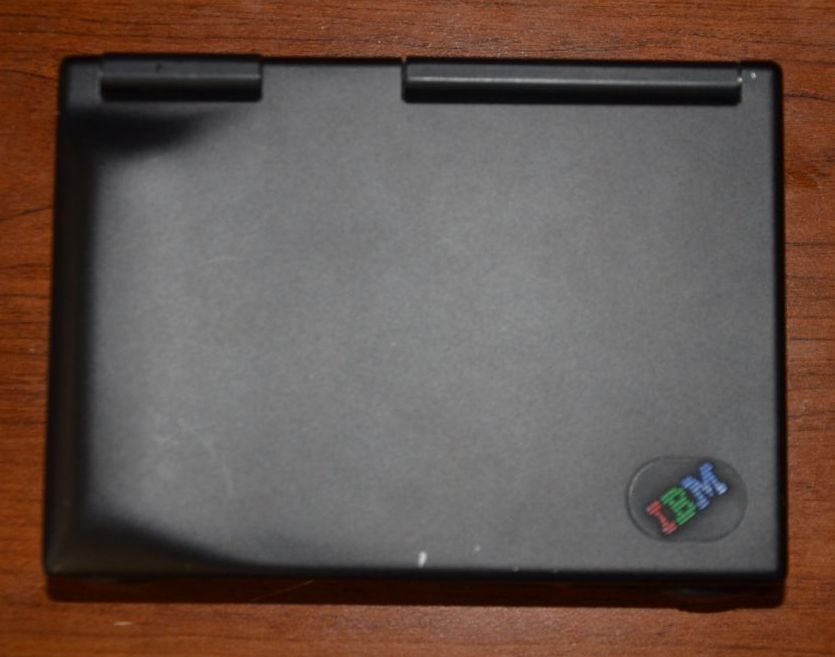
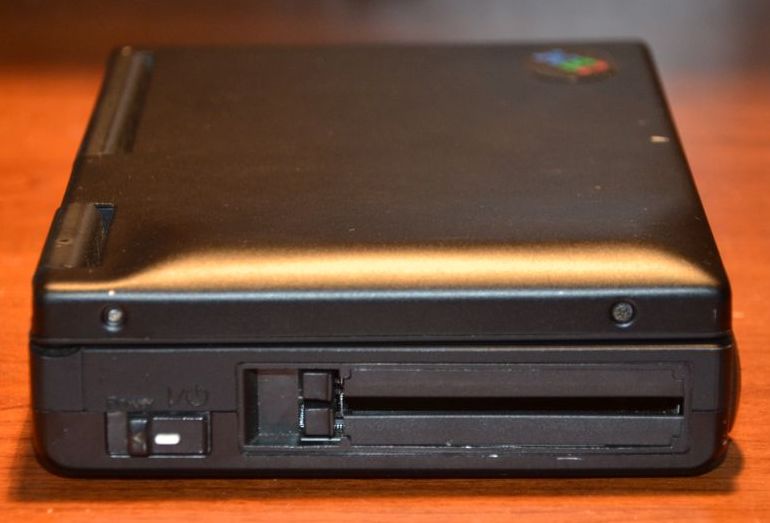
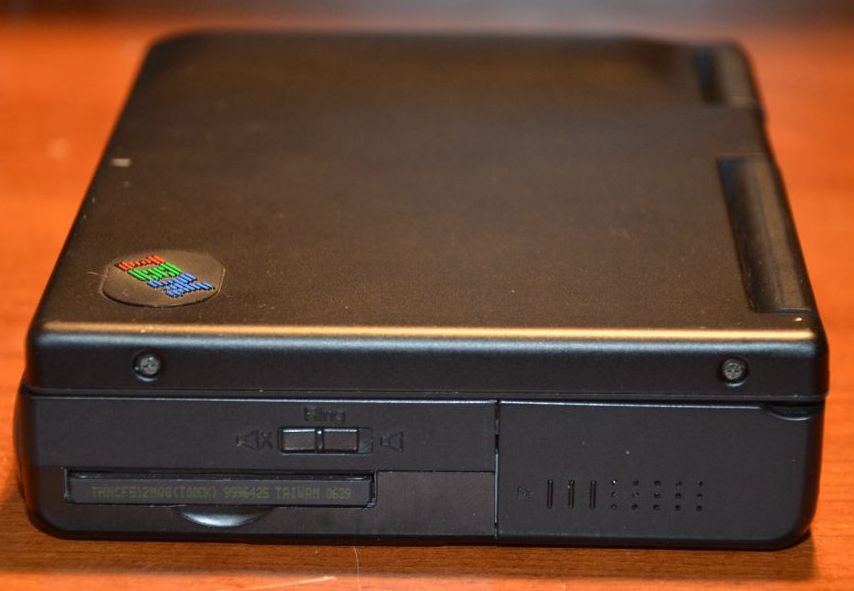
Notice there is a switch to turn the “Ringer” on and off – the PC 110 was intended to be always plugged into a RJ-11 phone line, which would allow for it to replace your standard telephone at the time. There was support for answering machine software as well.

Note: That port on the right is NOT a USB Port. It’s a proprietary port that (with a PS/2 adapter) allowed for connection of a keyboard, mouse, or both if you had a PS/2 Y-Cable.

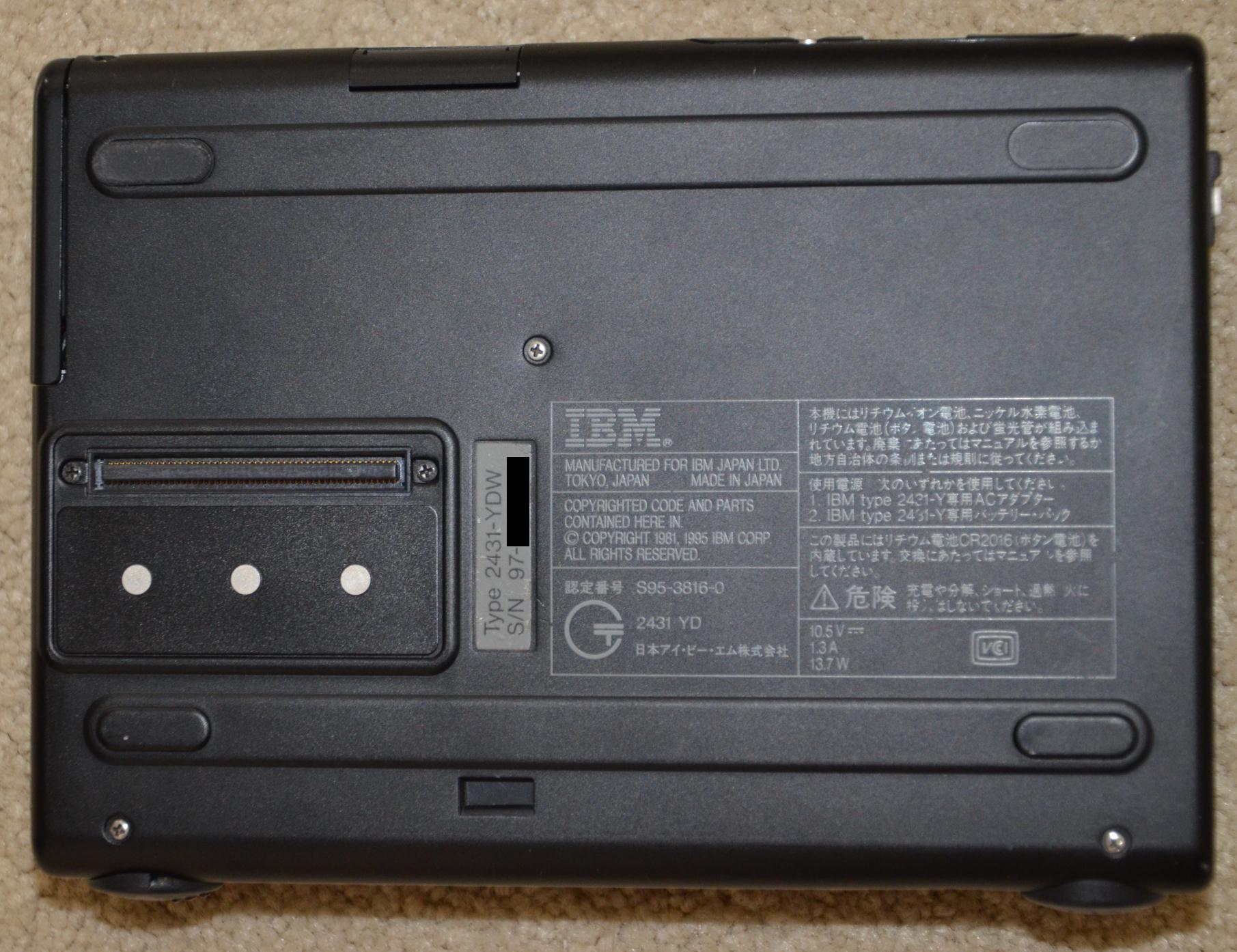
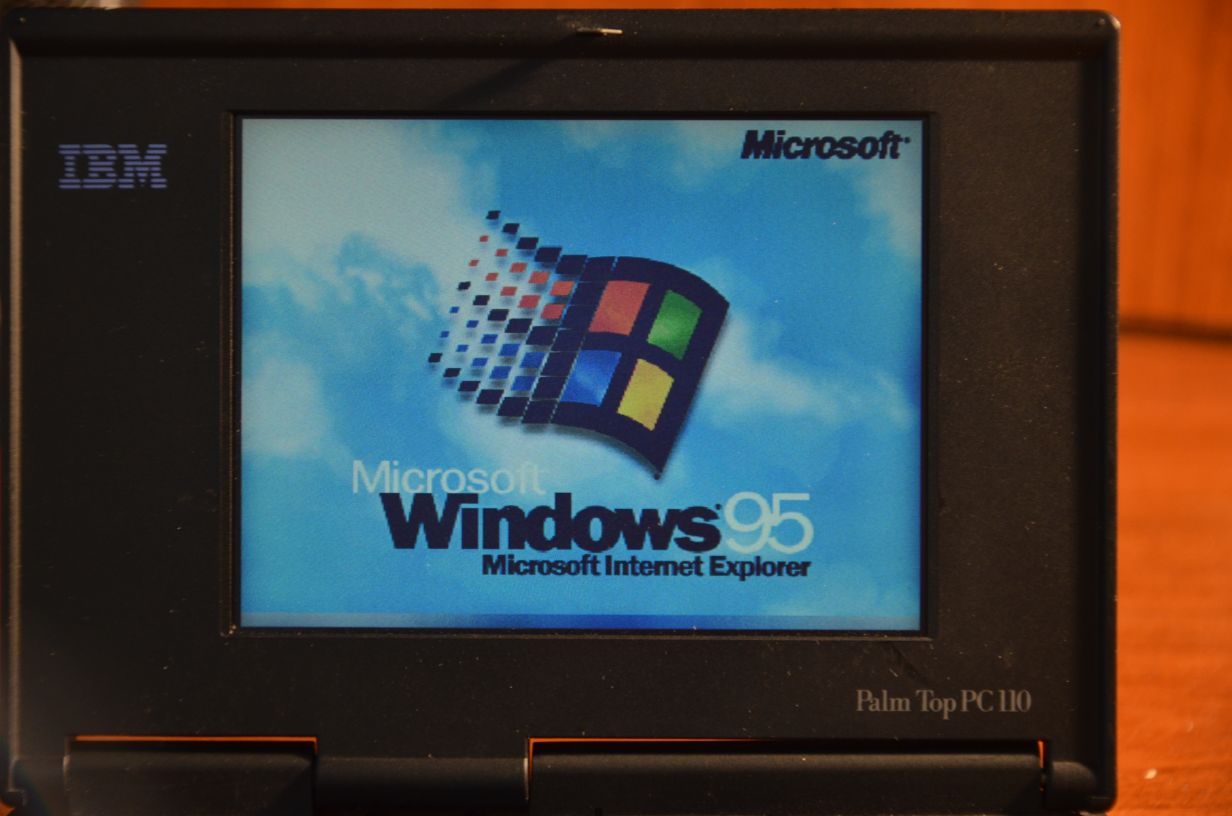
Turning it on:
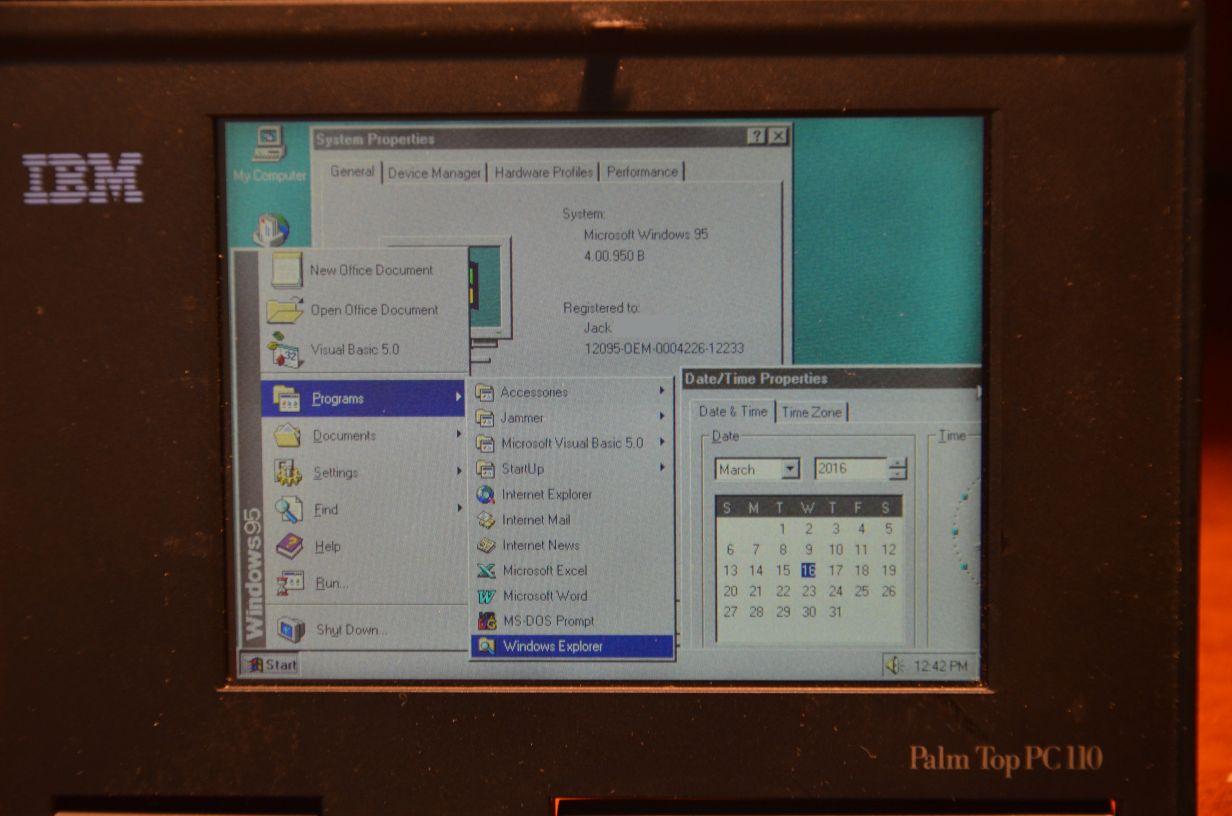
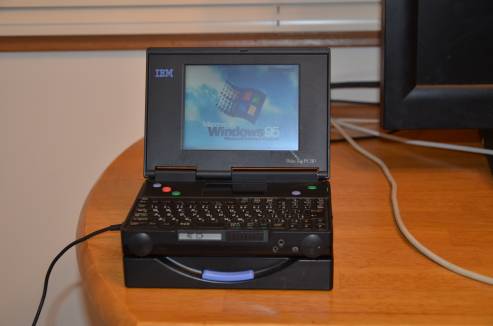
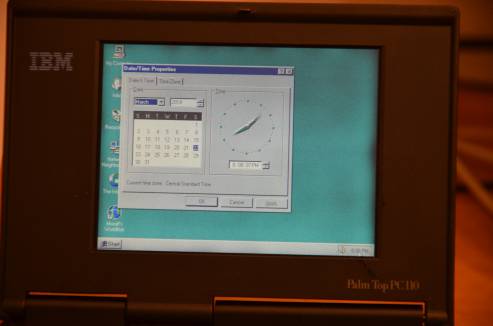
Admiring the Operating System:
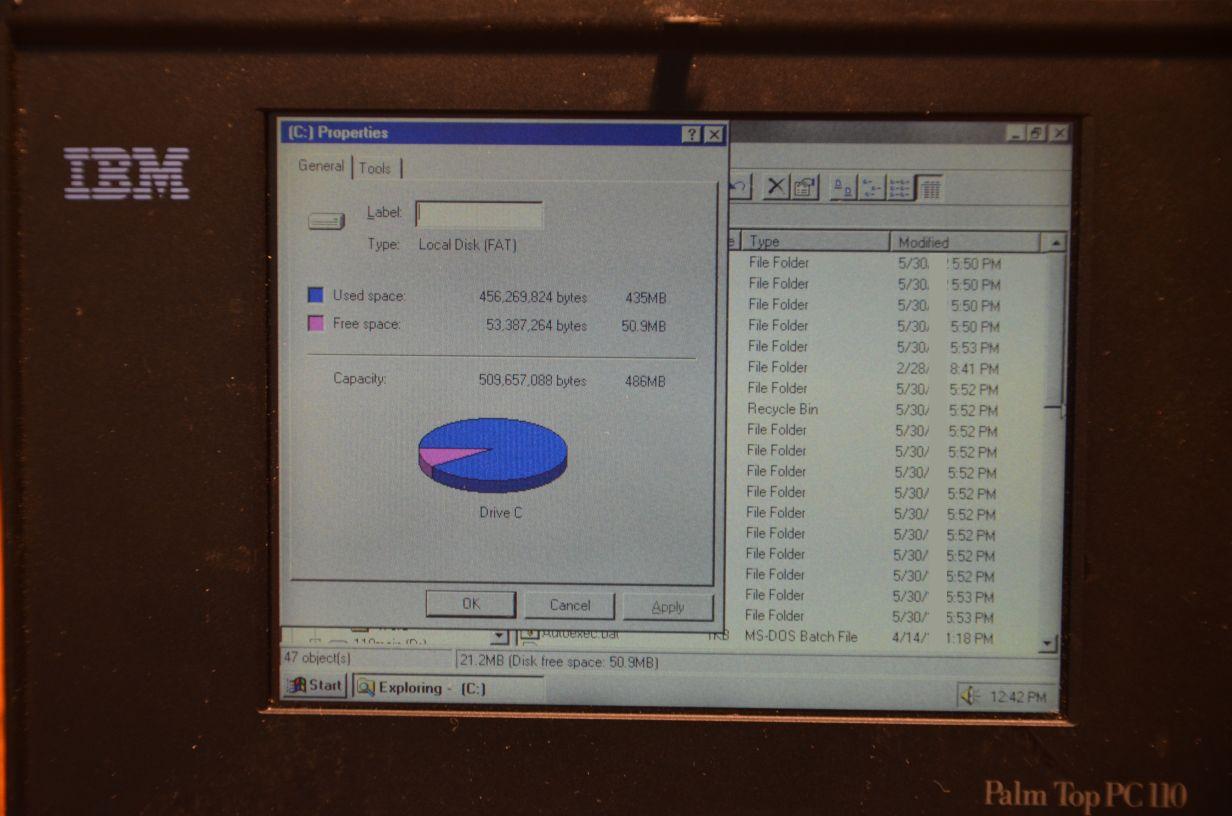
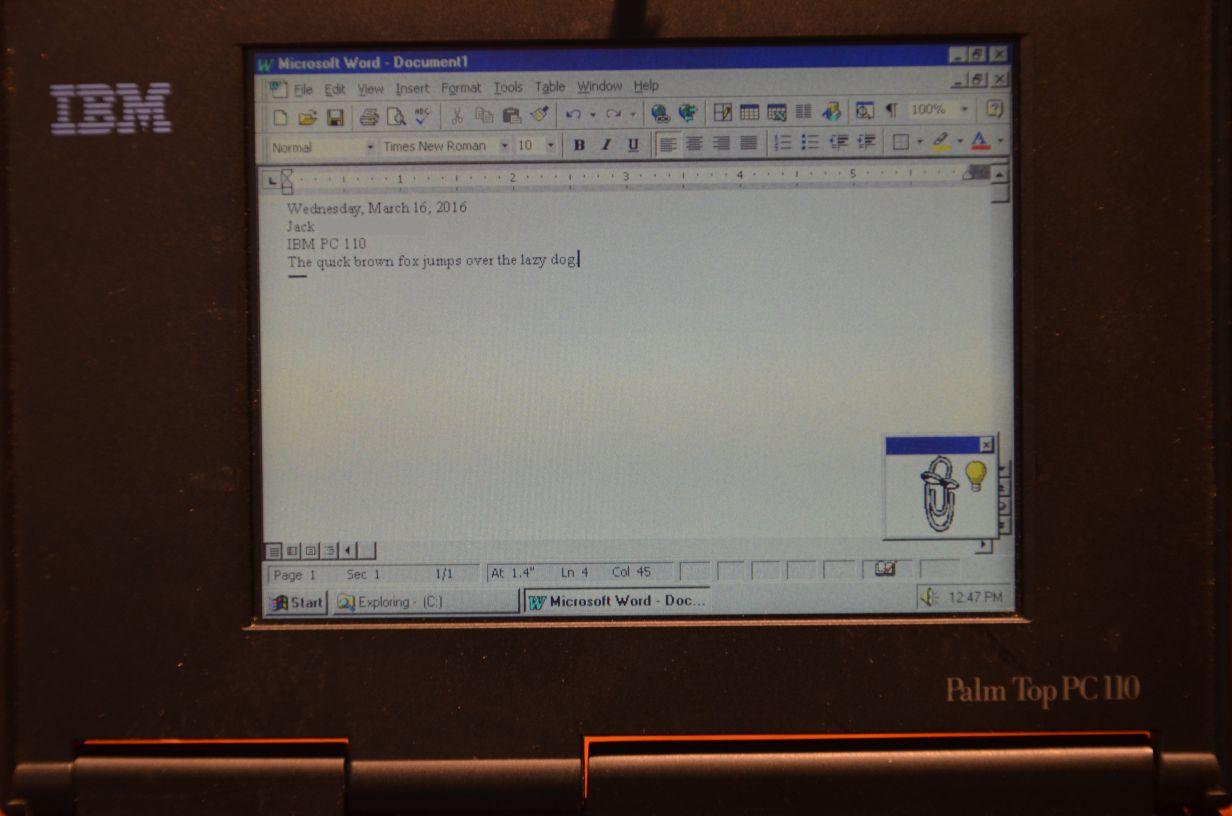
Playing around in DOS (Note: the ES488/Yamaha FM sound card allows for full MIDI and audio effects in DOS games):

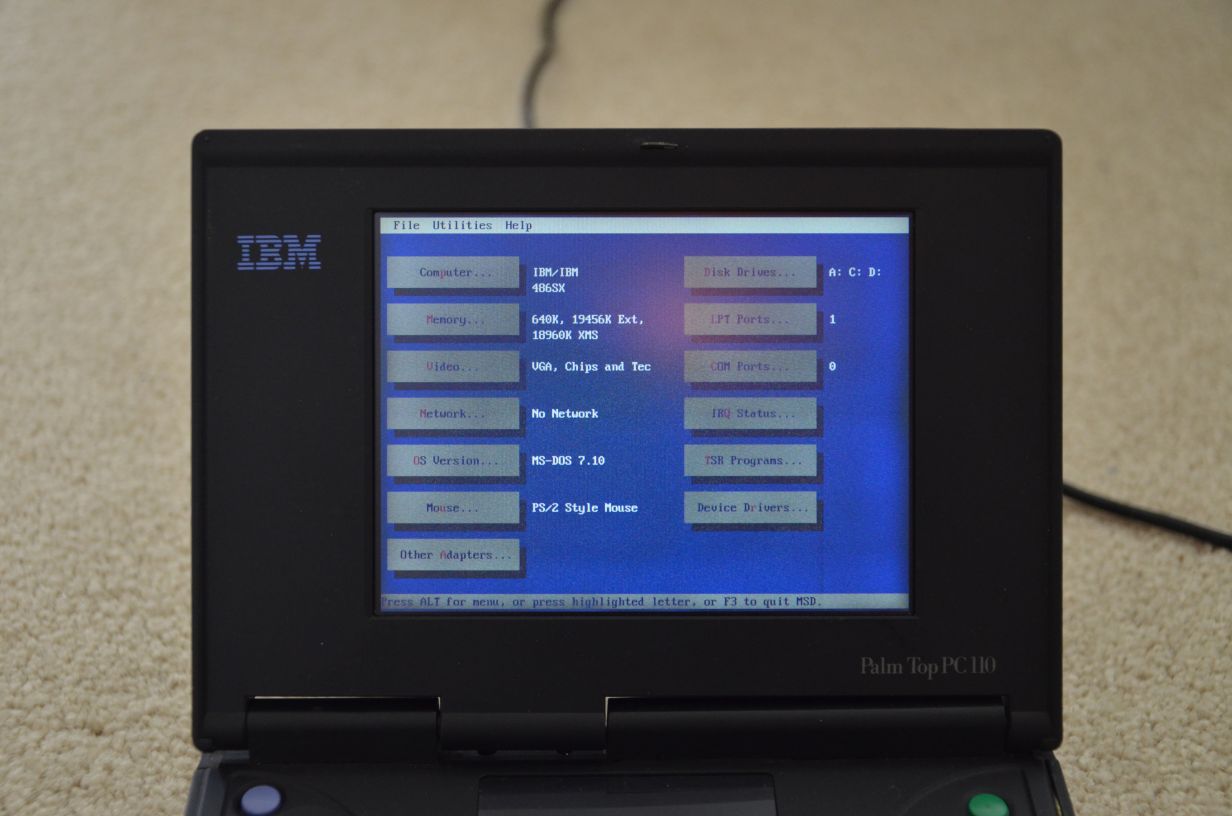
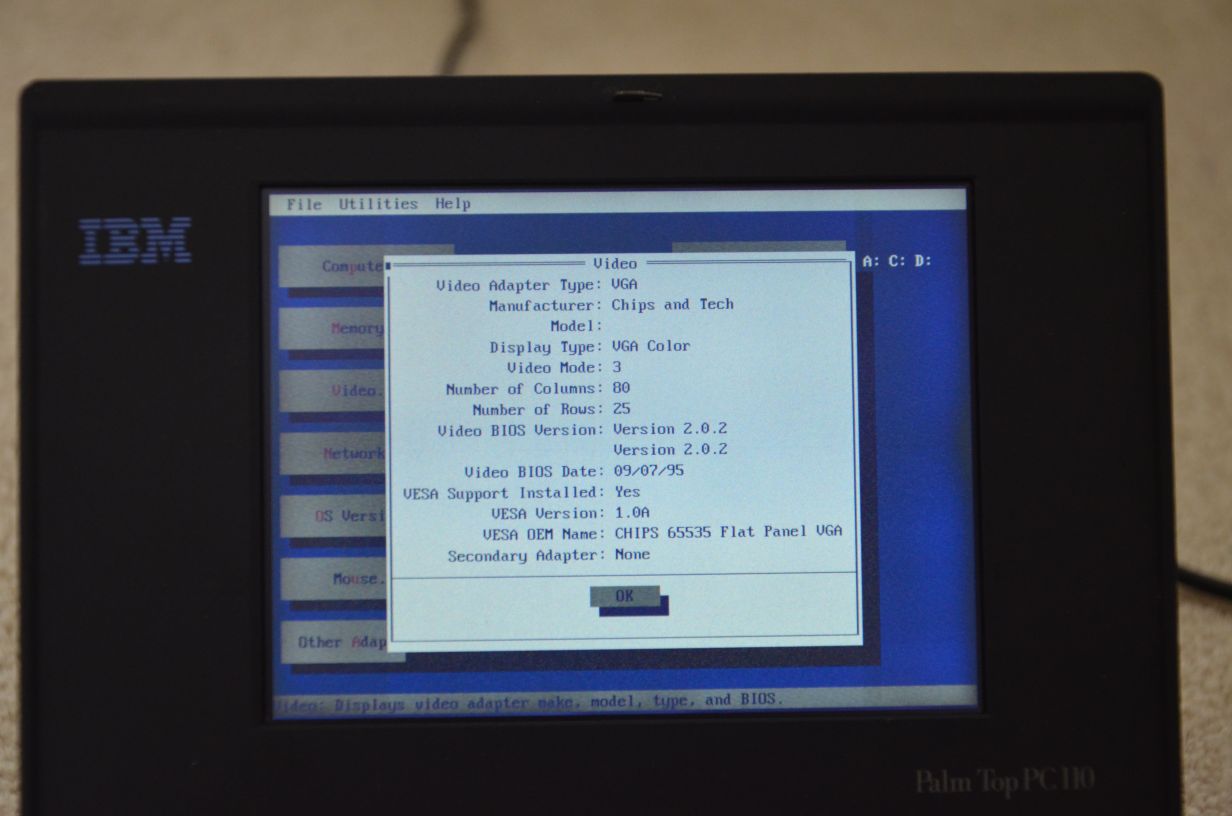
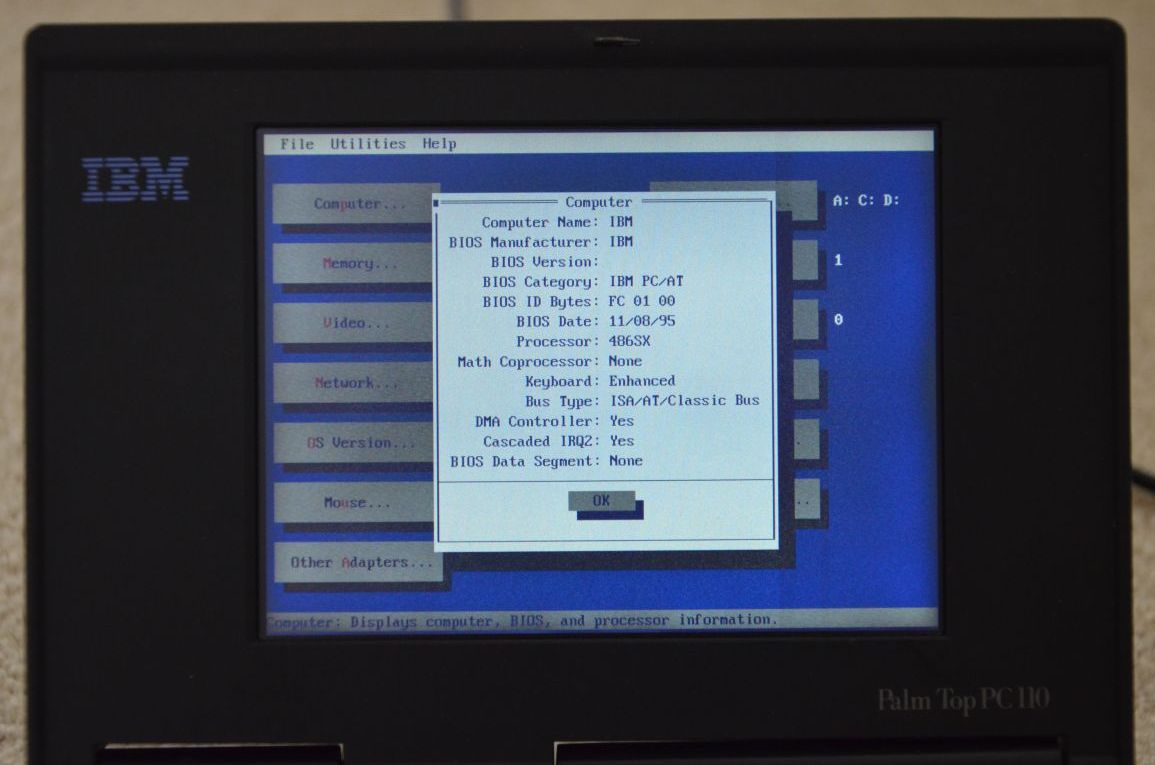
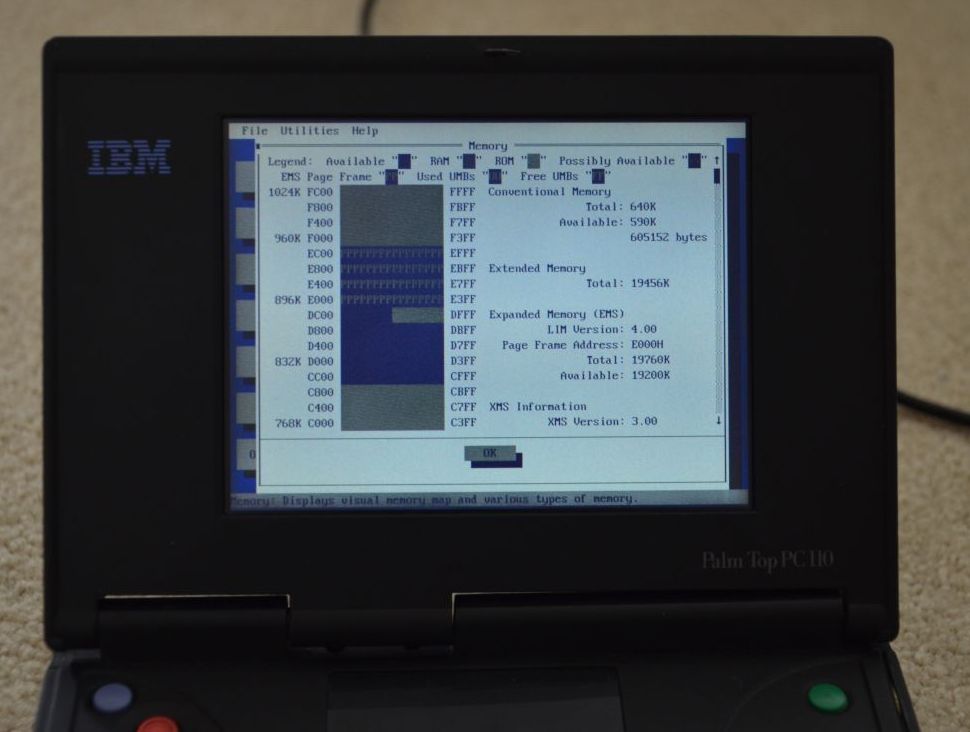
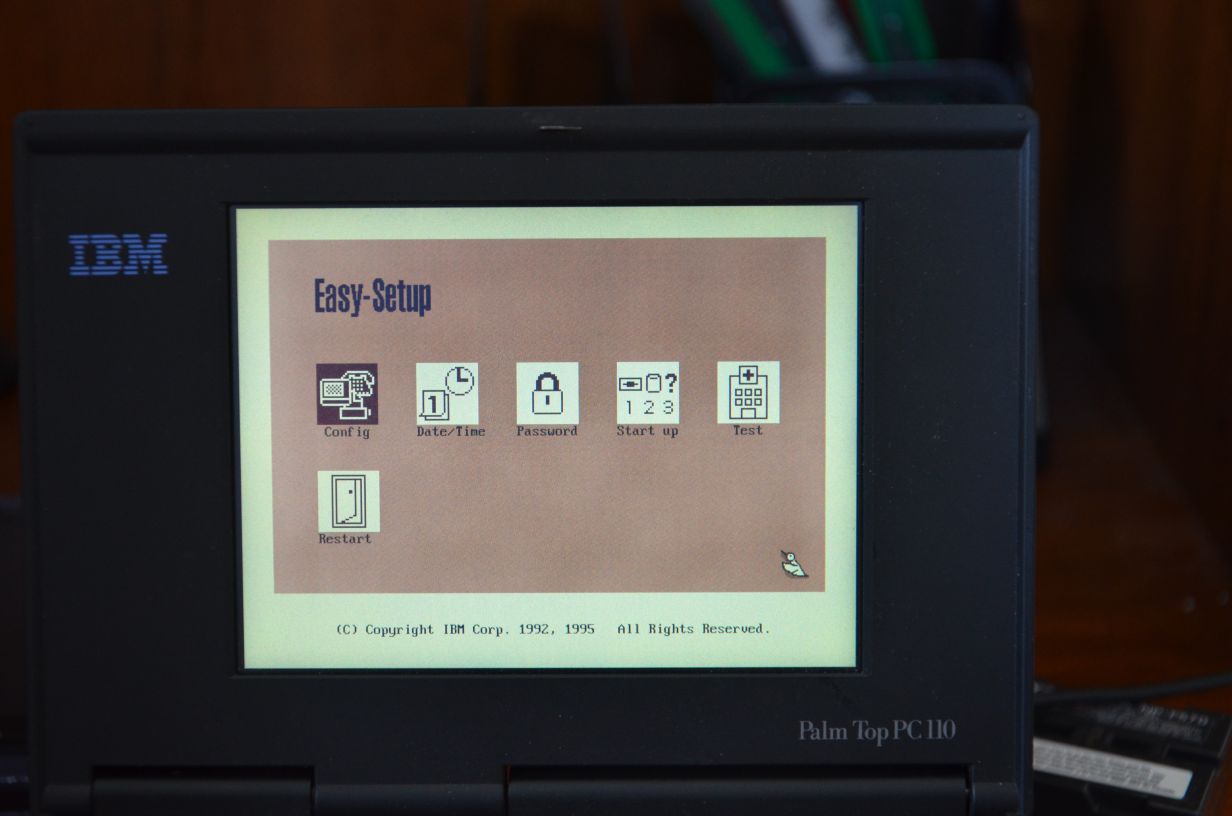
Some pictures of the GUI BIOS Setup, with Mouse Support:
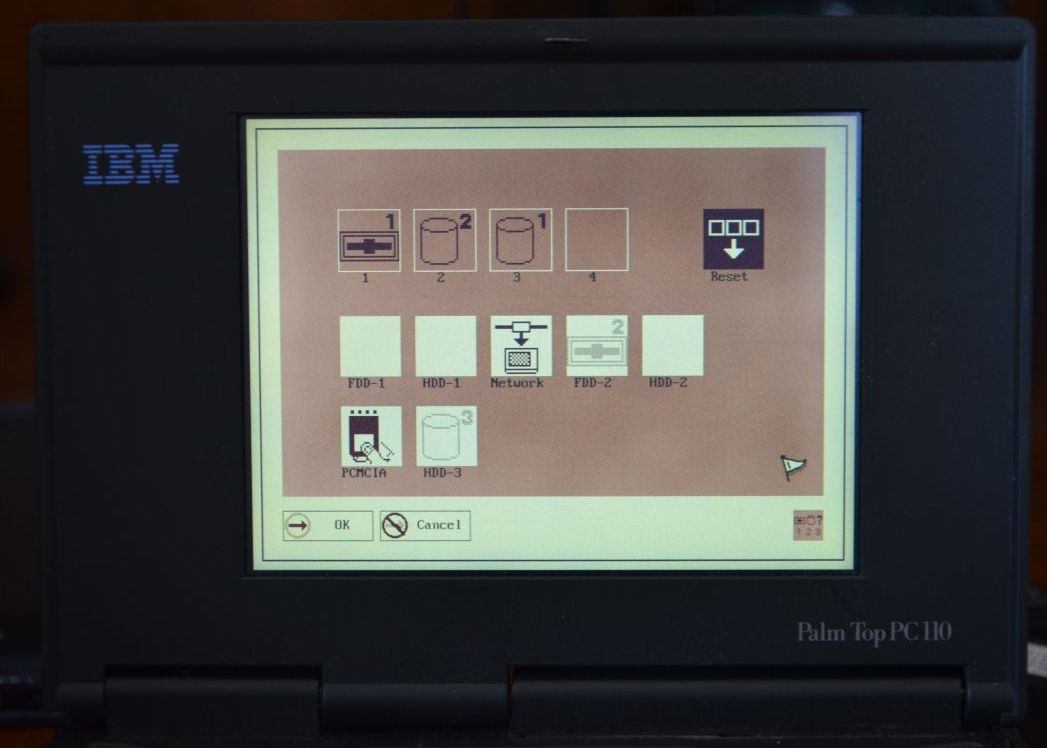

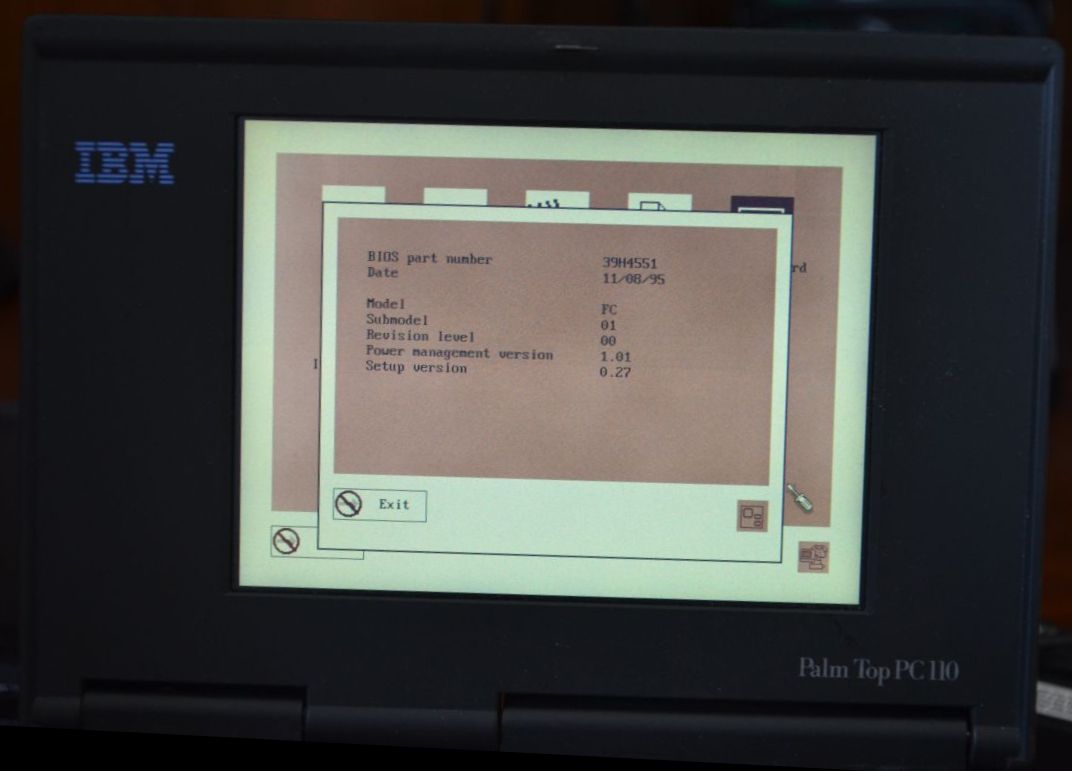
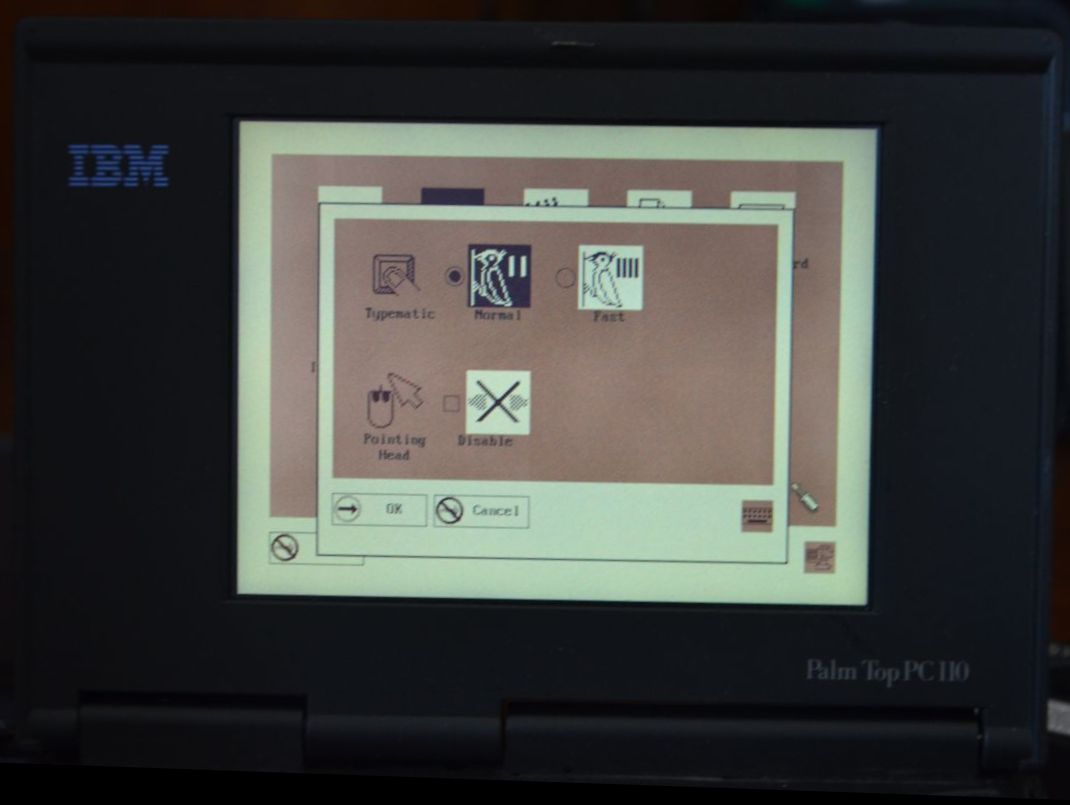
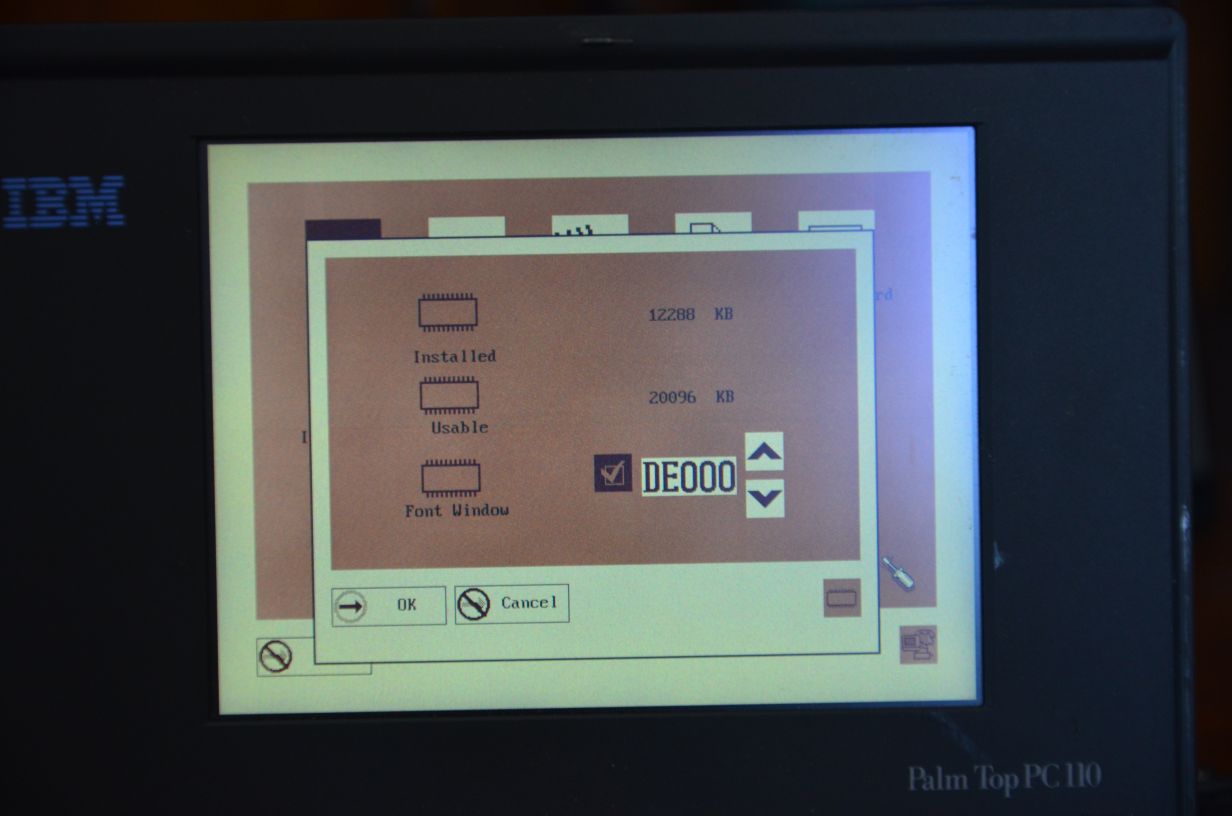
Close-Ups of the Front LCD Panel:
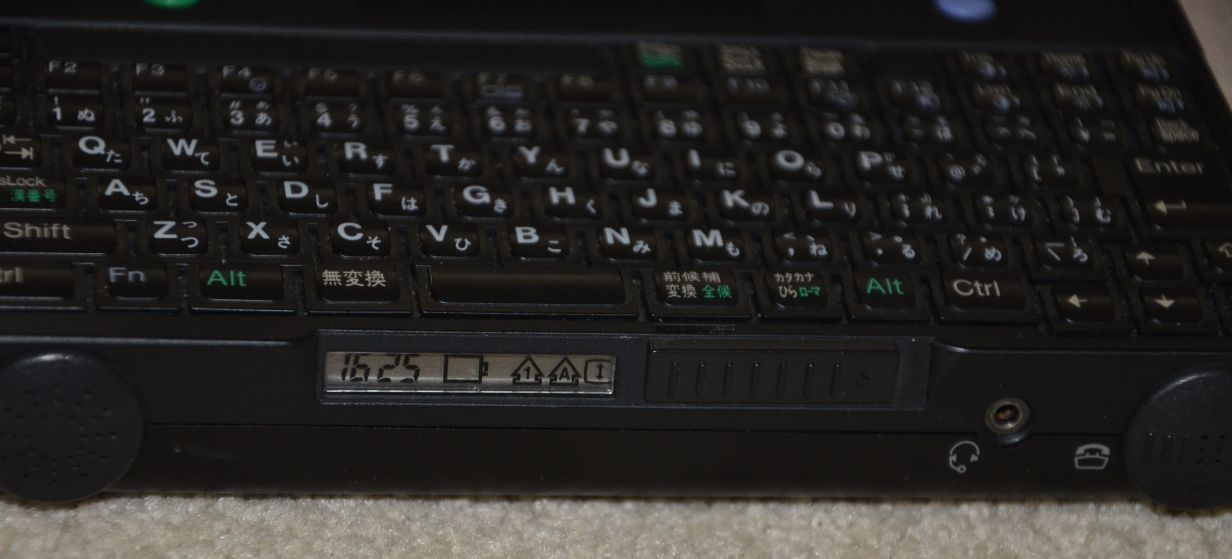
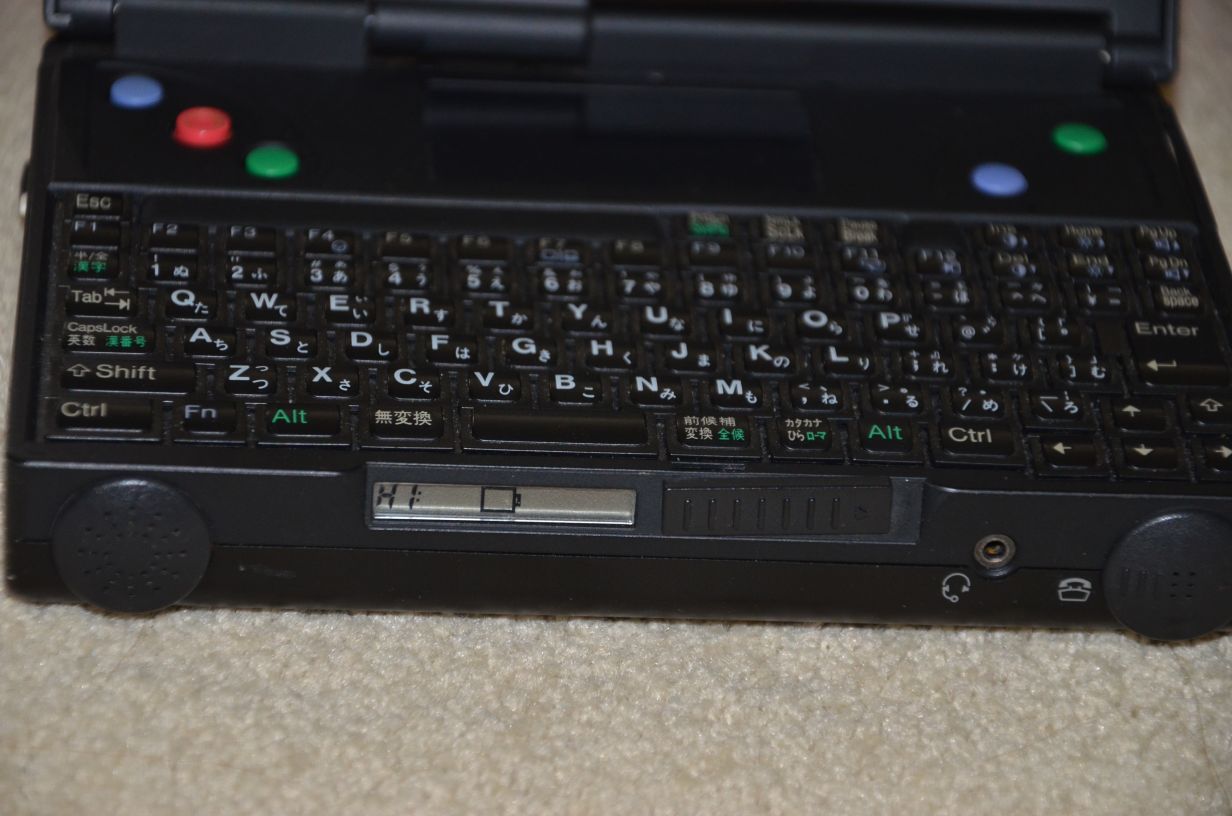
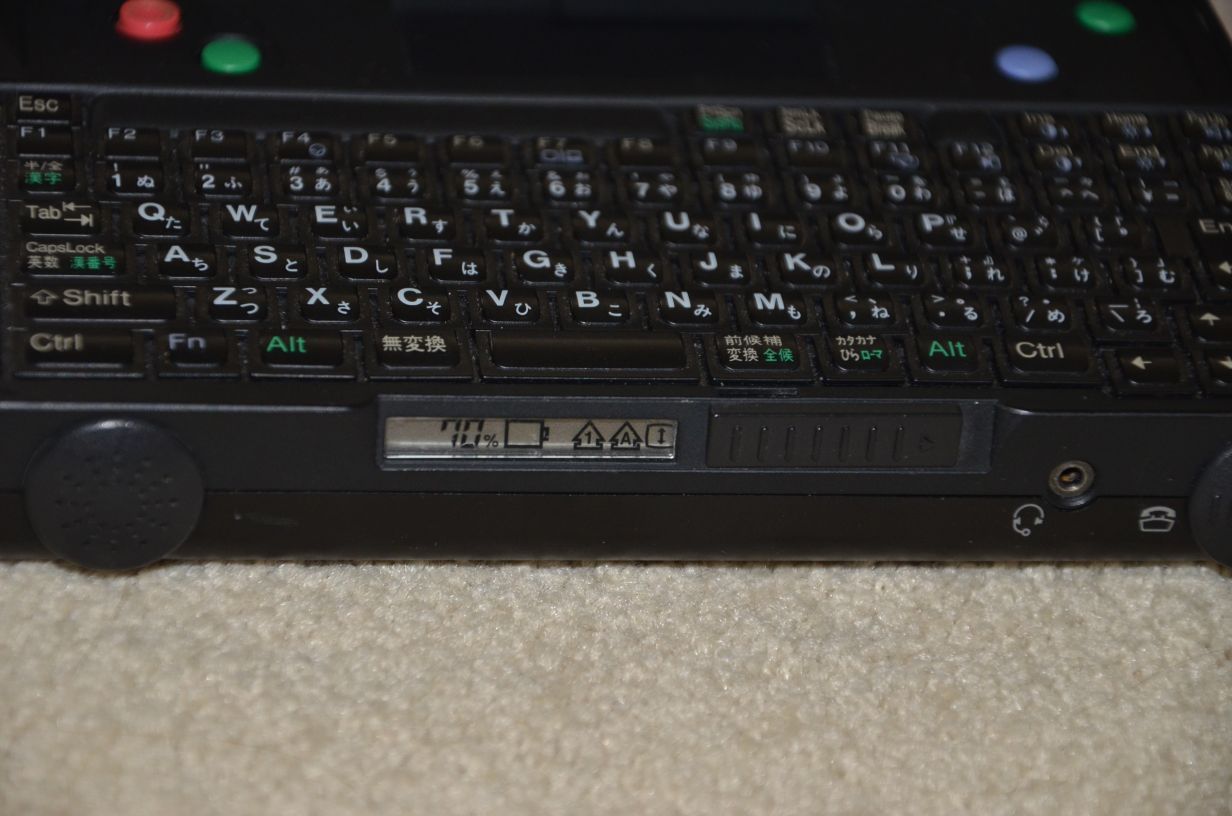
Note: The “HI:” you see above refers to “High”. You can control the speed of the processor with Fn+F11 in three different settings: High (HI), Medium (M), and Low (LO).
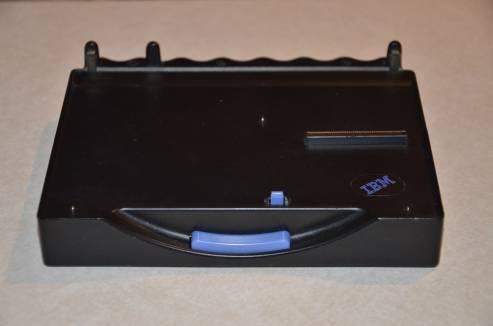
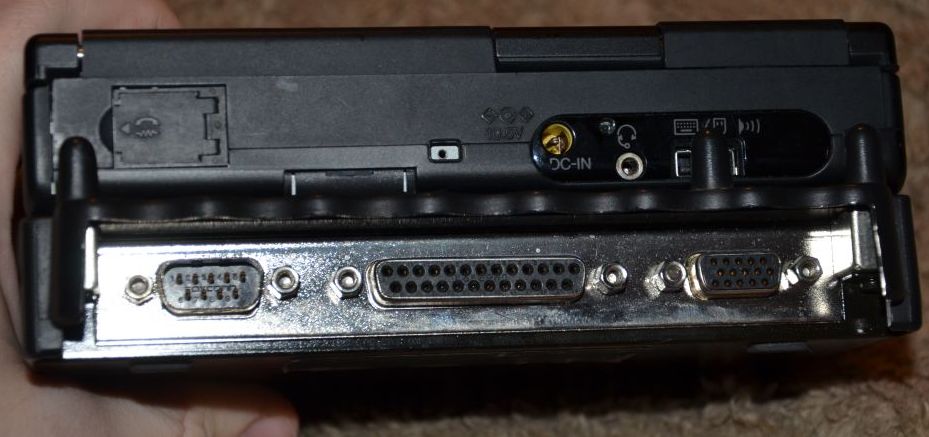
Pictures of the Dock unit, by itself:
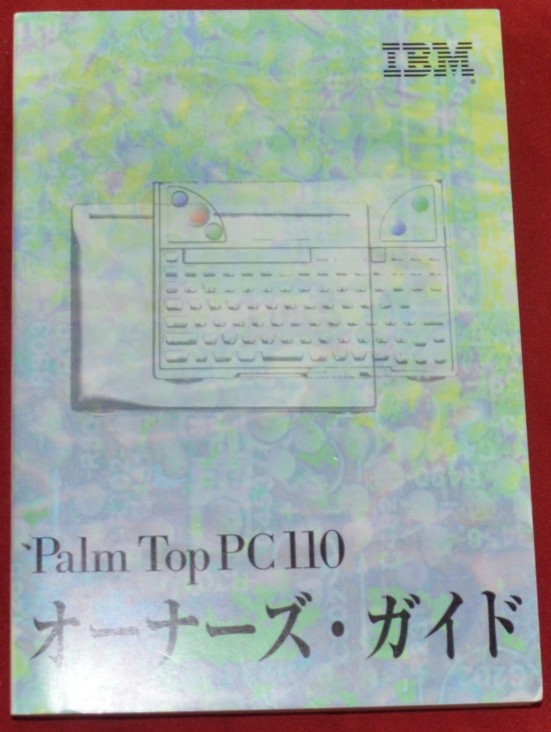
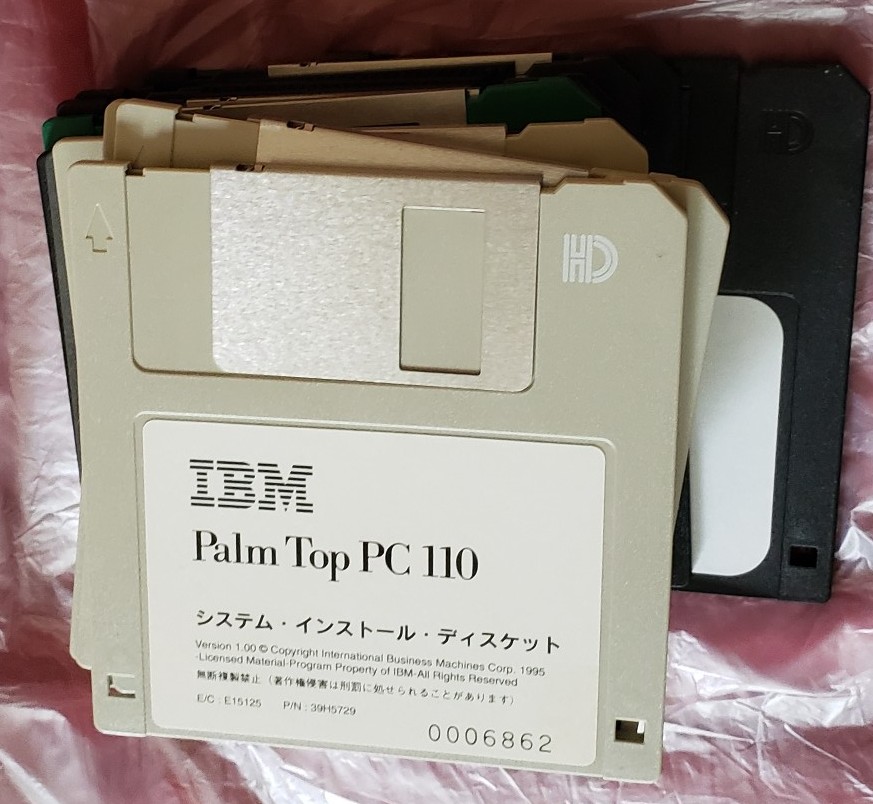
Pictures of the manual and floppies:
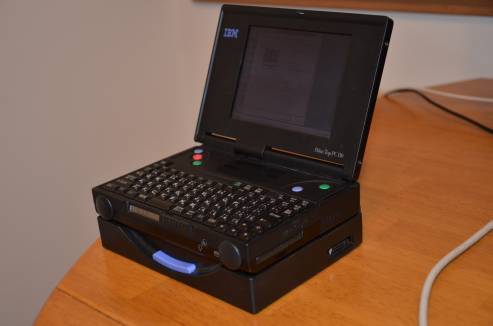
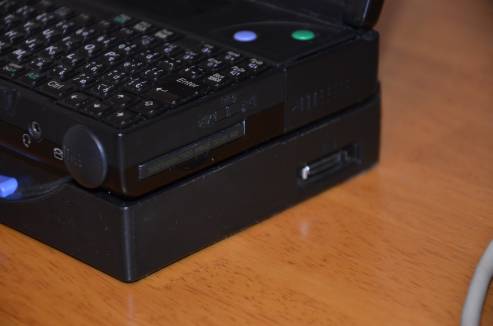
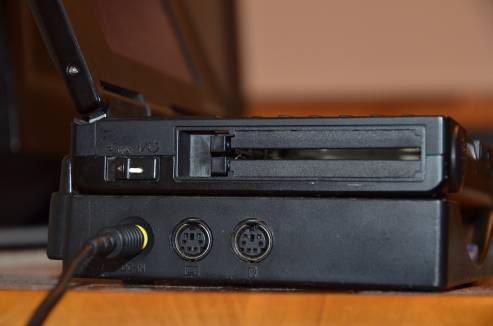
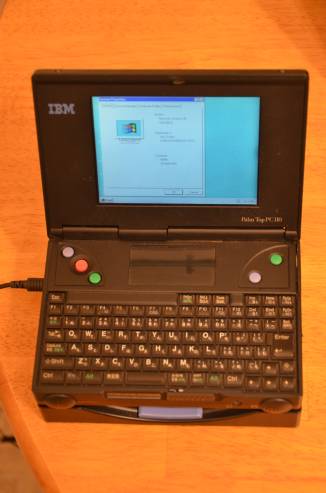
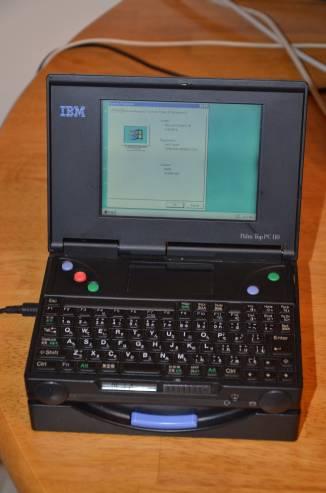
And lastly, pictures of the PC 110 in the dock:
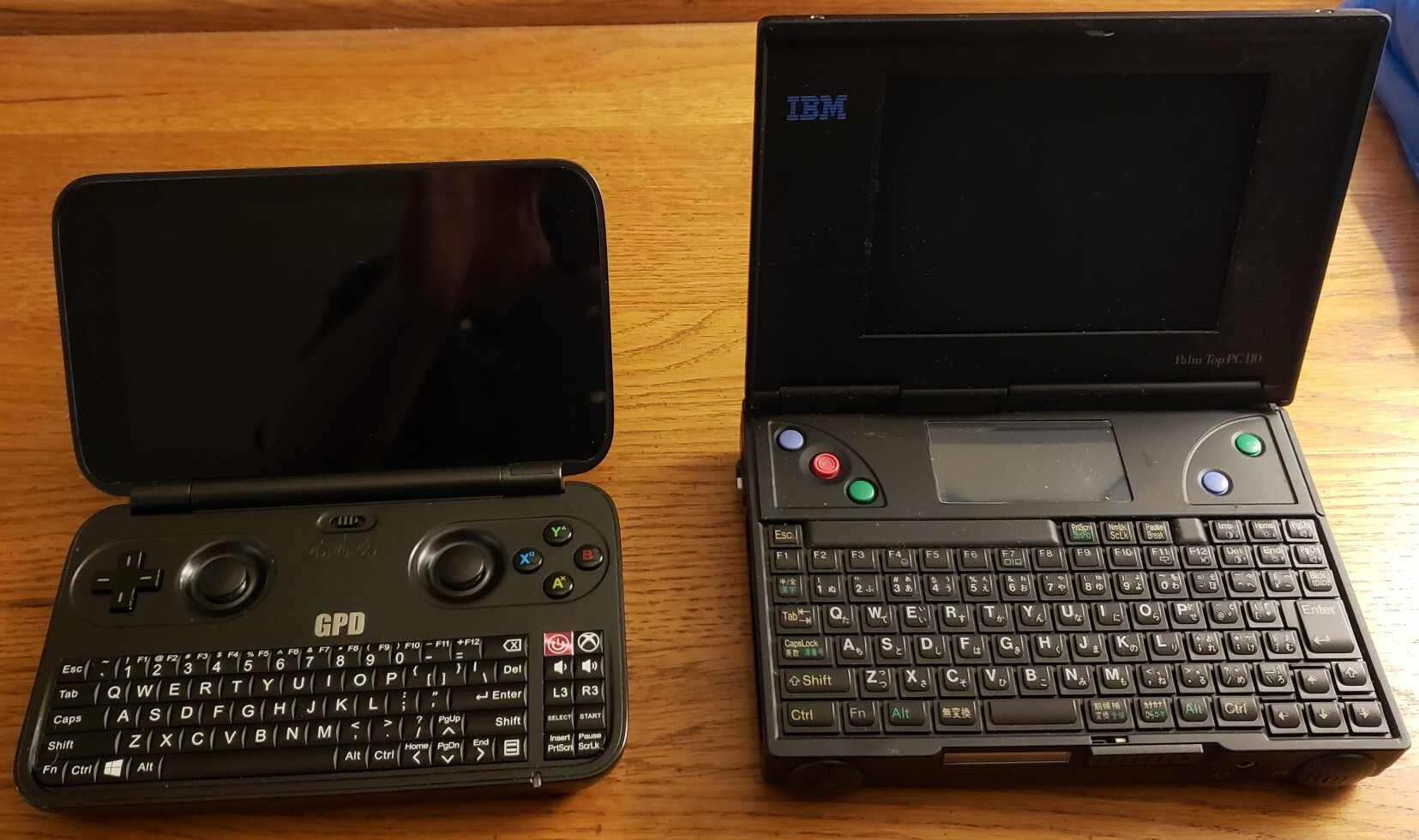
And a picture of the PC110 next to the original GPD Win (notice the similarities):
2025 Update
Since I wrote this article in 2014, a lot has happened in the world of the IBM PC 110! I acquired several more of these, and ended up with 5 by the end of 2019. Starting in April 2020, I removed the leaking standby battery from each of these, which resulted in a damaged flex cable for the mouse pointer on my main unit. In theory, you can access and remove this battery by simply removing the bottom plate, but I didn’t have success doing that until I had already fully disassembled 3 of them, at which point I figured out how to push the plastic clip a certain way to pop the battery out without a complete disassembly. The unit I got in 2012 – since I had been using it regularly – had a standby battery that was only mildly leaking, but the other 4 units had been in storage before I got them, and by 2020 the batteries were already leaking so badly they were rusting away the frame of the machine.
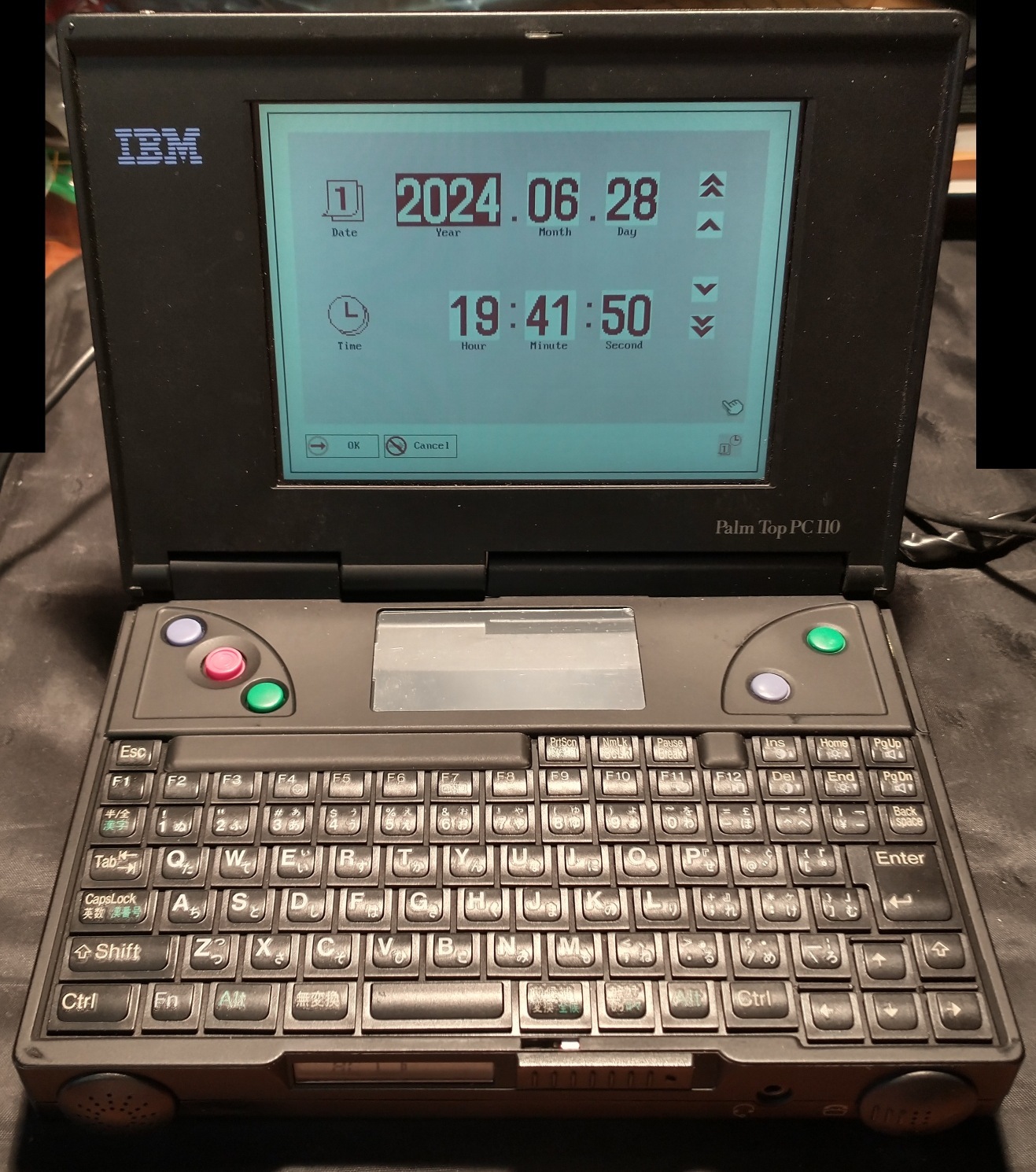
Unfortunately, on ALL 4 of those extra units, the screen had deteriorated due to “vinegar syndrome”, as they were stored in humid environments before I got them. (The original one I got in 2012 is still working, including the original screen, since I stored it in a low-humidity area inside of a box for the entire time – see pictures below.) Luckily, someone named Kevin Moonlight came up with a solution to this problem – he developed a way to retrofit a TFT display onto the machine!
Additionally, Ahmad Byagowi started a project to reverse-engineer the entire machine, sanding each layer of each board and documenting what he found. This was already difficult enough, but the documentation was made more difficult due to the custom nature of the machine, which includes not only a special BGA version of the 486 CPU, but several custom chips and gate arrays which were previously undocumented. He gave a speech explaining this process at the Vintage Computer Festival, which can be found here. I was lucky enough to meet Kevin and Ahmad, and had a great conversation with them, an experience I won’t soon forget.
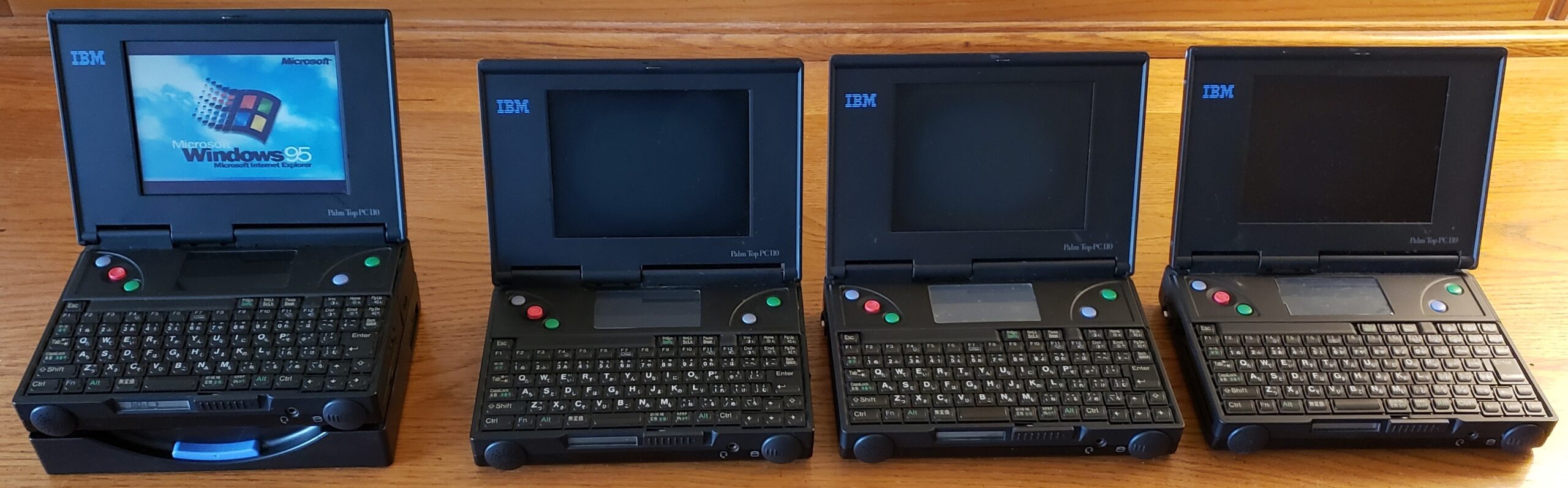
Pictures showing 3 (of the 4) additional units next to my first PC 110, plus recent (2024) pictures of my first one’s original screen still working:


Links
Here are some links to websites containing useful PC 110 information:
- http://www.basterfield.com/pc110/pc110idx.htm
- http://apj.co.uk/pc110/pt_main.htm
- http://pc110.ro.nu/
- http://www.thinkwiki.org/wiki/PC110
Revised on October 15, 2025 (reuploaded 15 pics with 4x higher res, added 2025 Update)
Revised on November 7, 2023

Very nice write up. I just got a 110 YDW.
Very nice. I just actually got see these and use them for a few minutes at Vintage Computer Festival East just this past year.
Just an absolutely amazing device. I never saw these in US IBM labs. A real shame these never made it to the US.