Introduction
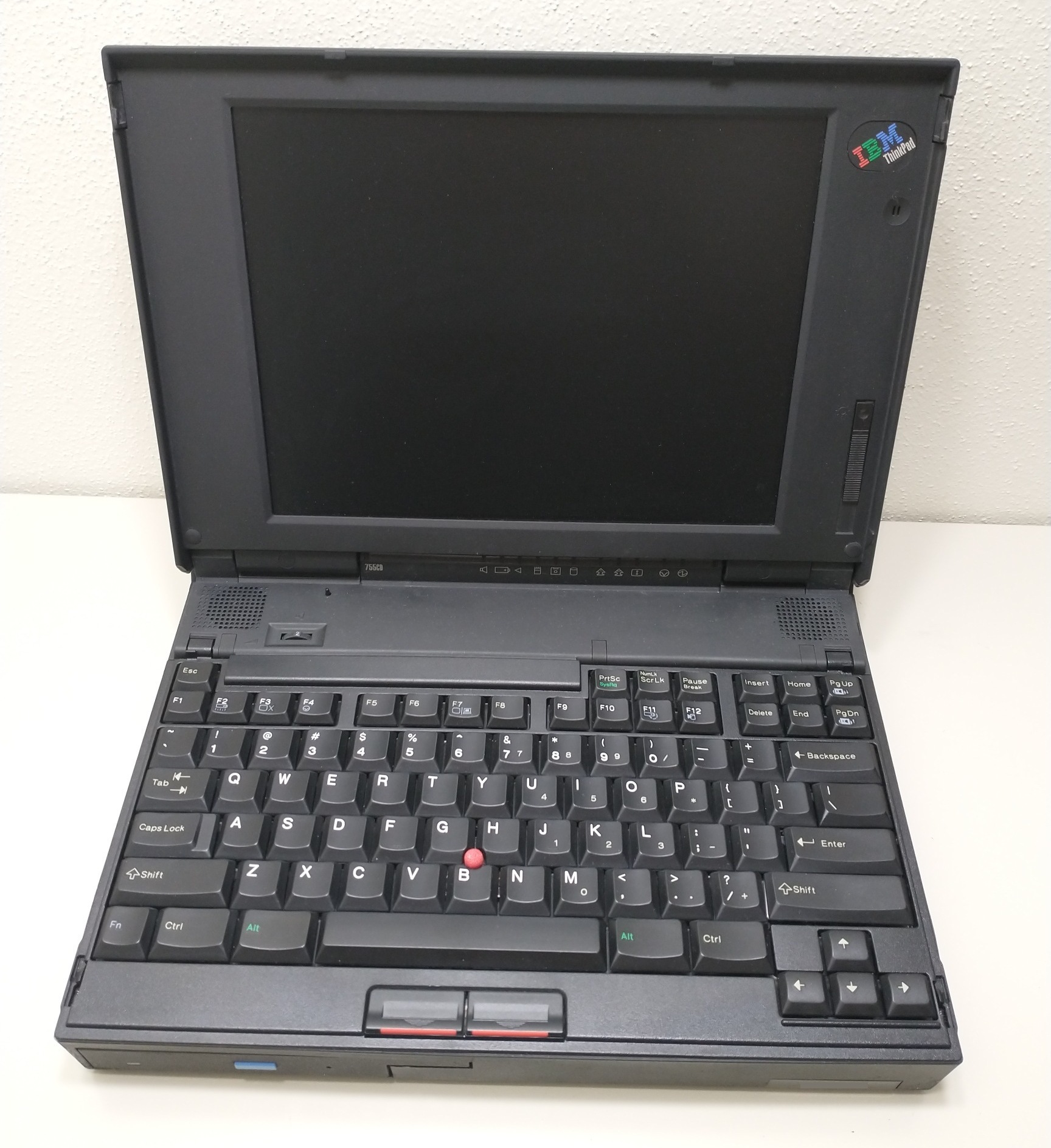
The IBM ThinkPad 755 series of laptop computers was not the rarest of IBM’s 1990s lineup, but like everything else from that era, there were a few experimental oddities during its run (June 1994 – October 1996) that make it worth talking about.
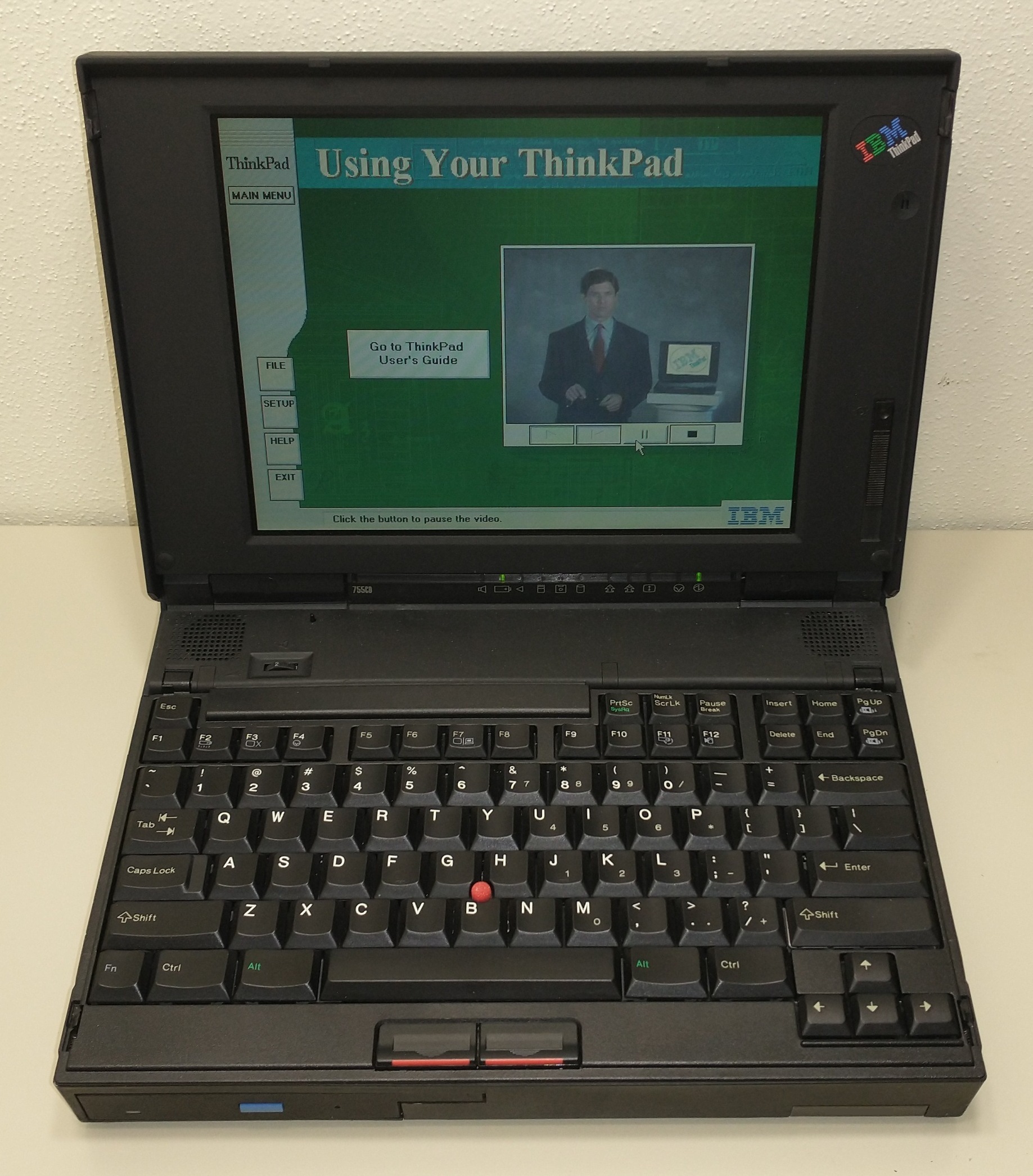
(IBM ThinkPad 755CD in 2025, running on an original 30-year-old battery! Click to zoom in)
All Models
Generally speaking, the build quality of these is impeccable. I haven’t had a single hinge fail on me, nor have I even needed to oil them yet (unlike my 700, 720, and 500/510 series ThinkPads!) The keyboards, being the IBM Model M6, are some of the best I’ve ever typed on, and that includes desktop keyboards! The motherboards rarely fail – I’ve only had 1 fail, likely due to corrosion from the rechargeable standby battery. I also had 1 Base RAM Module fail, but swapping that out fixed it. Otherwise, that’s about it for issues.
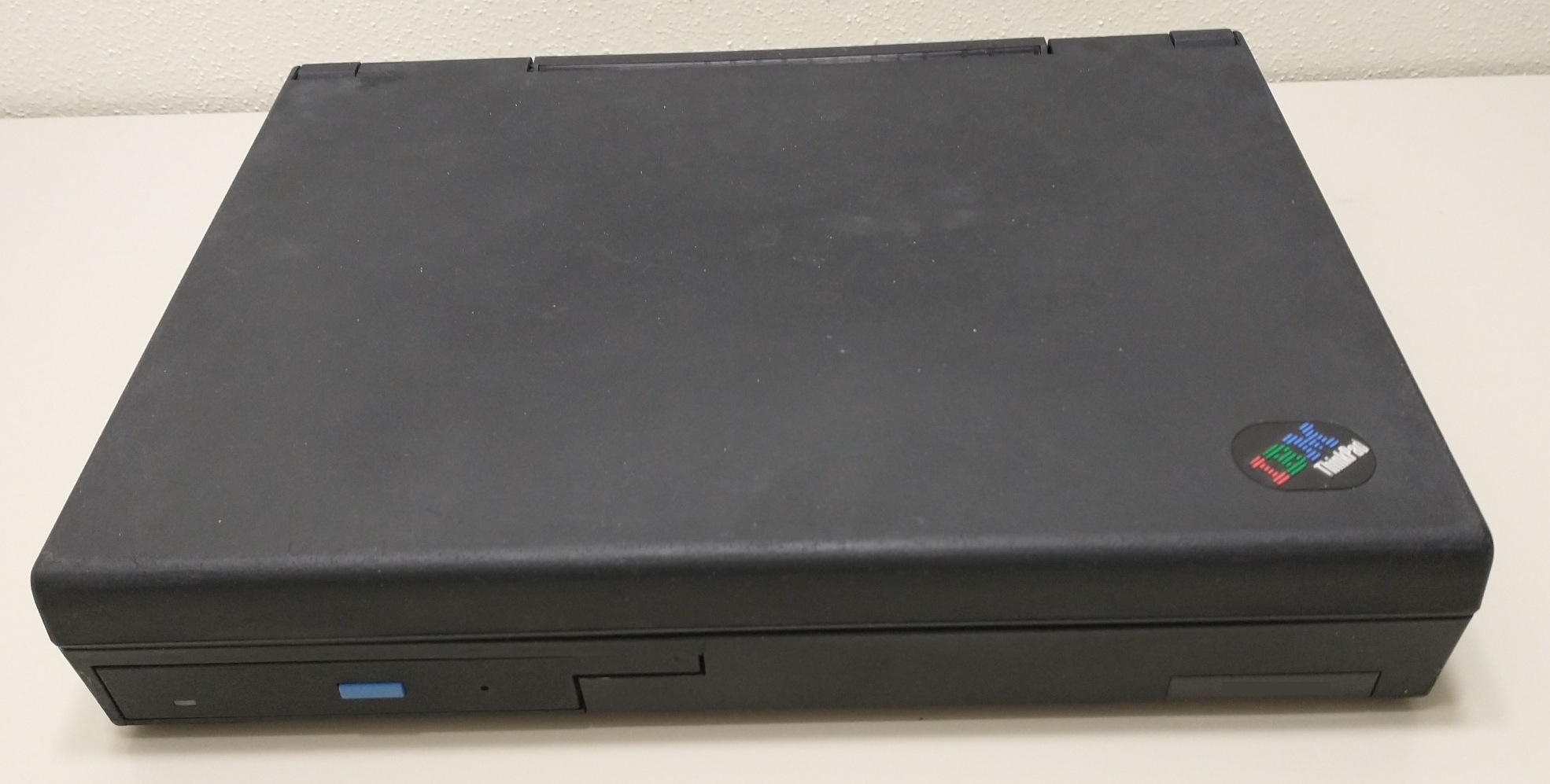
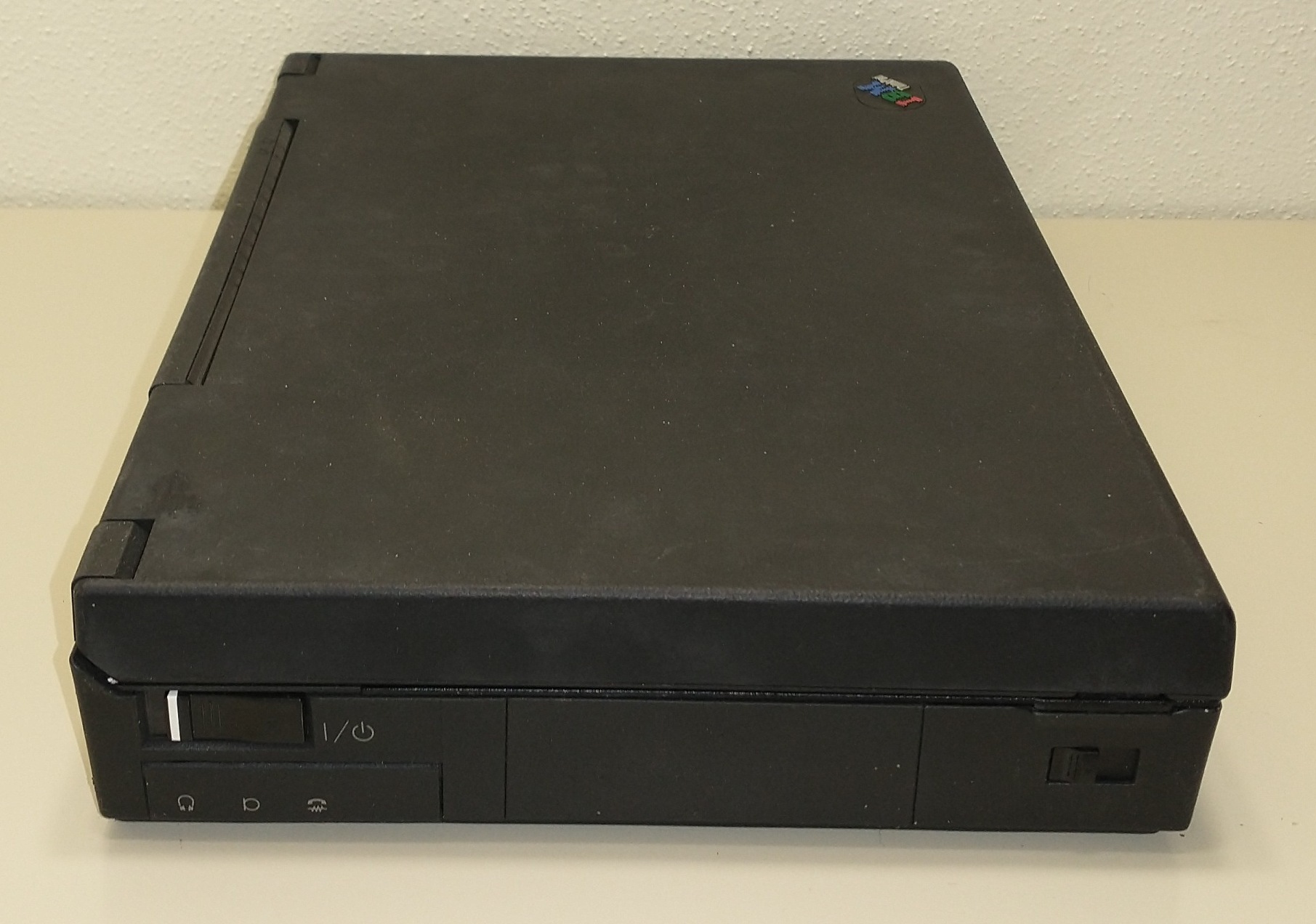
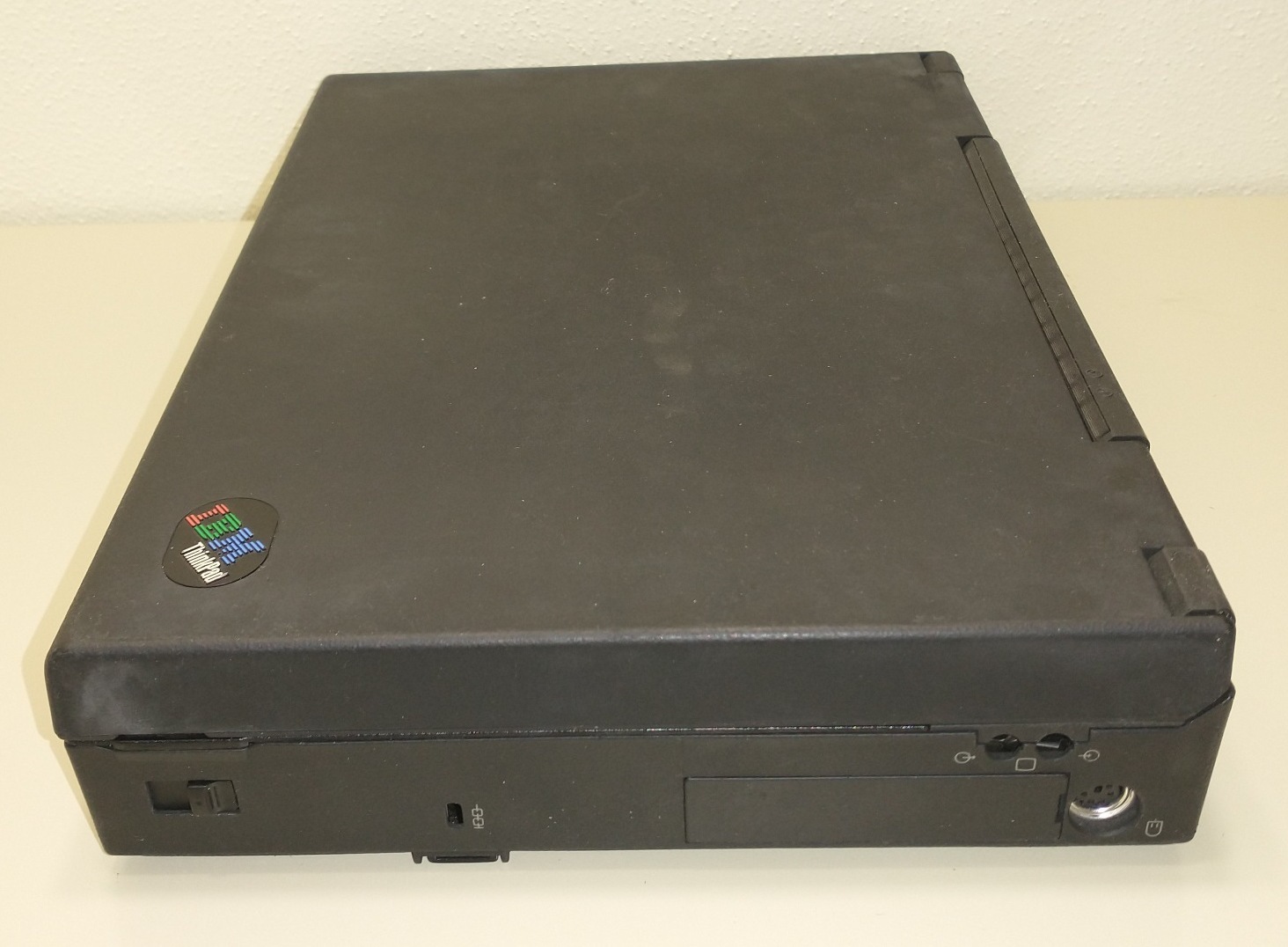
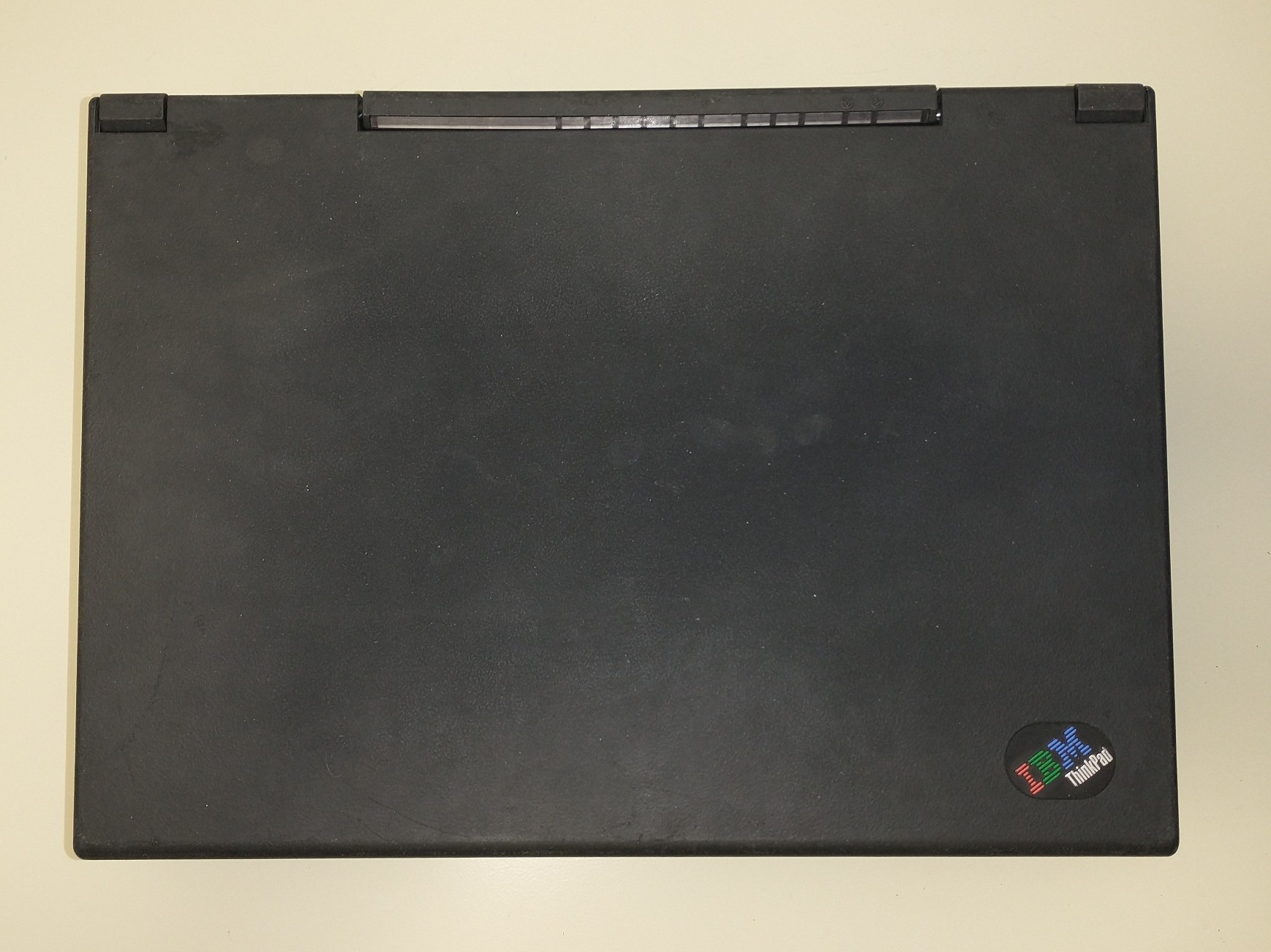
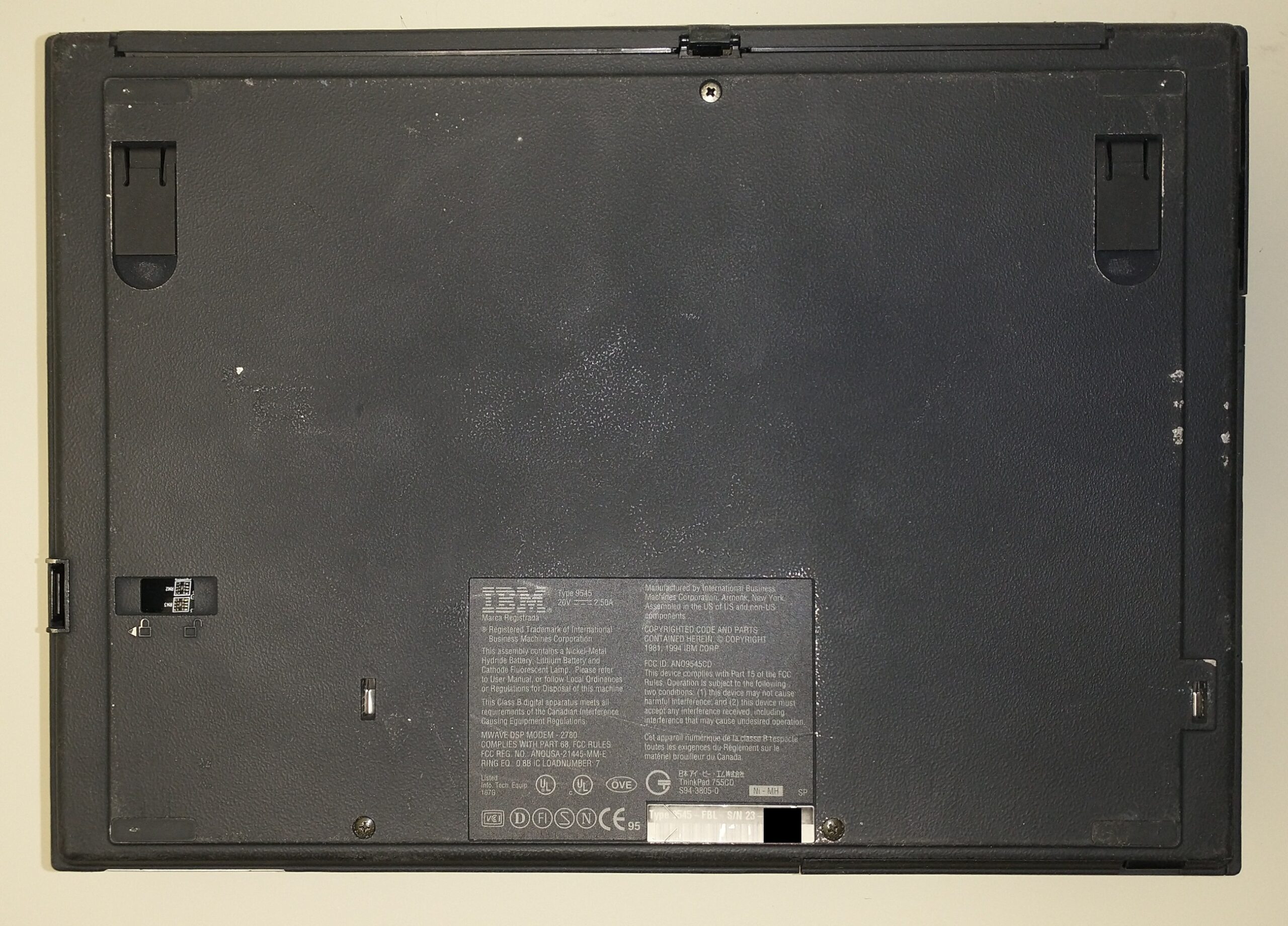
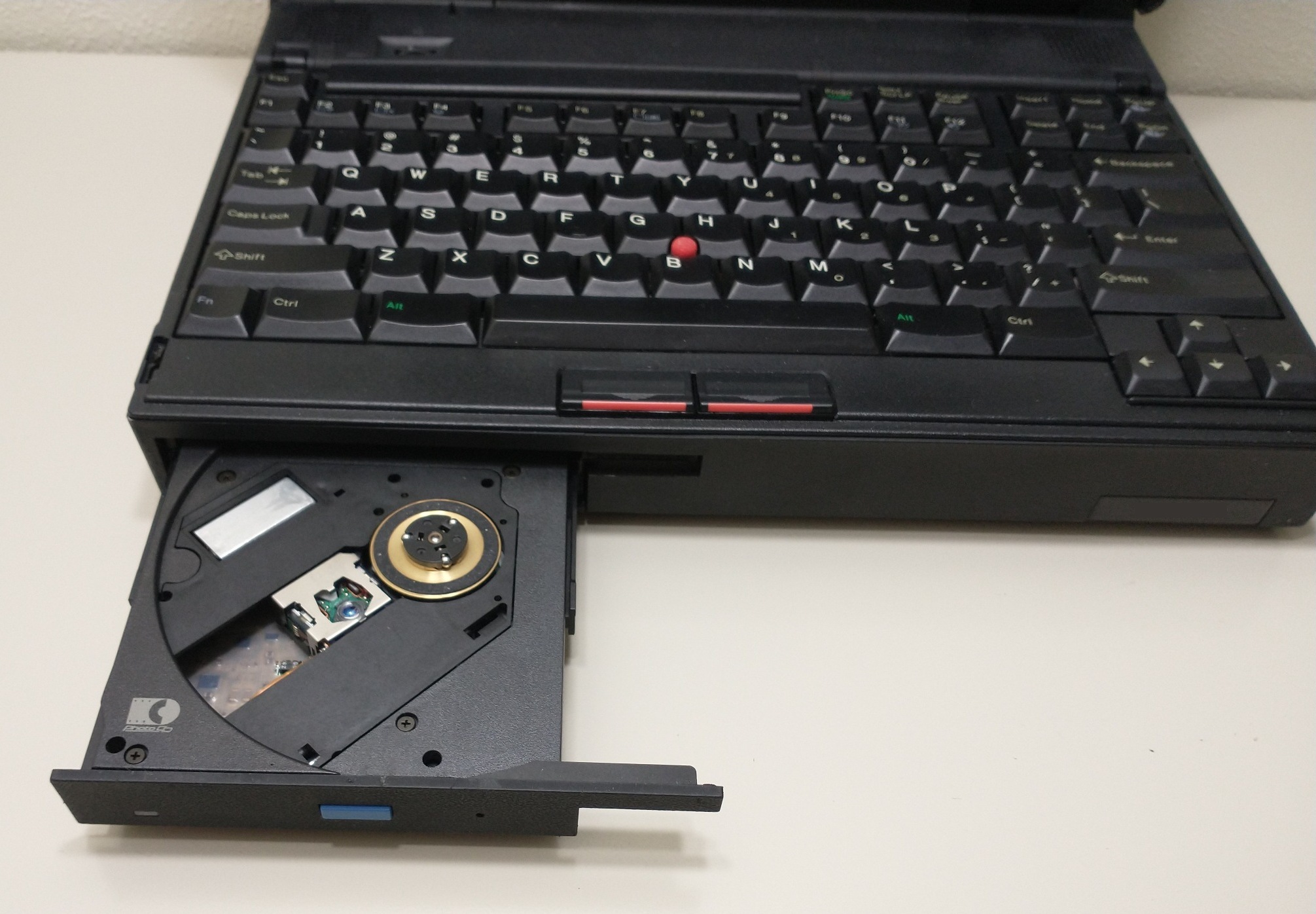
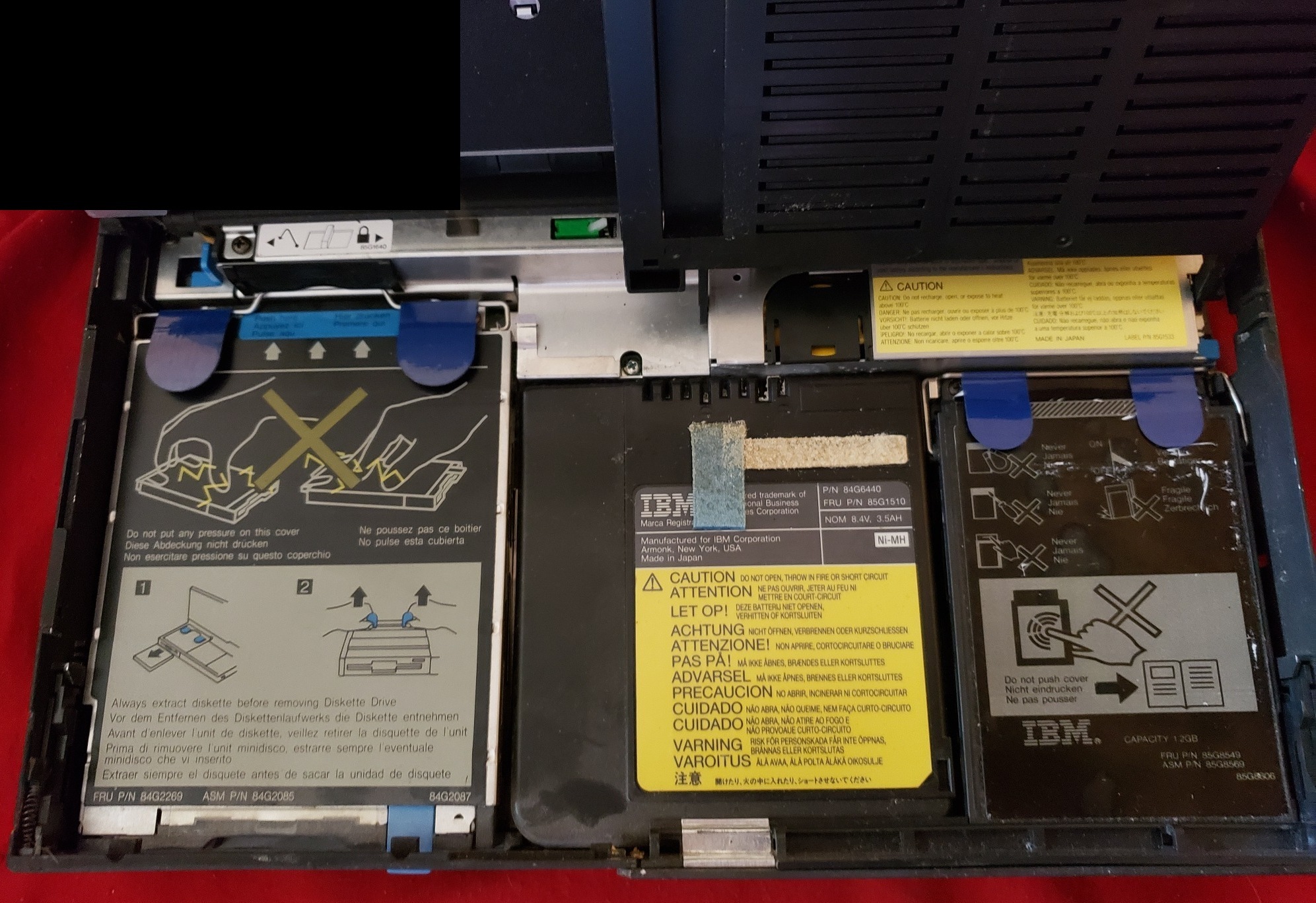
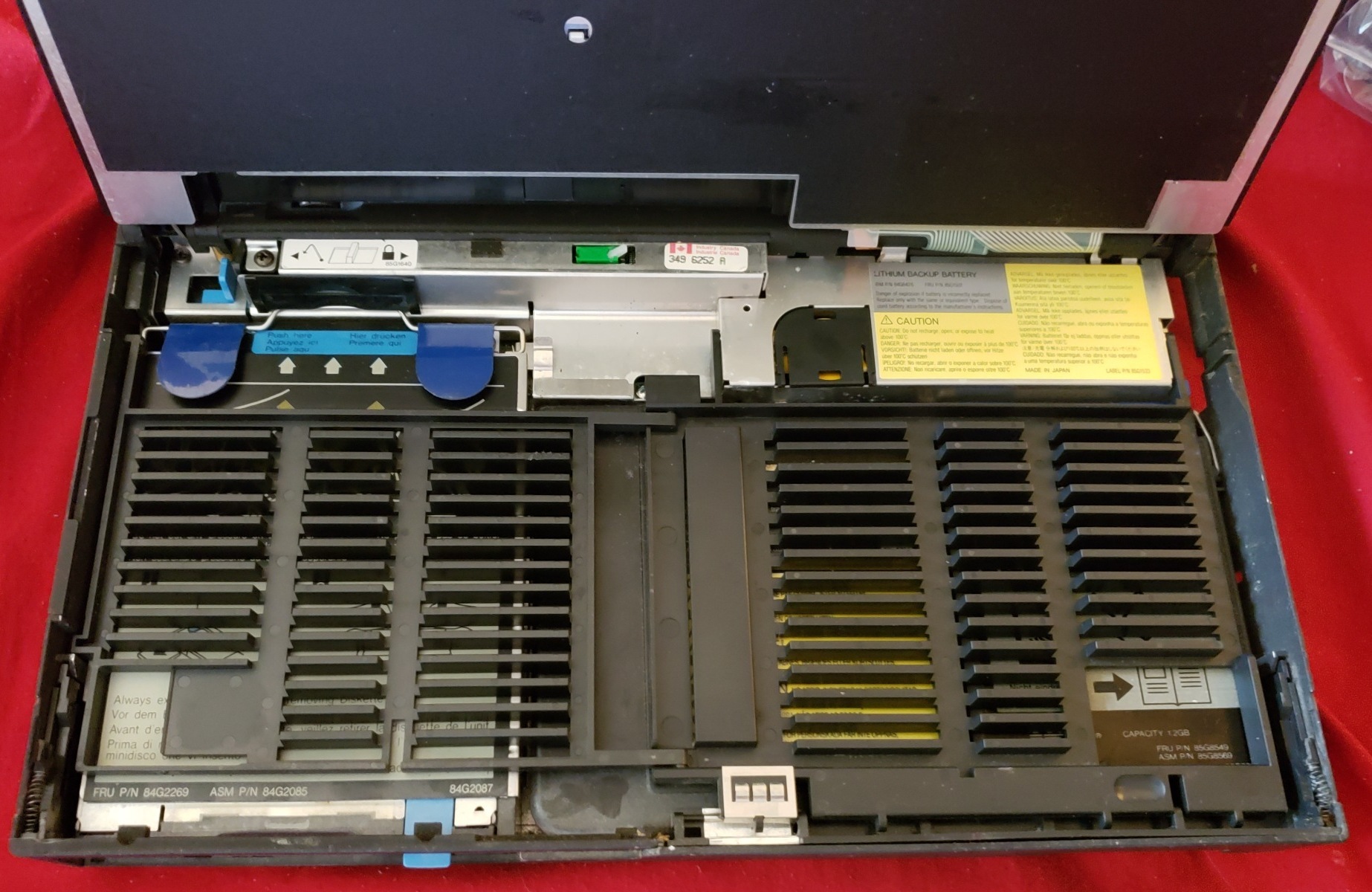
These laptops are serviced by lifting up the keyboard, which rotates upward like a car hood/bonnet. Once you do that, you can see the three main components: Floppy (or CD) on the left, Battery (NiMH or Li-Ion, depending on whether the machine is a 486 or Pentium) in the middle, and Hard Disk Drive on the right. Each of these is designed to easily lift out and be replaced, and you can slide a latch on the bottom (before attaching it to a Kensington Lock) to prevent people from easily removing the HDD.
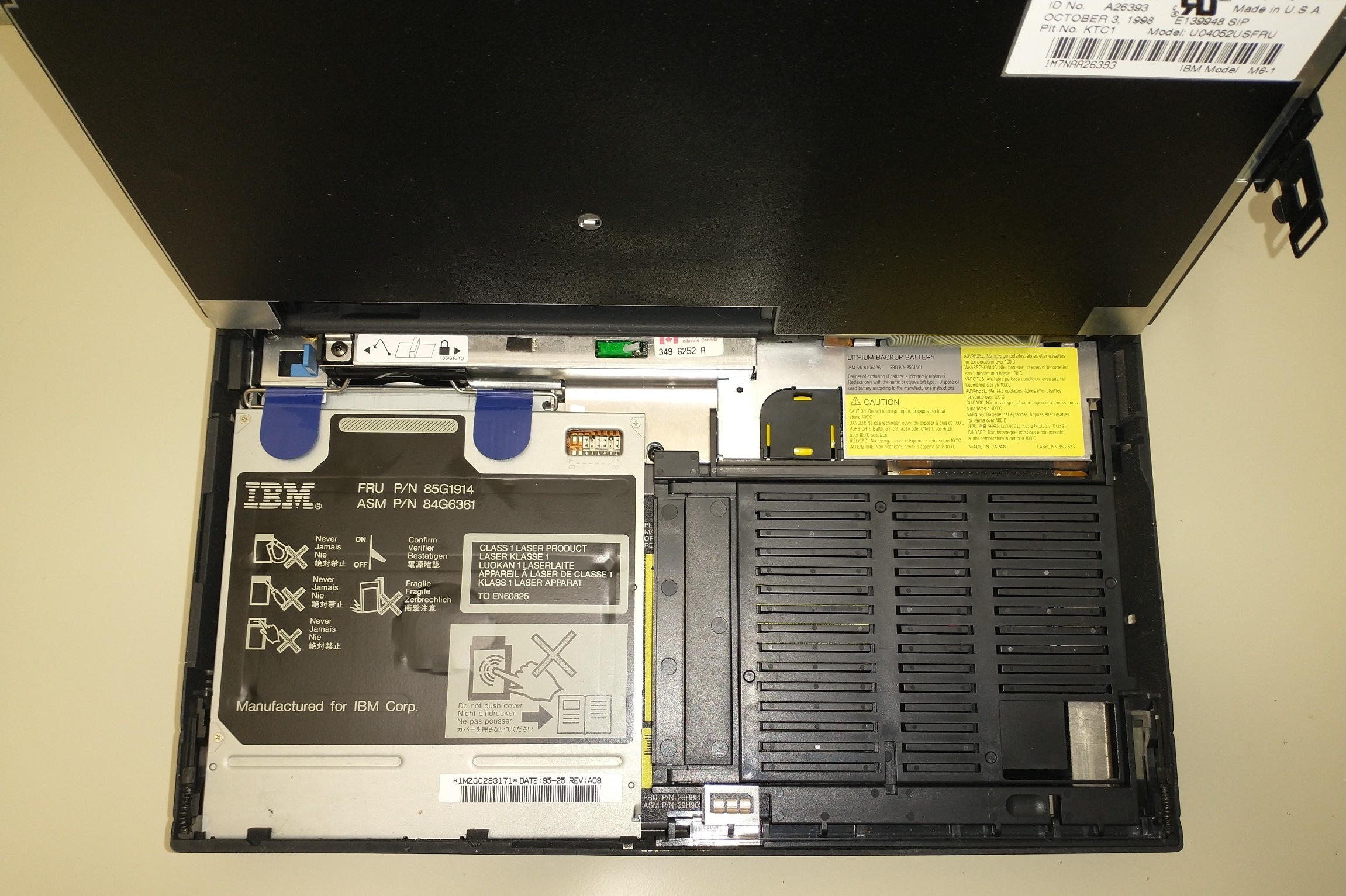
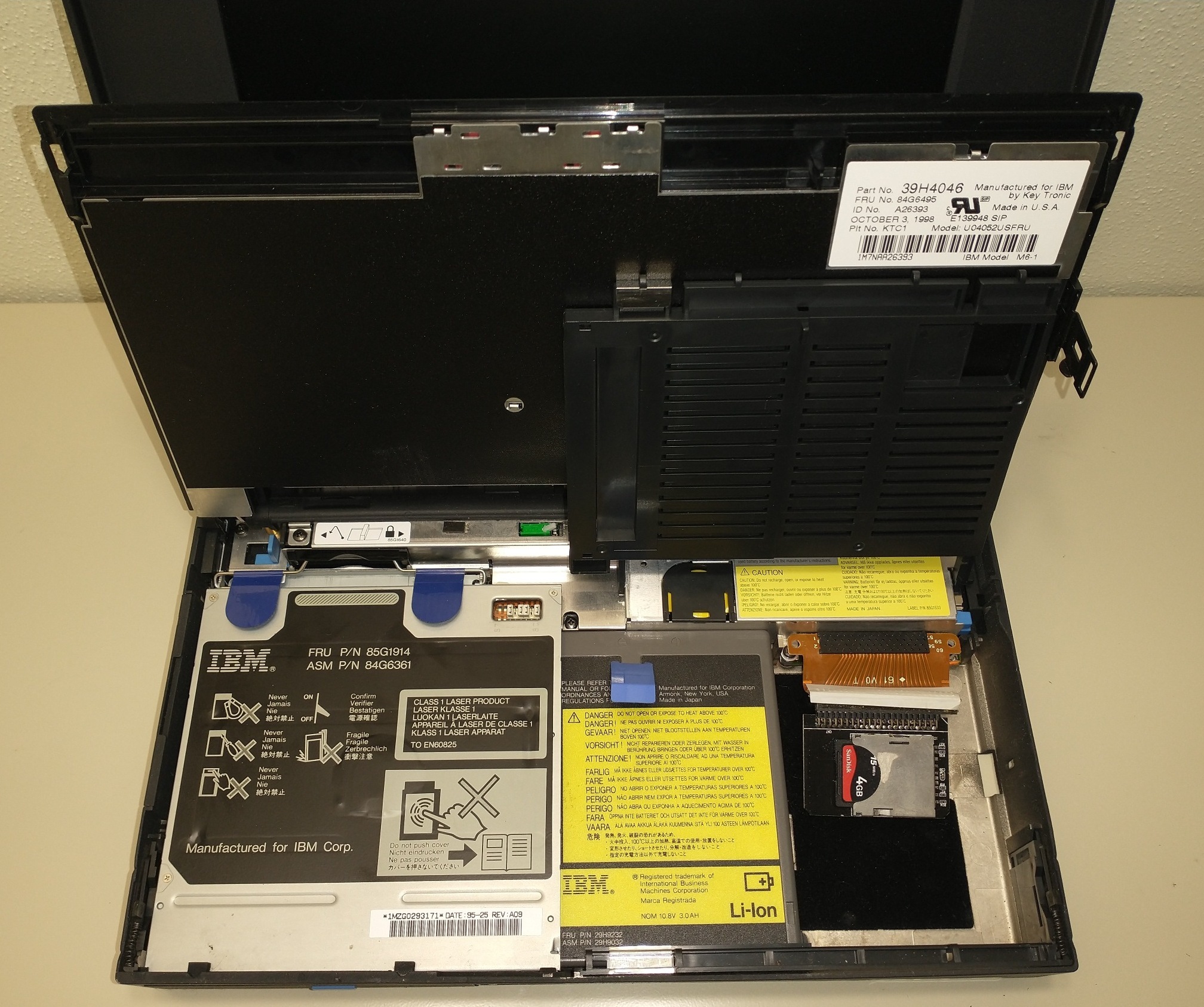
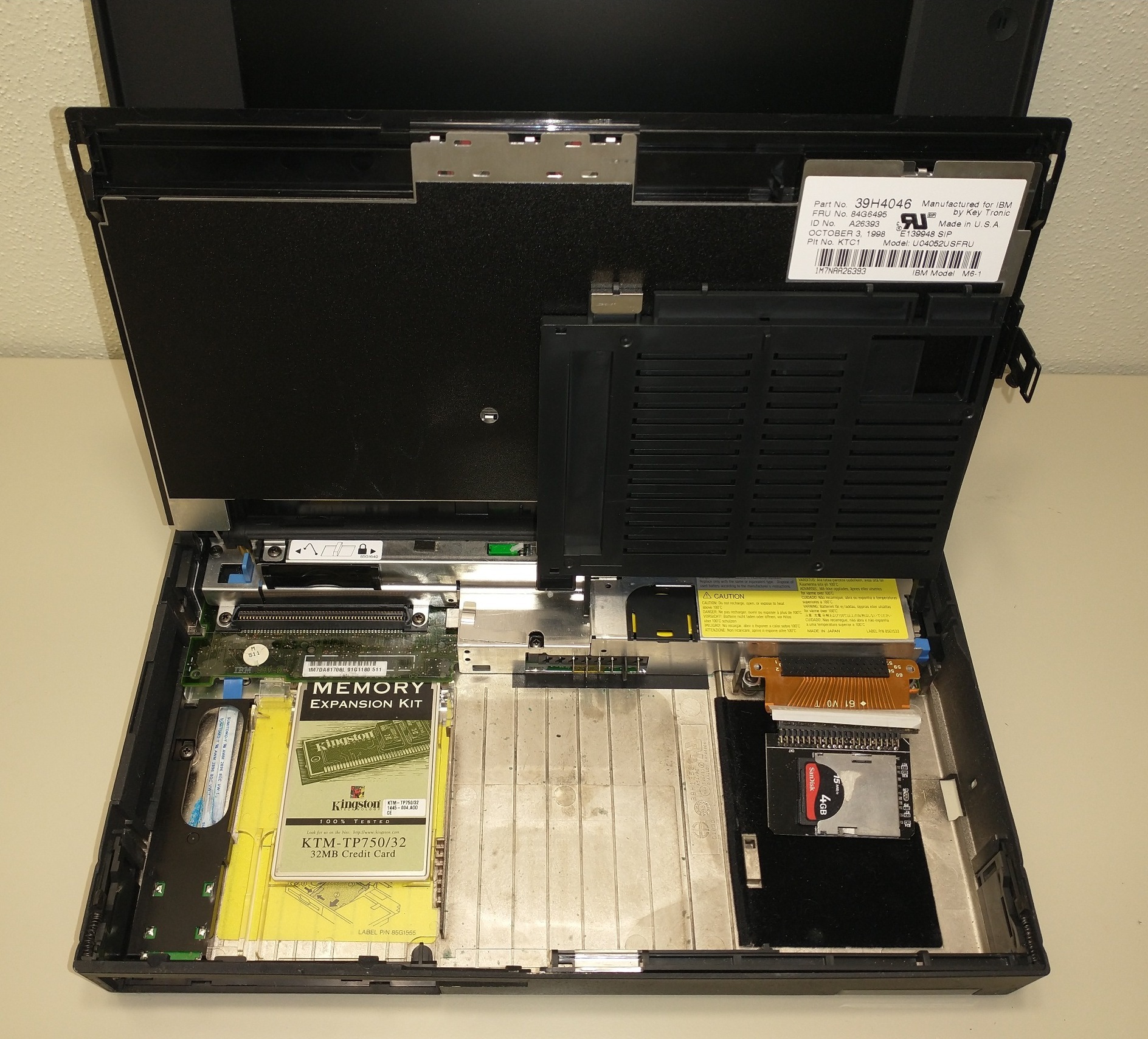
(Usually, the hard drive would be on the right, but in this laptop, I have it replaced with an SD Card in an SD-to-IDE adapter. Pictures of original hard drive caddy are below.)
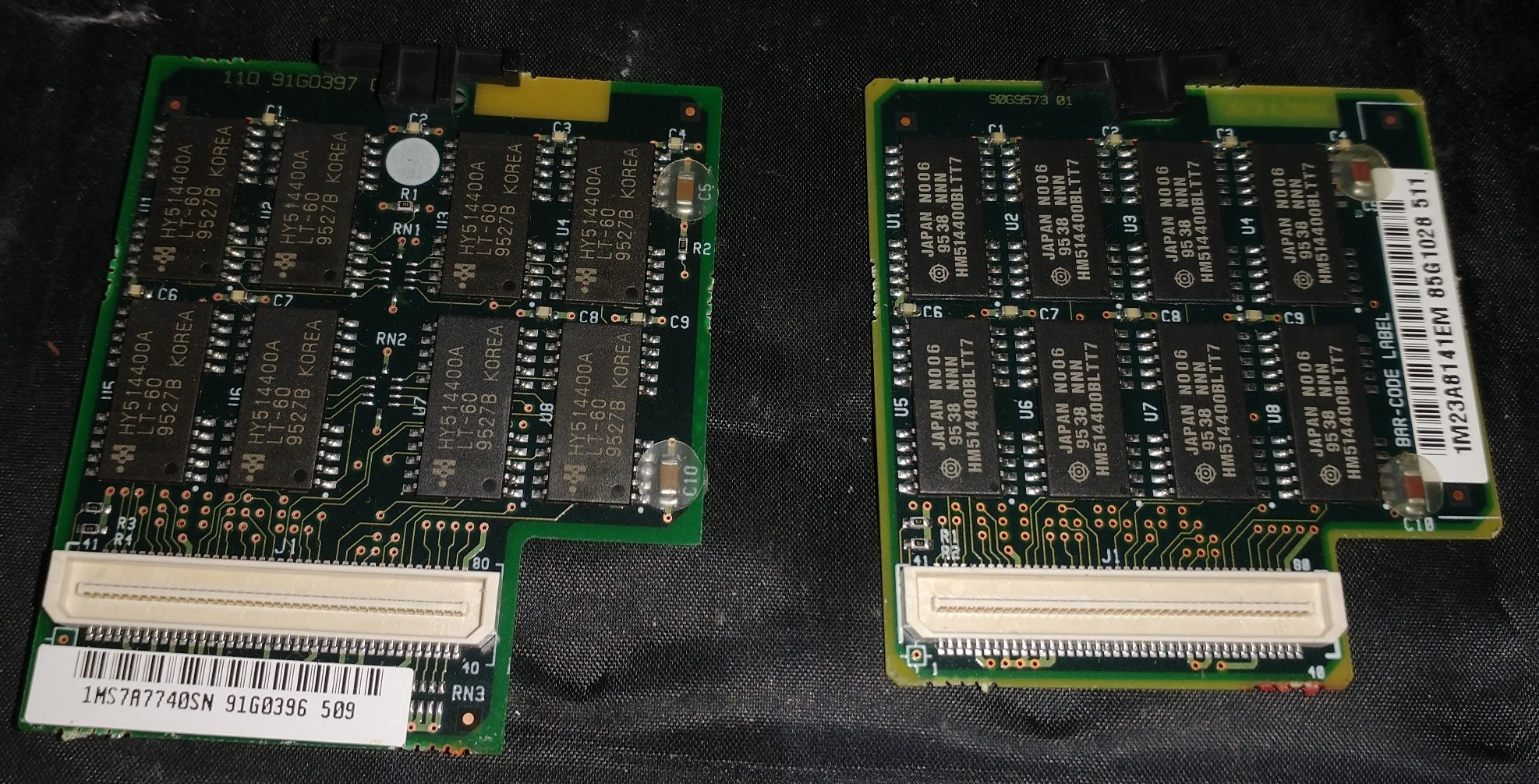
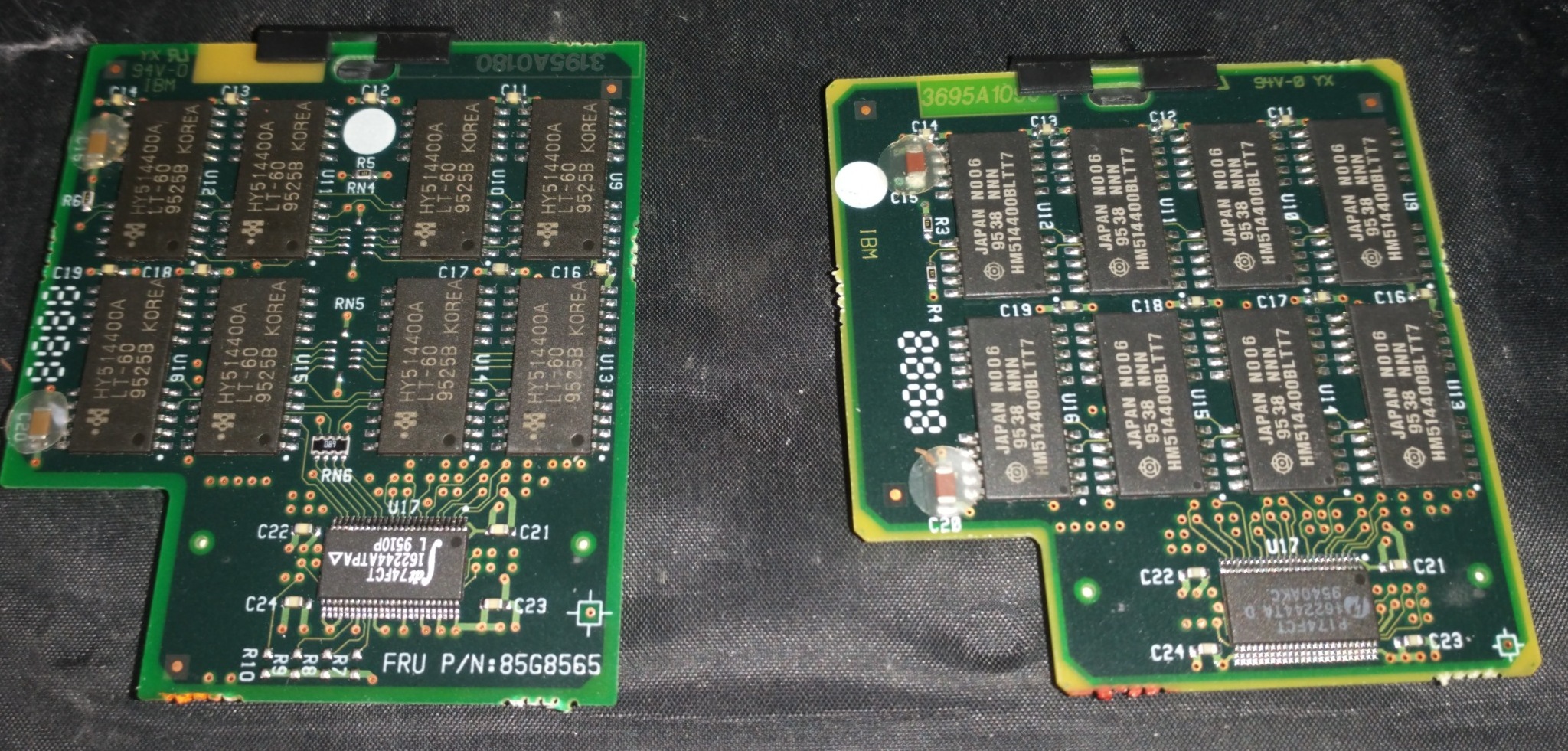
Memory upgrades are provided to the 755 series in the form of either IC Dram Cards, or adapter boards that allow you to use SODIMMs. I’ve expanded most of my 755CX units to 40MB with a 32MB IC DRAM card.
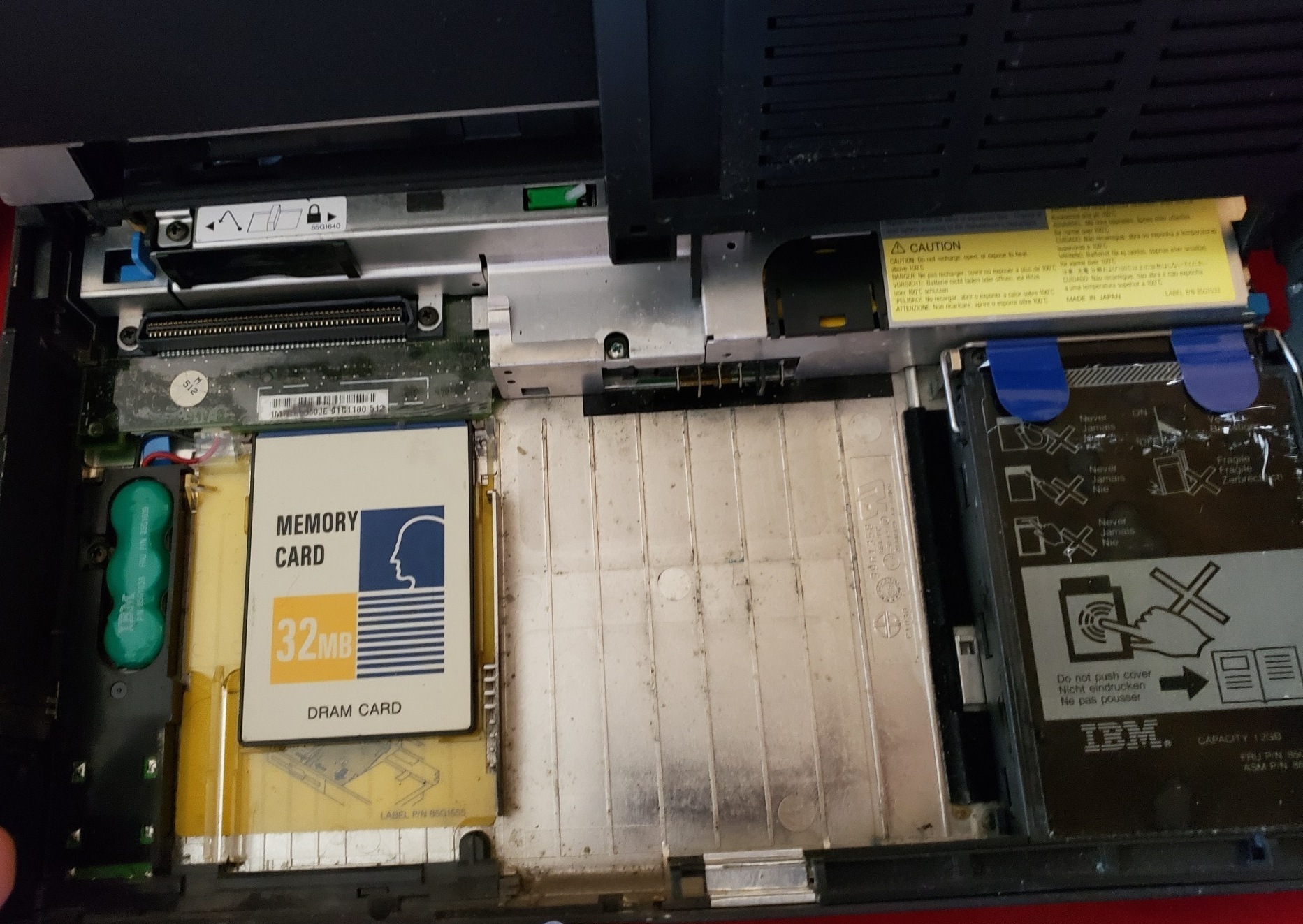
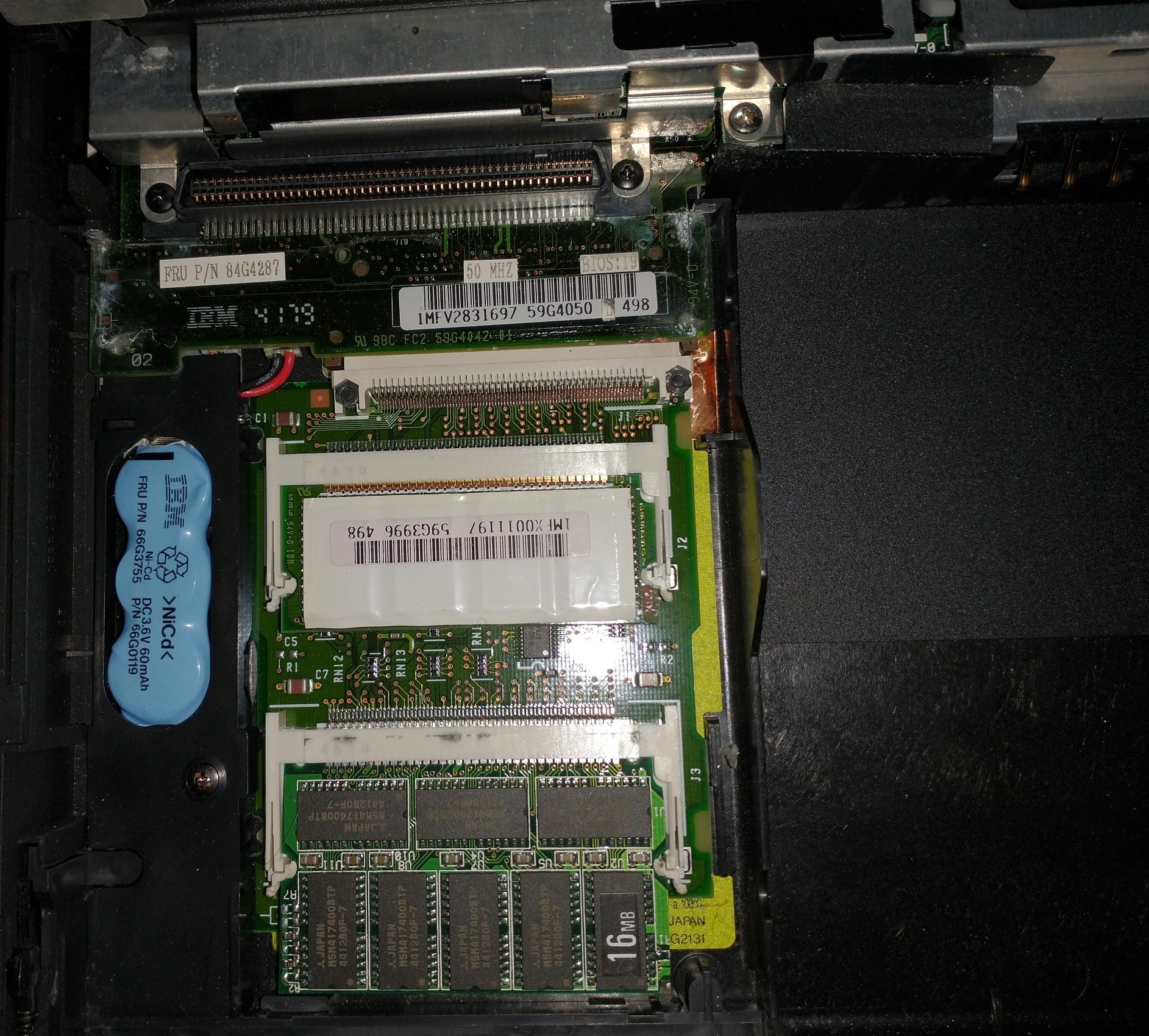
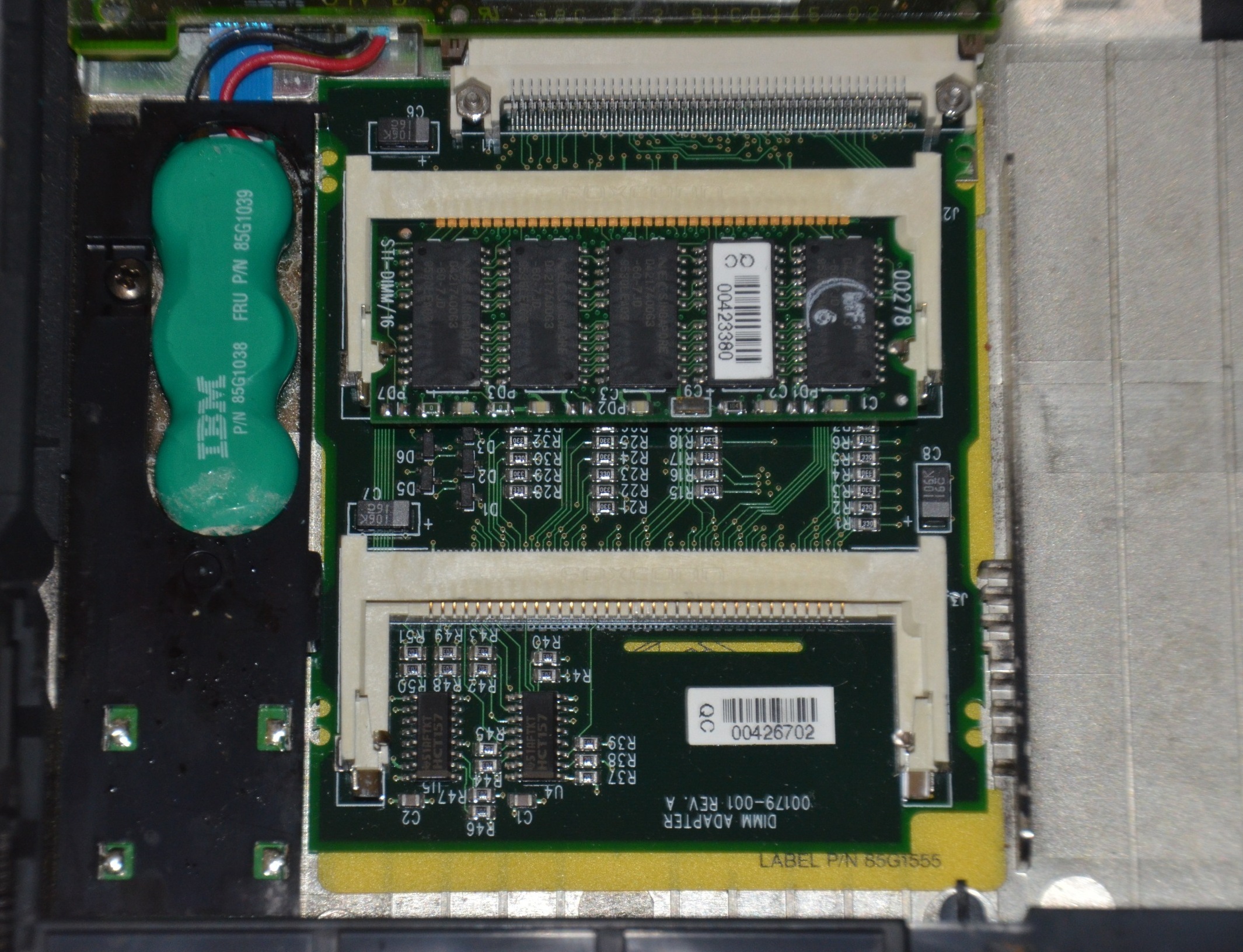
(From left to right: IC DRAM (common), 755c with RAM adapter (rare), 755CX with RAM adapter (rare).)
These machines generally came with either Windows or OS/2, and in some cases you could switch between the two as follows:
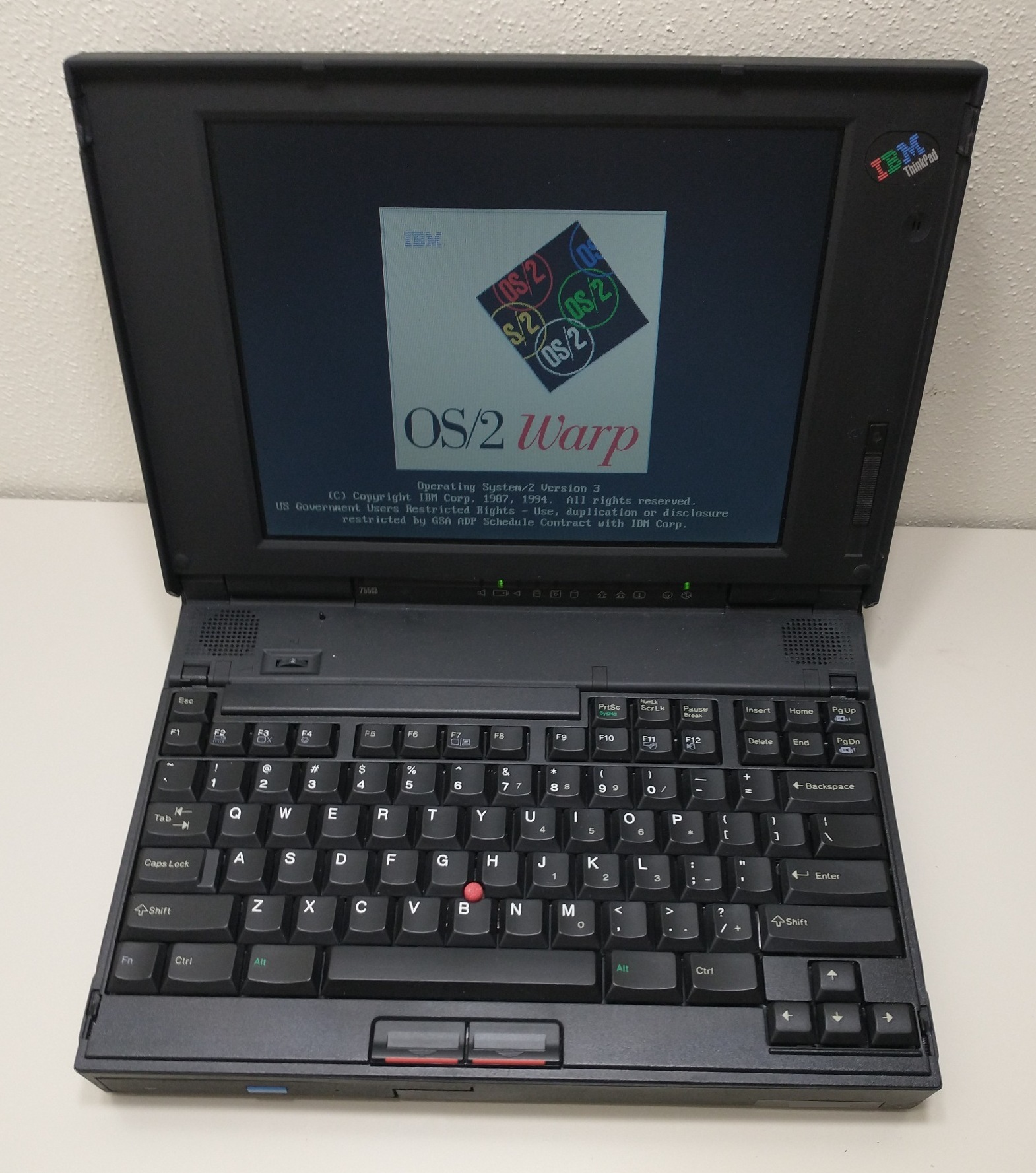
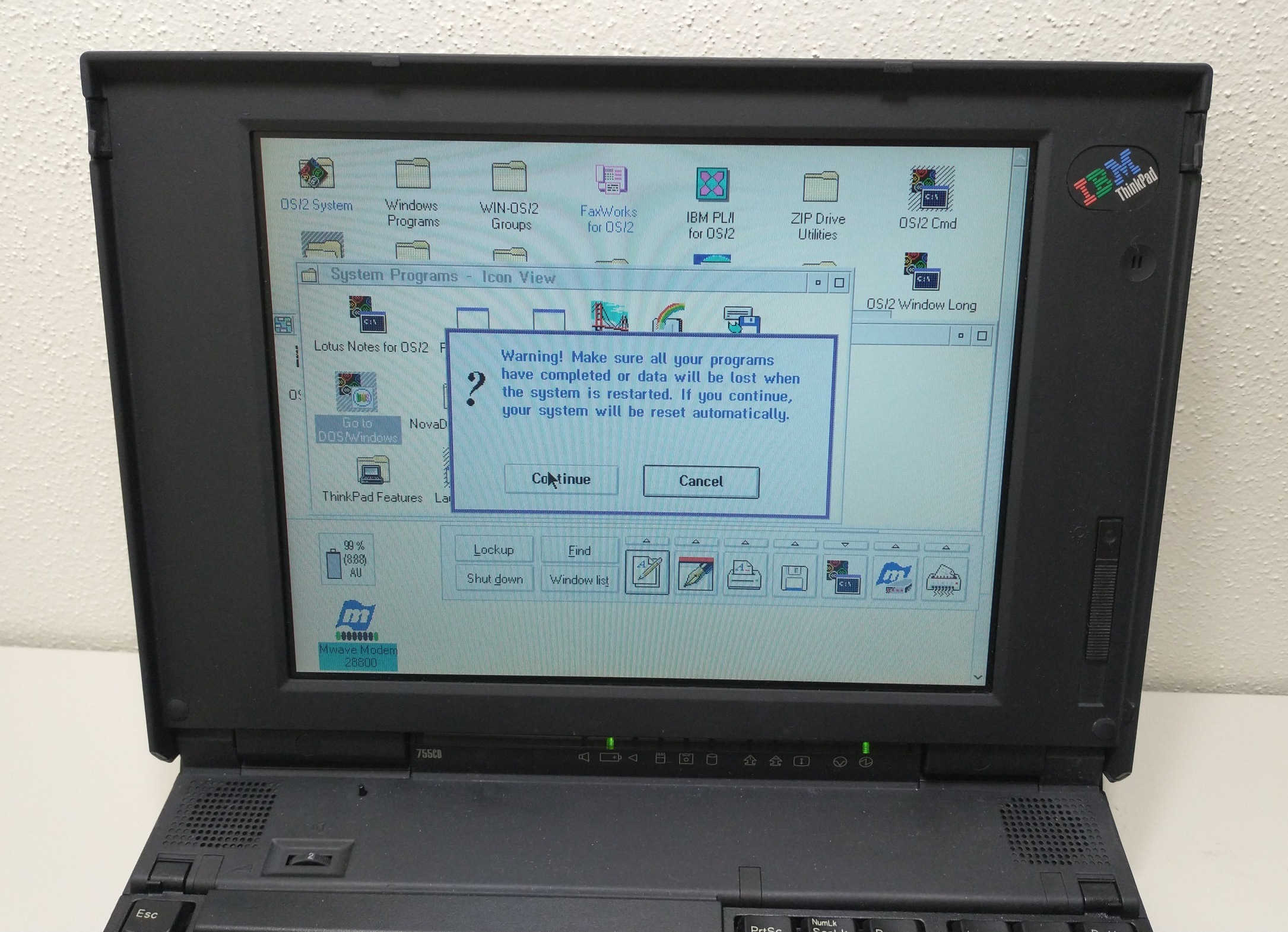
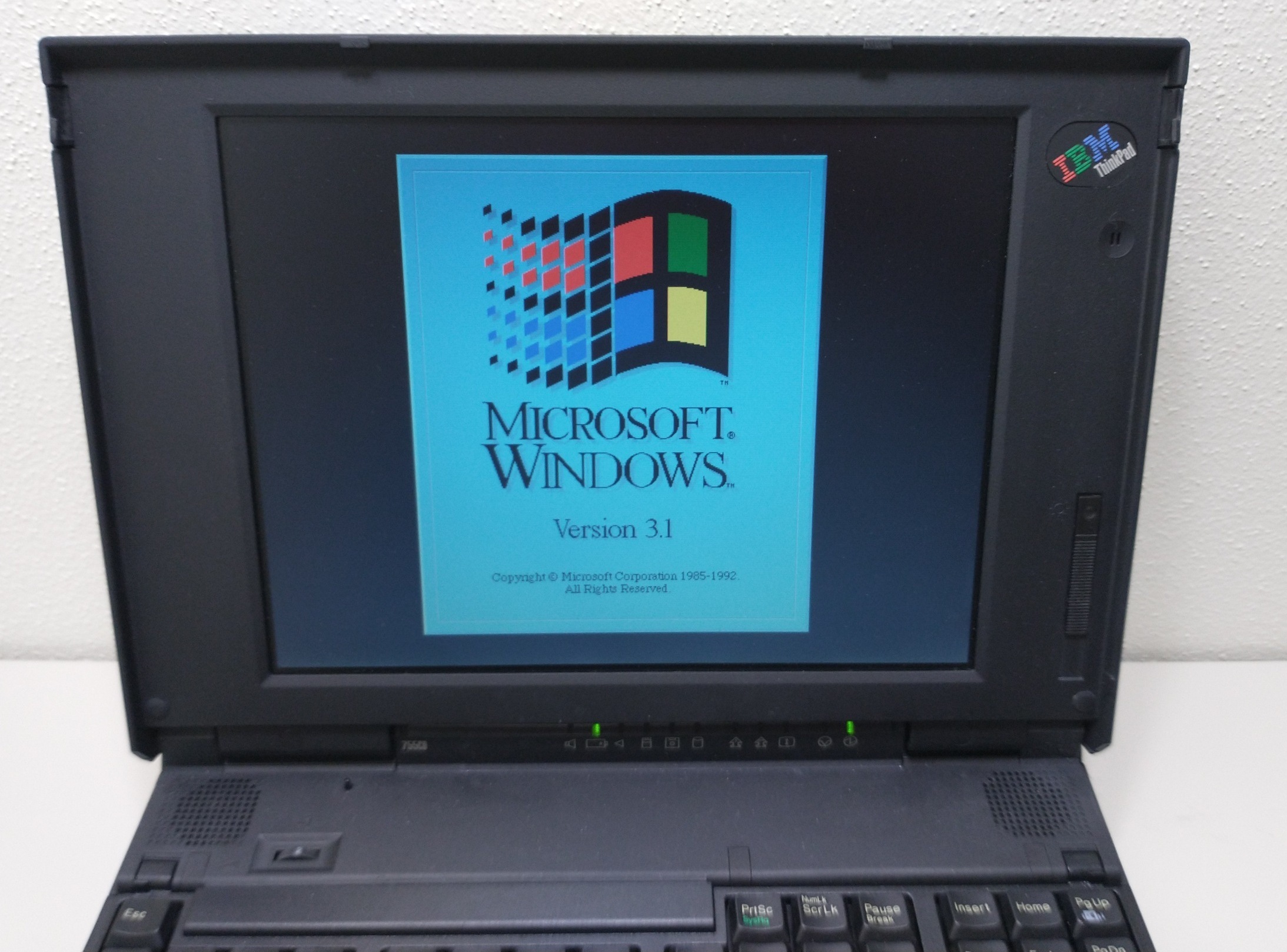
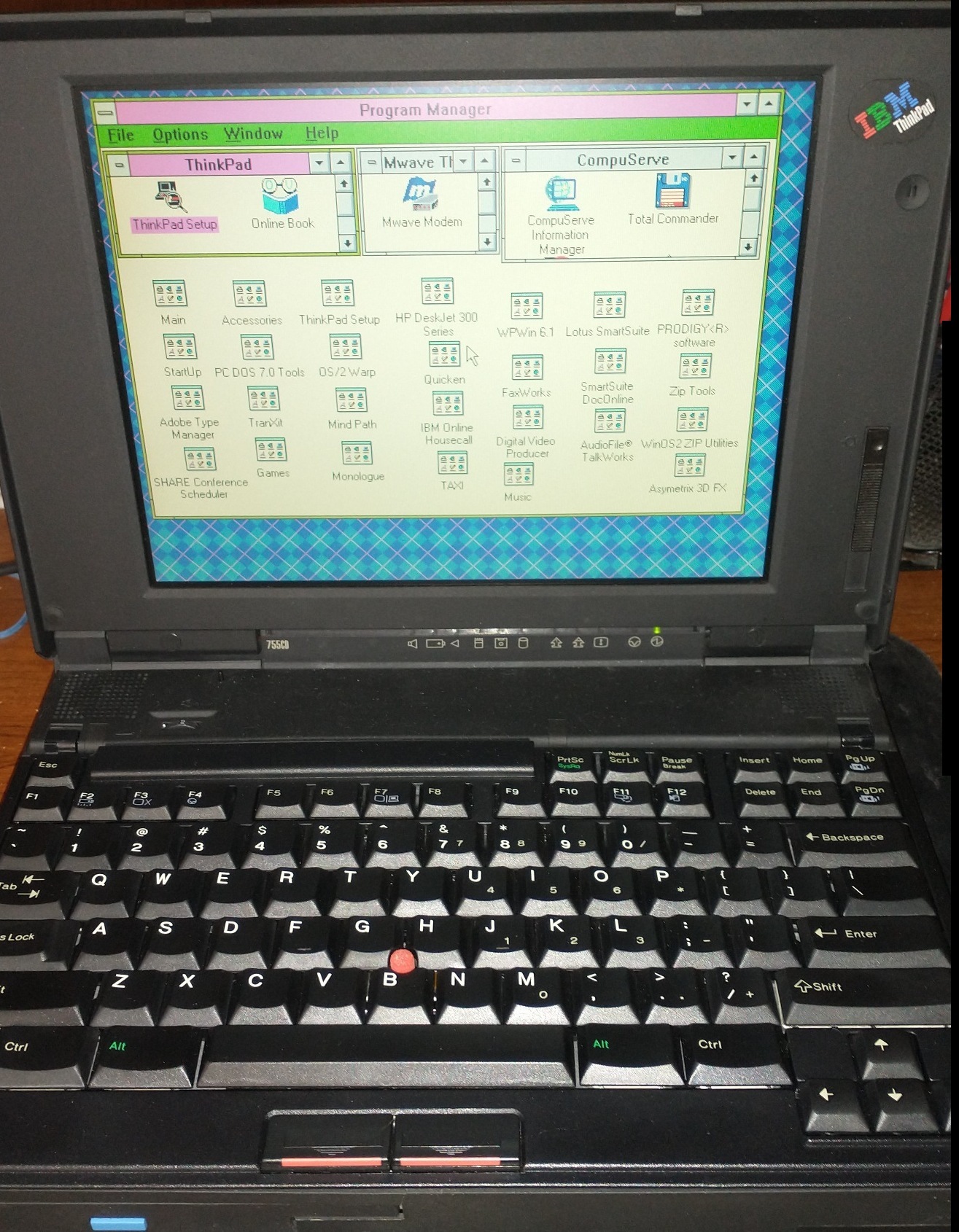
Some of them also came with the User Guide and Demo Tour preinstalled…

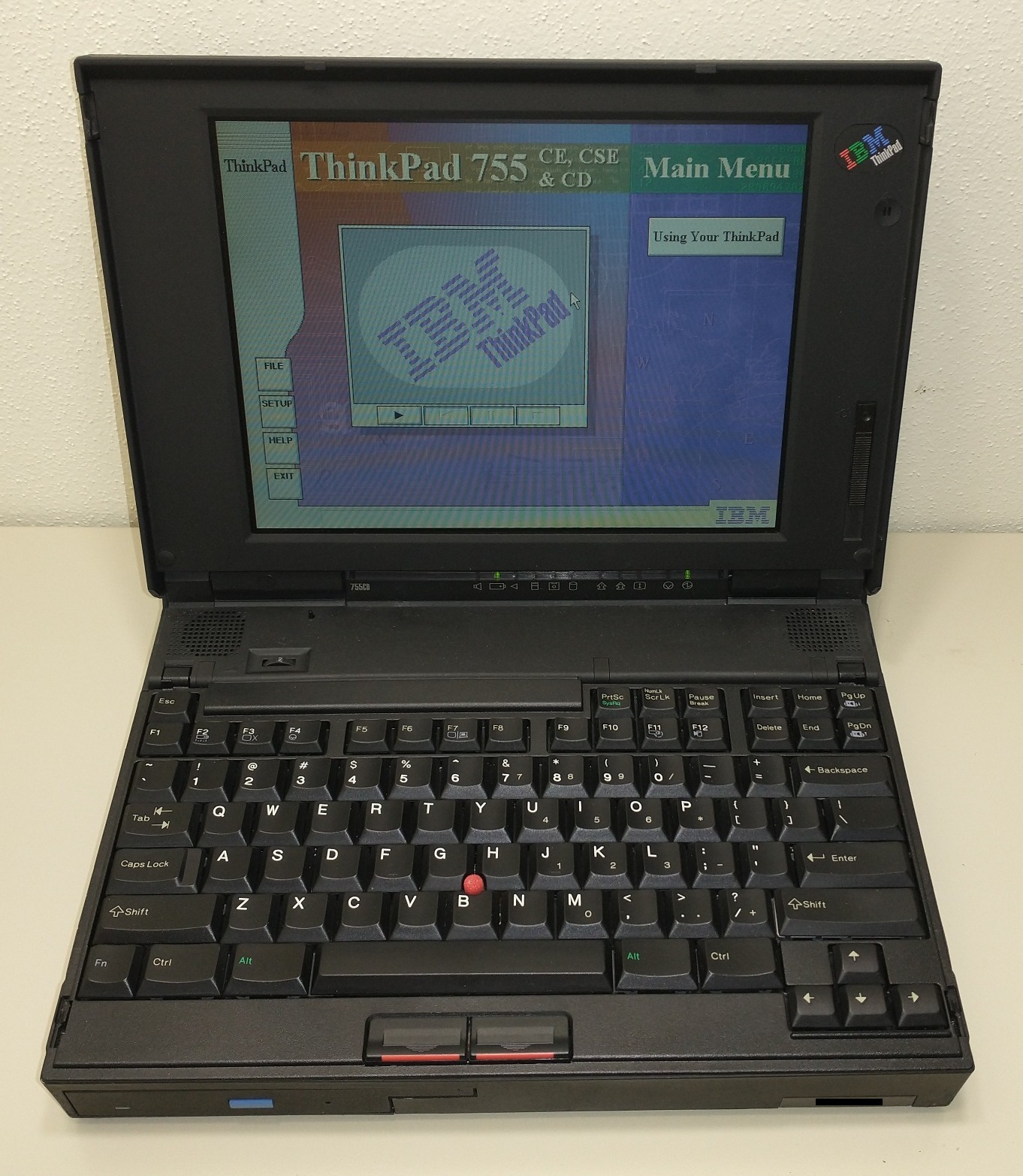
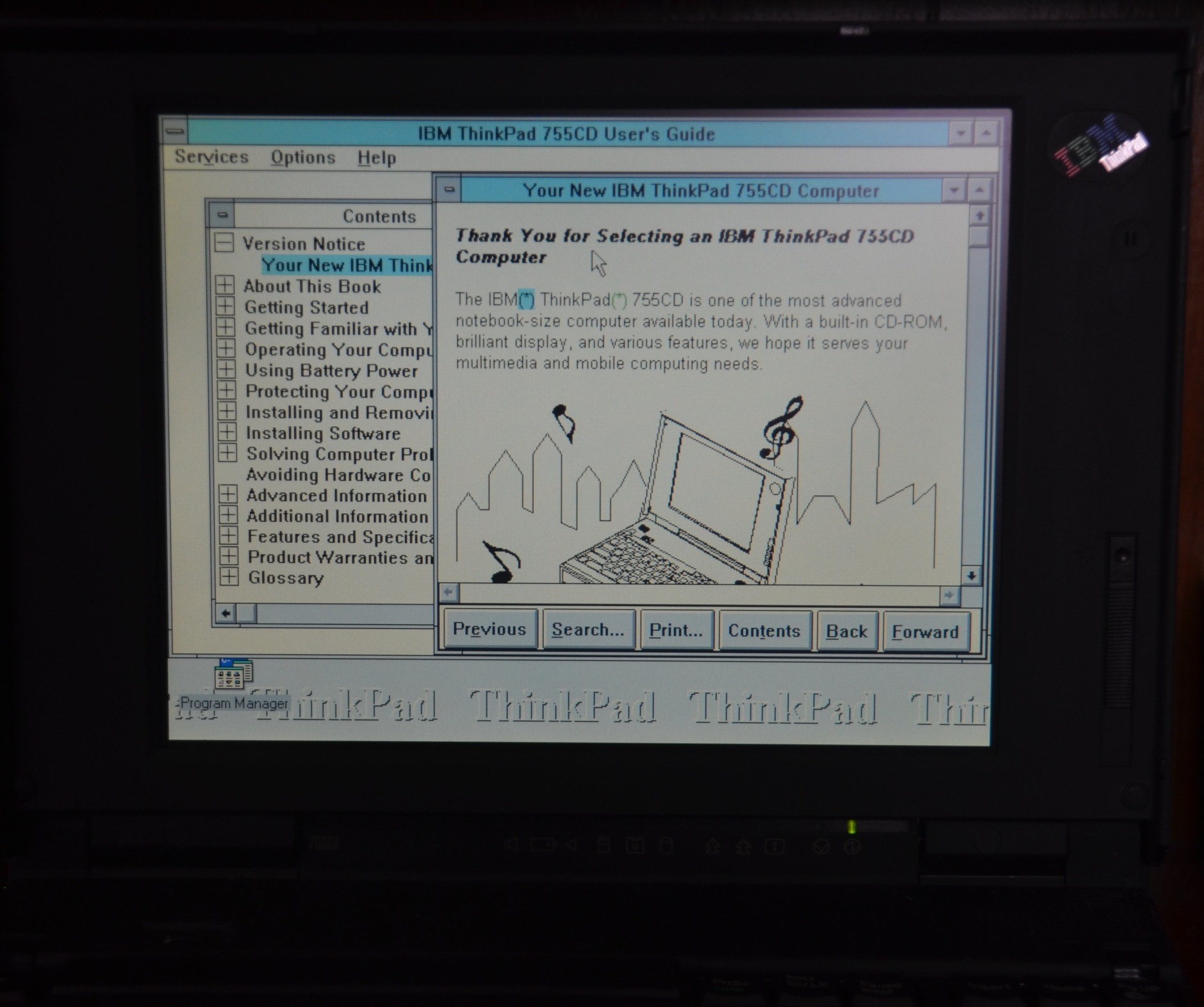
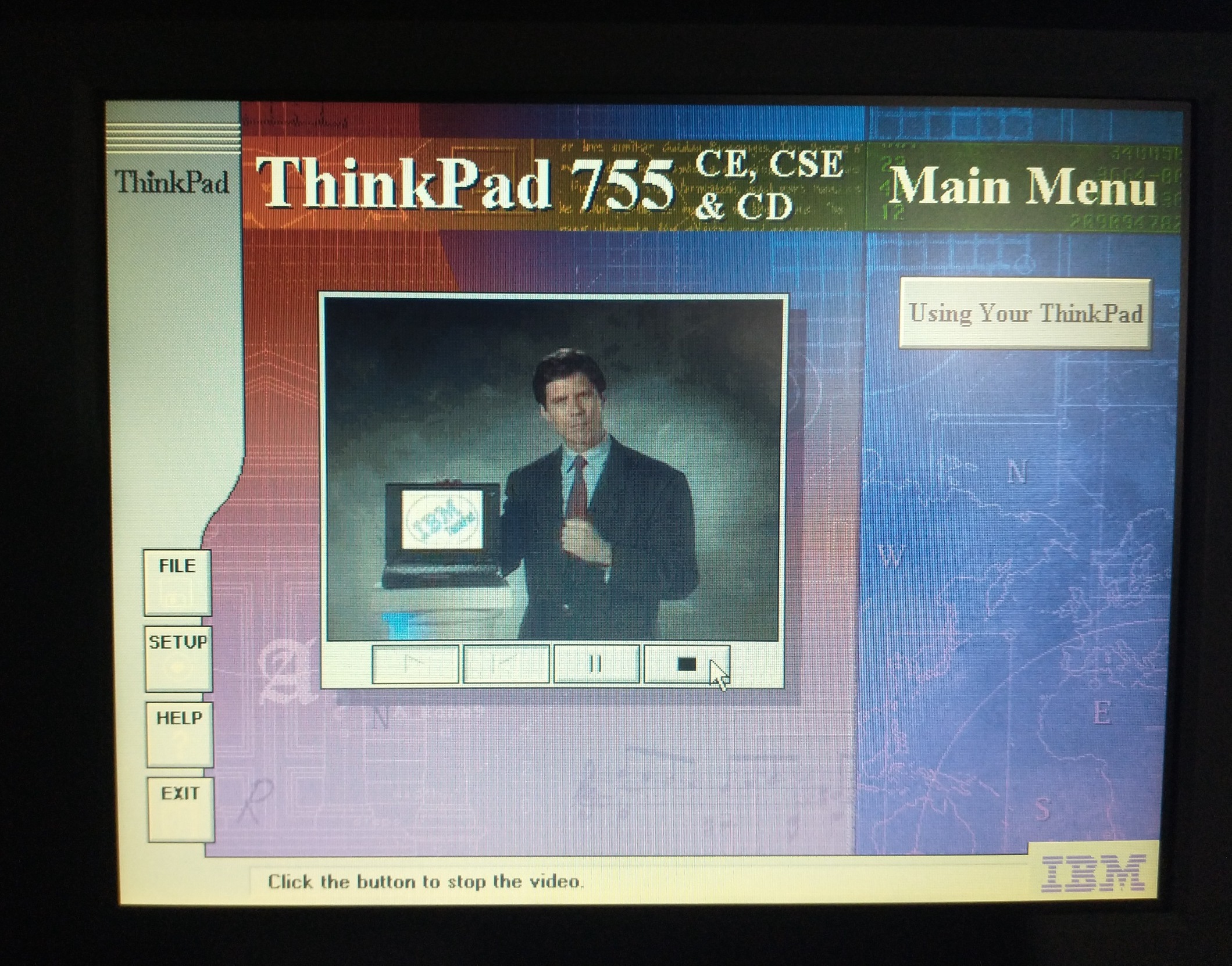
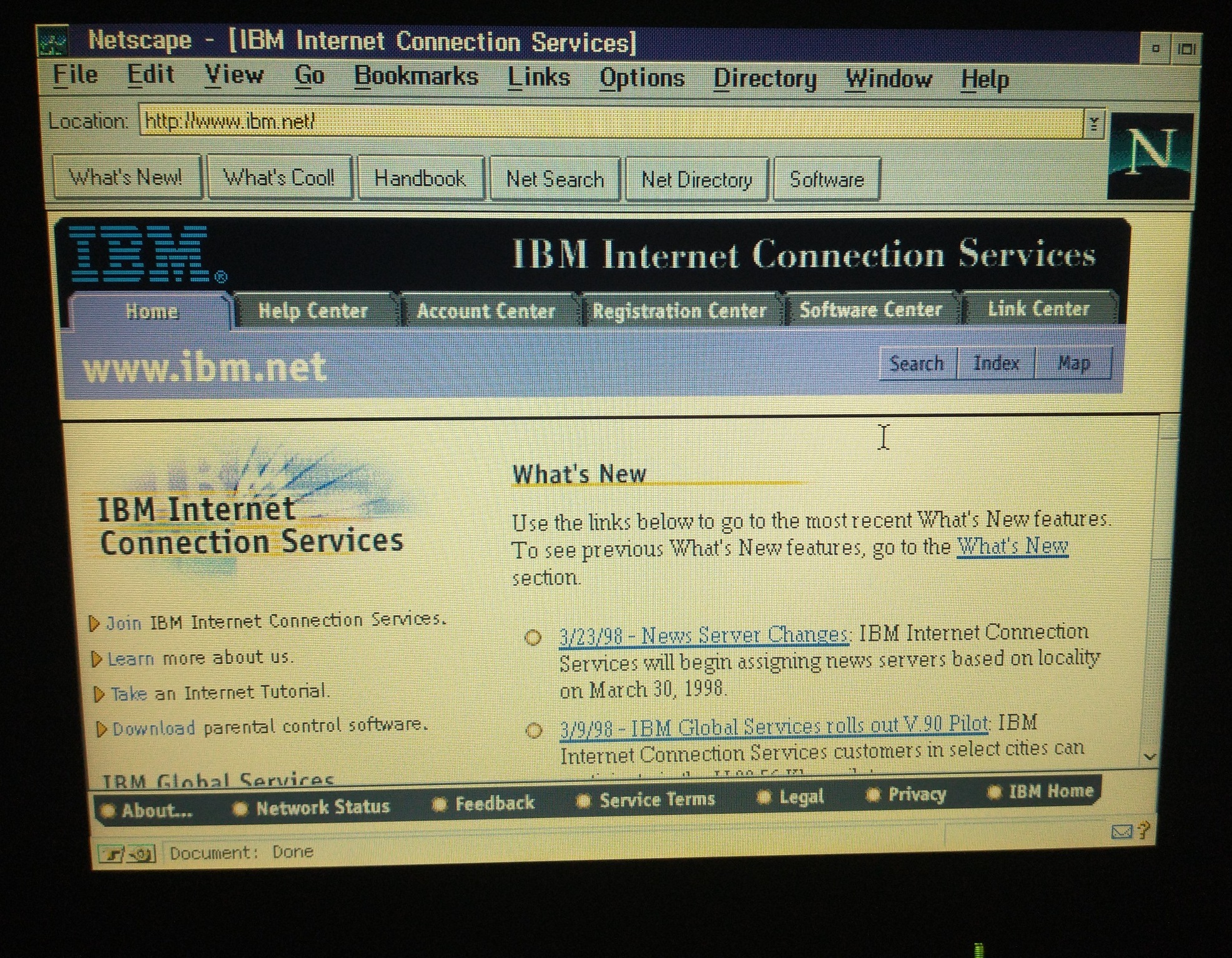
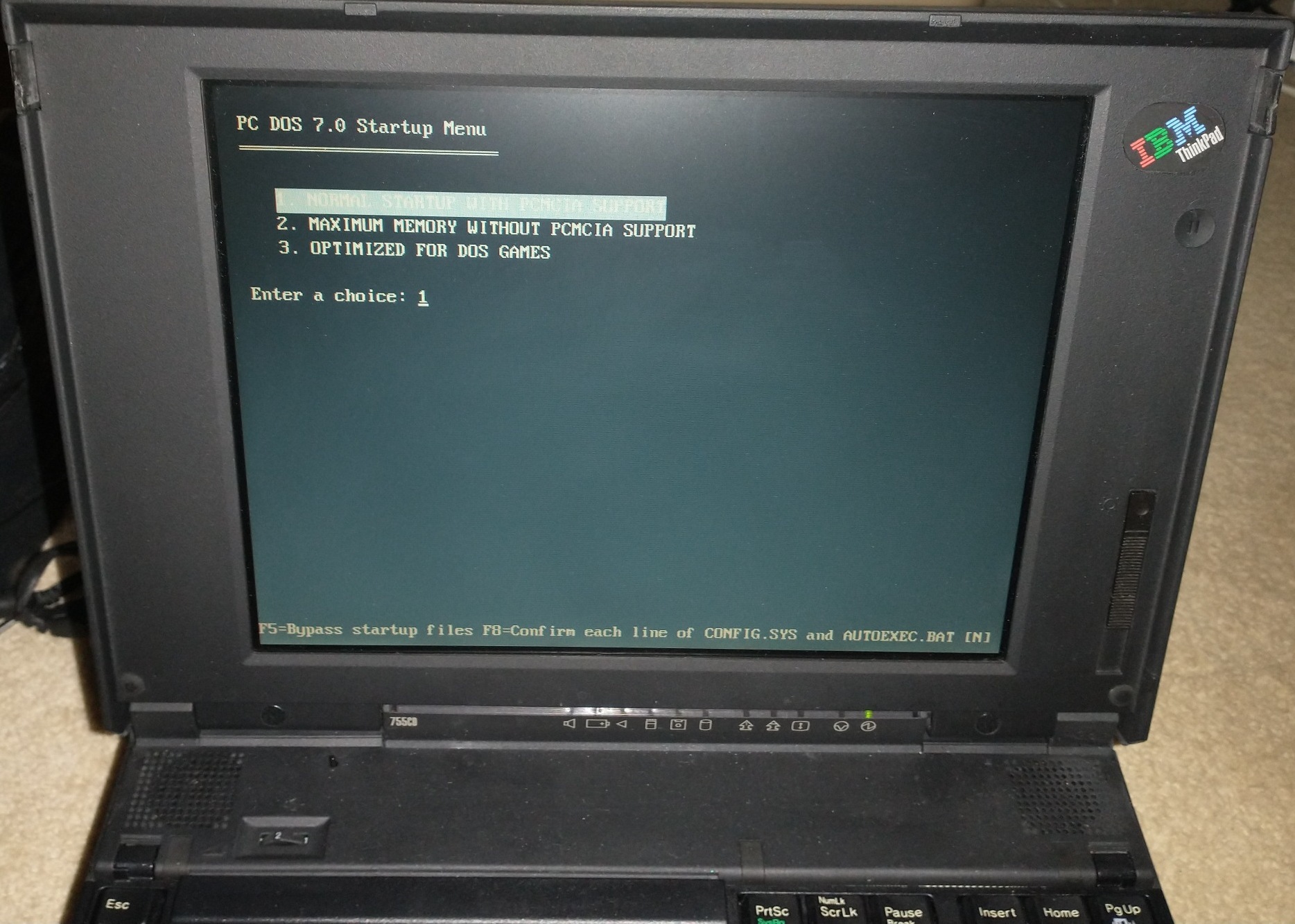
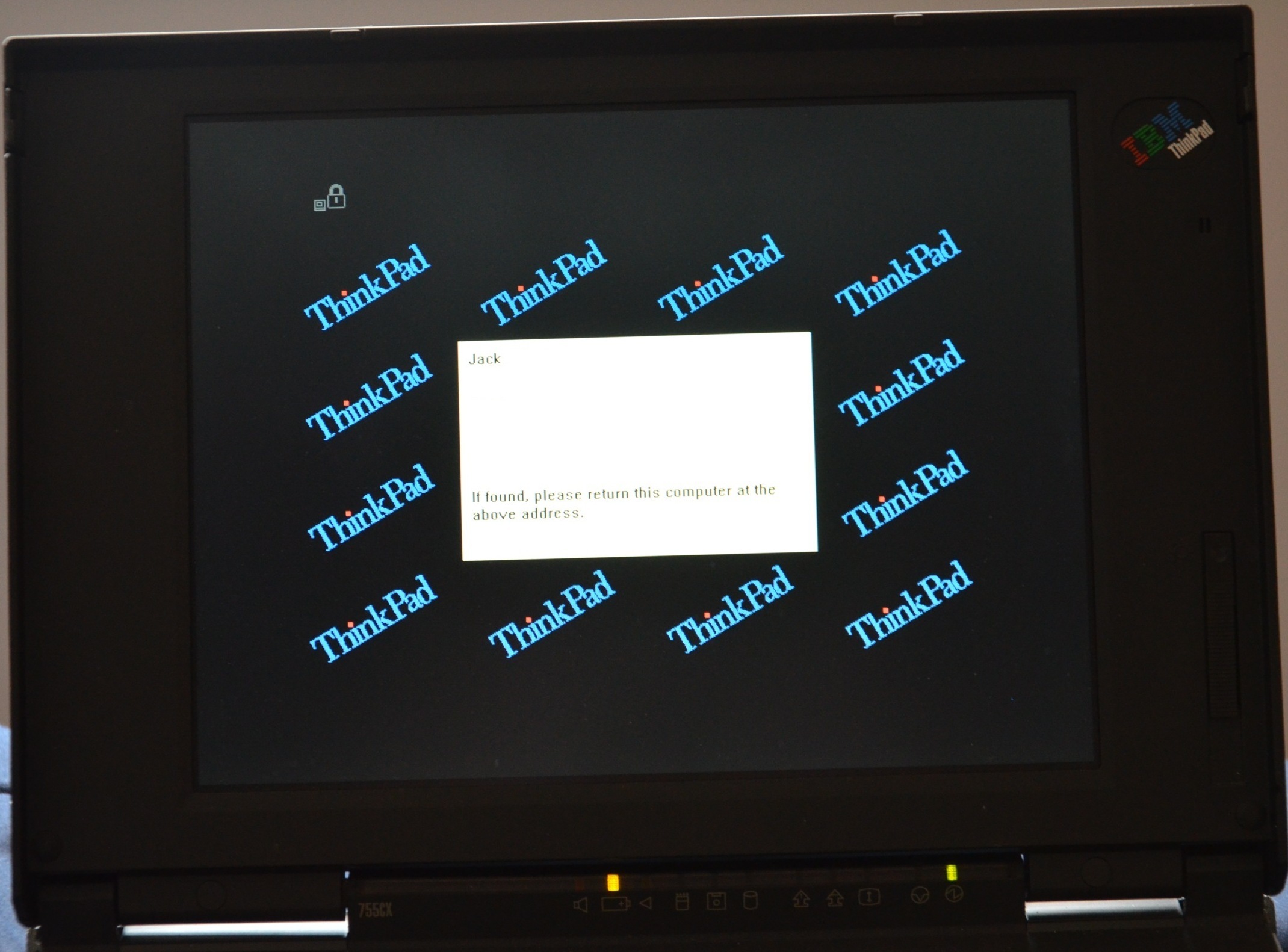
…along with Netscape, a factory boot menu, and even the ability to add a custom boot password prompt:
Screens
All of the screens from 1995 and later are still in excellent working condition, with no signs of vinegar syndrome or clouding like I’ve seen on my 760s. Screens before 1995 (which usually have two sliders, even for TFT versions) unfortunately used the round leaky electrolytic capacitors that have plagued most devices from 1991-1996 by now. However, if you don’t want to recap them or are unable to, you can actually just drop in a newer screen – I did this once by putting a single-slider 755C screen on a 1993 750C with no issues whatsoever (both were TFT)!
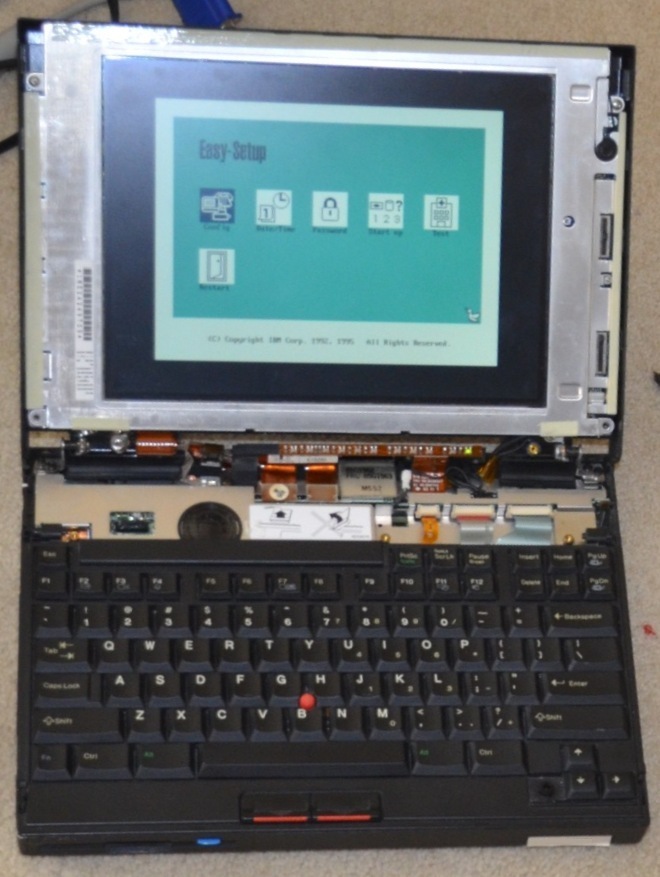
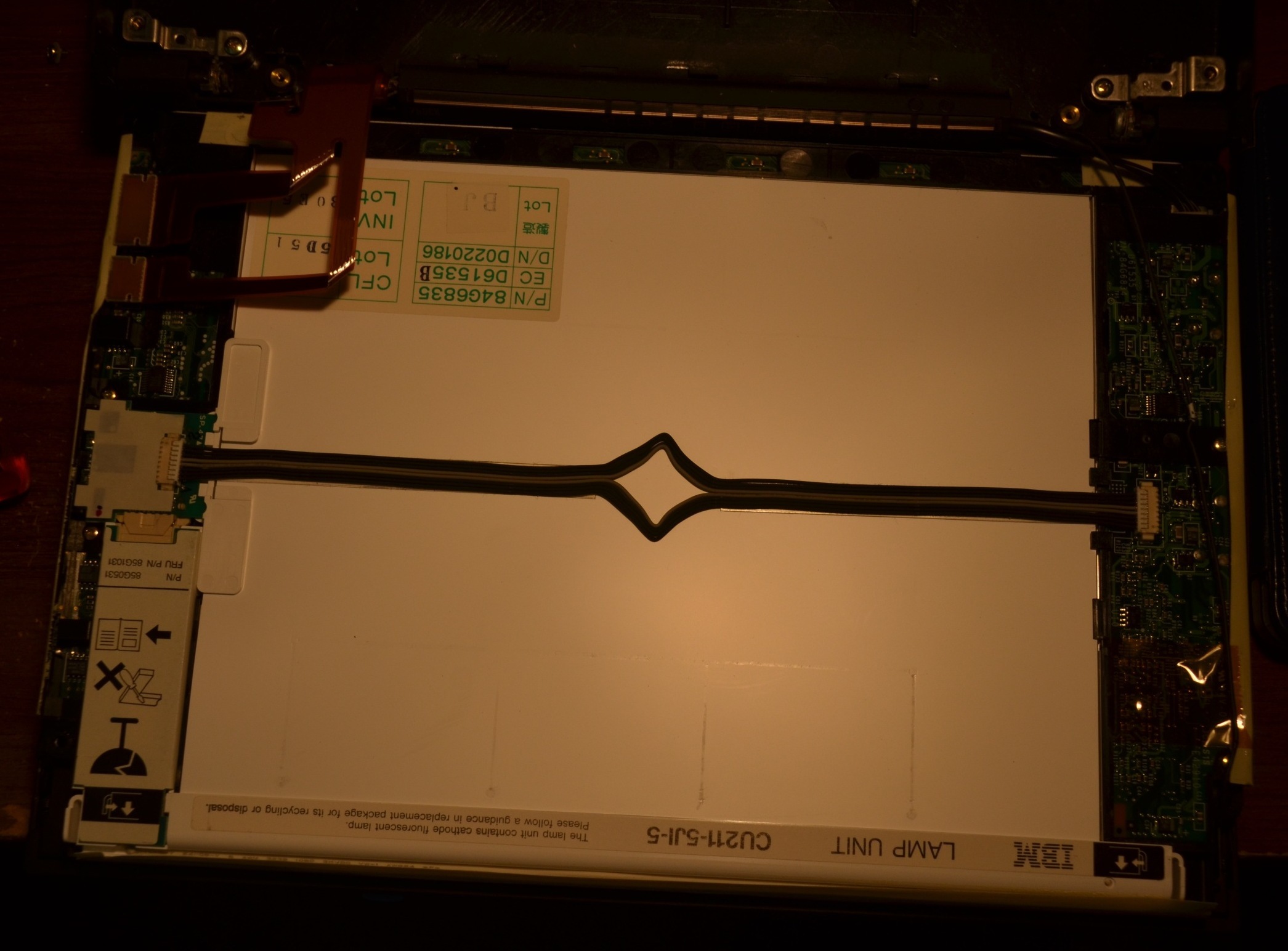
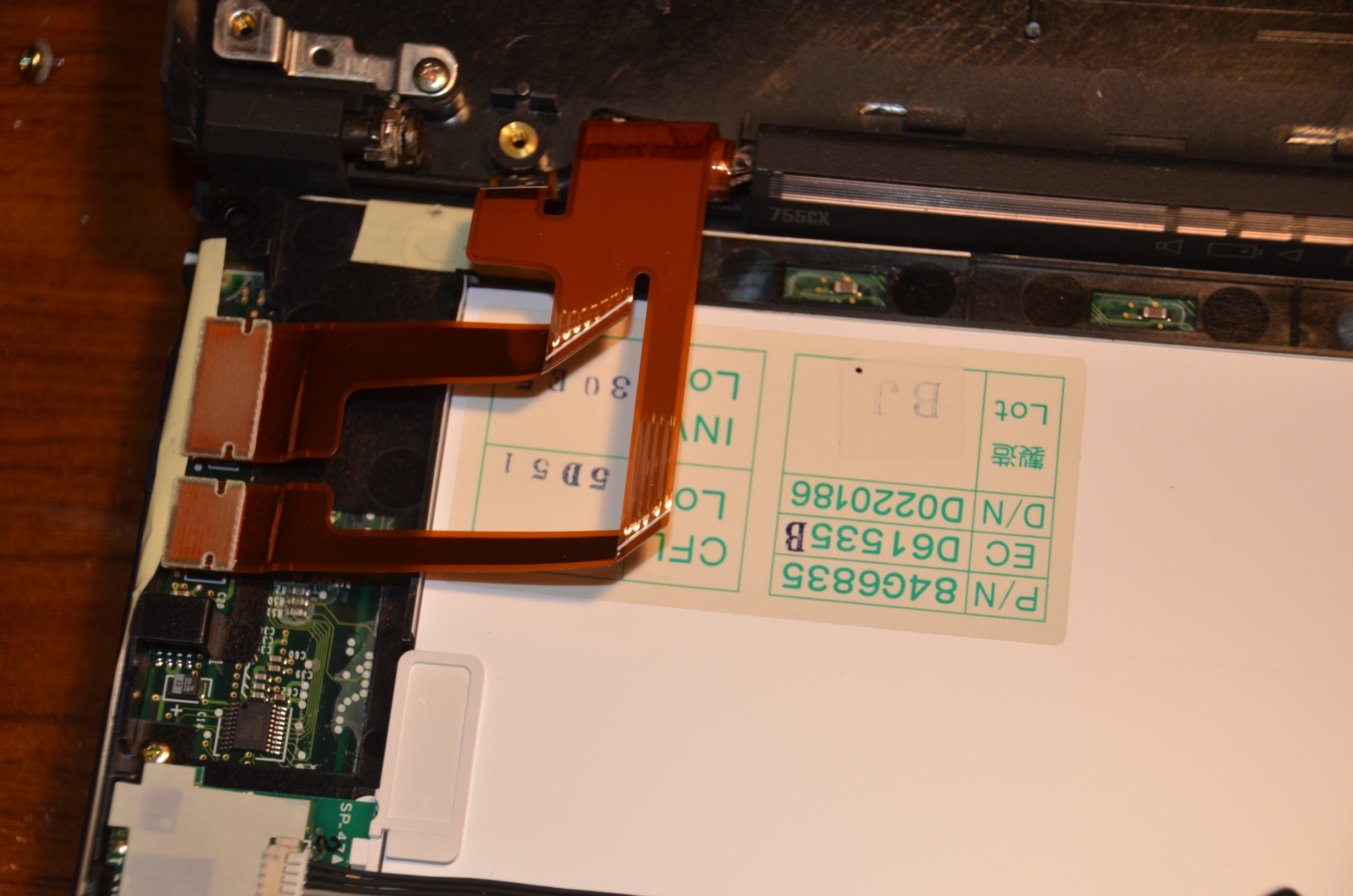
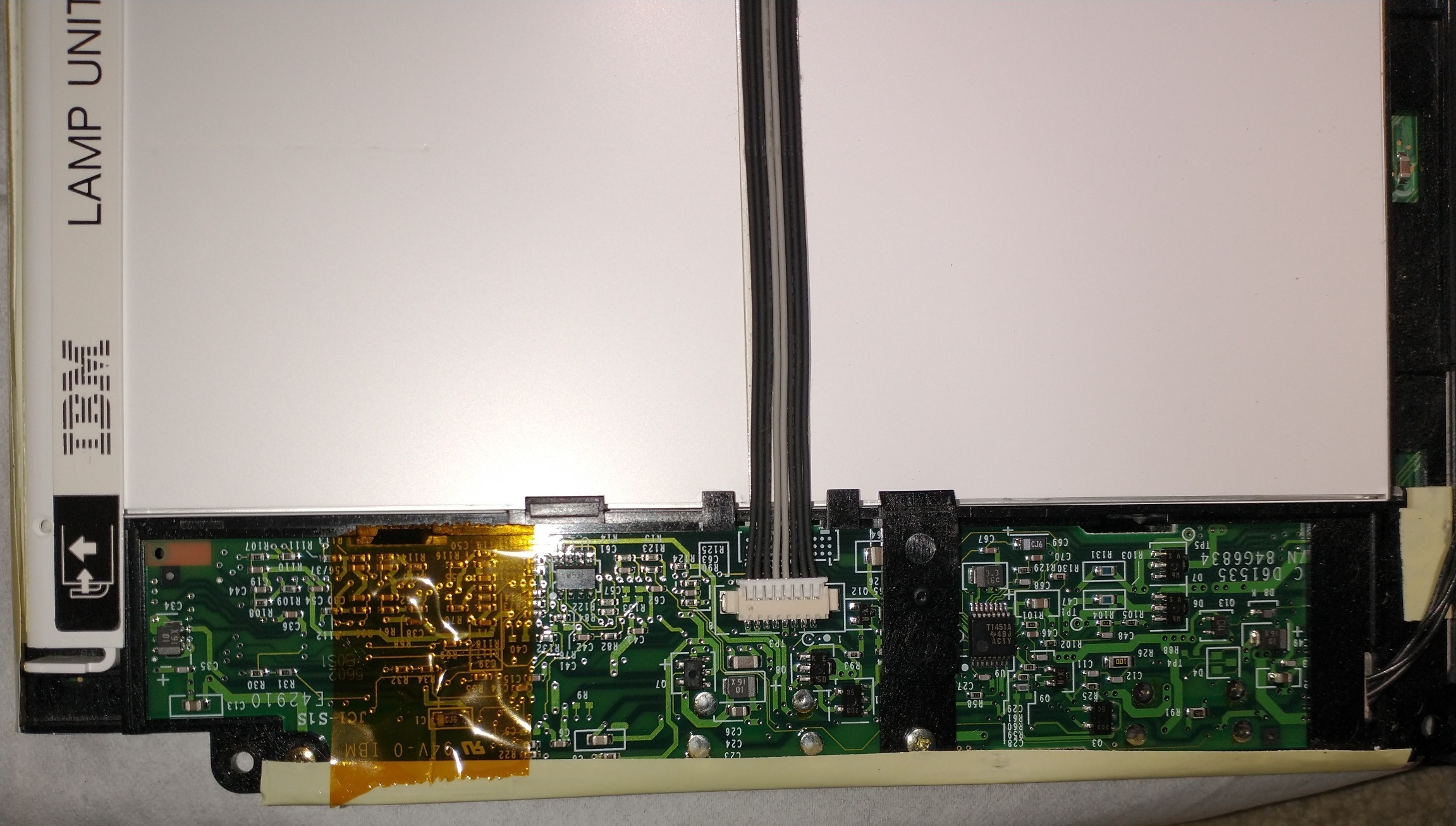
(Disassembly of ThinkPad 755CX screen)
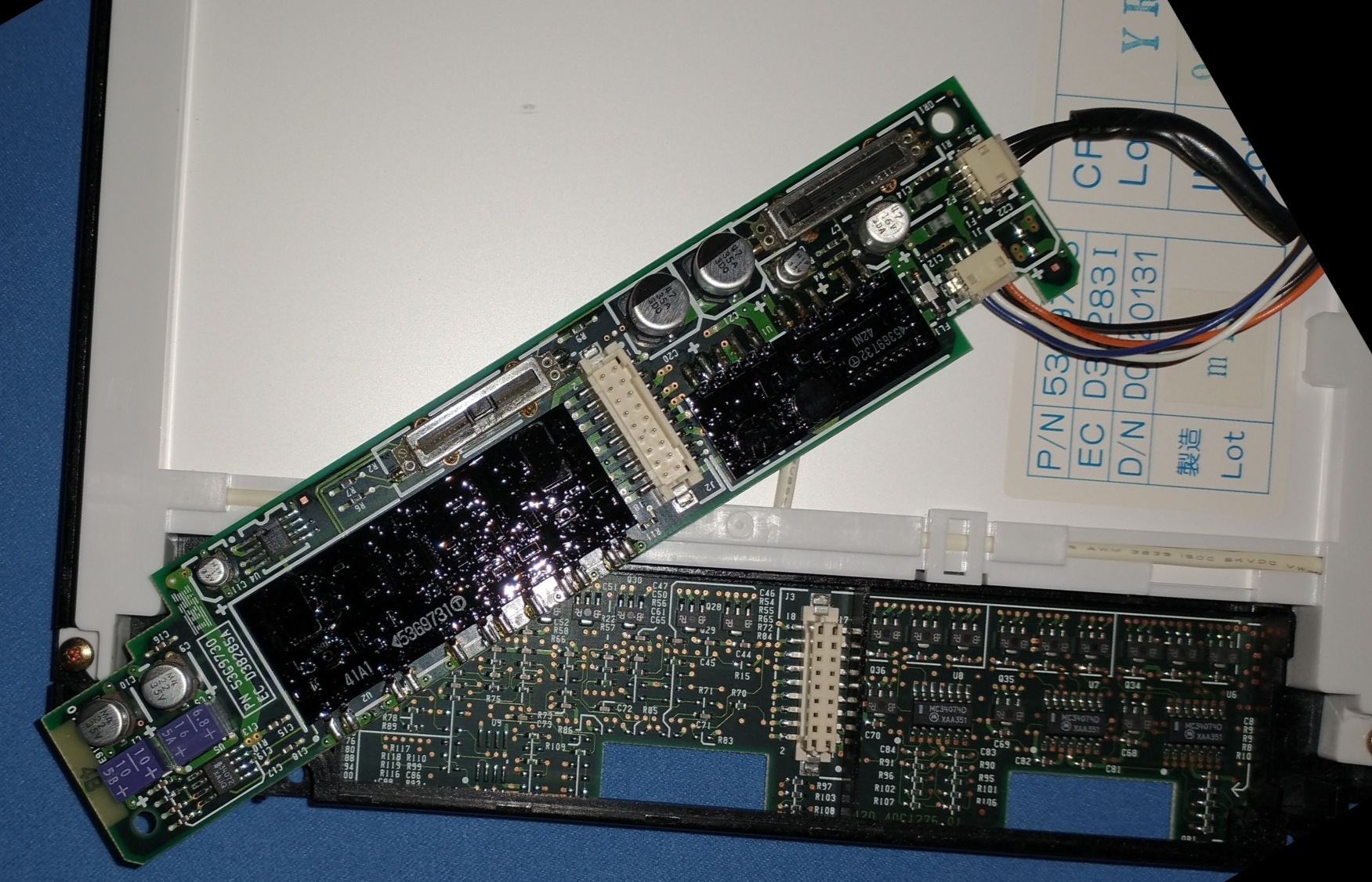
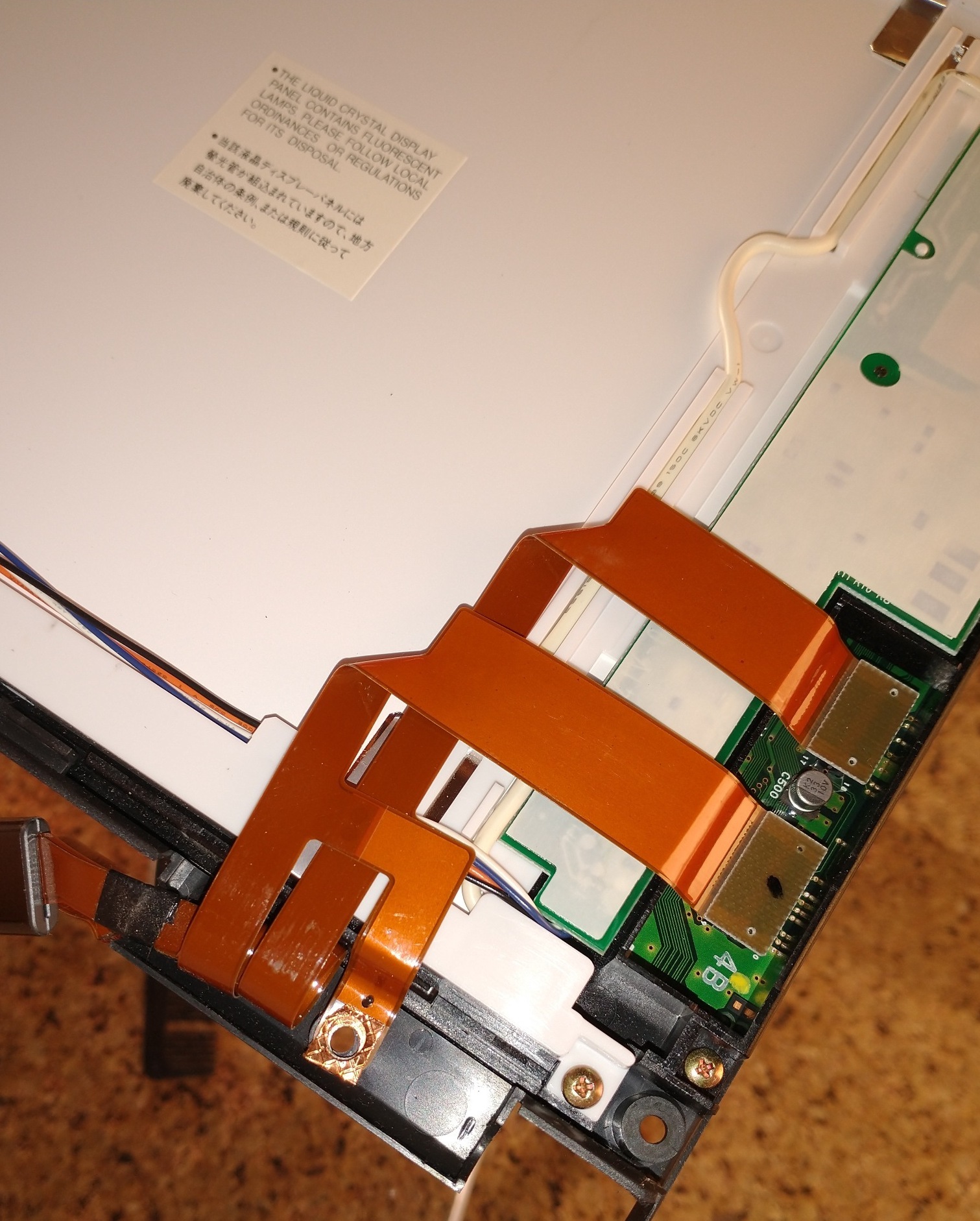
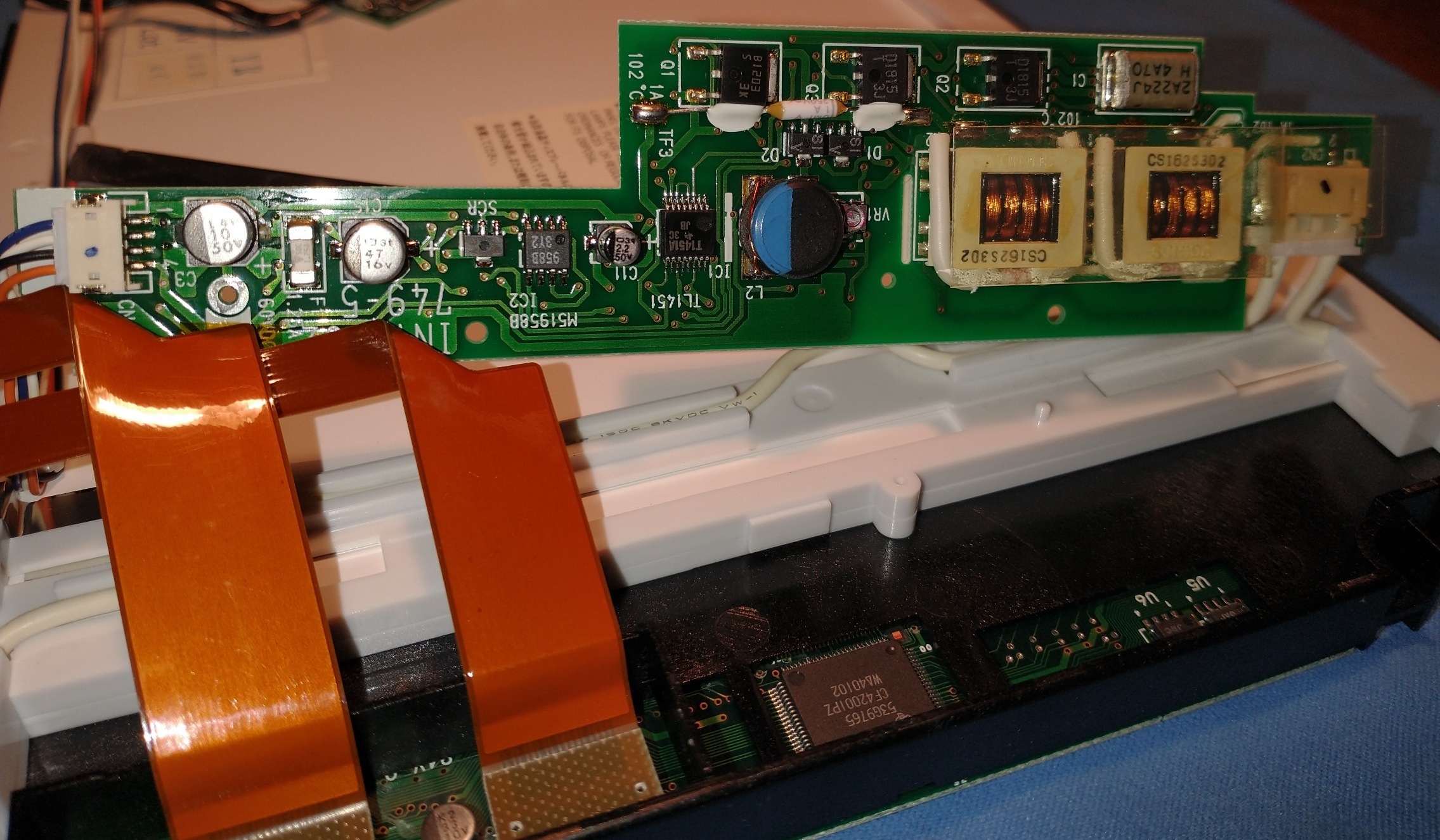
(Disassembly of ThinkPad 755C screen)
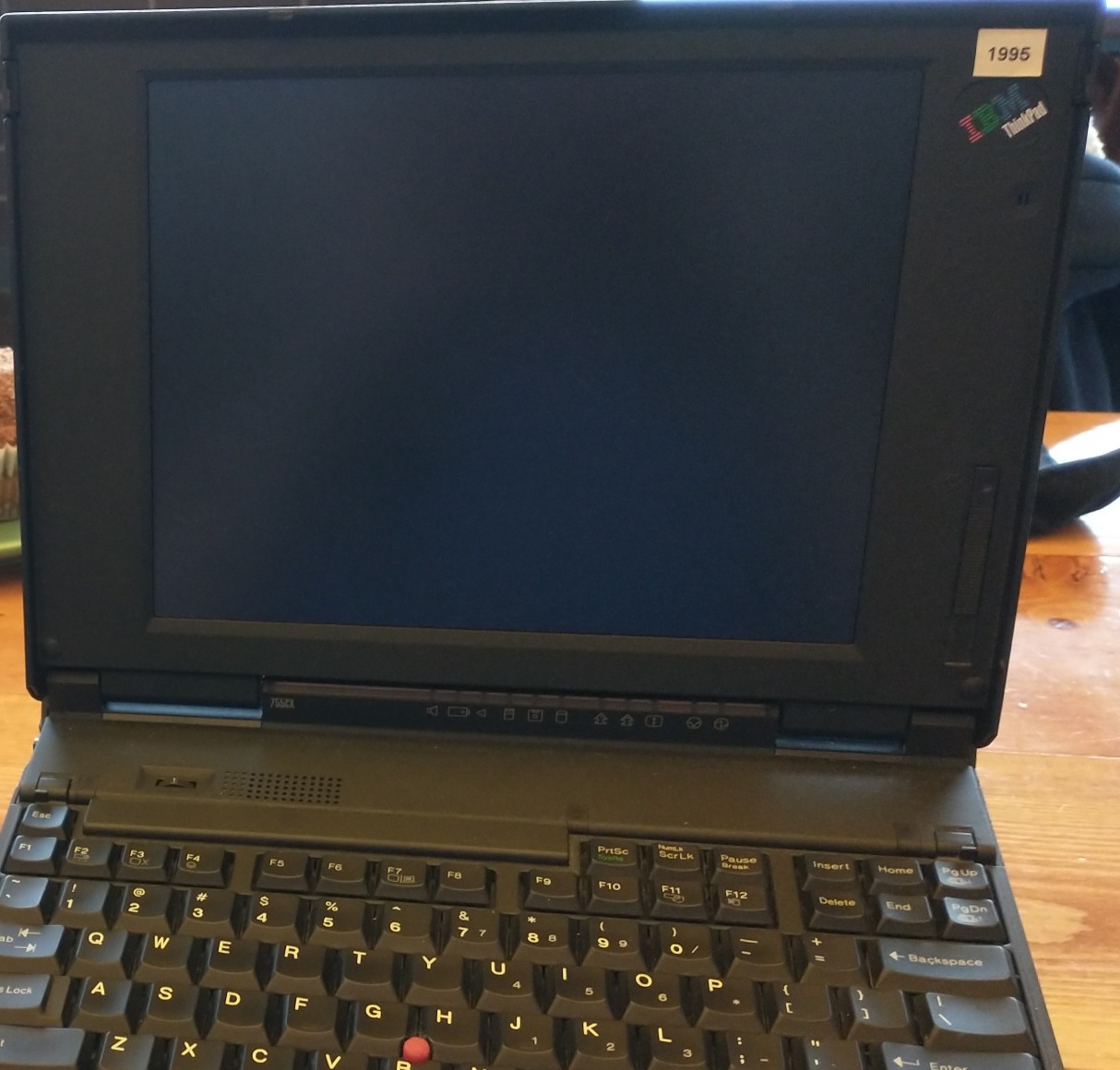
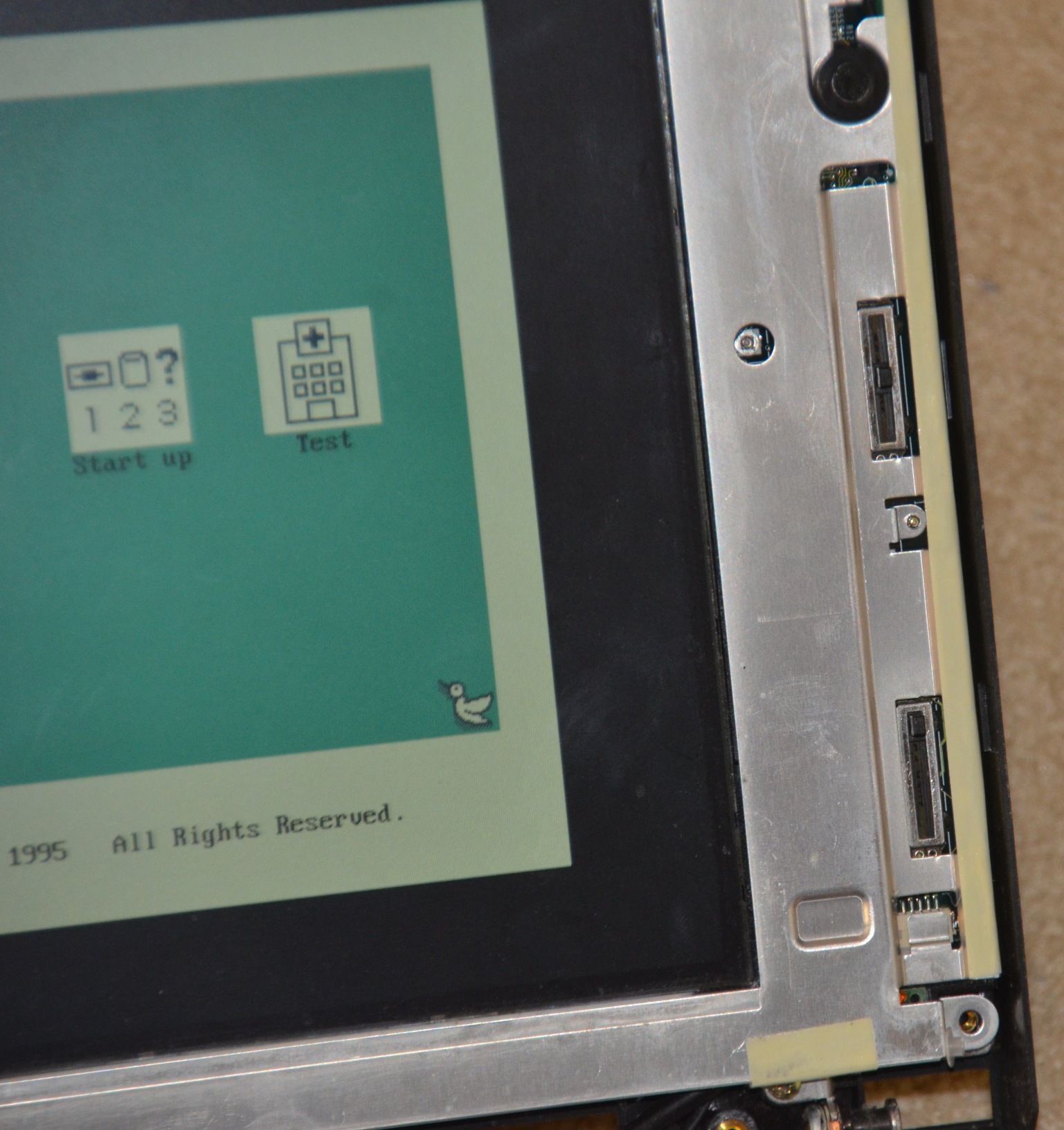
It’s worth noting that, at least on the 755CX, the single-slider screens actually have two sliders, but one is just covered by the bezel (which I find humorous):
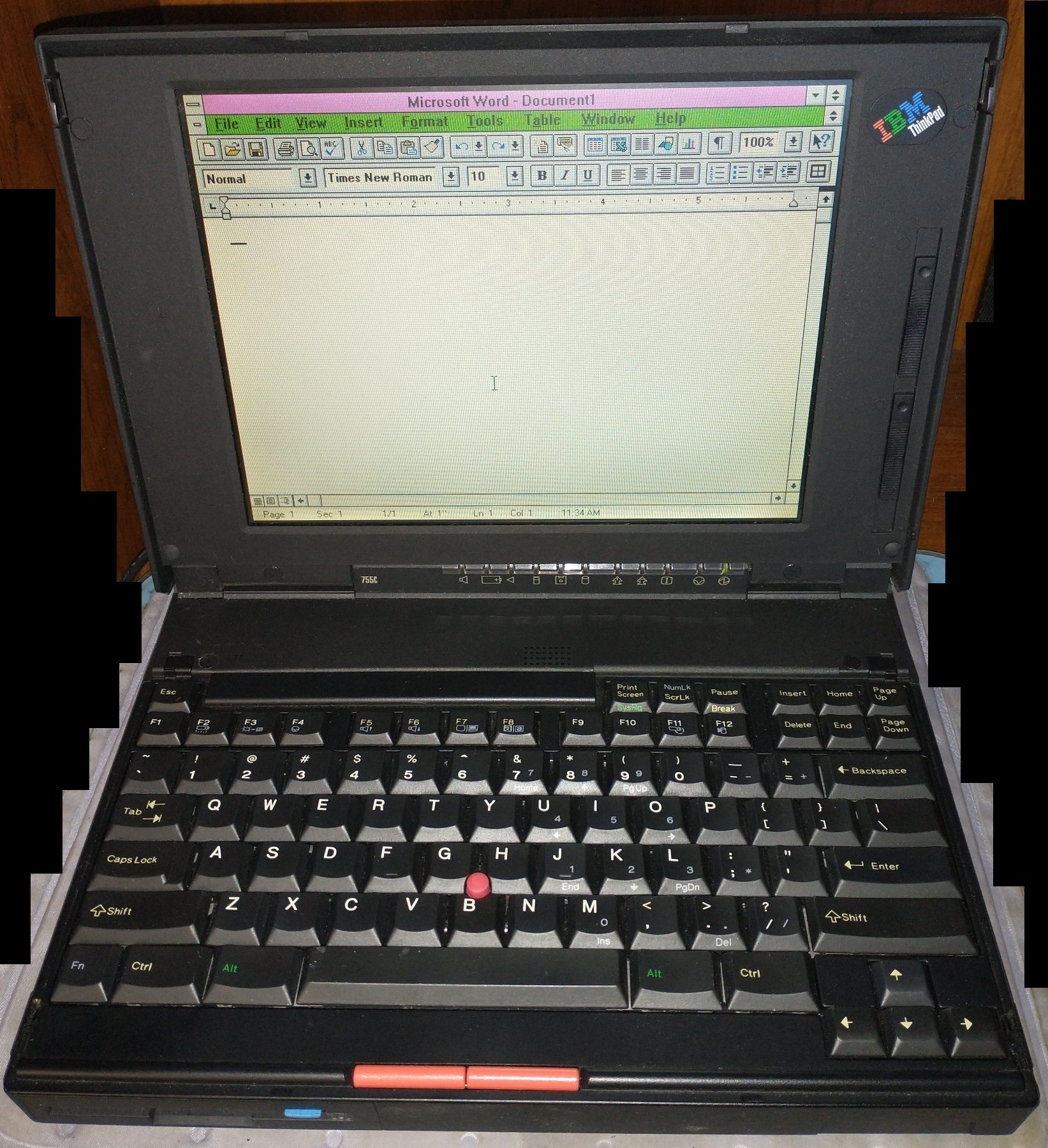
The later screens are known for also having an anti-glare coating on them, which reduces reflections but also lowers the colors slightly. The original semi-reflective 755C screen is fairly vibrant, but unfortunately (as mentioned earlier) is the most prone to failure:
Batteries
For batteries, all models of 755 accept NiMH batteries, which are always white. However, the higher-end Pentium models came with a different battery connector that supports Lithium-Ion batteries, which are usually black but are sometimes white. This power connector is removable and plugs into the motherboard, and can therefore be retrofitted into some older machines (for example, I moved a Lithium-Ion connector from a Pentium 755CD into a 486 755CD).
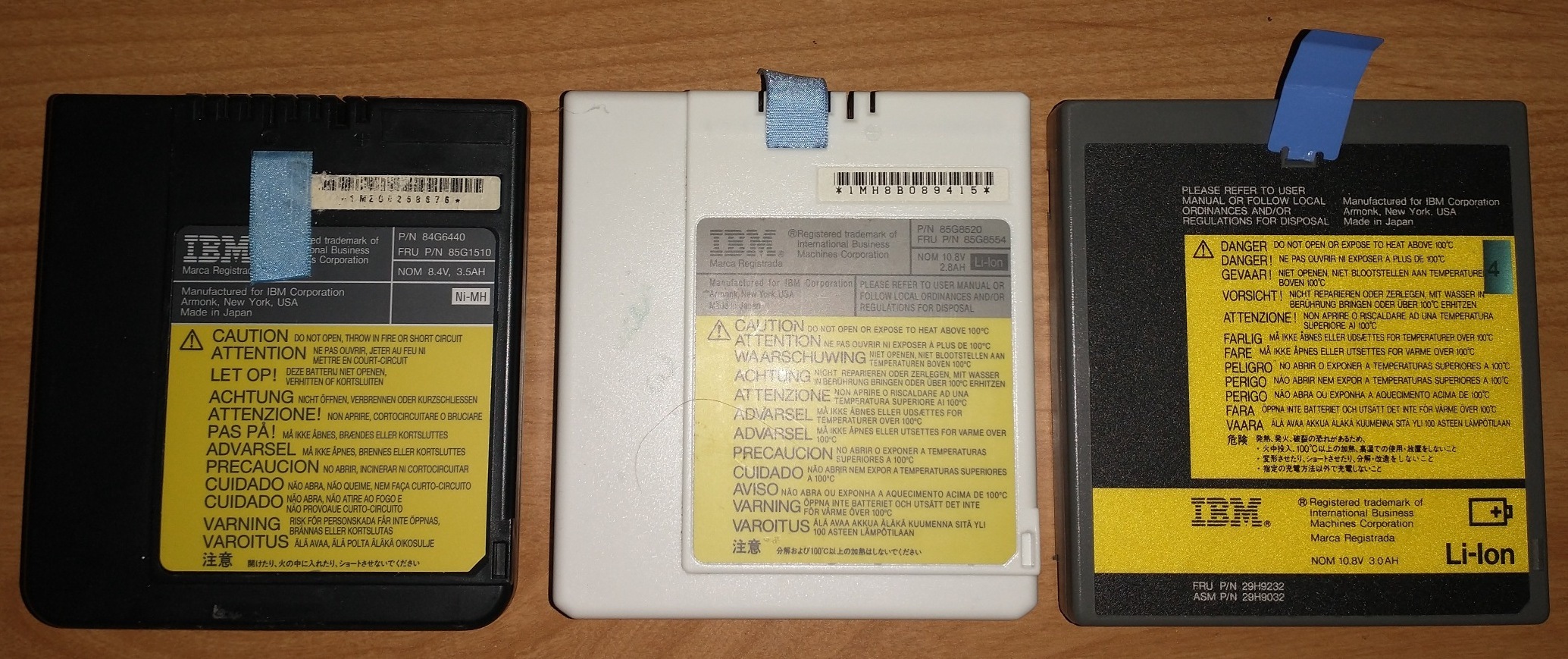
(From left to right: black NiMH, white Li-Ion, black Li-Ion – all 3 work in a Pentium 755CD/CX)
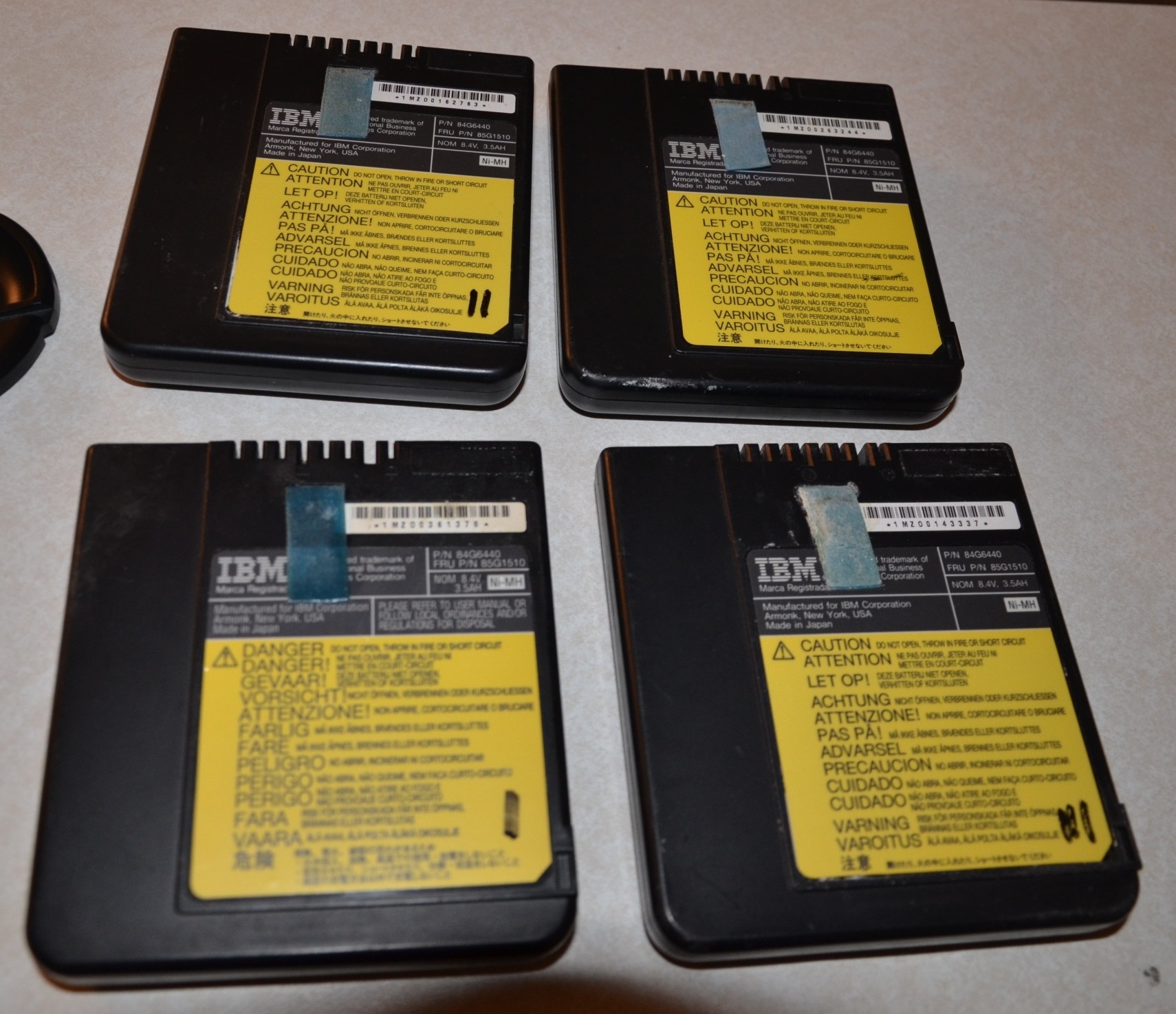
(Pile of NiMH batteries I got with a 755)
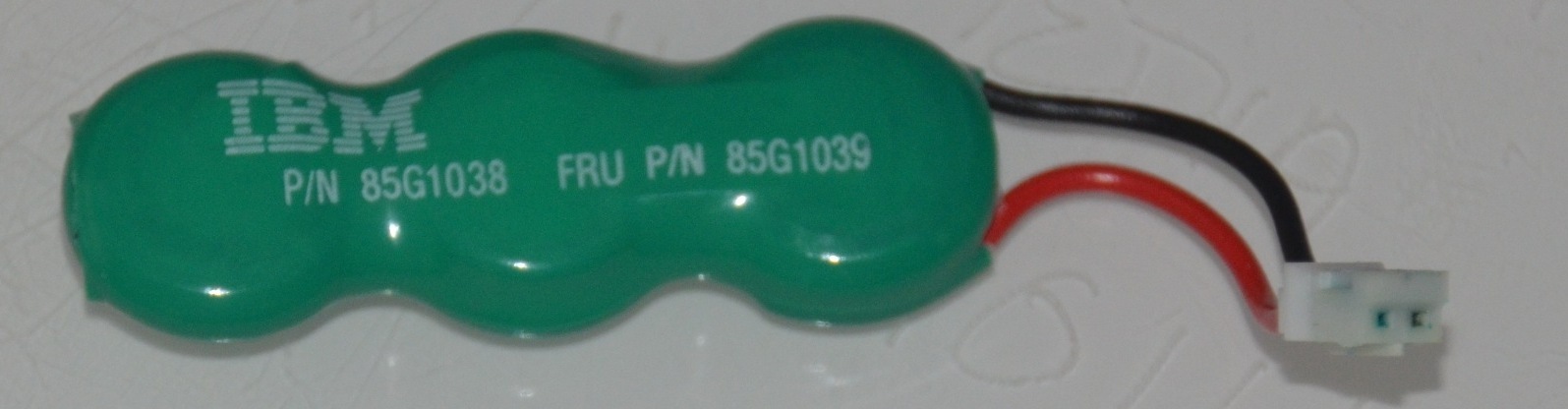
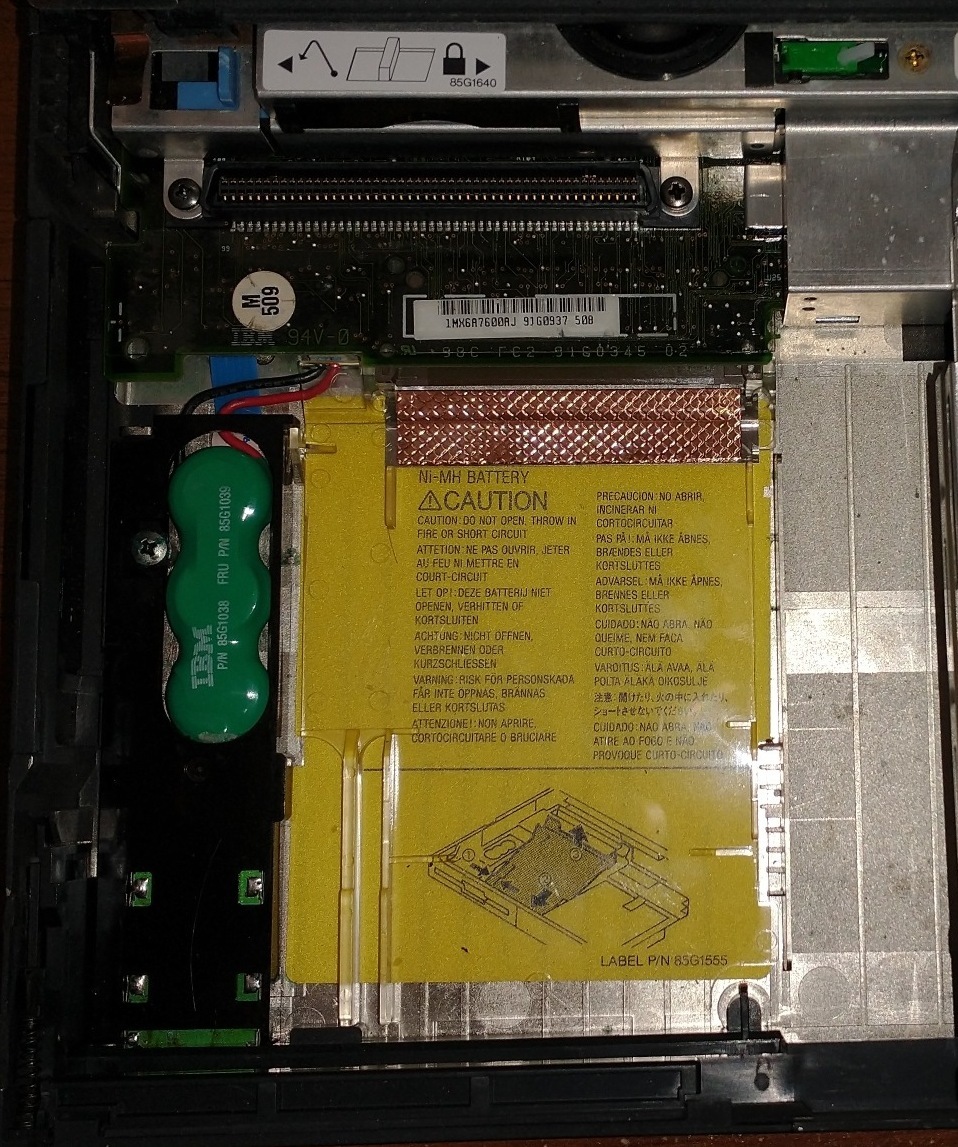
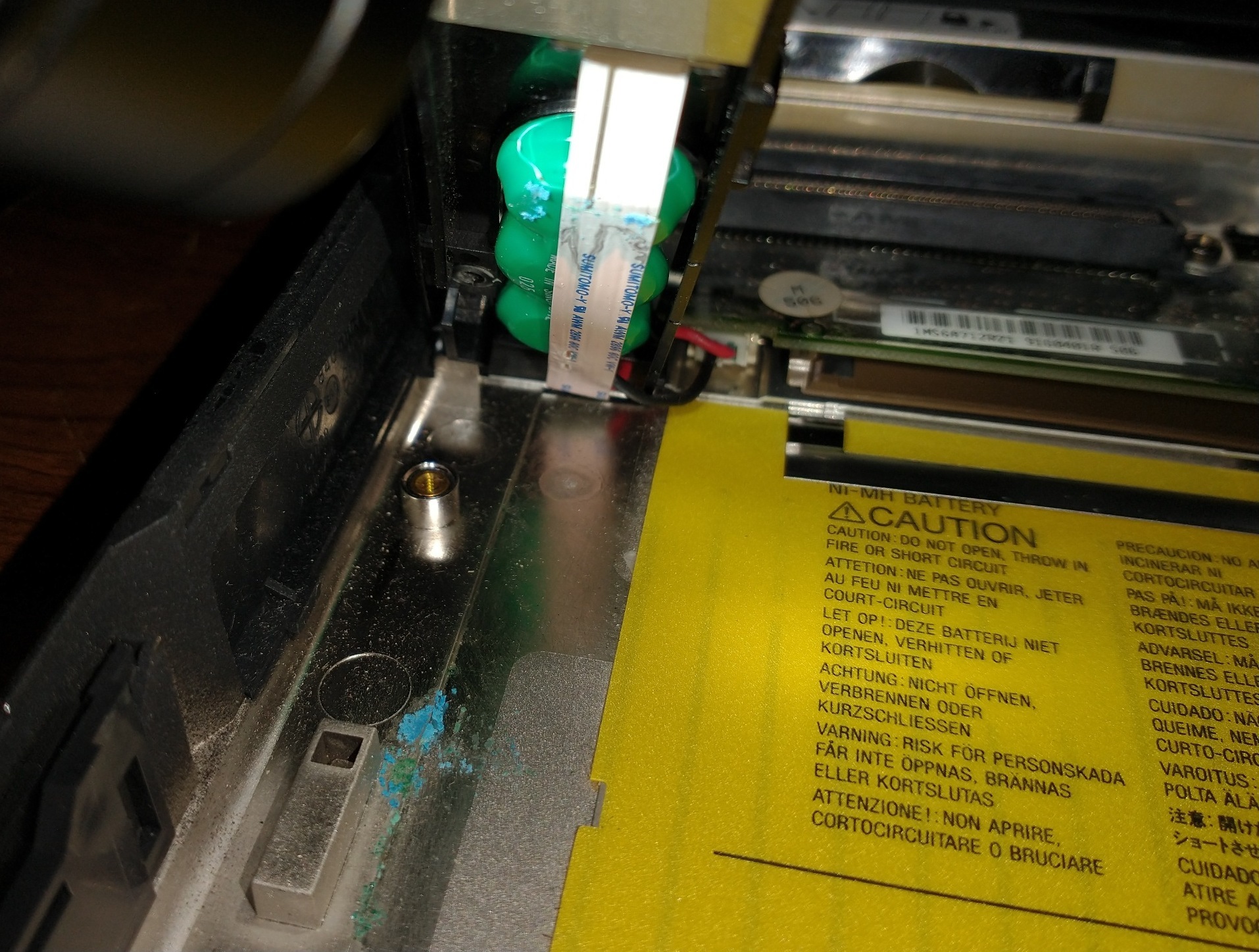
It’s worth noting that all 755, 760, and 770 machines have a Standby Battery in them. These are rechargeable NiMH batteries that allow you to put the laptop into Standby/Sleep mode, and then swap out the main battery without losing power. Unfortunately, they are known to leak and eventually destroy the motherboard. Please remove these ASAP!
Specific Models
For starters, I managed to accumulate the following between 2012 and 2021:
- 2 x 755C
- 4 x 755CD
- 1 x 755CDV
- 7 x 755CX
- 3 x 750C (worth mentioning due to 755C screen compatibility)
The 755 series is divided into two parts: the “standard” 755C/755CS, and the “enhanced” 755CE/755CSE/755CV/755CX/755CD/755CDV.
The “enhanced” models have a slightly different keyboard (although still Model M6), which allows you to “lock” the mouse buttons in place by dragging them downwards. There were two versions of the M6 keyboard with locking mouse buttons: Lexmark (earlier, very good key feel, but the mouse button contacts haven’t aged well and were never clicky), and Key Tronic (later, much poorer key feel, but clicky mouse buttons which also still work today). More information can be seen here. The manufacture date is printed clearly on a label under the keyboard (which you can easily access by rotating up the keyboard as mentioned earlier). From this, between the 14 enhanced 755 models I have, it appears they switched to the Key Tronic around December 1996.
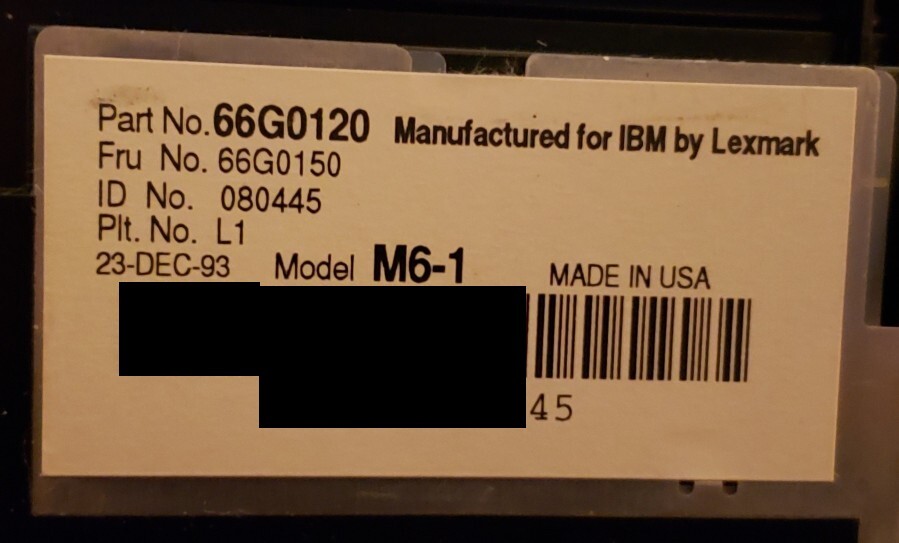
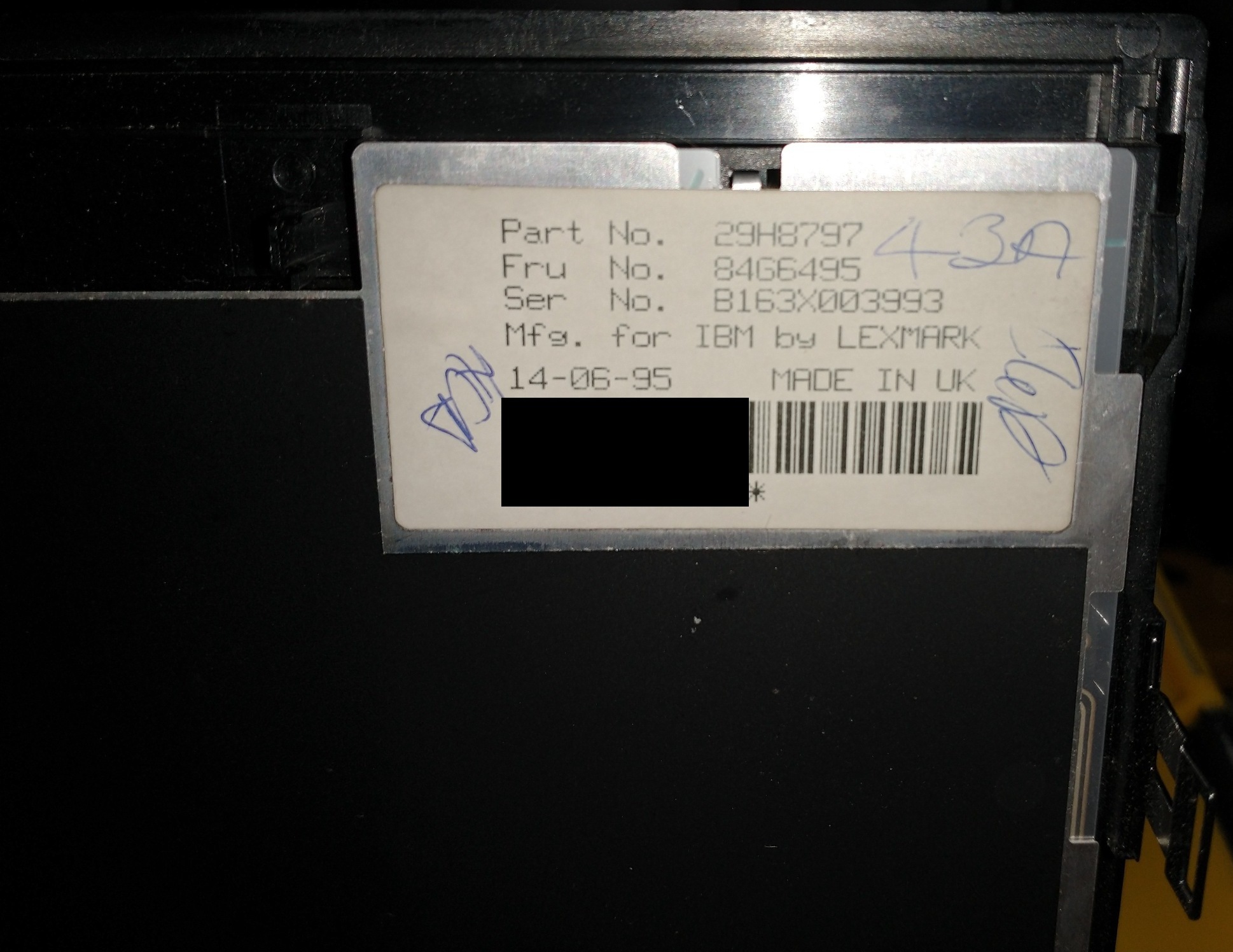
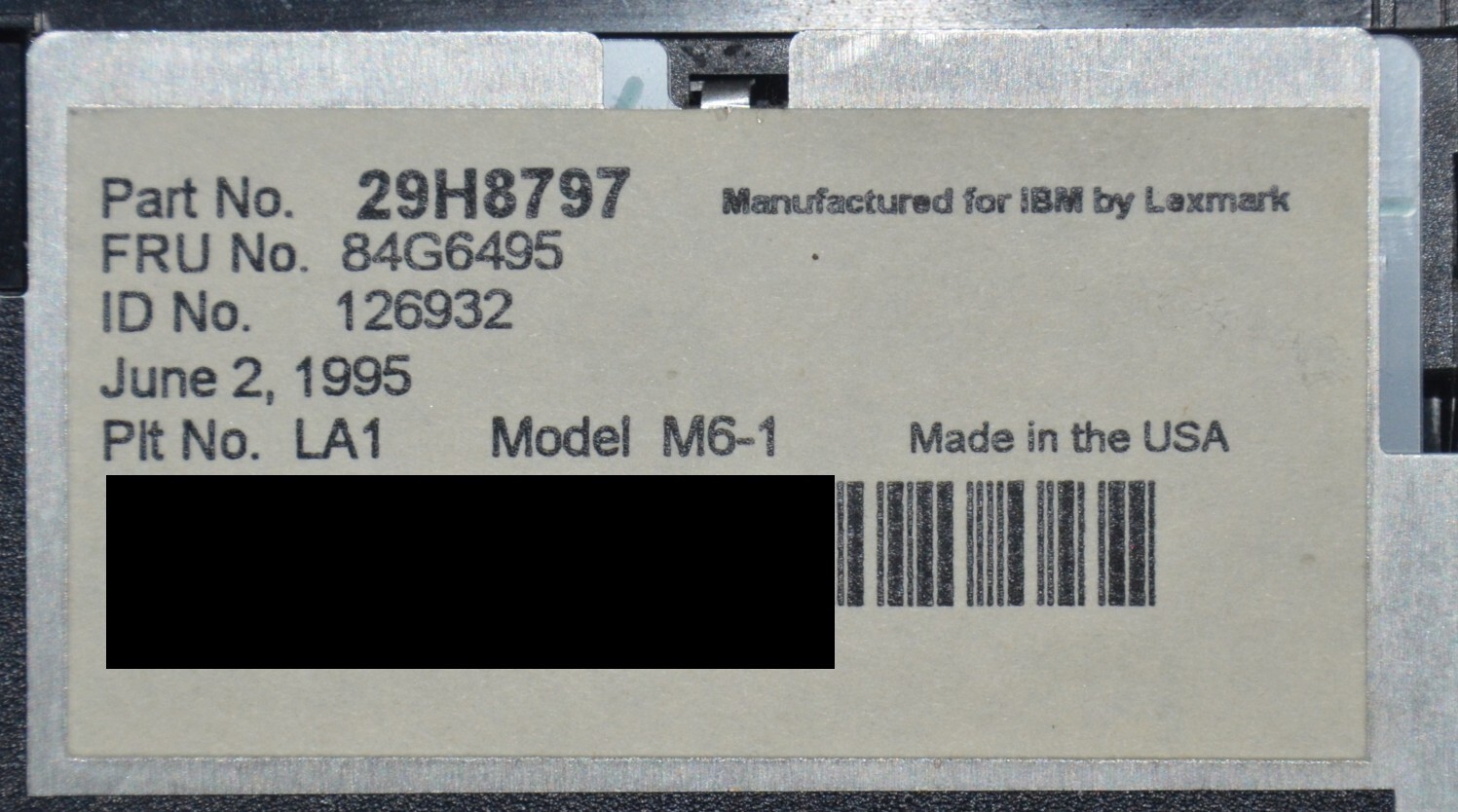
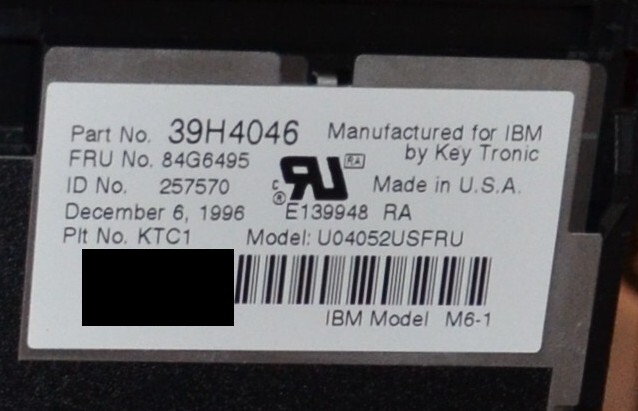
(From left to right: 750c Lexmark, 755CX Lexmark Old, 755CX Lexmark New, 755CX KeyTronic)
The 755CX was the first Pentium-based ThinkPad, released in 1995 (Press Release), and is the model I have the most of. I originally targeted buying these because some 755CX’s have a superior 800×600 screen and a sound card, although I ended up with one that has a traditional 640×480 screen and no sound card. Ironically, 640×480 is more desirable now because it’s better for MS-DOS gaming, but 755CX’s aren’t the best for MS-DOS games anyway, due to the MWave MIDI/Sound/Modem Card, which is notoriously difficult to set up and use (and uses a larger-than-normal amount of conventional memory).
The 755CX also does not support scaling, so in pure MS-DOS or 640×480, you have black borders around the image:
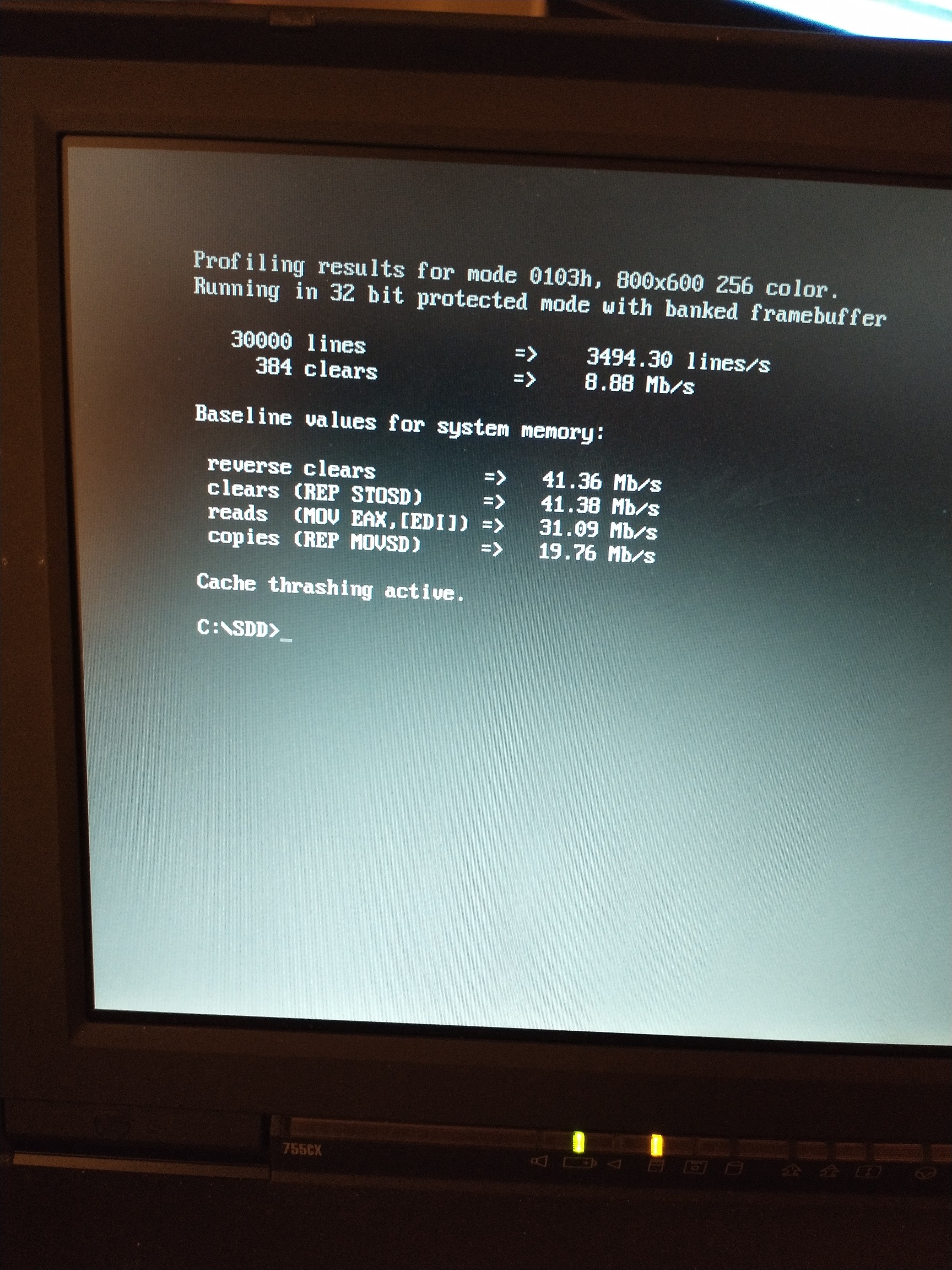
However, if you run the PS2.EXE with the “mode3x on” argument, it will attempt to resize the screen buffer for 800×600:
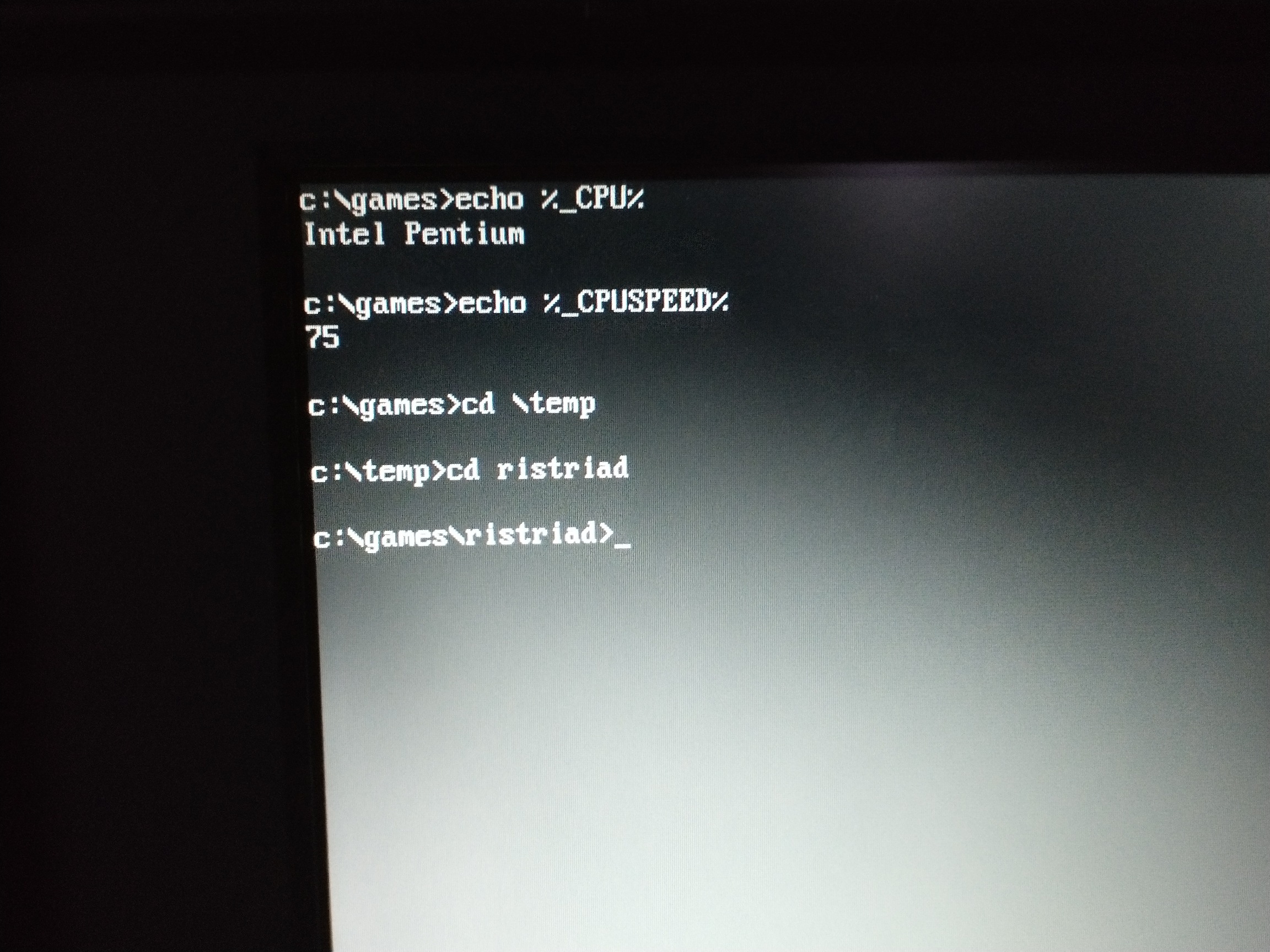
This works in most programs that purely display text, but for anything that expects certain screen boundaries (like MS-DOS EDIT), it will instantly freeze the computer.
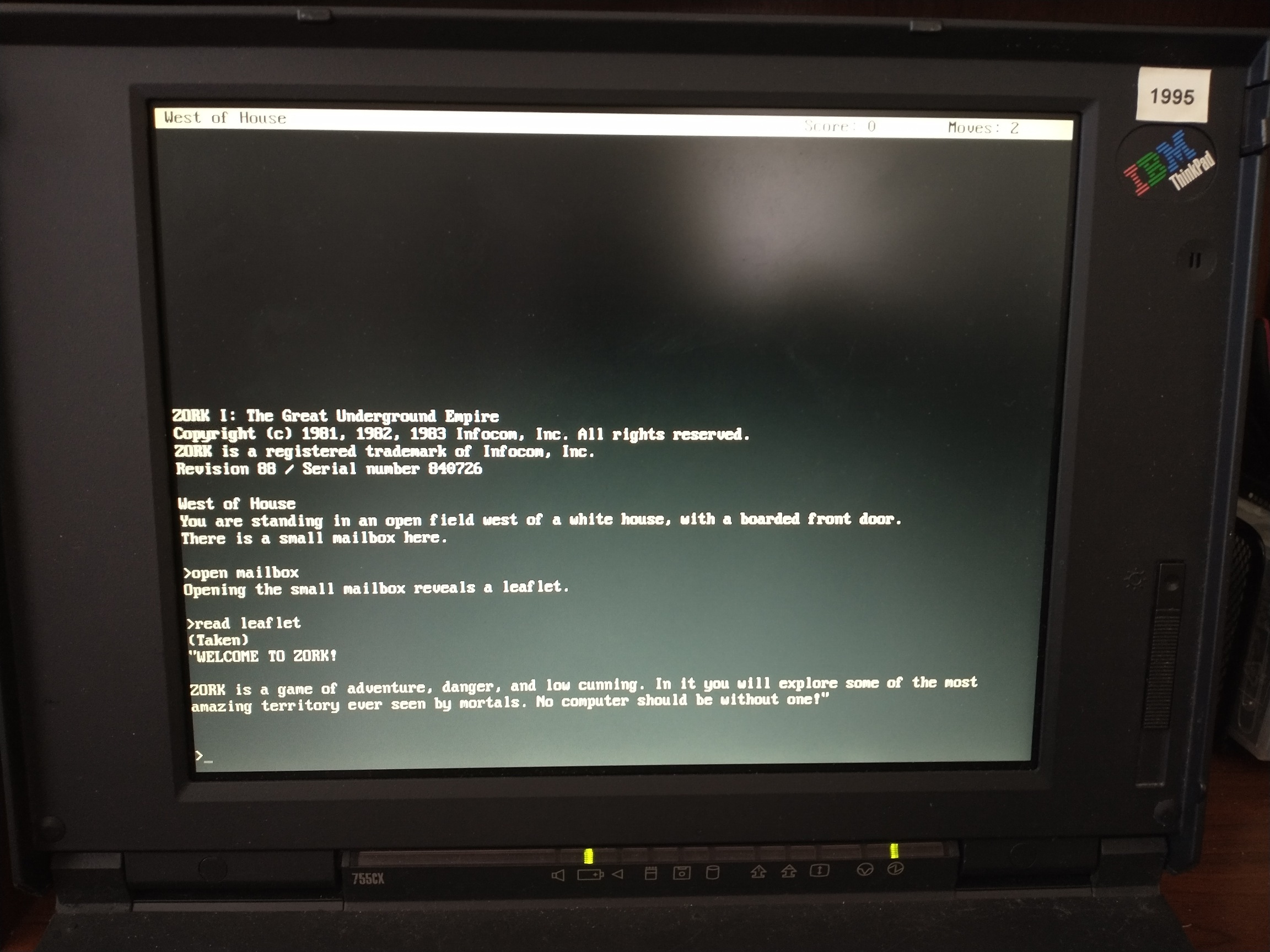
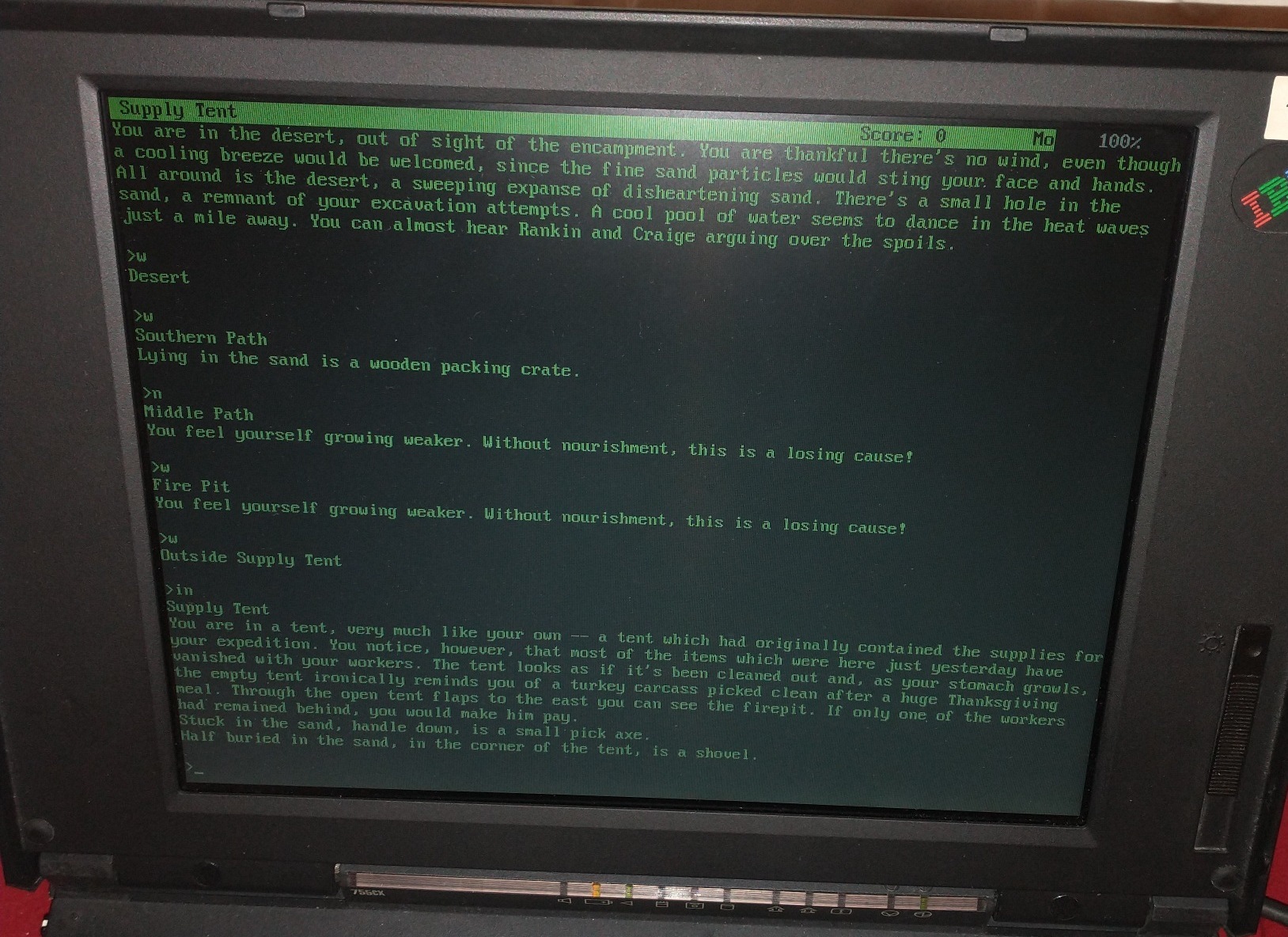
Frotz, however, works with Mode3X, if you run “frotz -w 100 -h 37”:
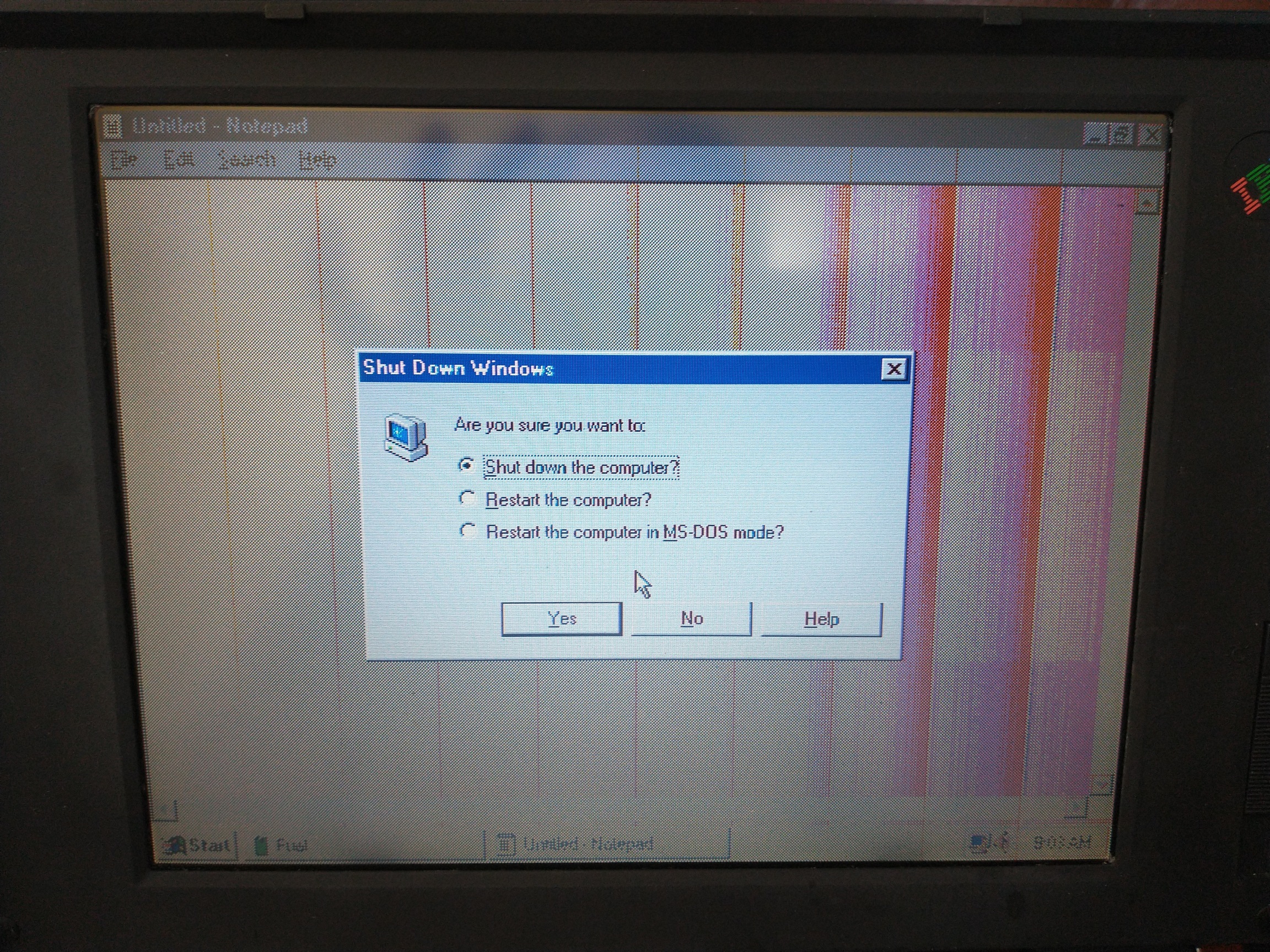
The 755CD has nearly the same motherboard as the 755CX, but the difference in trim allows for a CD-ROM Drive to be fitted in the UltraBay instead of the usual Floppy Drive. The 755CD also has stereo speakers, but does NOT come with an 800×600 screen. I did try putting the 640×480 screen from a 755CD onto a 755CX with the 800×600 motherboard, and it almost worked, but the image was VERY slightly squished horizontally, causing all kinds of artifacts:
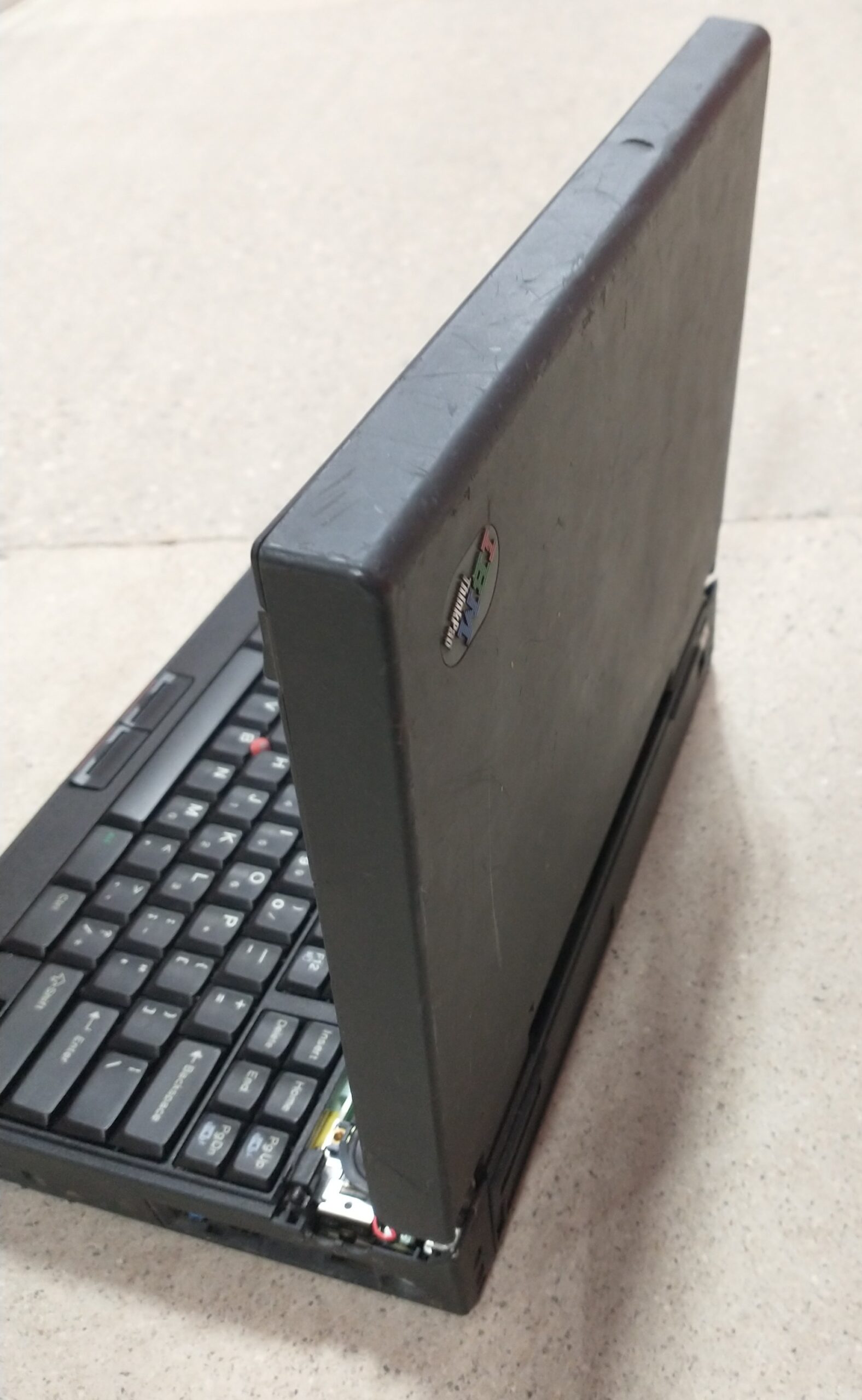
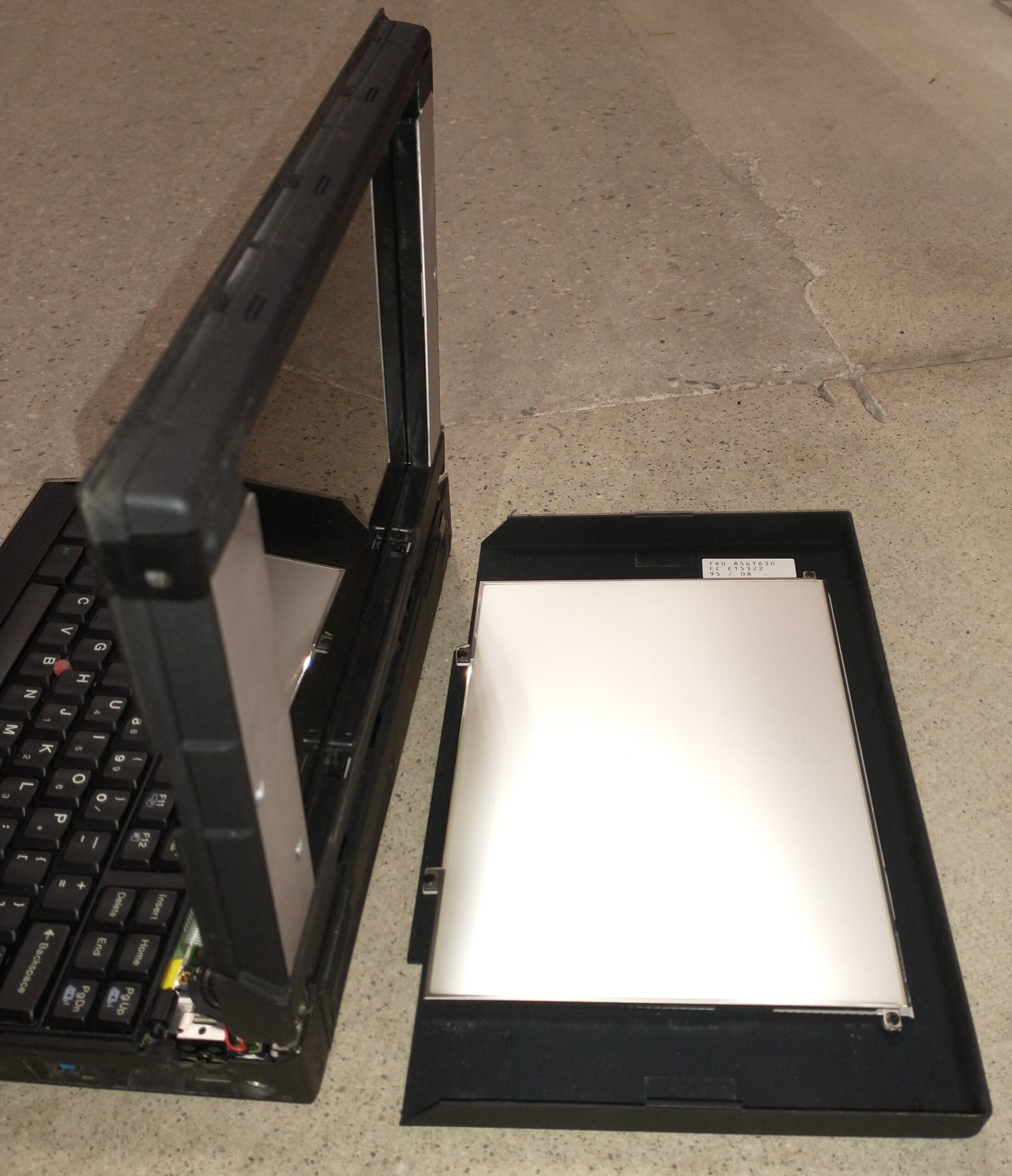
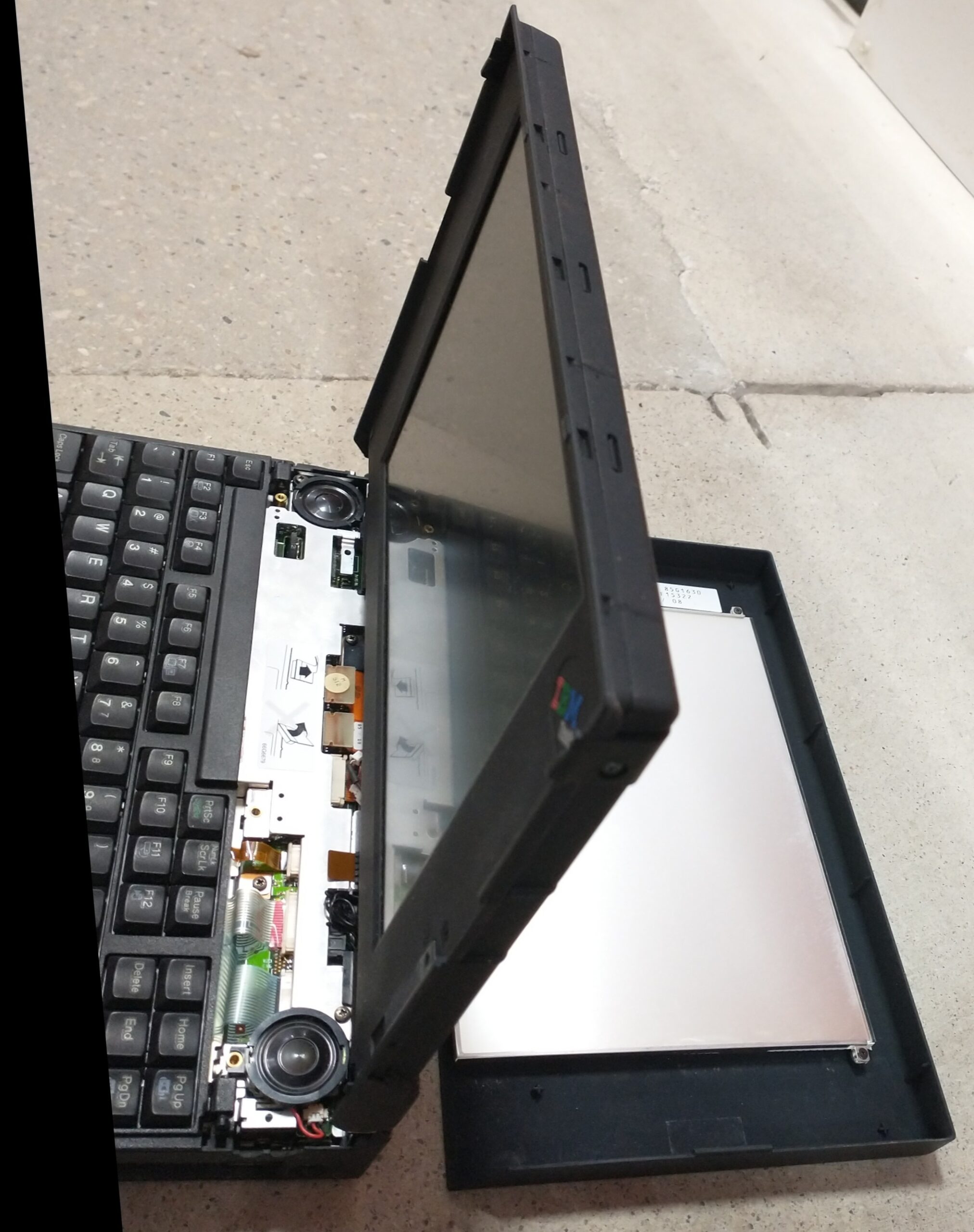
The 755CV and 755CDV are unique in that you can easily detach the rear of the LCD assembly. Before VGA/HDMI projectors, and before SmartBoards, this was very handy, because it allowed you to lay the laptop down on an overhead projector (like a transparency) and project the screen’s image to the audience. (This may seem like a very anachronistic concept to someone that didn’t grow up in an era where “the overhead” and its cart took up one corner of the classroom).
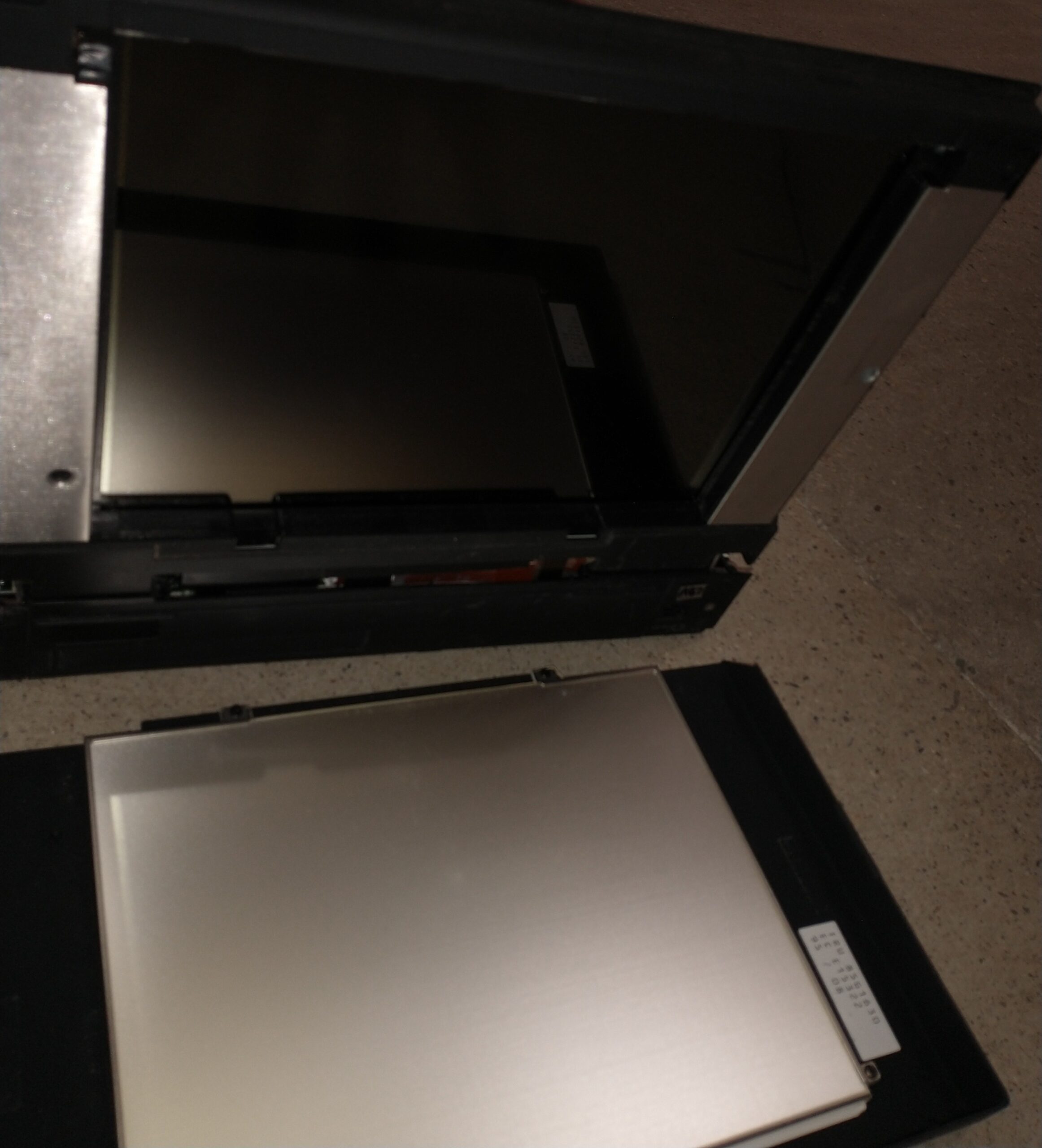
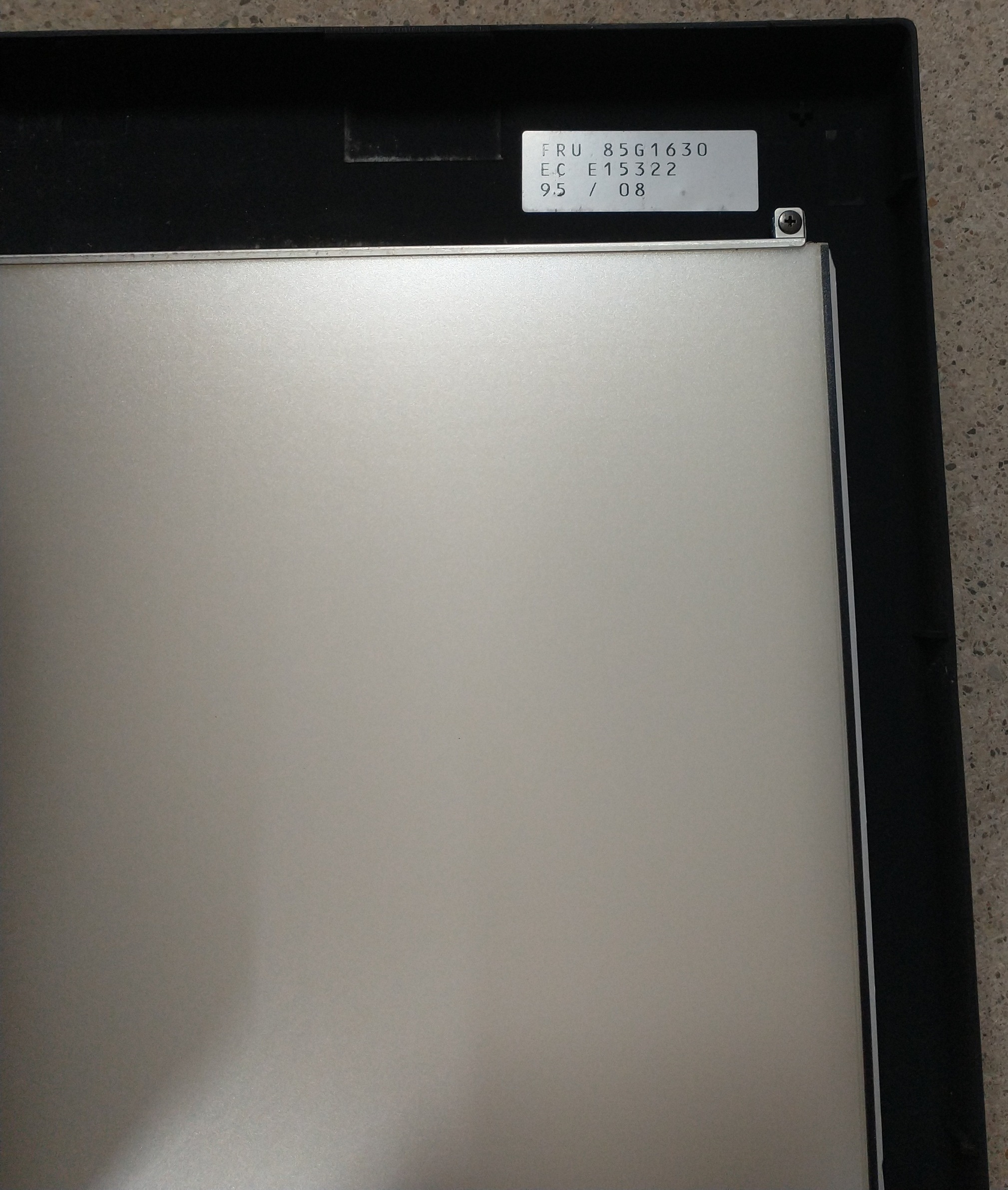
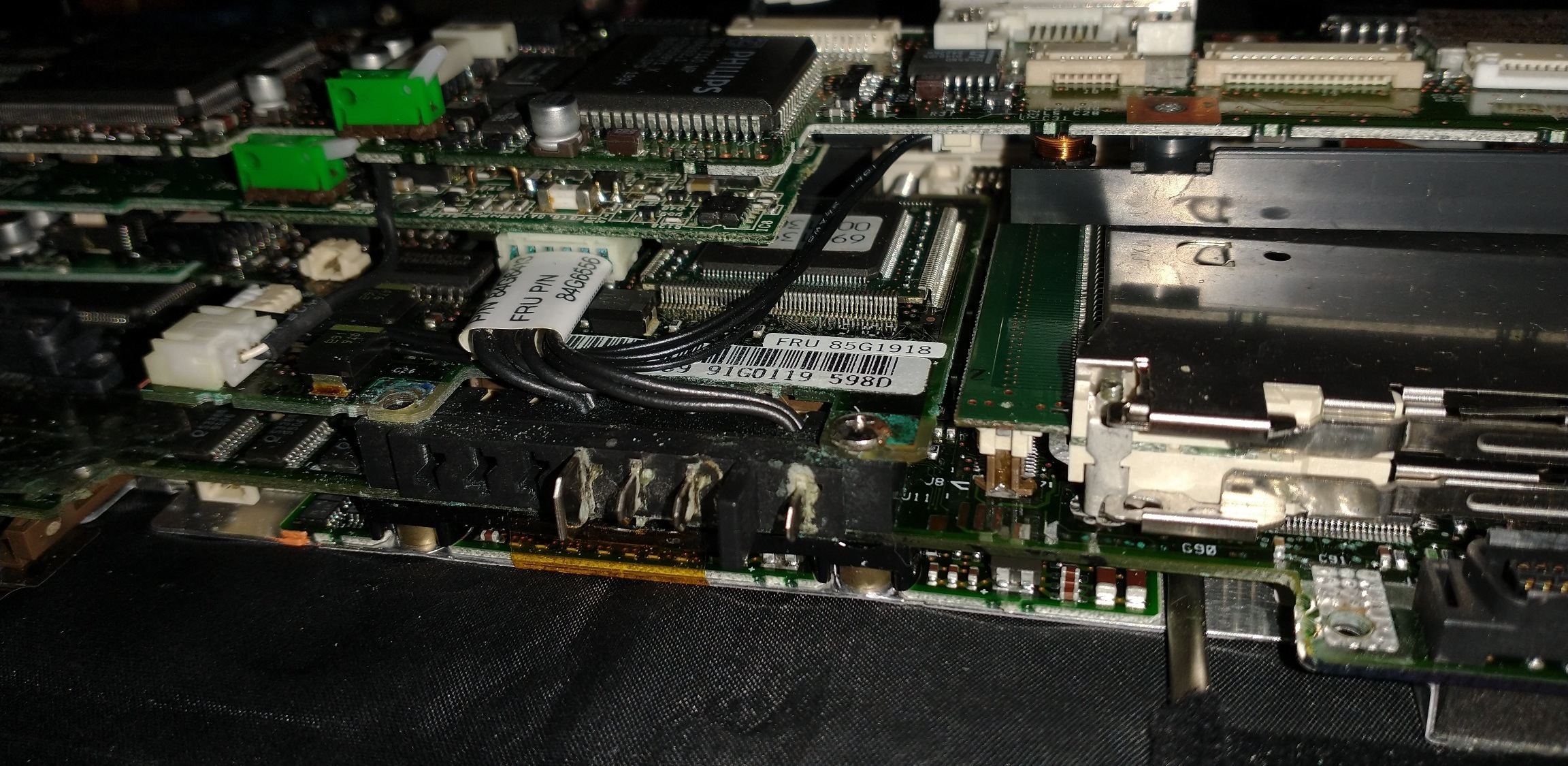
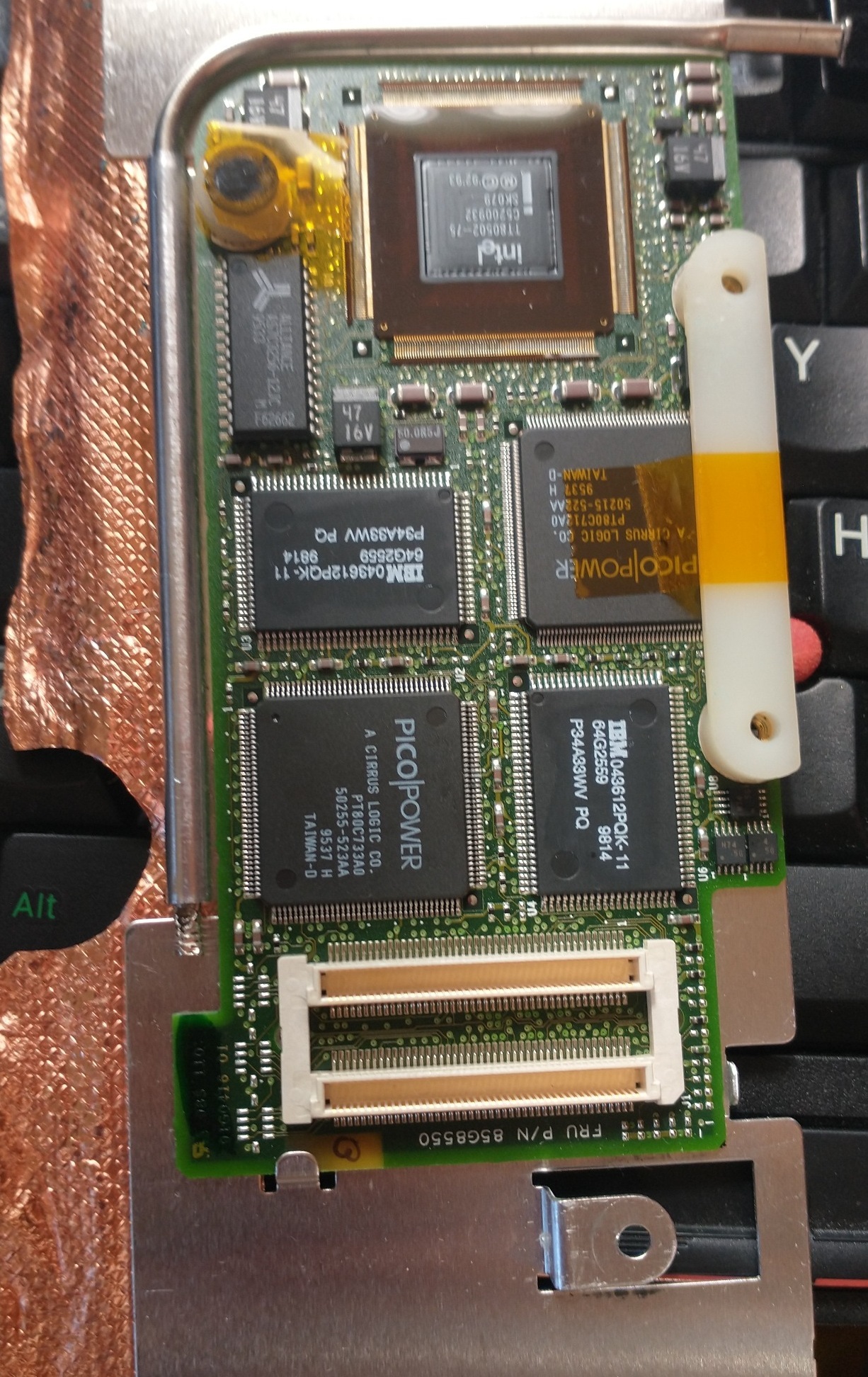
Although I mentioned that these machines rarely fail, if you DO have to replace parts, it’s slightly more difficult than other laptops. Once you remove the keyboard covers, (which I can’t seem to do without breaking the clips on the 755CX), you’ll notice IBM went with a Jenga model for these: the power board is stacked on top of the sound board, which is stacked on top of the Interposer Card, which is stacked on top of the System Board, on the bottom of which you can finally access the Base RAM card. Fortunately, this is all well documented in IBM’s service manuals, with clear vector-based illustrations to guide you through every step of the procedure.
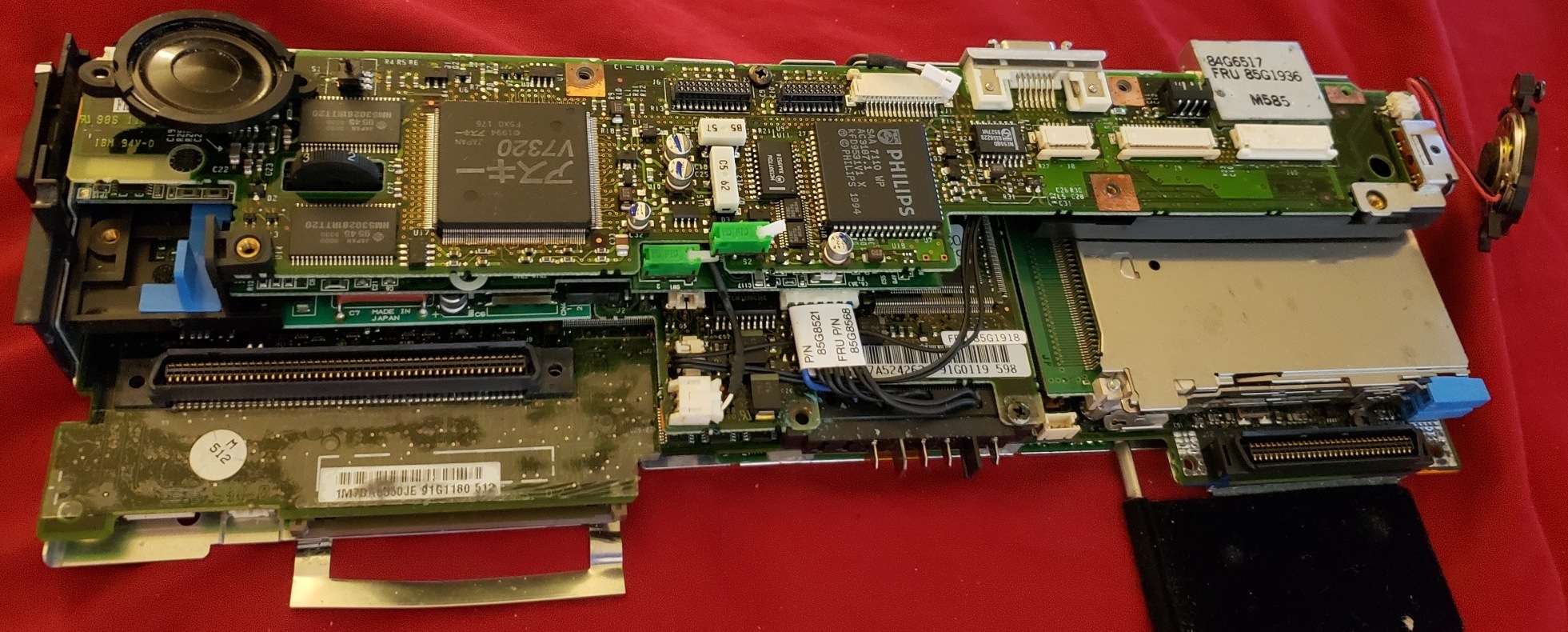
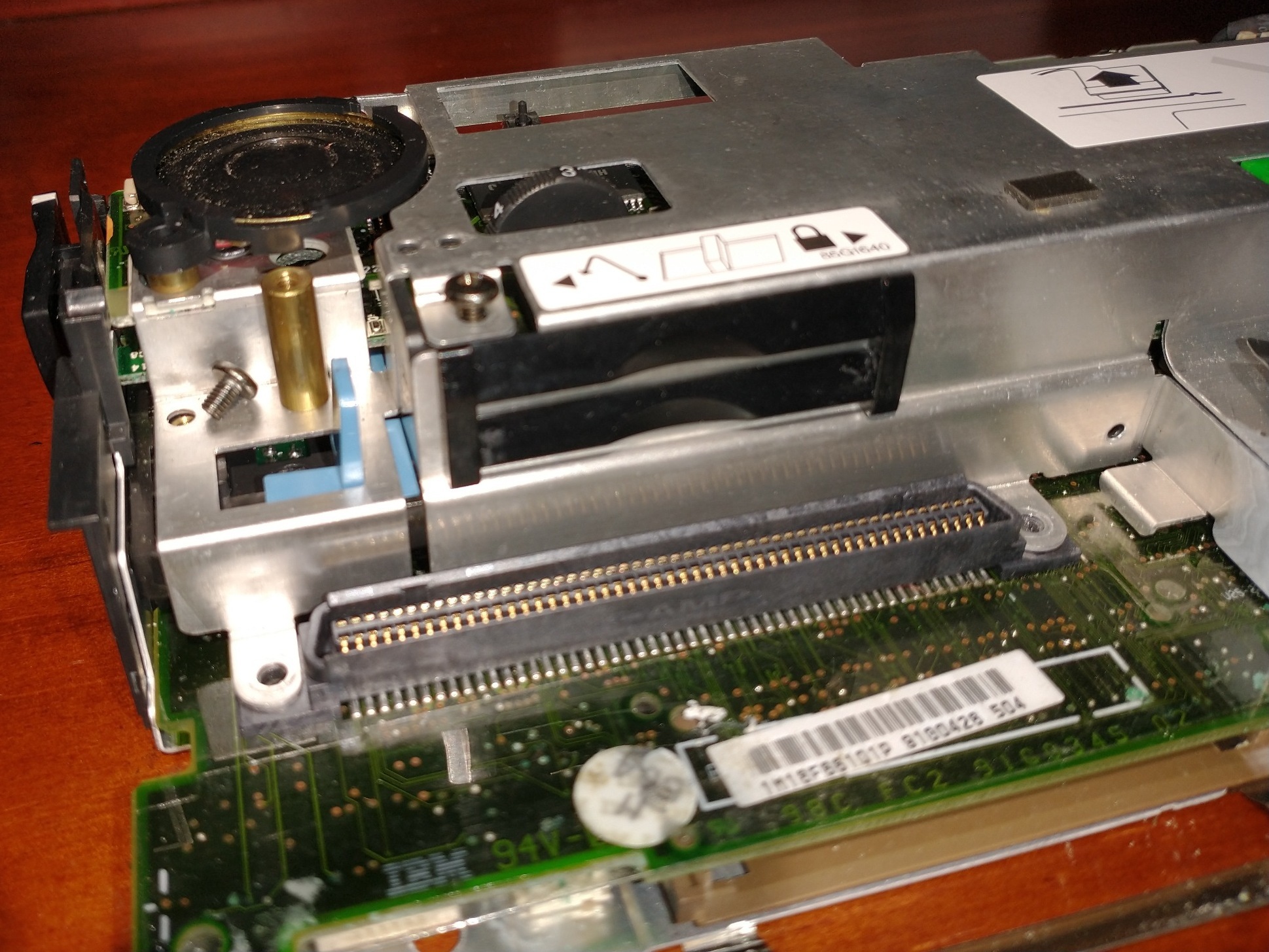
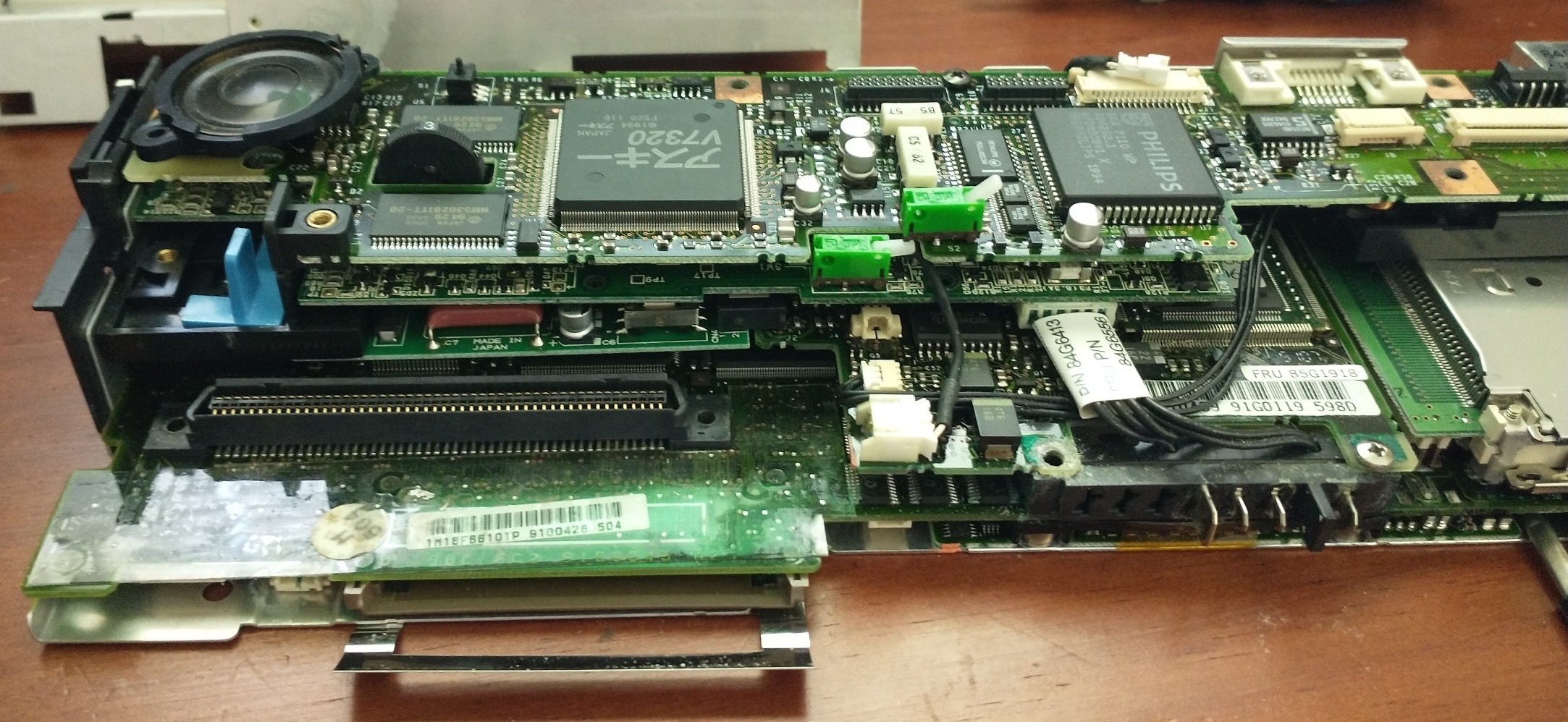
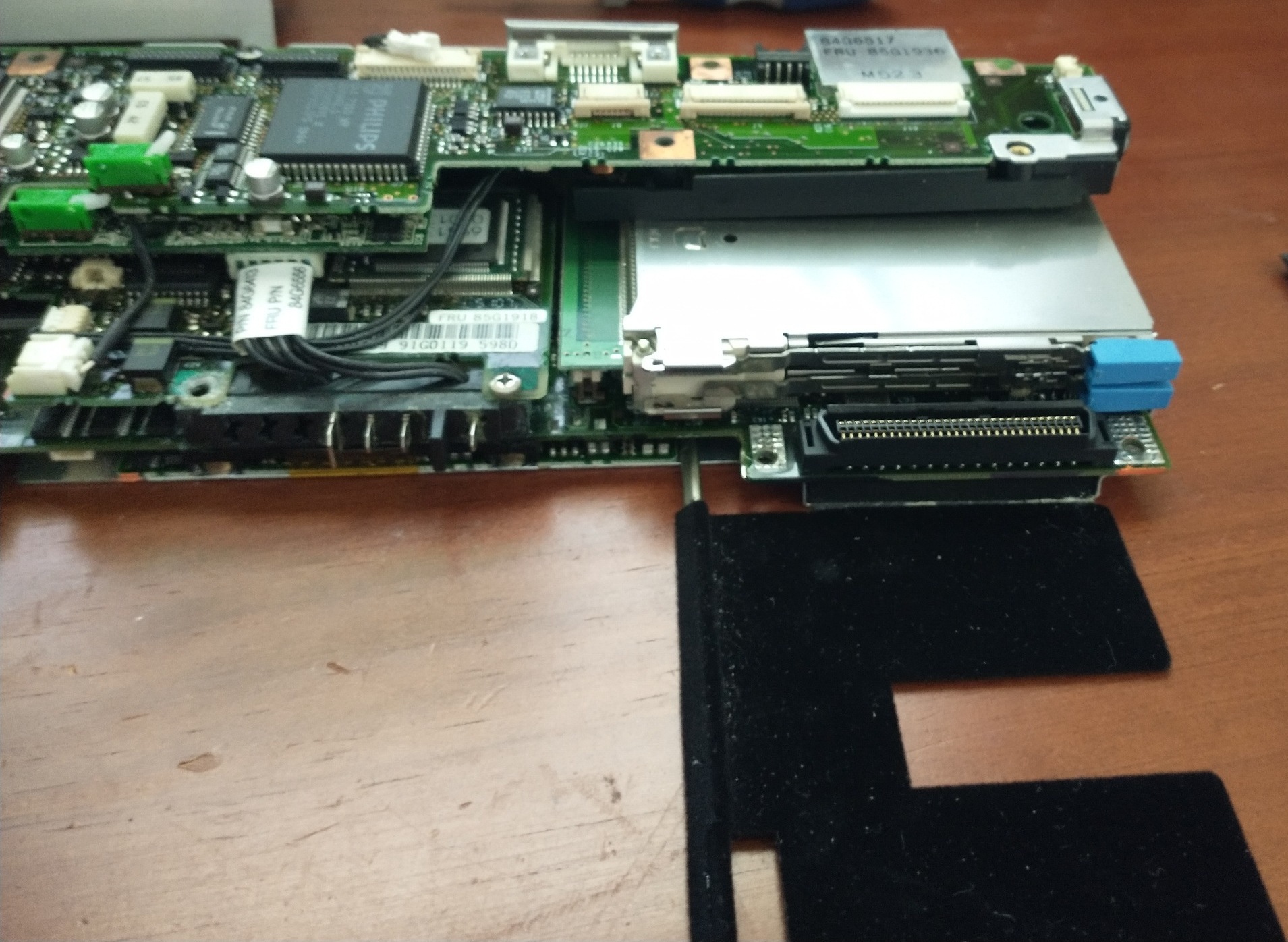
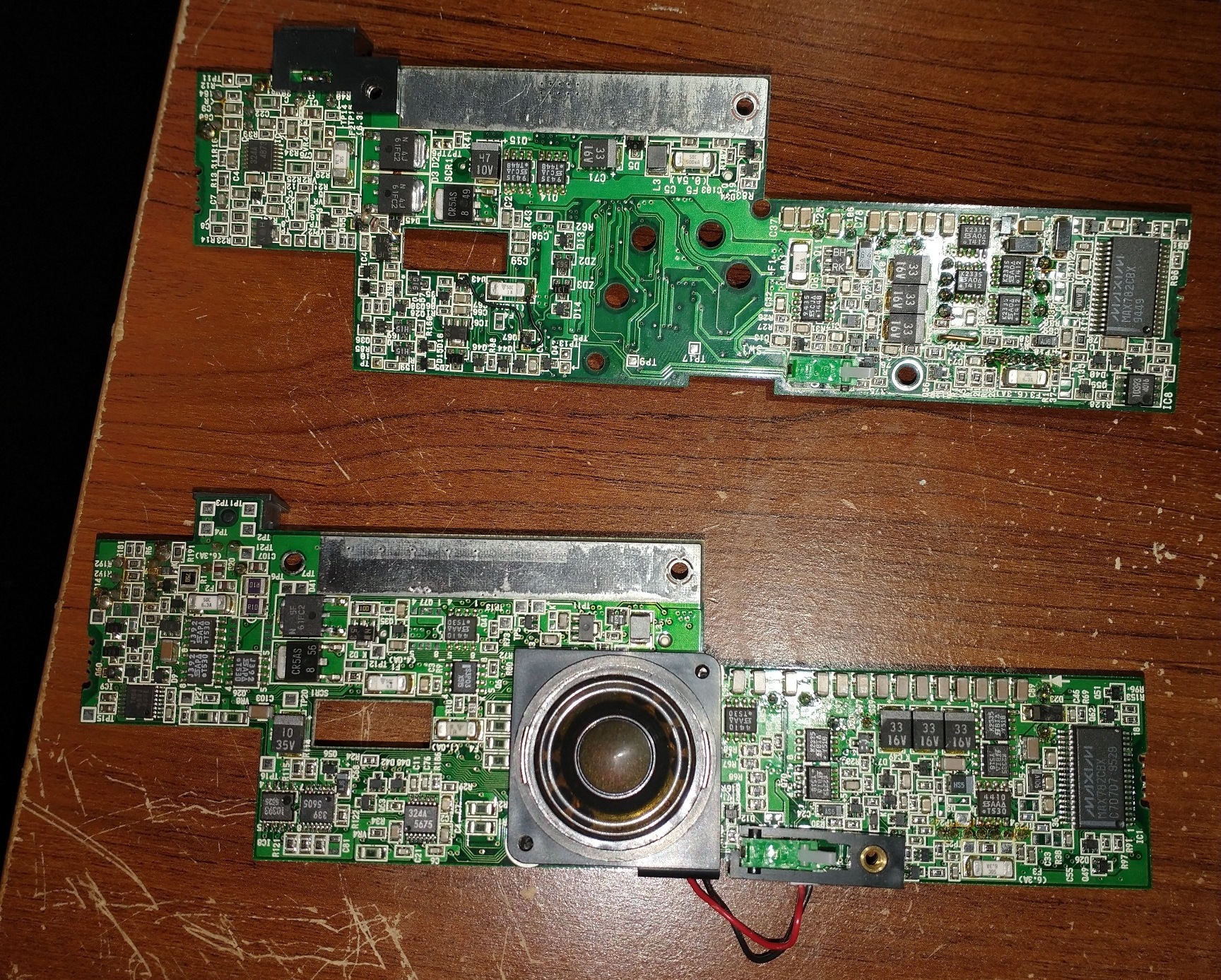
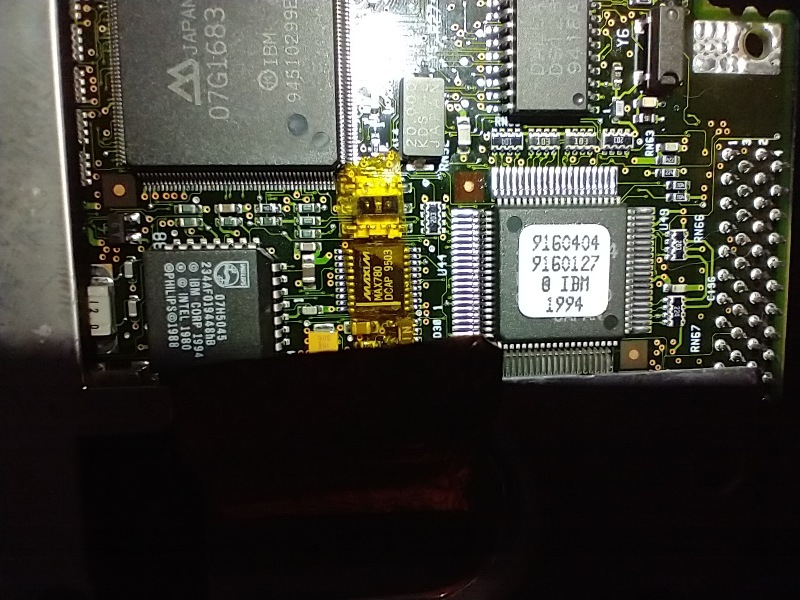
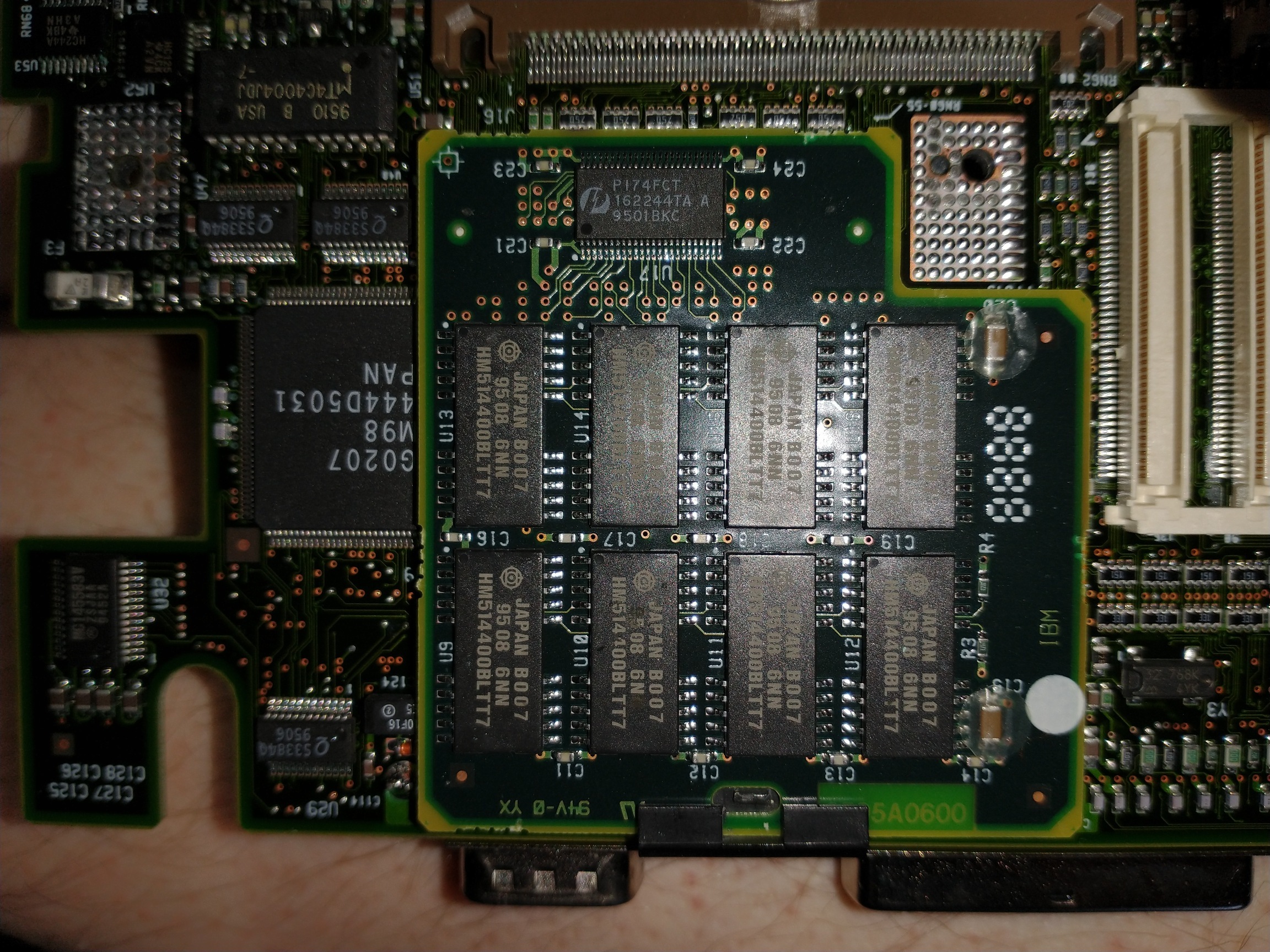
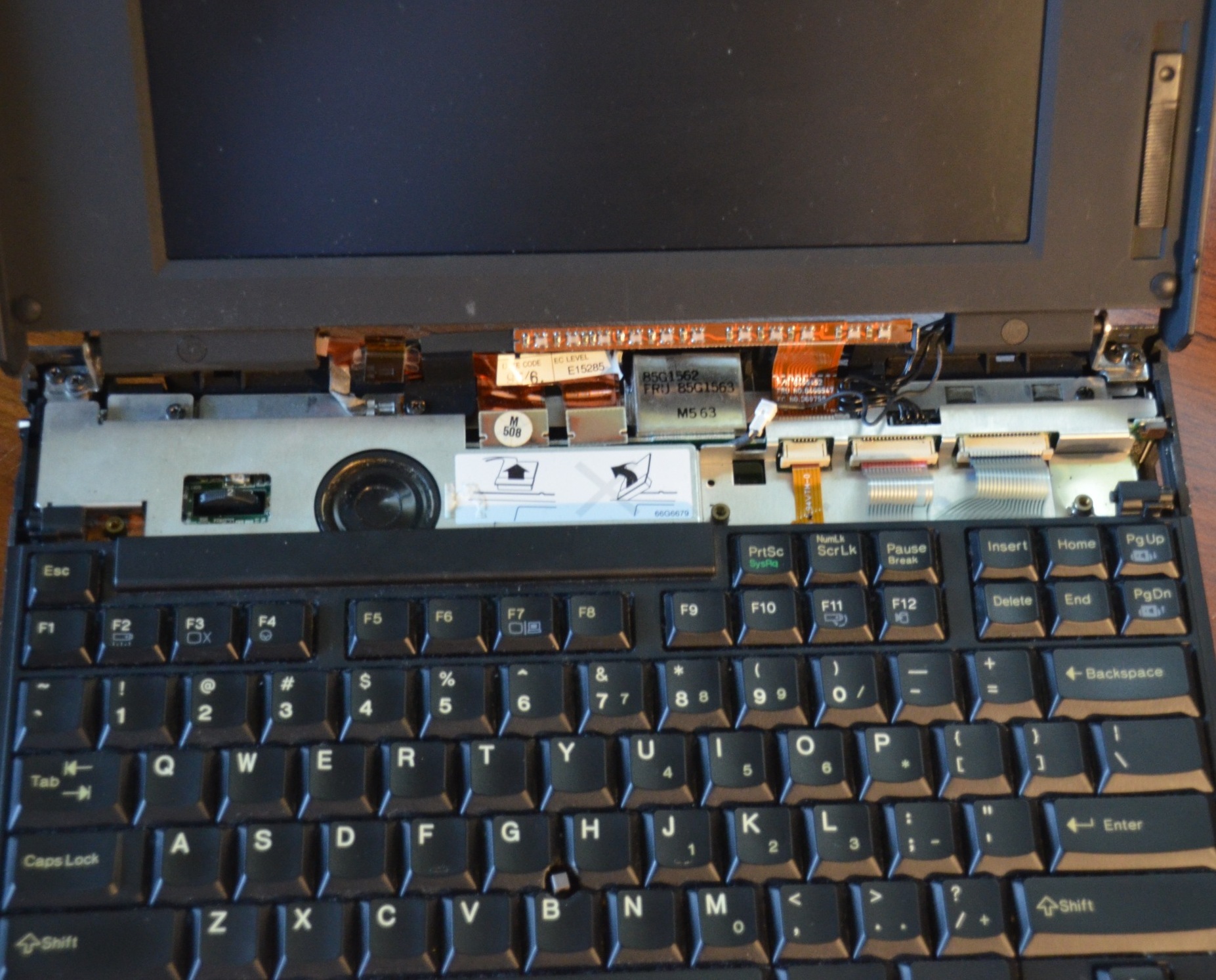
In several of these pictures, you can see how what happens when the main battery is ALSO a NiMH instead of a Lithium-Ion, and it’s left in the machine for 30 years. In this case, corrosion from both the standby and main batteries “wicked” through the cord and into various parts of the motherboard. There were still several good components in this machine, but it never booted properly. With a POST Card attached to the parallel port, I could see that it was actually going into an infinite boot loop, never making it to the visible part of POST! (A POST Card is a device which shows the various stages of the boot process, either via a digital readout or light pattern.)
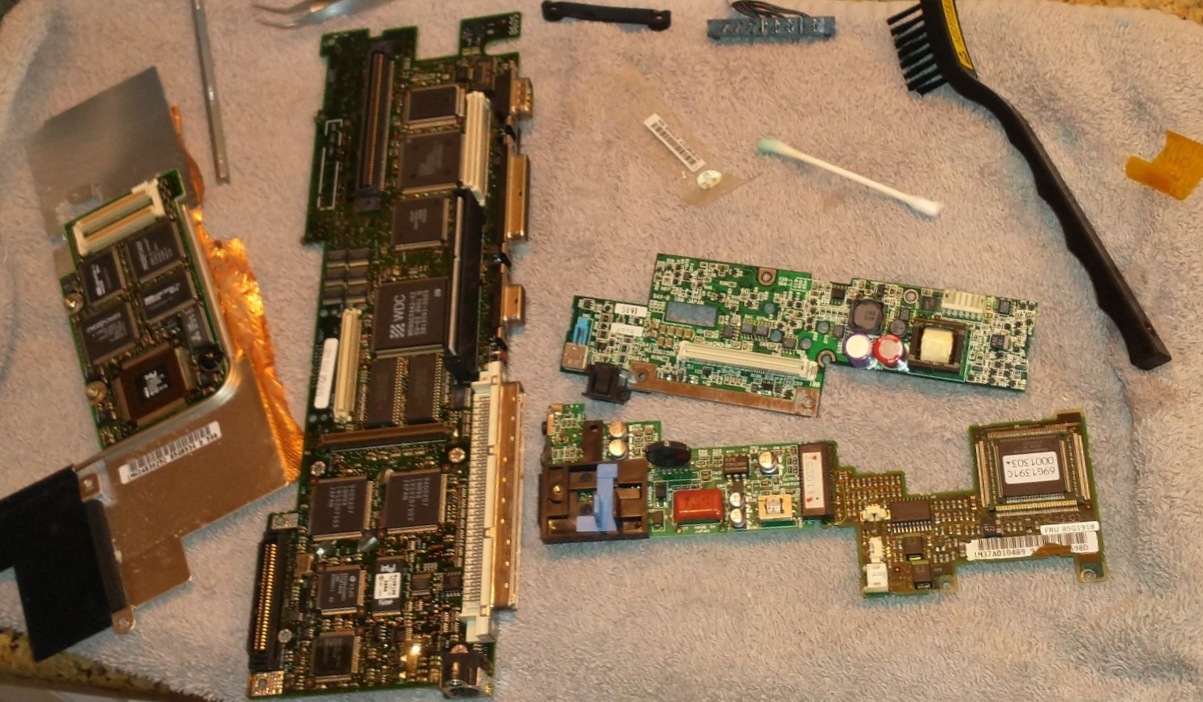
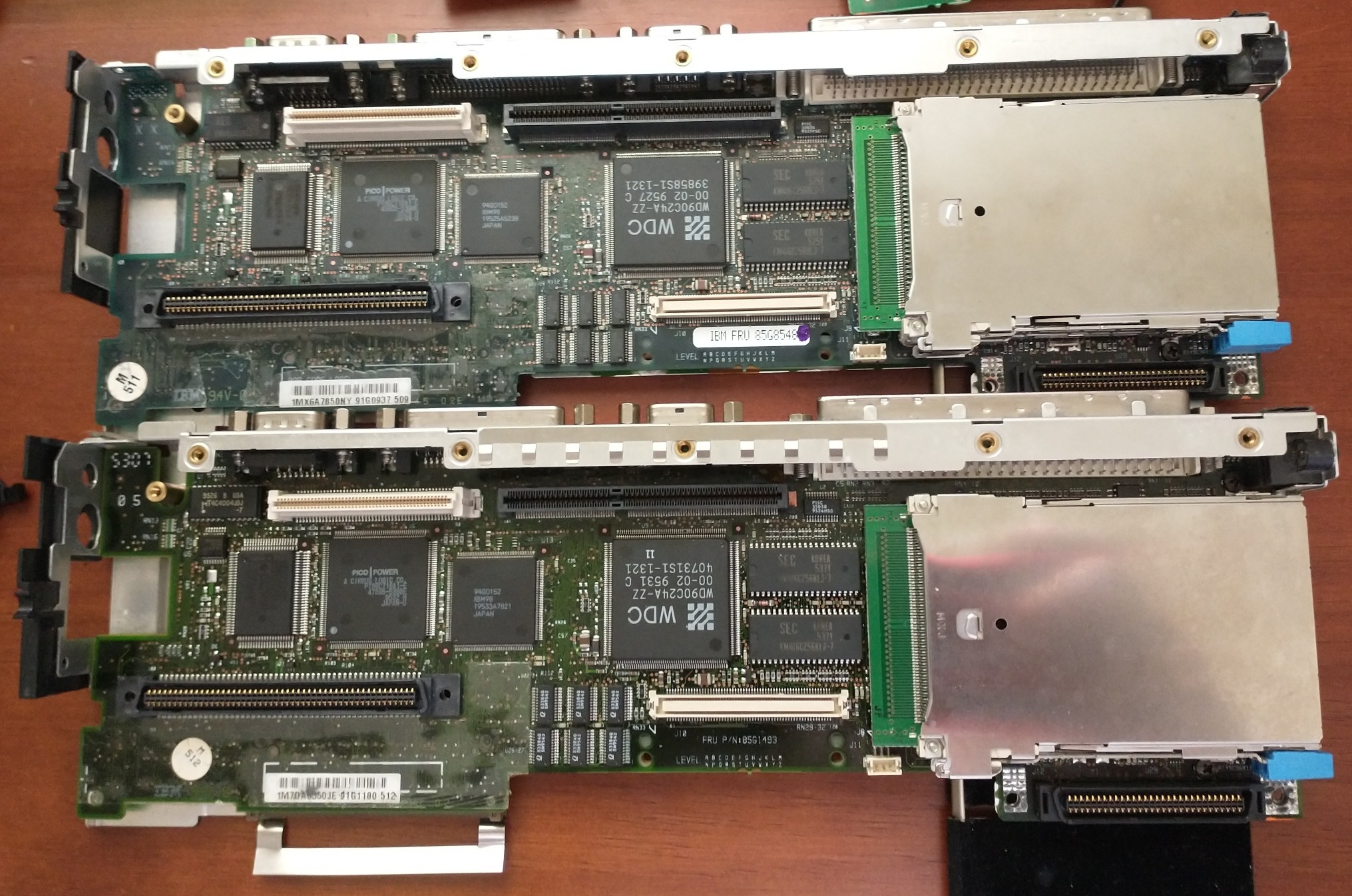
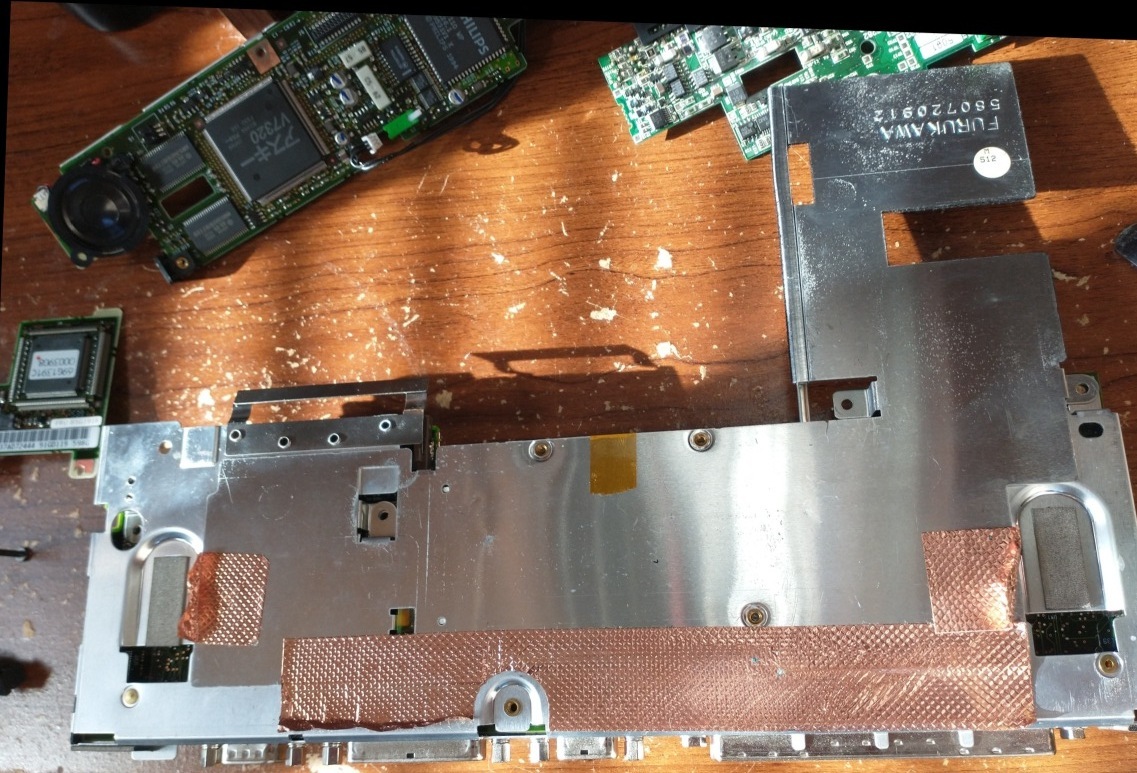
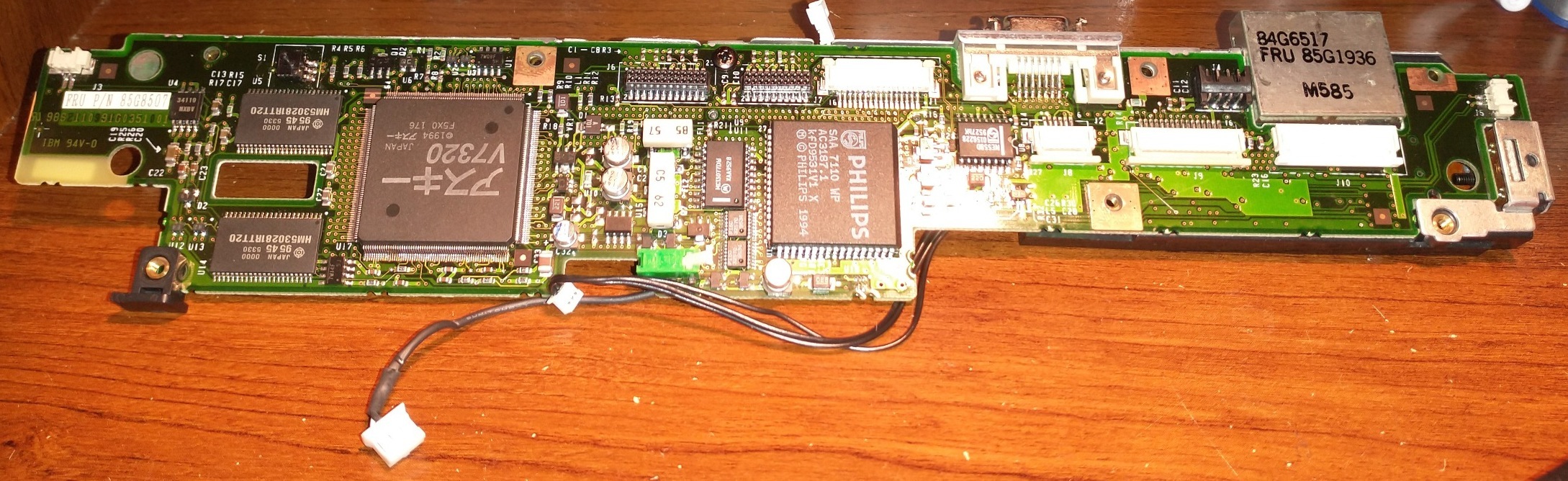
Generally speaking, most of the components are interchangeable between the “enhanced” series. Here are some pictures of me transplanting various parts between a 640×480 755CD and 800×600 755CX (both of which came with the DSP Card):
Connectivity
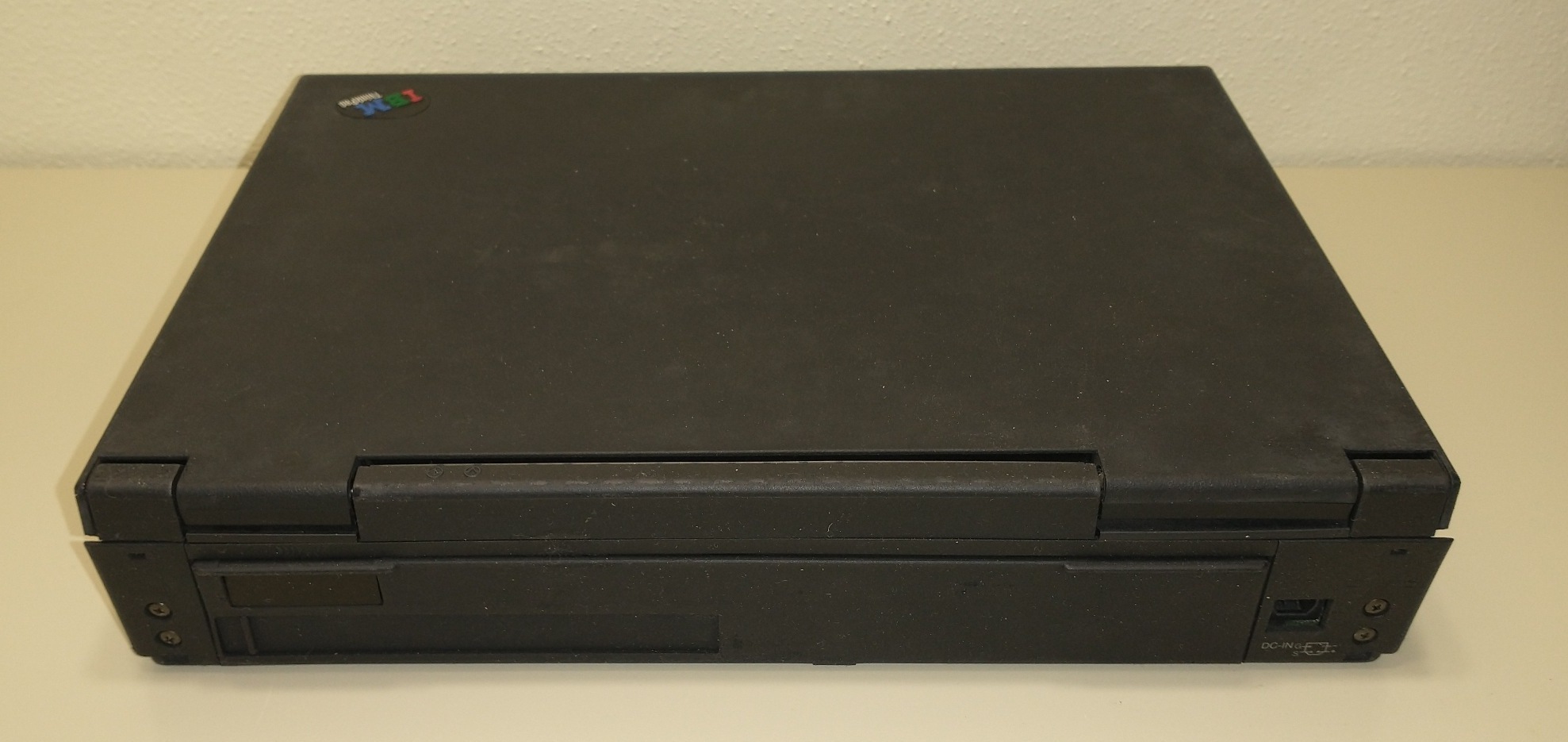
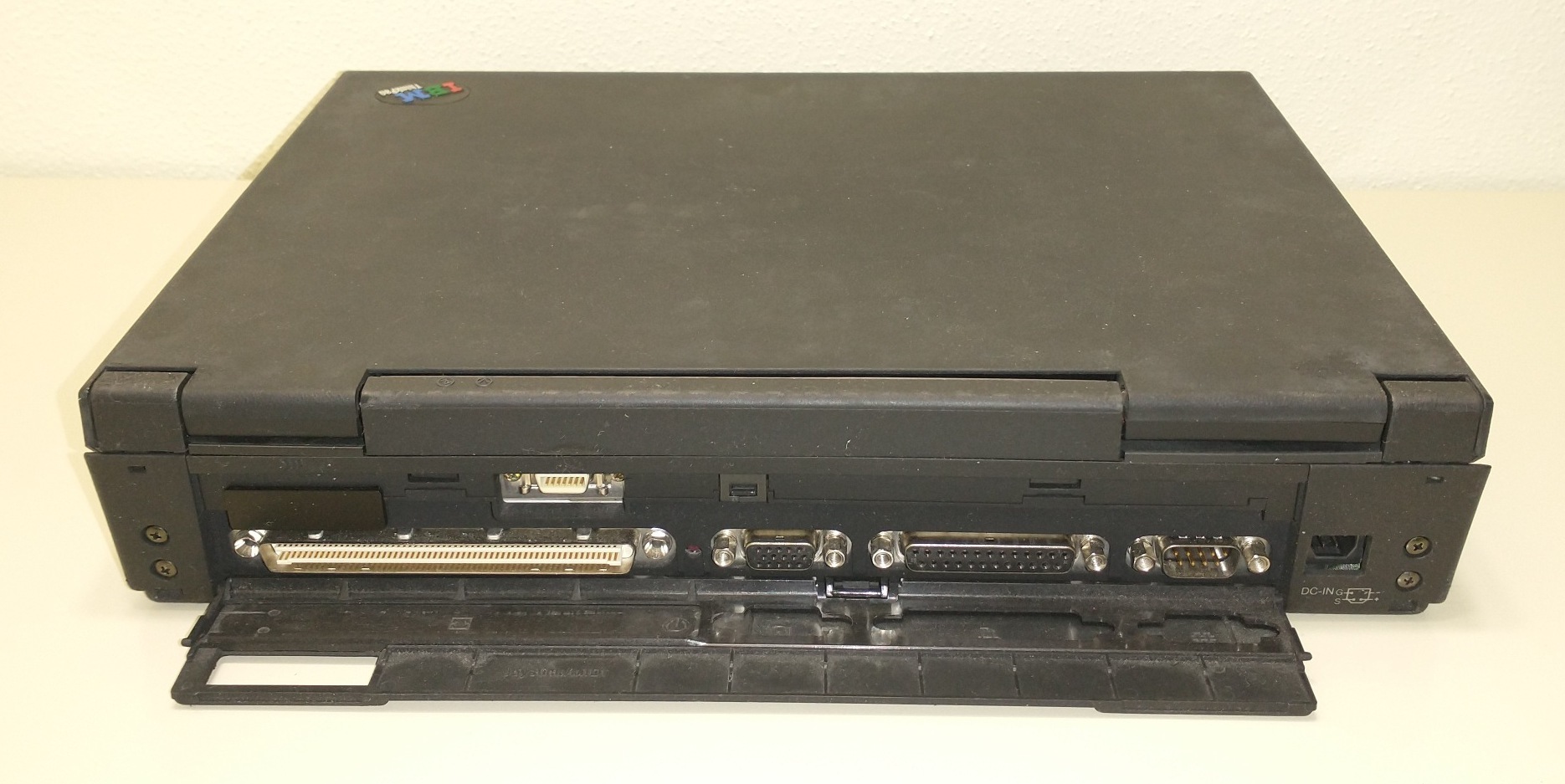
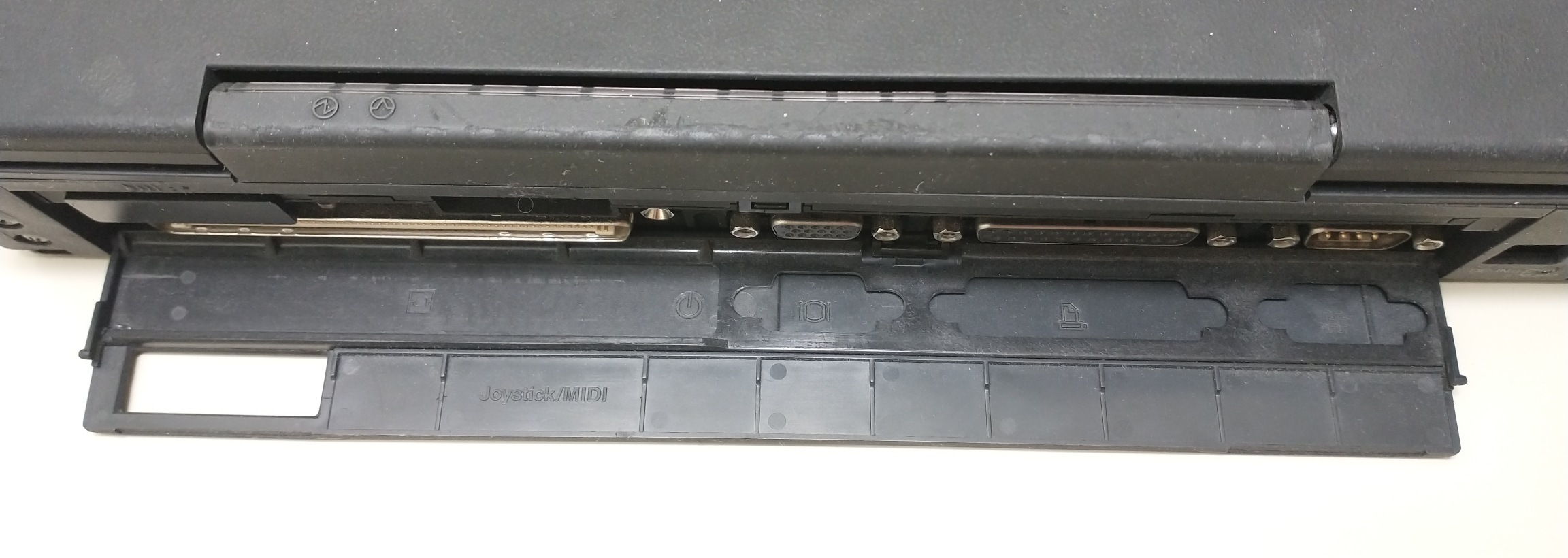
All 755 models have the standard parallel, serial, and video ports, as well as a PS/2 Mouse port and (on some models) audio jacks.
The “enhanced” models of the 755 had Infrared Ports on both the front and the rear, which are not only IRDA-compatible, but support IBM’s 115 kb/sec transfer mode as well.
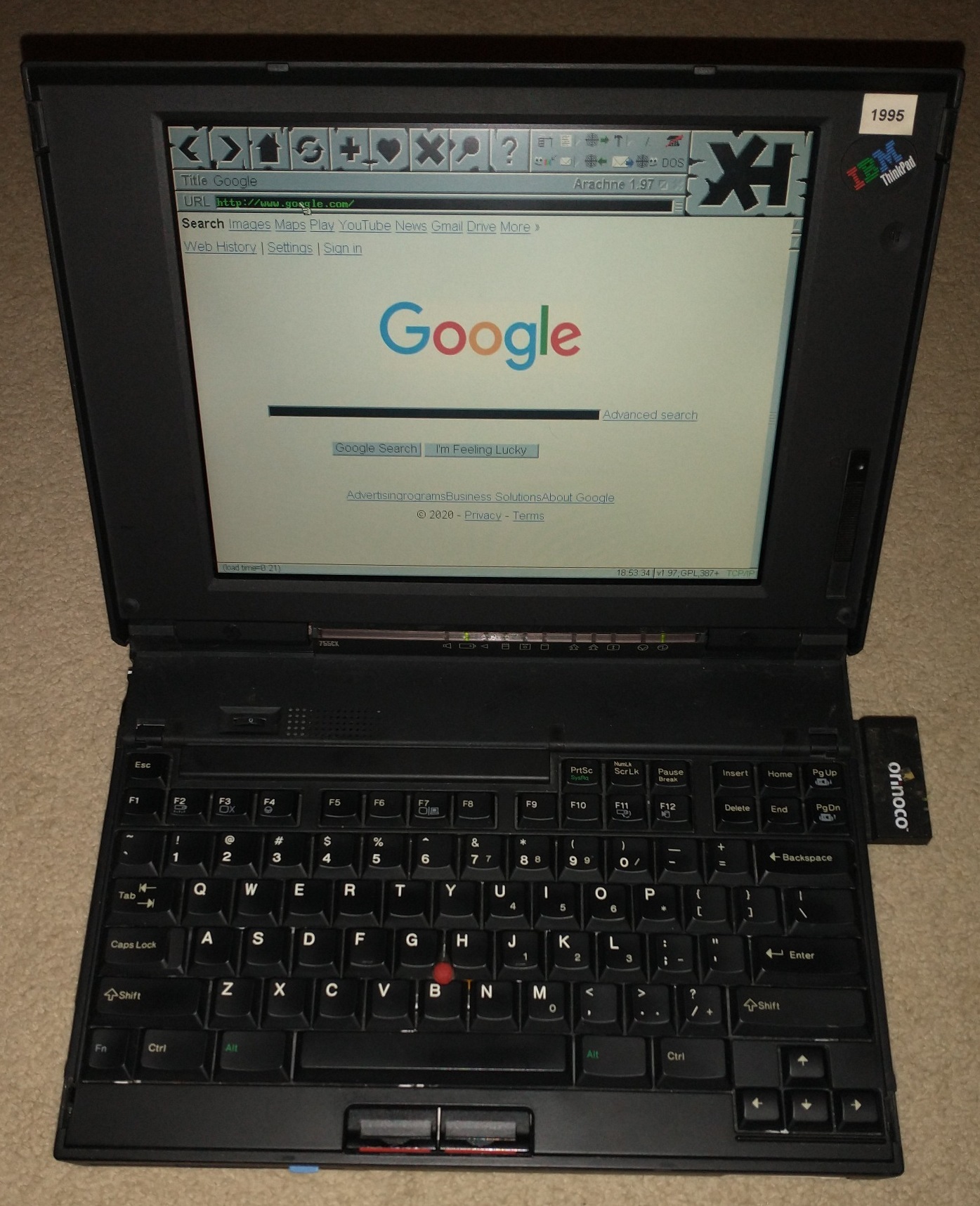
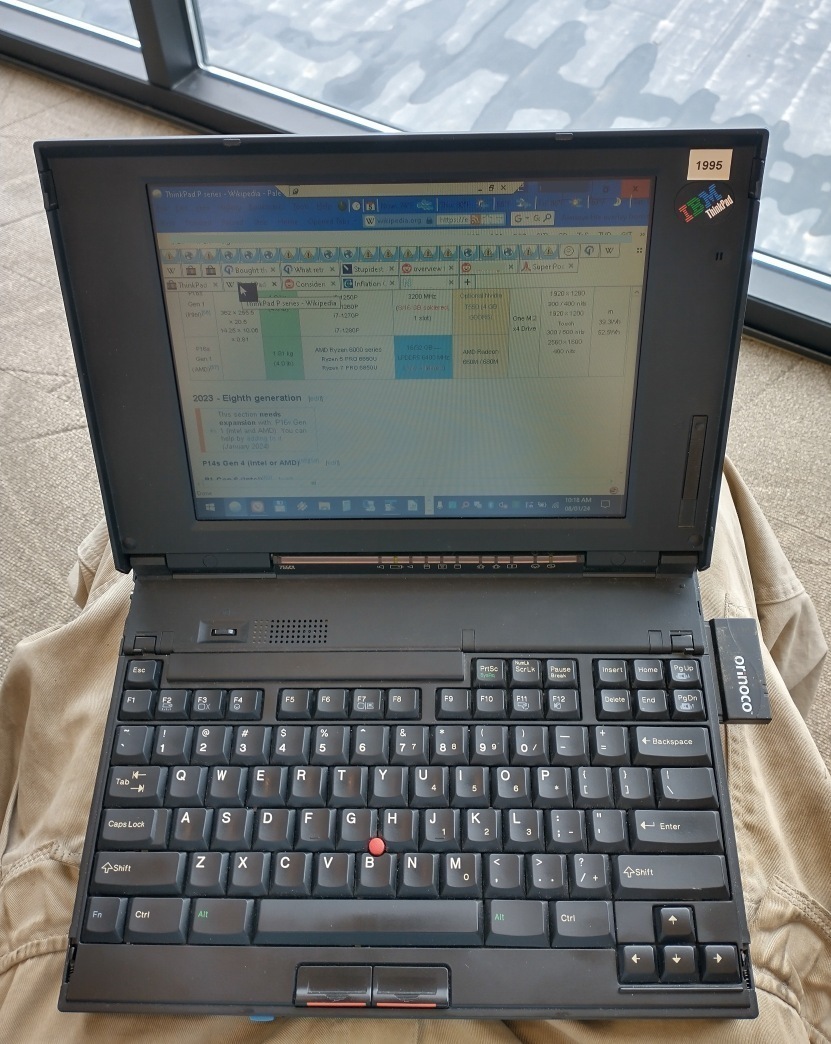
The 755’s PCMCIA slots don’t support CardBus cards, but they do support Type I/II/III PC Cards, like the Orinoco Gold Wi-Fi Card. Here’s a picture of my 755CX on Google.com (non-HTTPS) using the Arachne browser in MS-DOS, over Wi-Fi (2020); there is also a picture of me using Remote Desktop Connection to connect to a Windows 10 PC over Wi-Fi, all while using an original battery (2024).
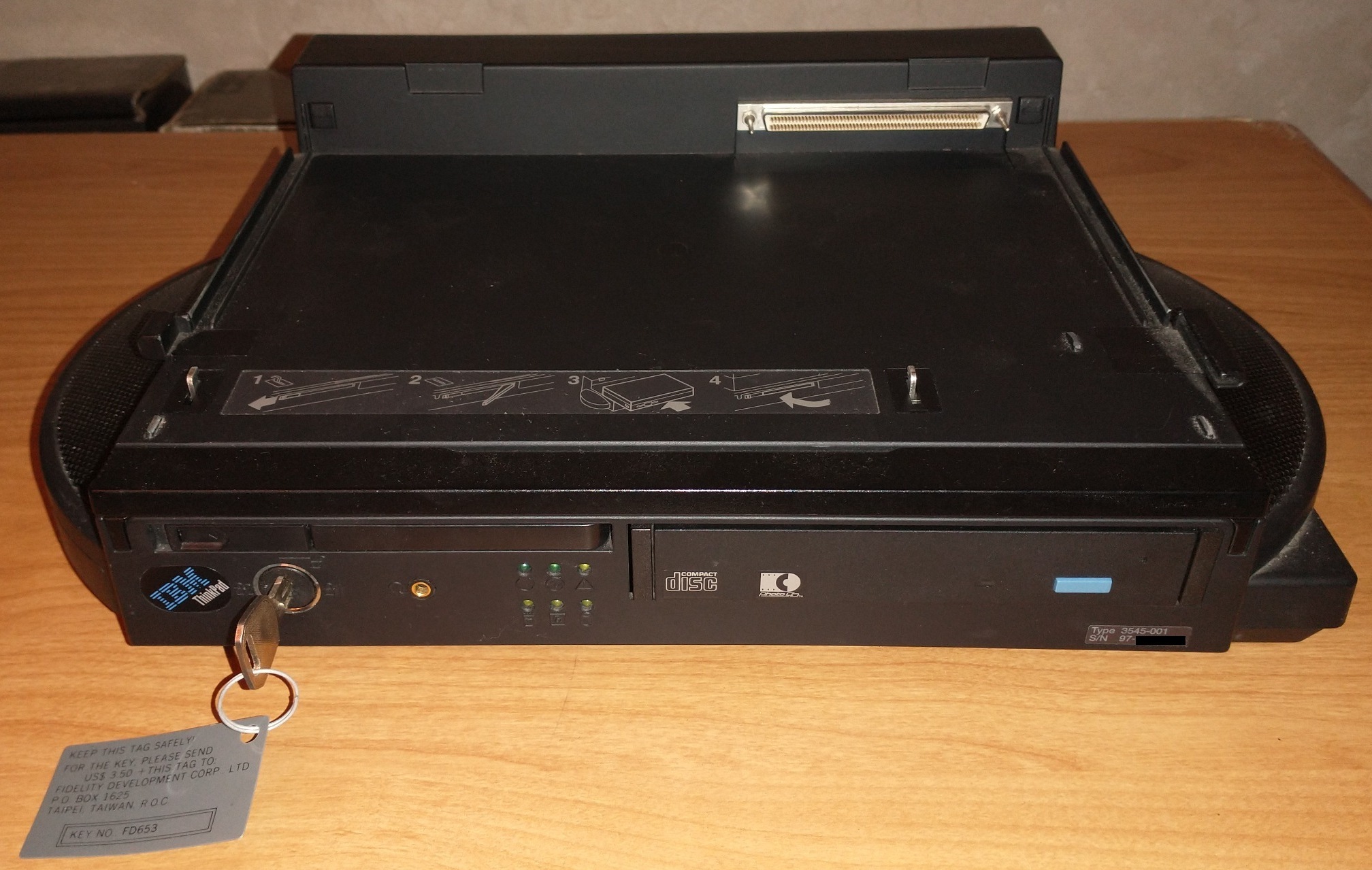
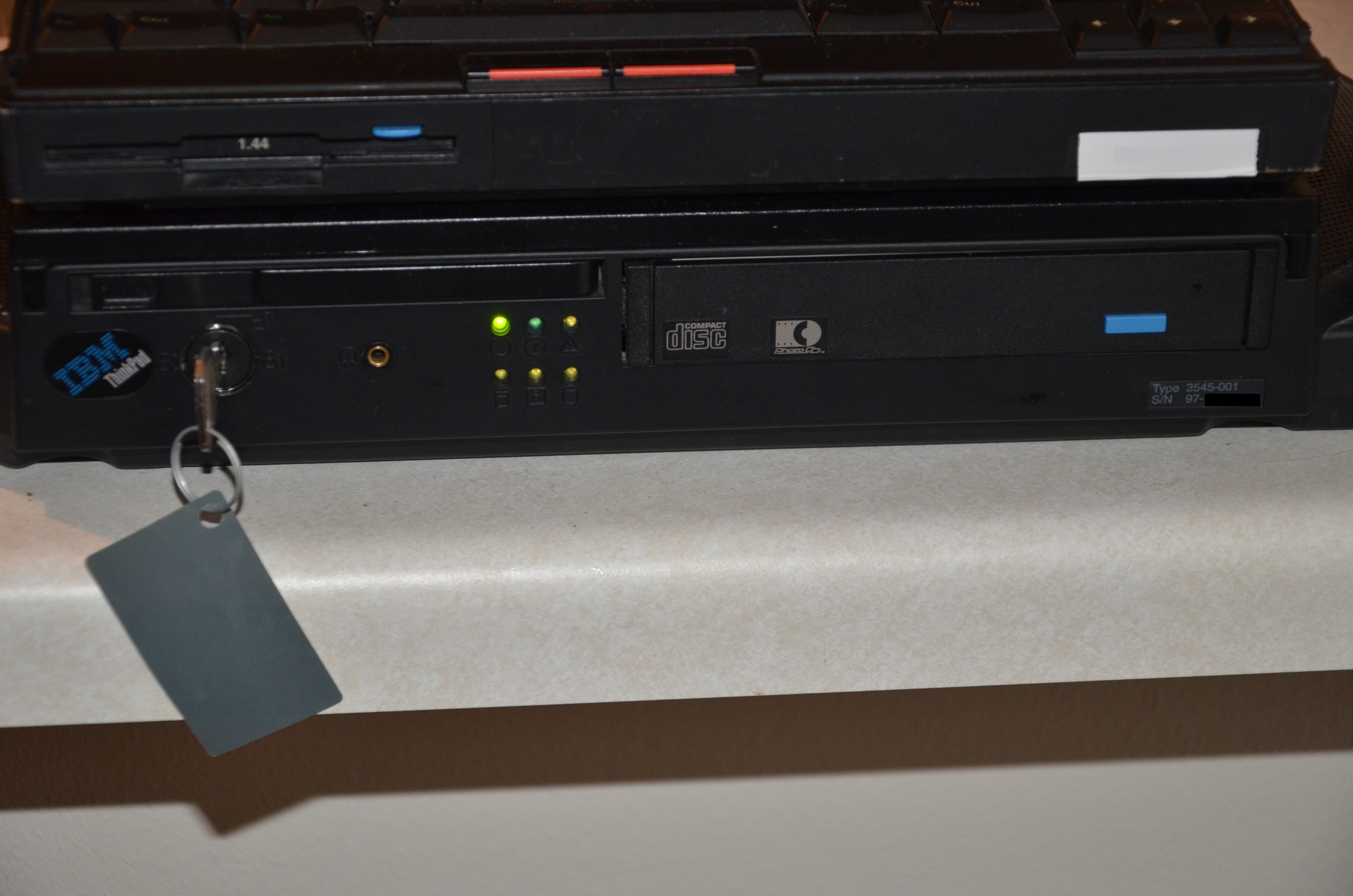
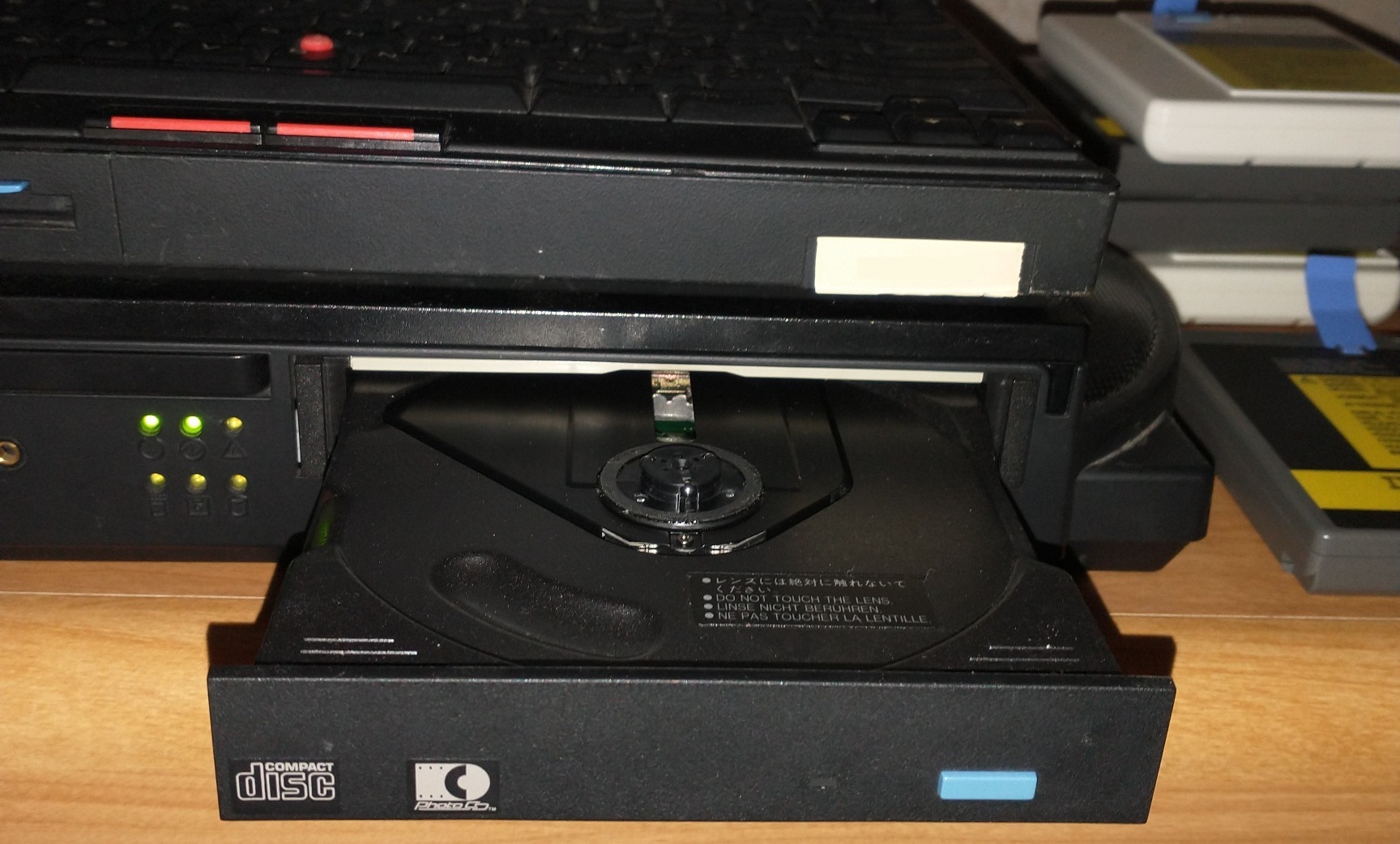
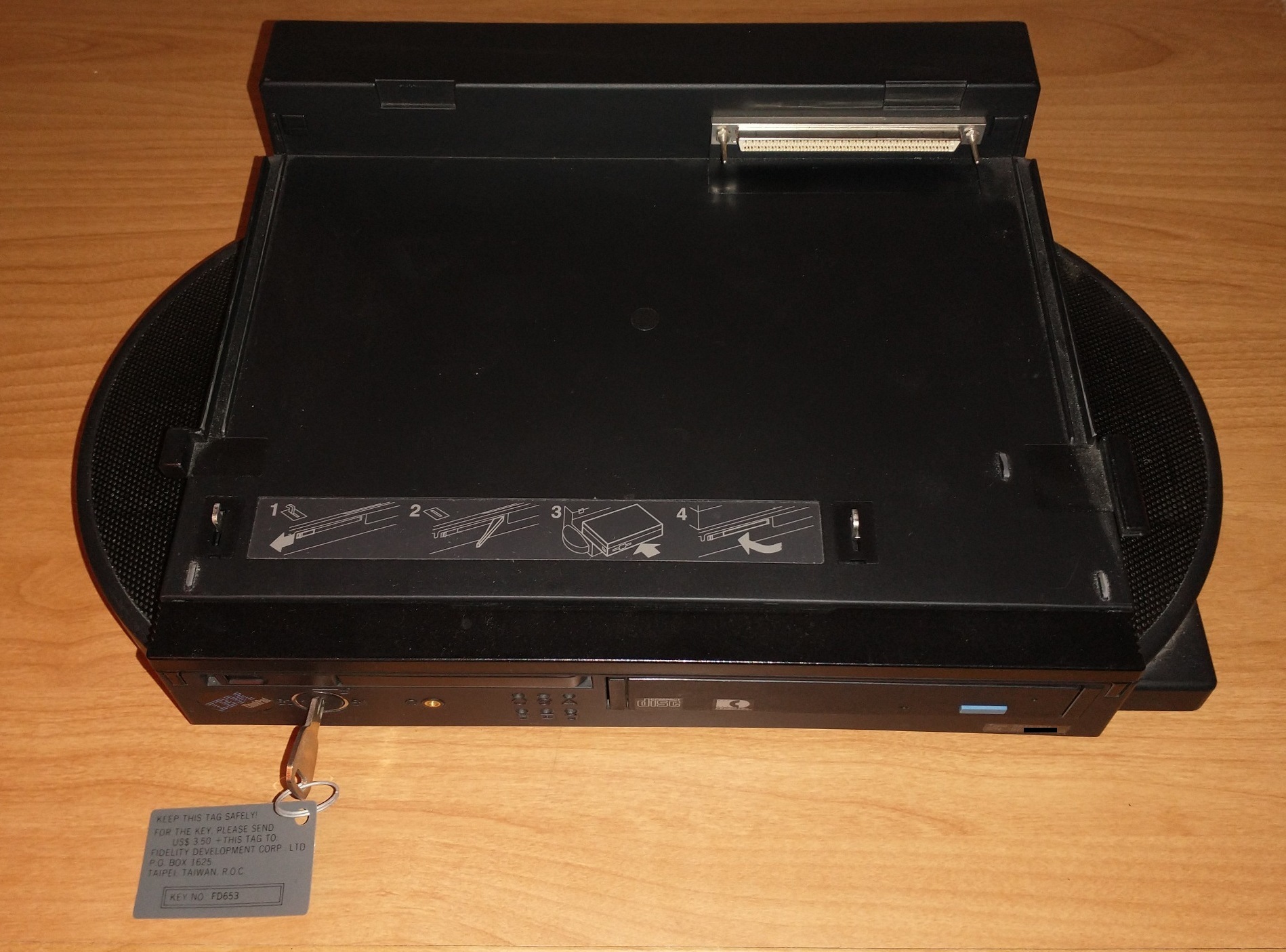
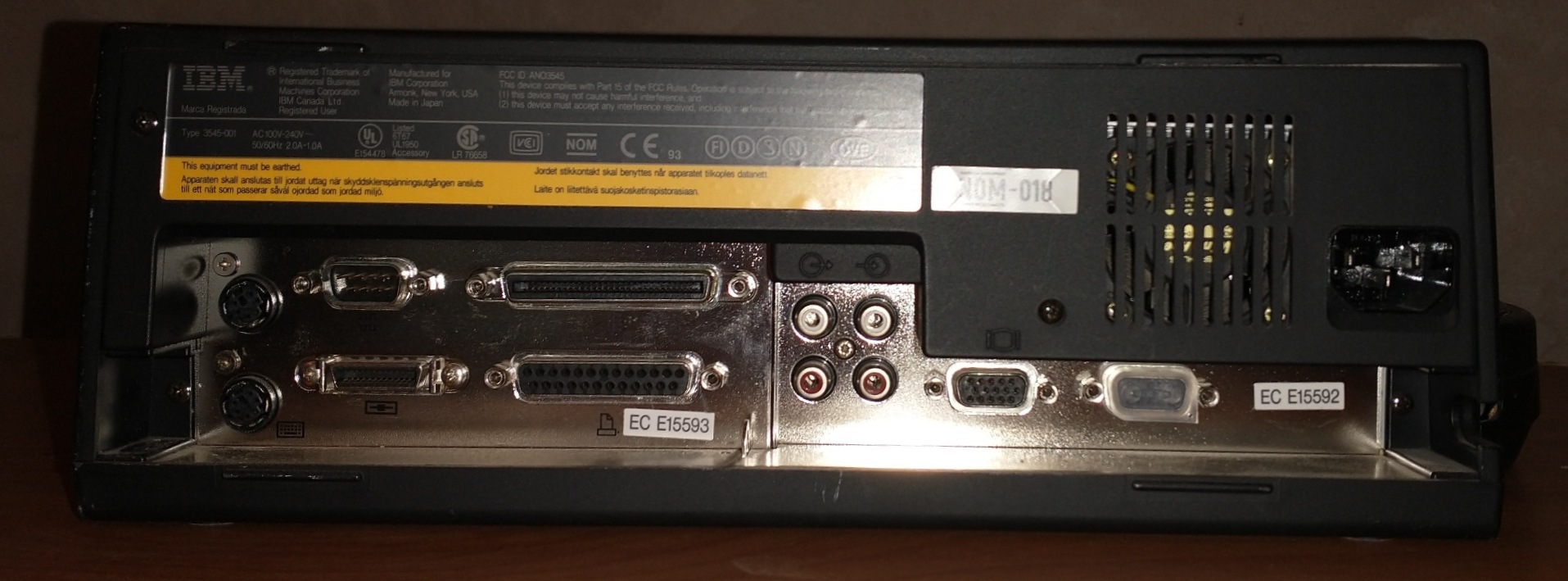
Docking stations were available for these. Here is my 755CX in a IBM ThinkPad Dock I (which makes it look like a cash register):
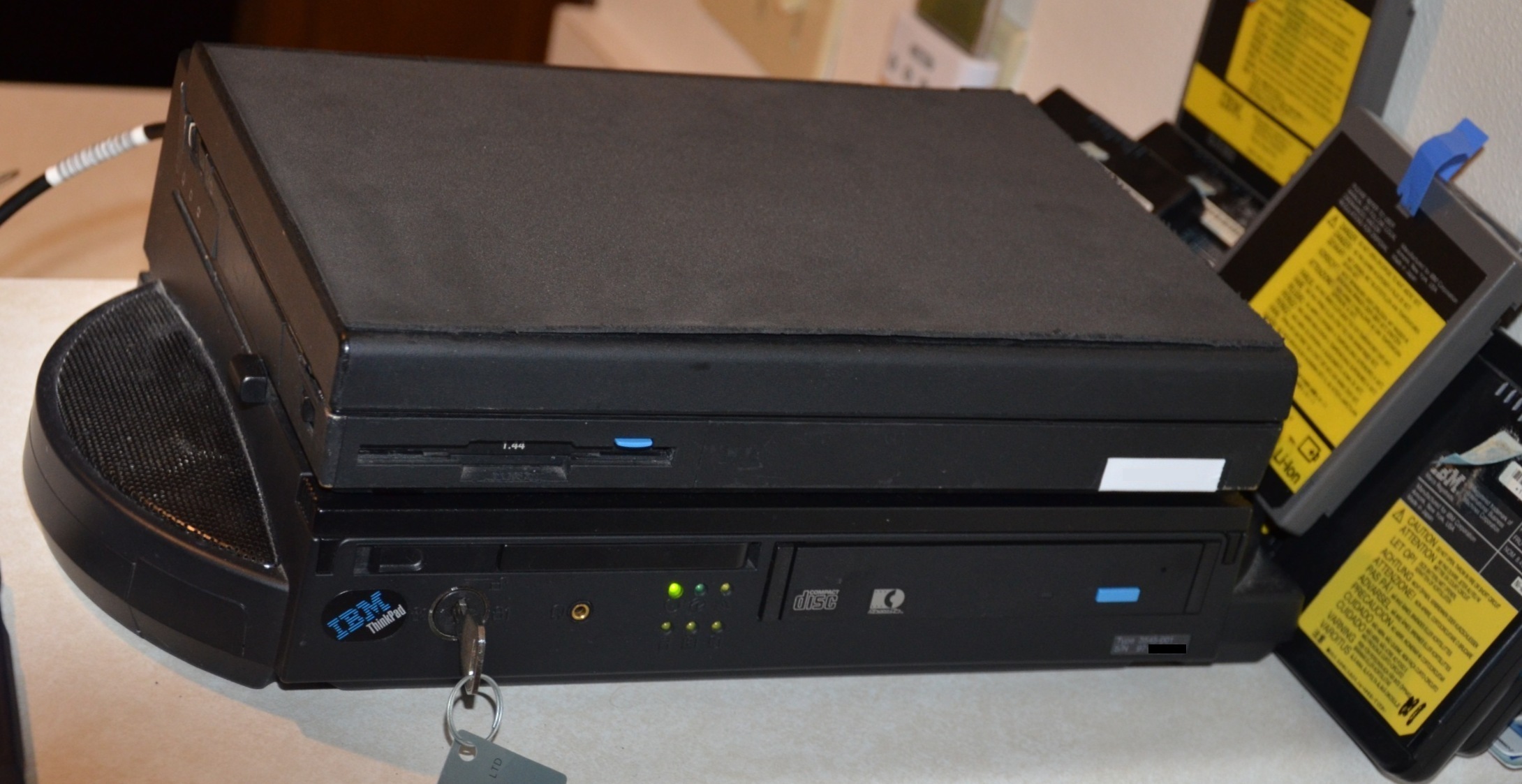
The Dock I (model 3545) transforms the 755 into a full desktop replacement, with a full-size 16-bit ISA Slot, internal and external SCSI (mine came with a CD-ROM Drive as well), very generous speakers, and a LOT of ports (PS/2, Serial, Parallel, VGA, SCSI, Floppy, and Audio).
Legacy
The 755 series of ThinkPads had a fairly long run, spanning nearly 2.5 years – the 755C was introduced in June 1994 and the 755CV/CDV were discontinued in October 1996. In the 1990s, this was at least one generation of computers, if not two – especially in the case of portable computers! It was eventually replaced by the 760 Series (all Pentium 1), which bumped the resolution to 1024×768 and added a fan in some models, but also replaced the keyboard with one that aged horribly (binding), and moved the leaking standby battery to *inside of the palmrest* (causing the destruction of a lot of 760-series speakers and keyboards all over the world). This was then followed up by the 770 Series (Pentium 1 or 2, although 3 is possible to retrofit), which was the first to introduce an optional DVD Drive and 1280×1024 resolution screens, but also went back to having a REALLY good keyboard (although not buckling-spring), and had a very solid frame that has aged well, except for the rubberized plastic.
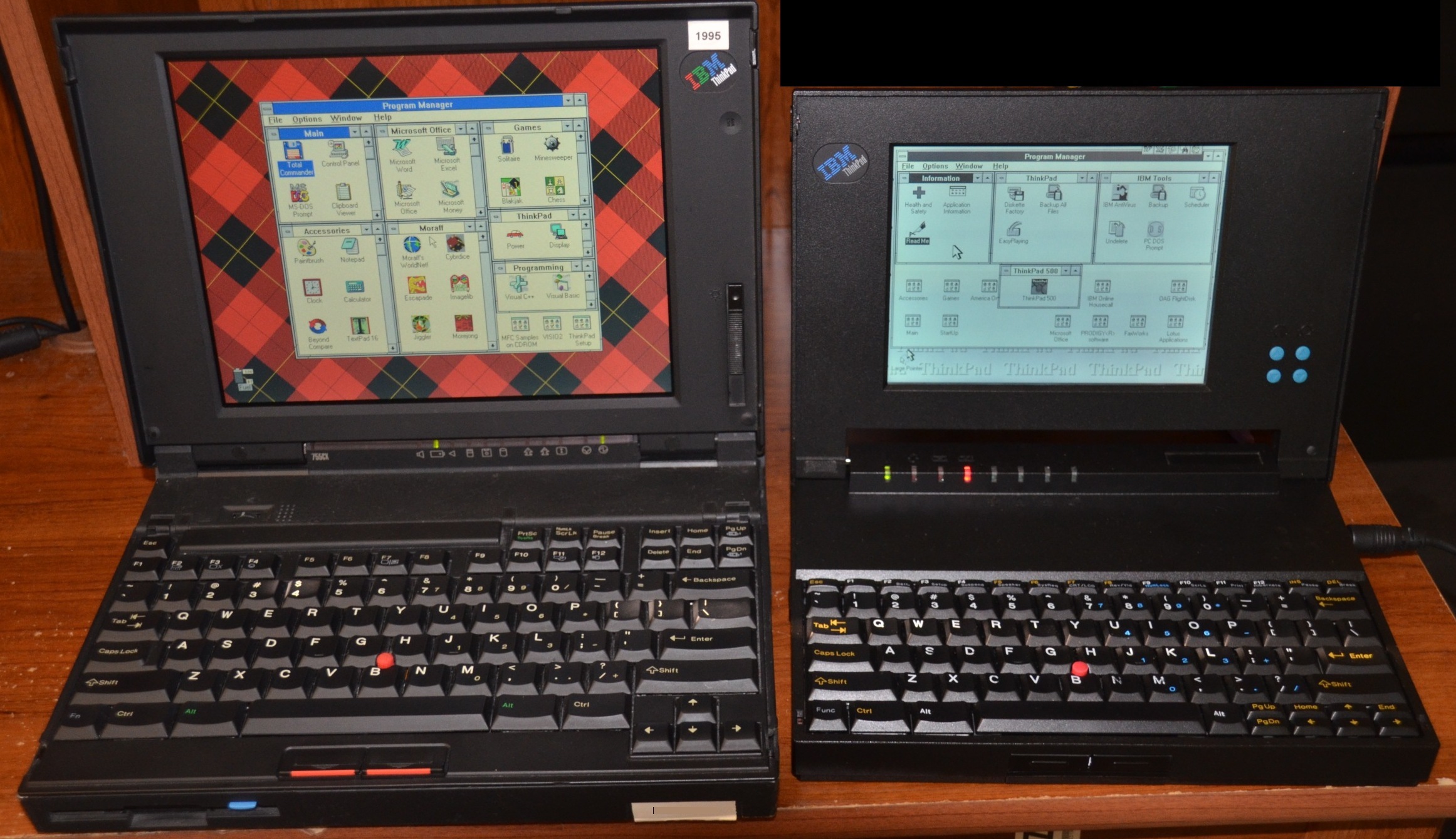
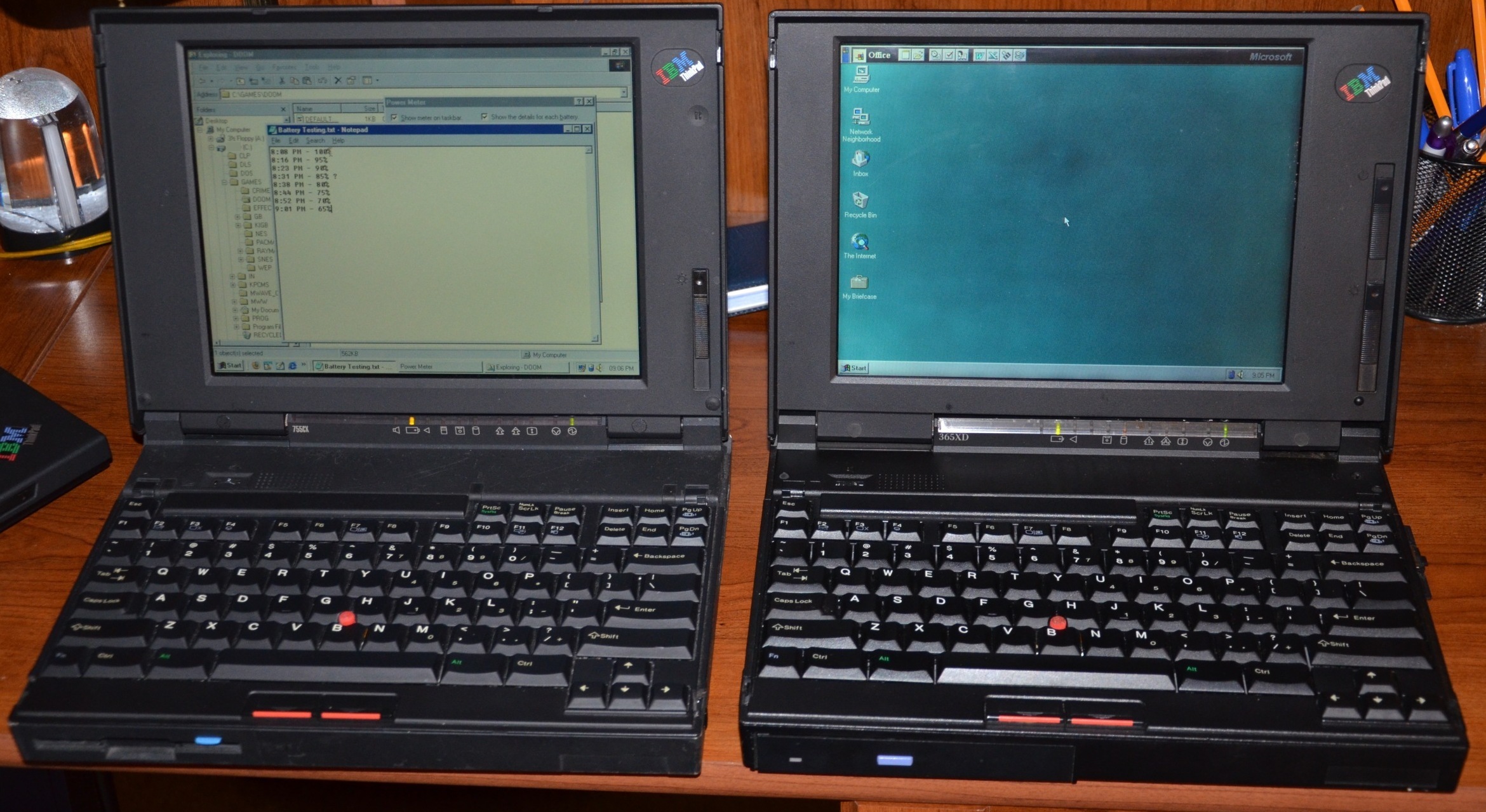
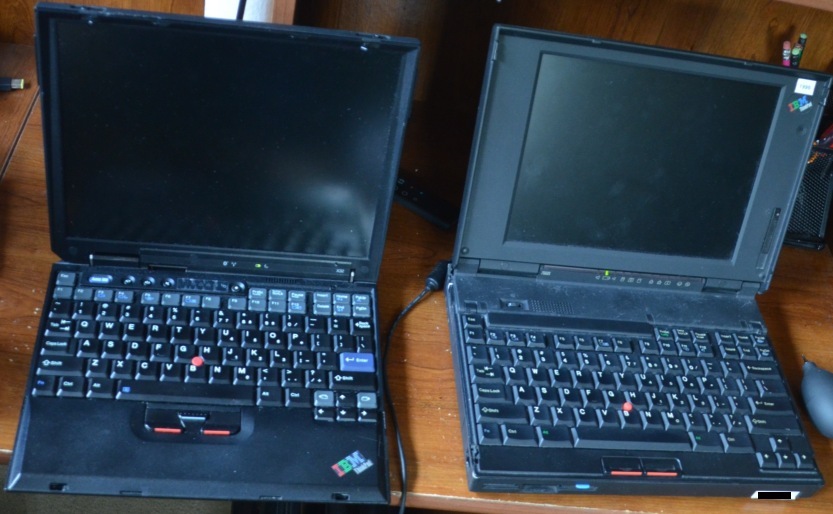
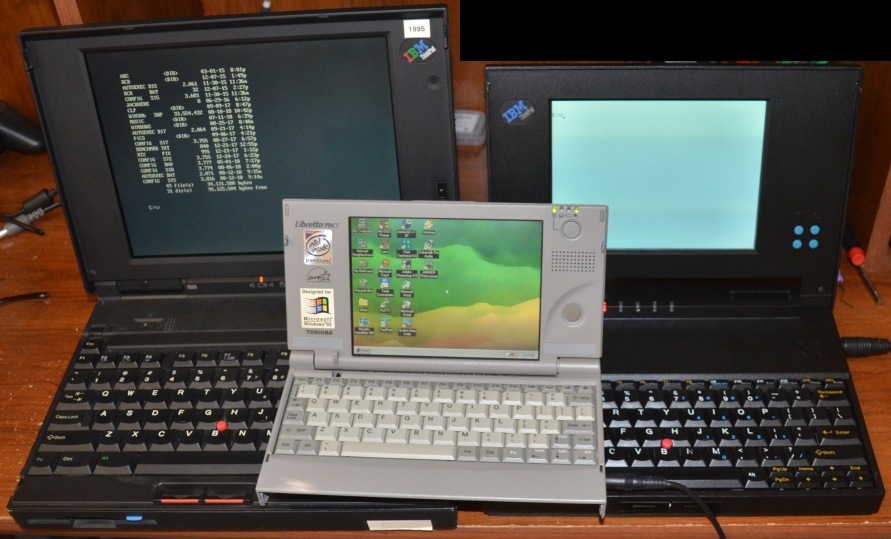
(ThinkPad 755 with various other laptops: ThinkPad 500, ThinkPad 365XD, ThinkPad X32, and ThinkPad 500 + Libretto 70CT).
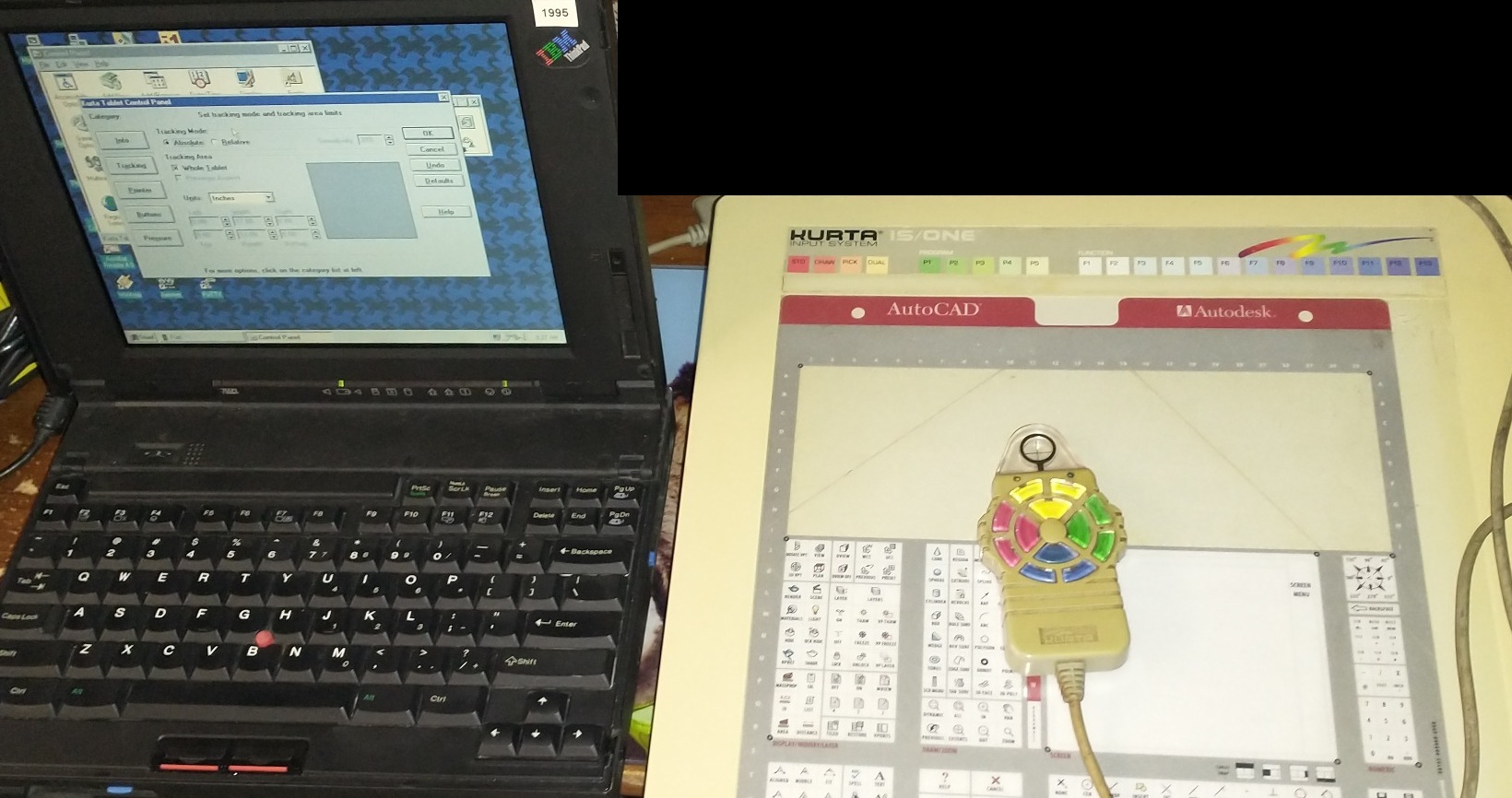
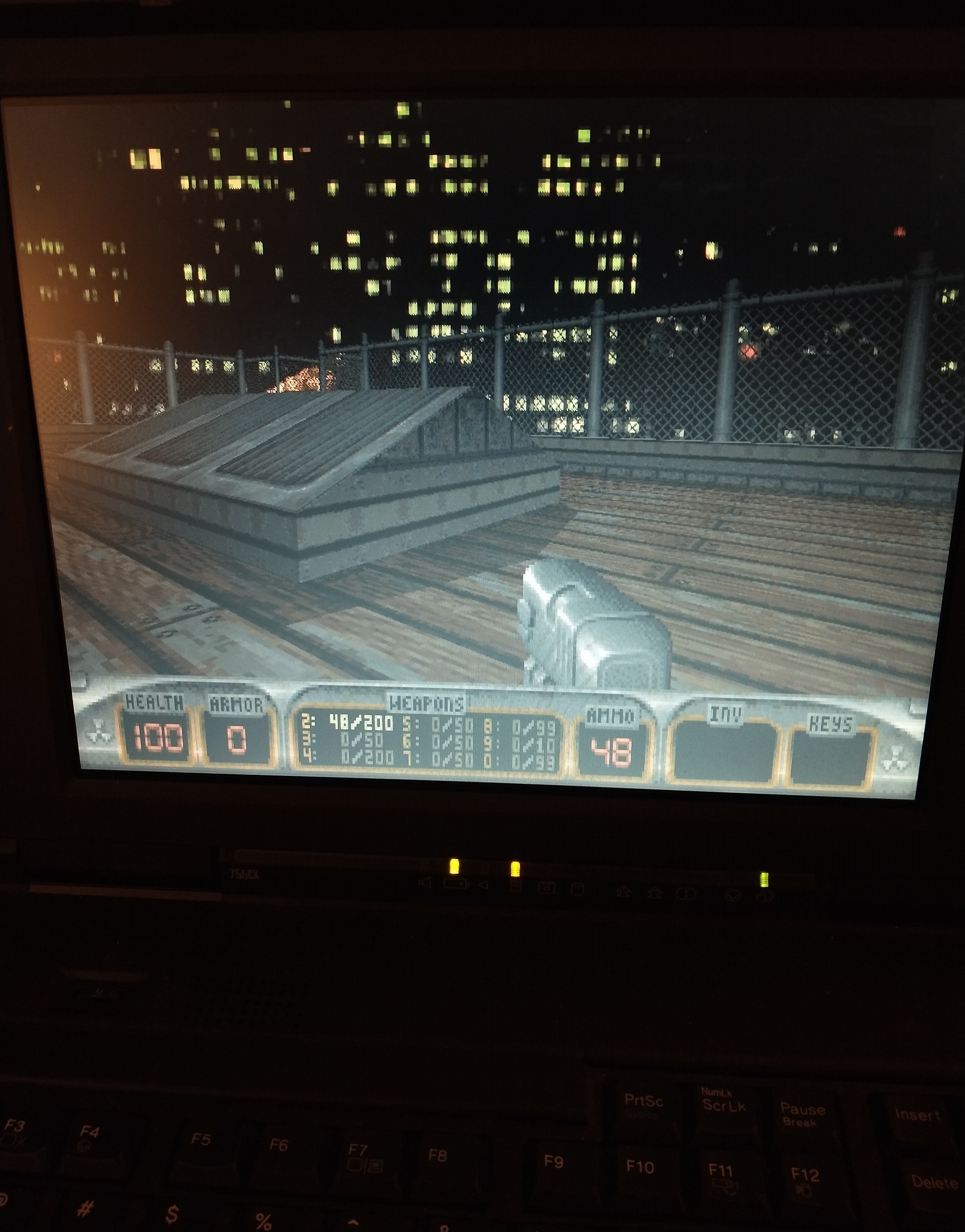
(And finally, pictures that didn’t fit anywhere else!)
Capacitor Lists
ThinkPad 755c LCD
| C11 | 2.2uF | 50V |
| C15 | 47uF | 16V |
| C3 | 10uF | 50V |
ThinkPad 755c LCD Interface Board
| C500 | 33uF | 10V |
ThinkPad 755c LCD Inverter
| C9 | 22uF | 35V |
| C10 | 22uF | 35V |
| C3 | 1uF | 35V |
| C11 | 1uF | 35V |
| C21 | 47uF | 35V |
| C20 | 47uF | 35V |
| C7 | 47uF | 16V |
| C1 | 10uF | 10V Block-shaped |
| C5 | 6.8uF | 16V Block-shaped |
Category: IBM

Recent Comments